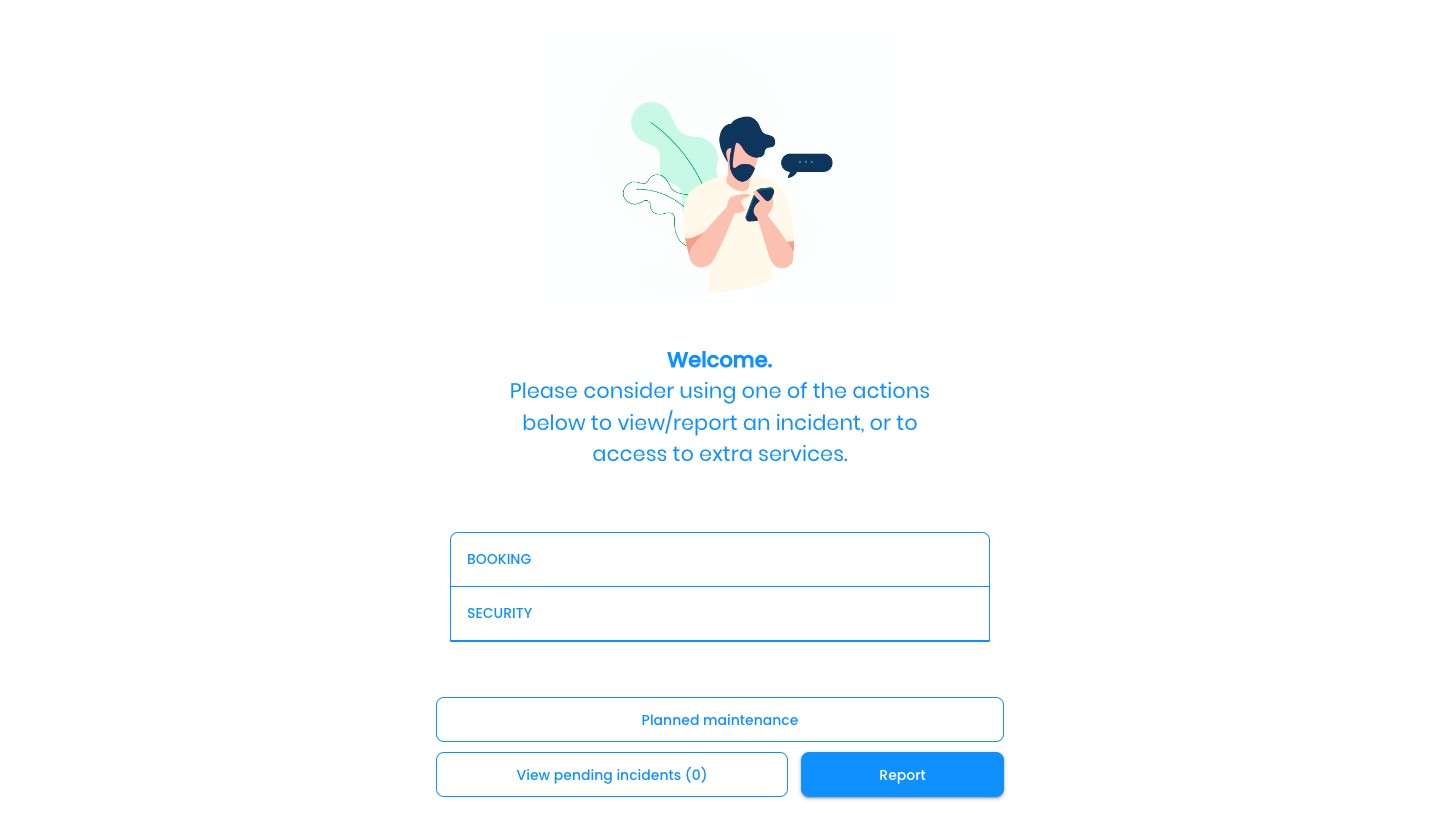
Add Links to a Room: Booking link, Wifi password...
1
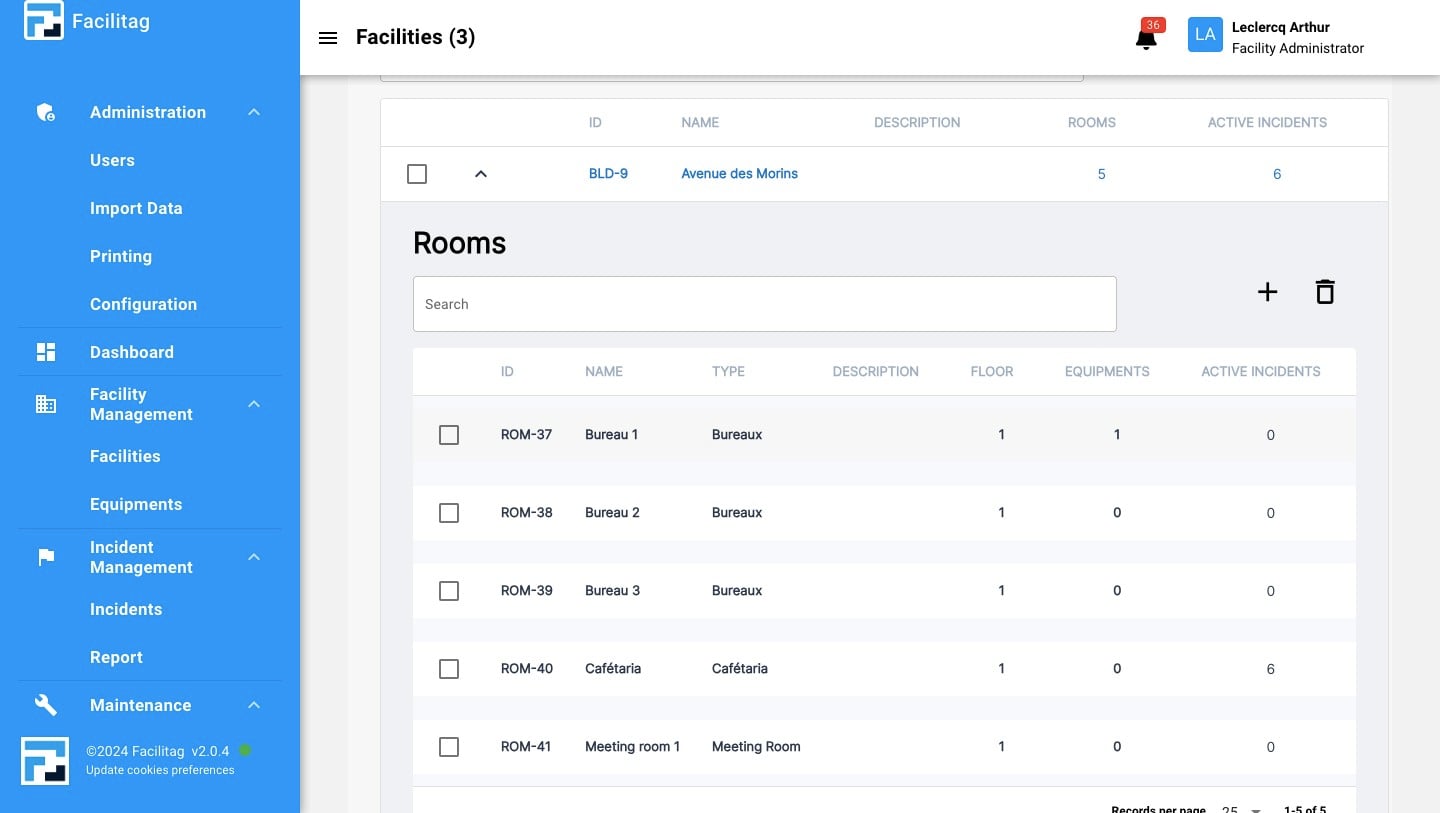
Click on "Facilities"
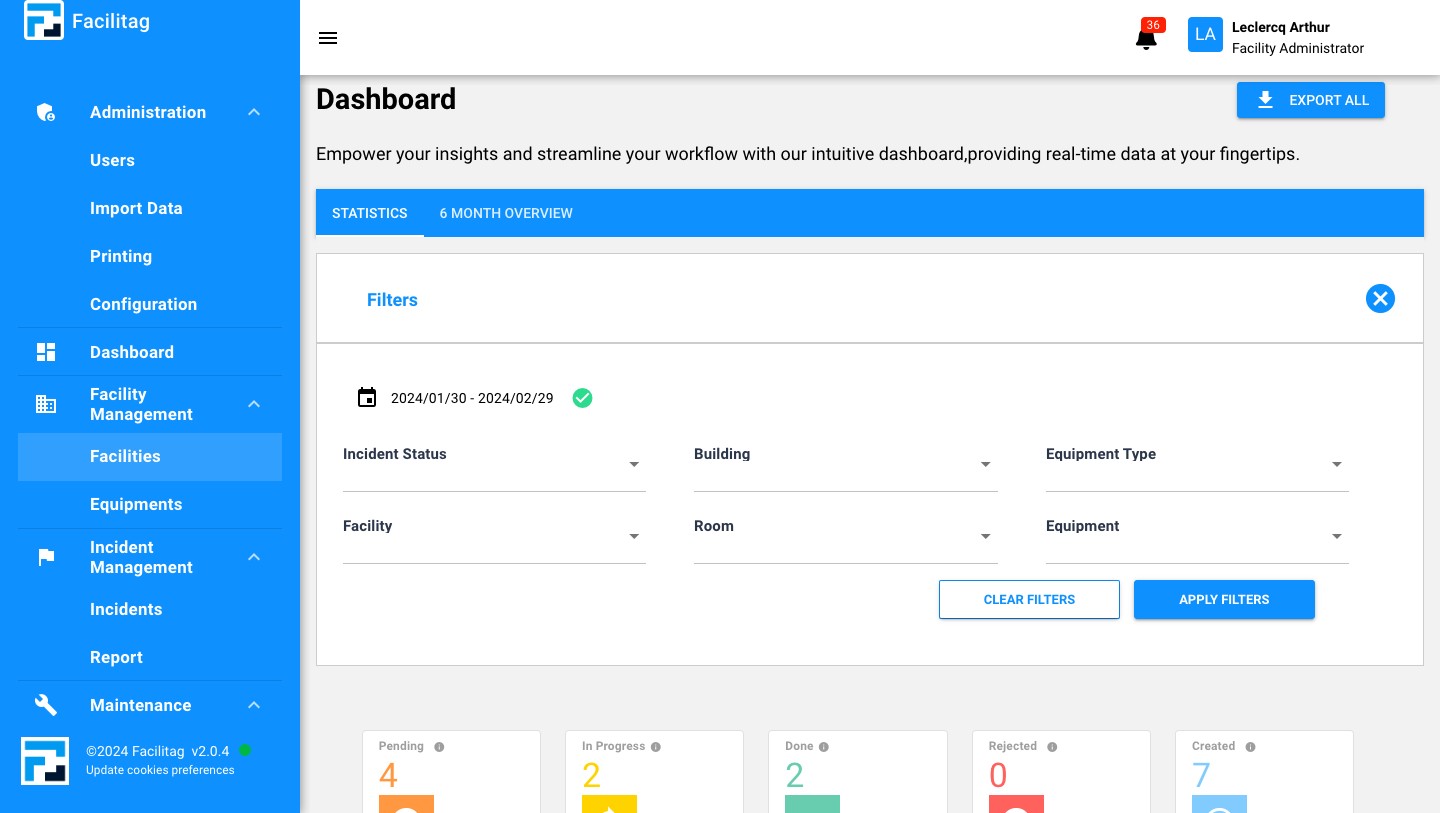
2
Select the "Facility"
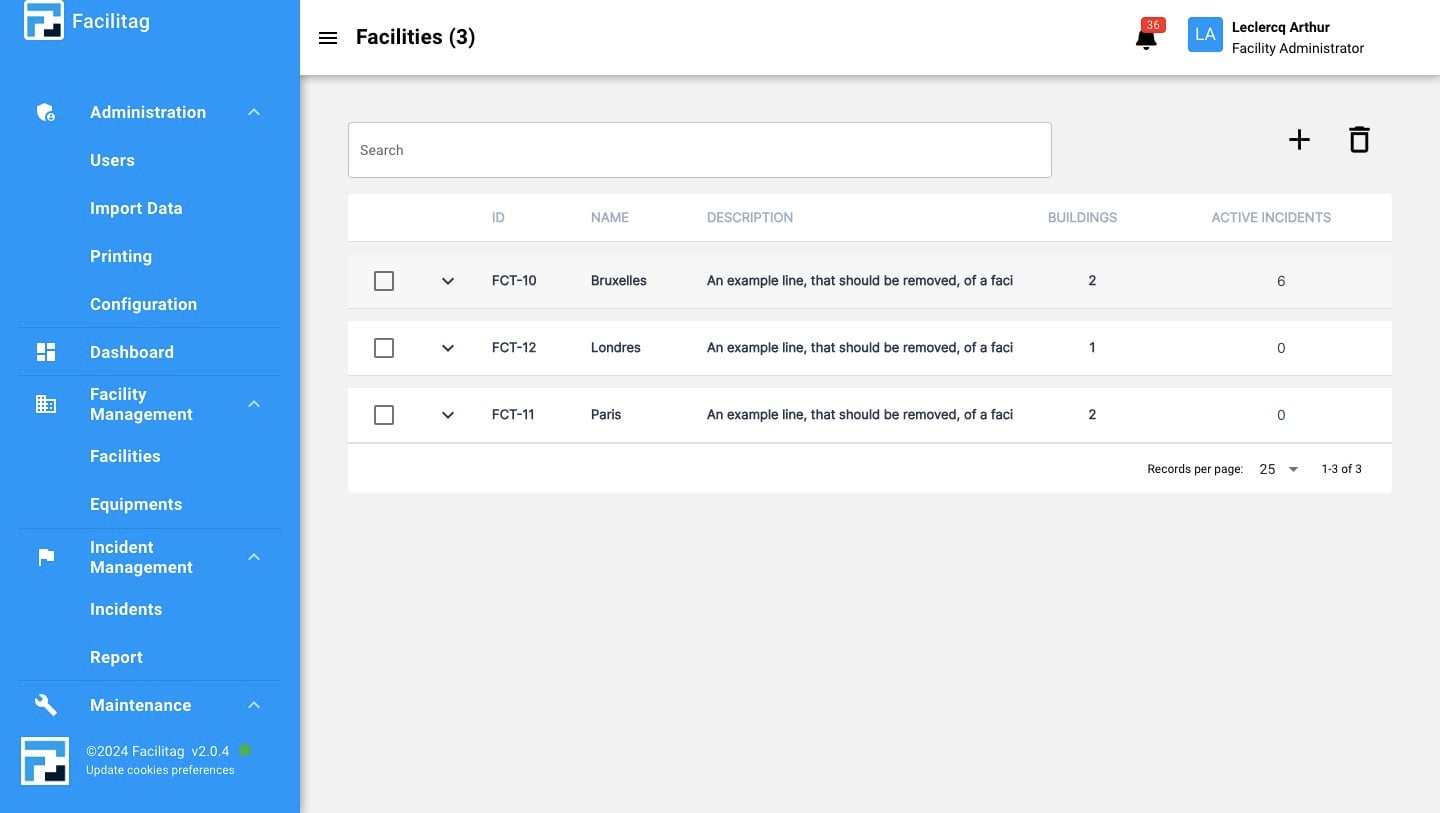
3
Select the "Building"
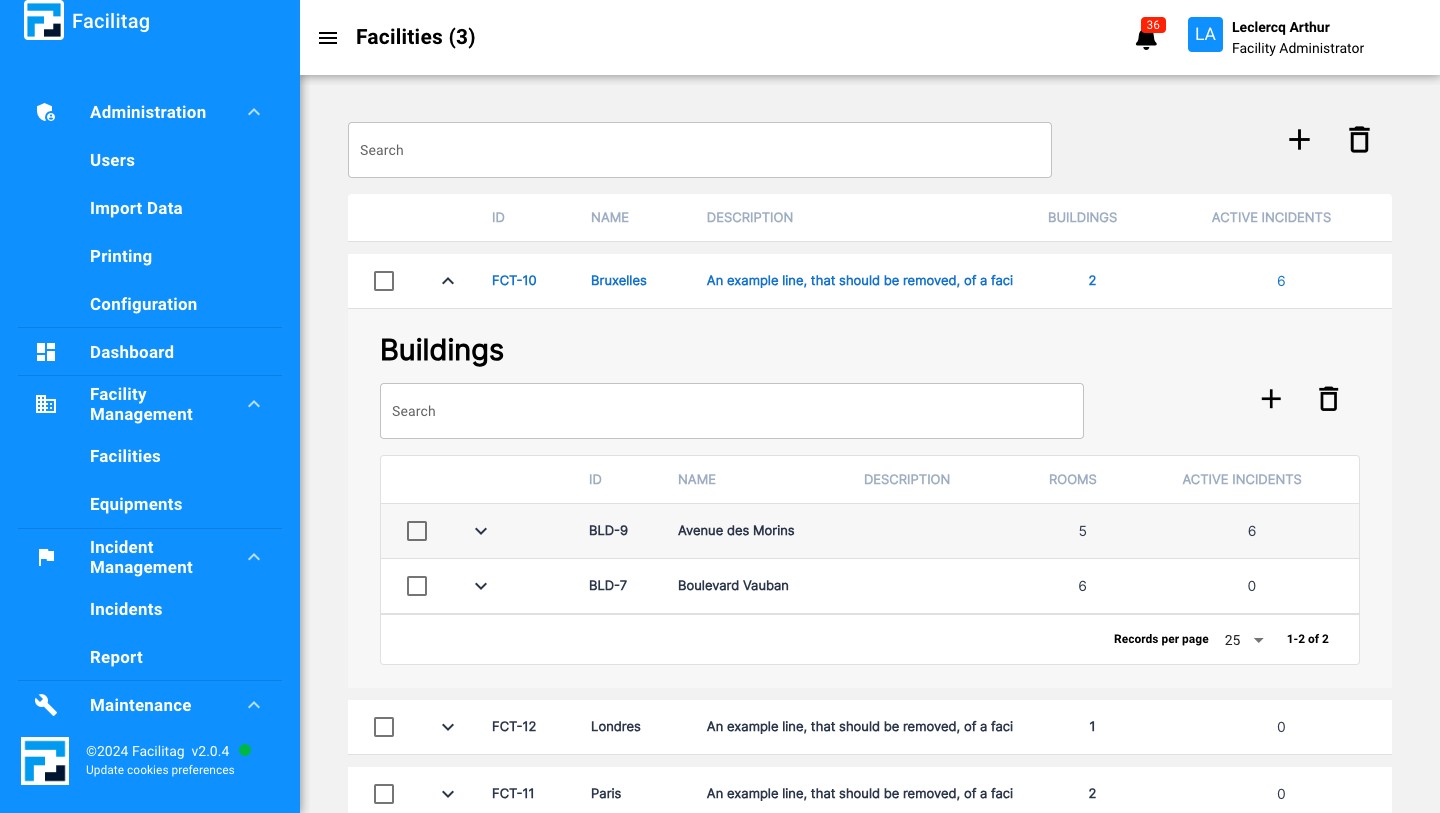
4
Select a "Room"
5
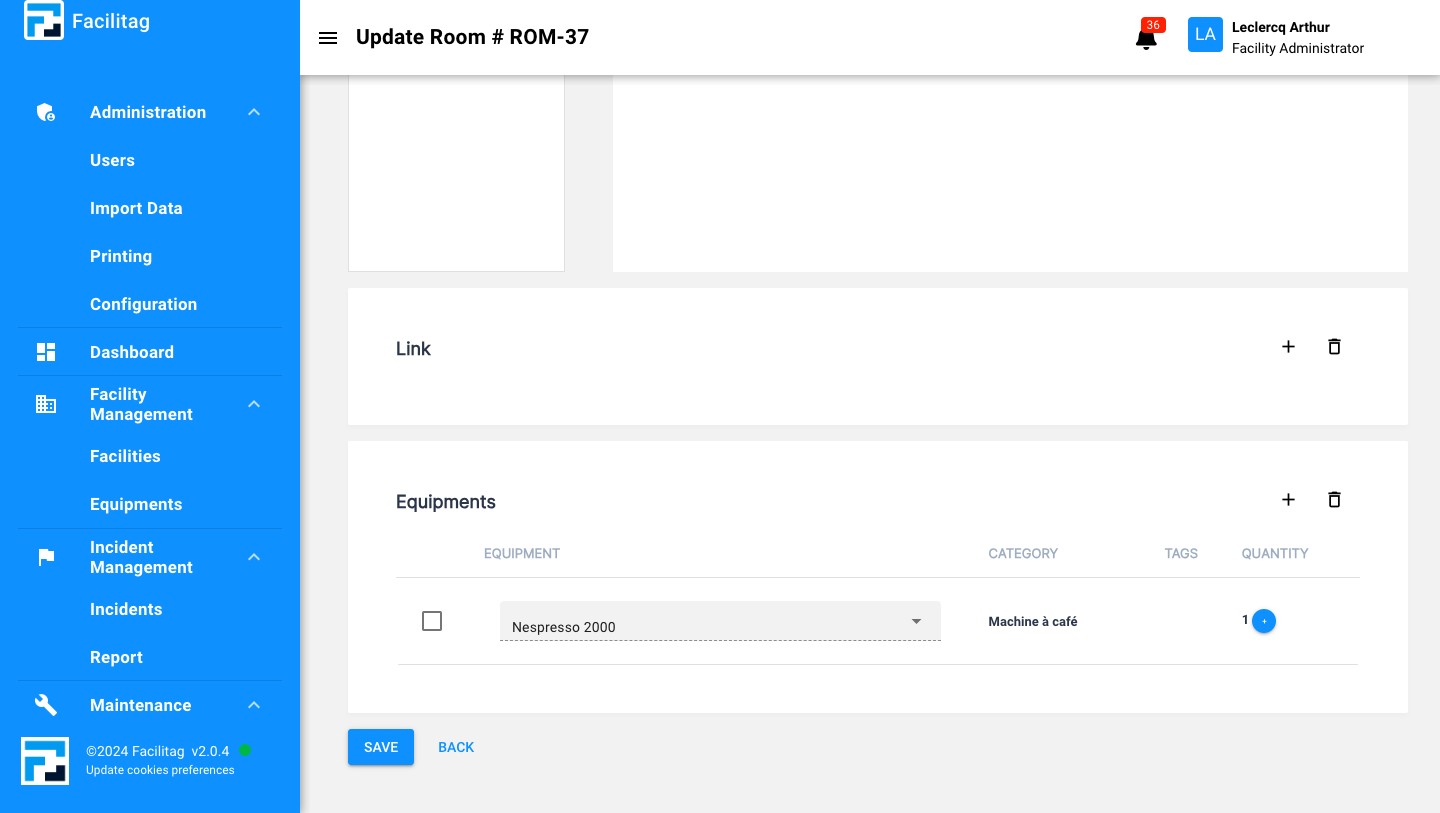
Scroll down and Click on the "plus" icon
6
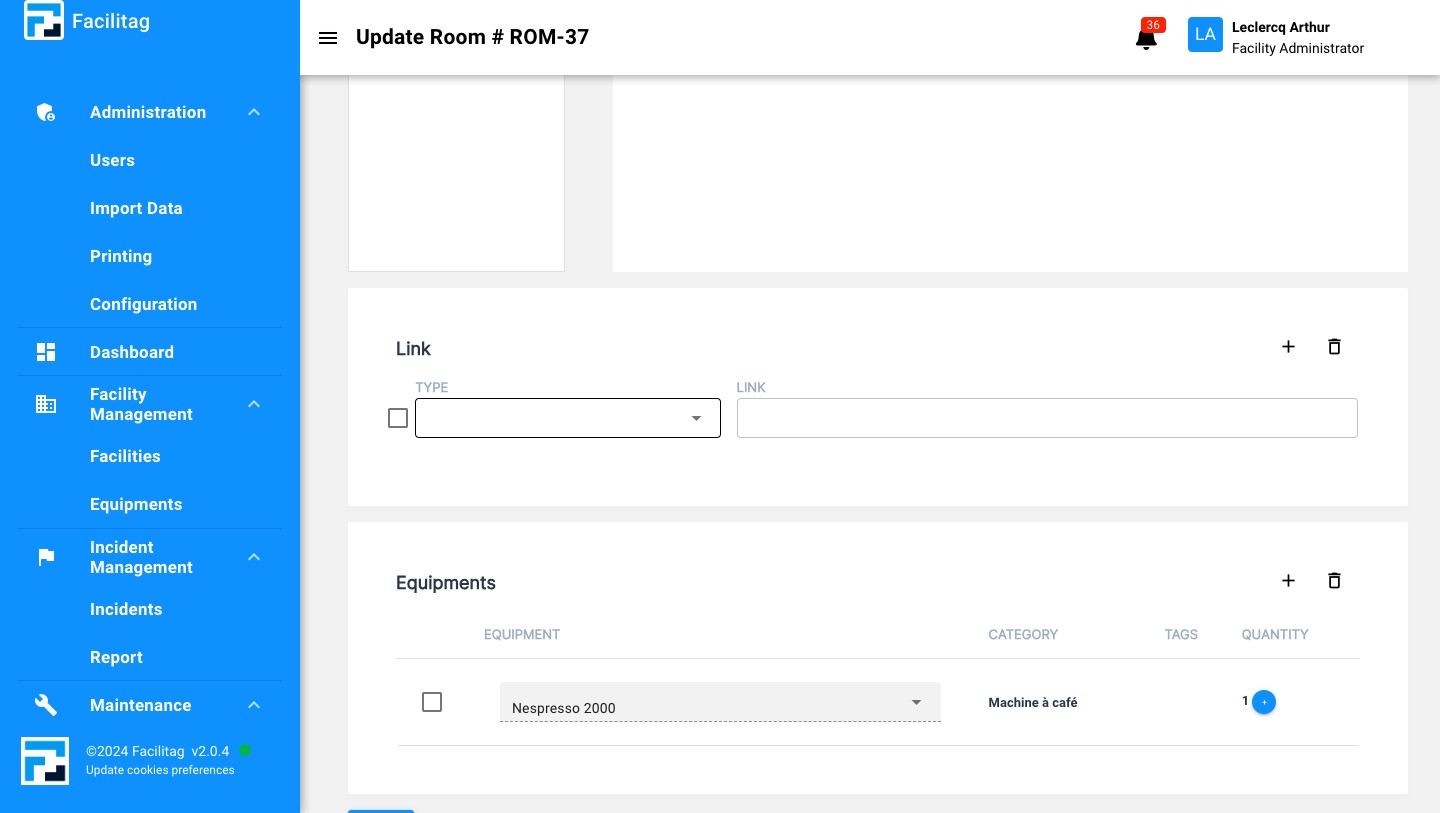
Click on this icon
7
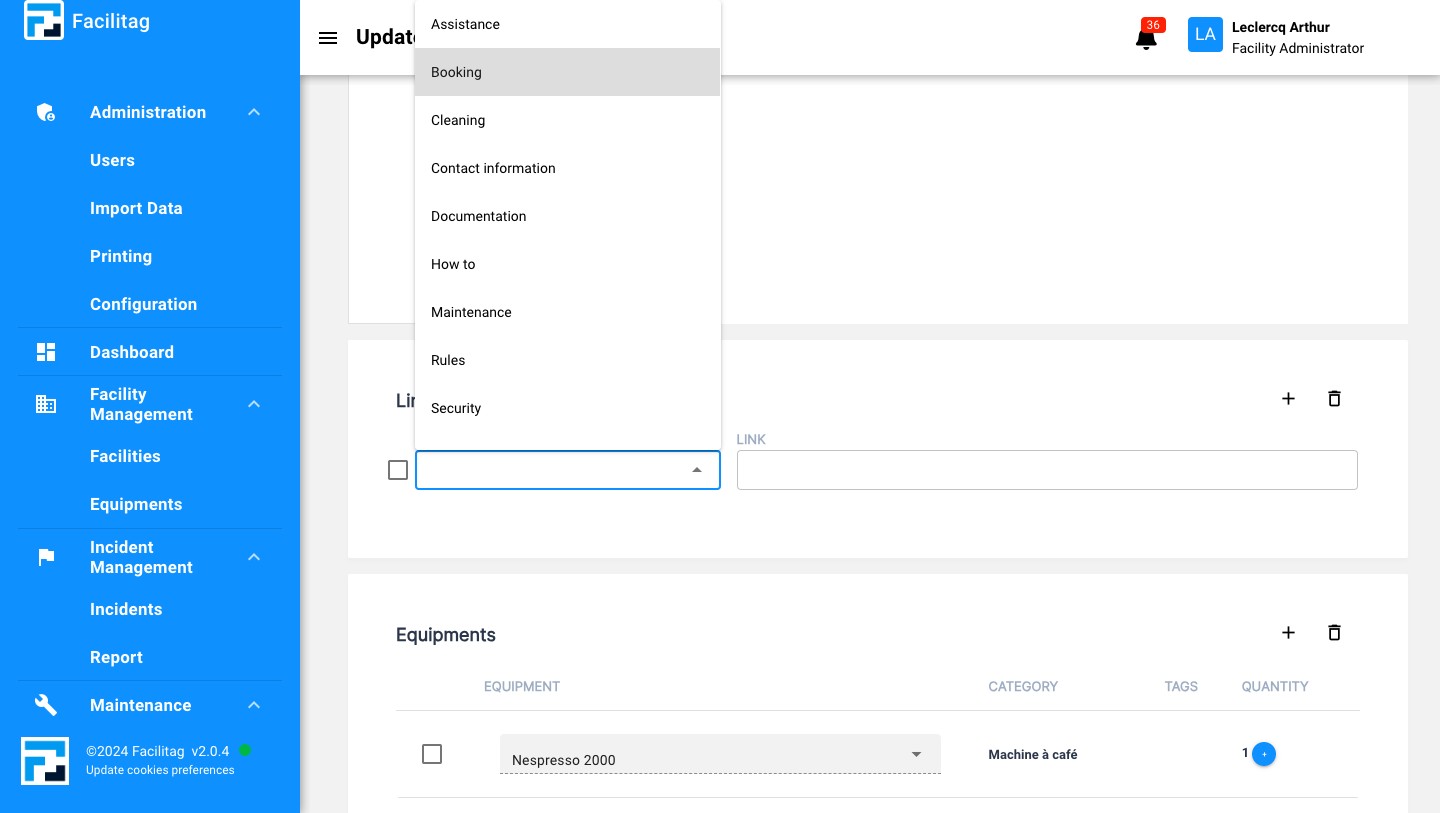
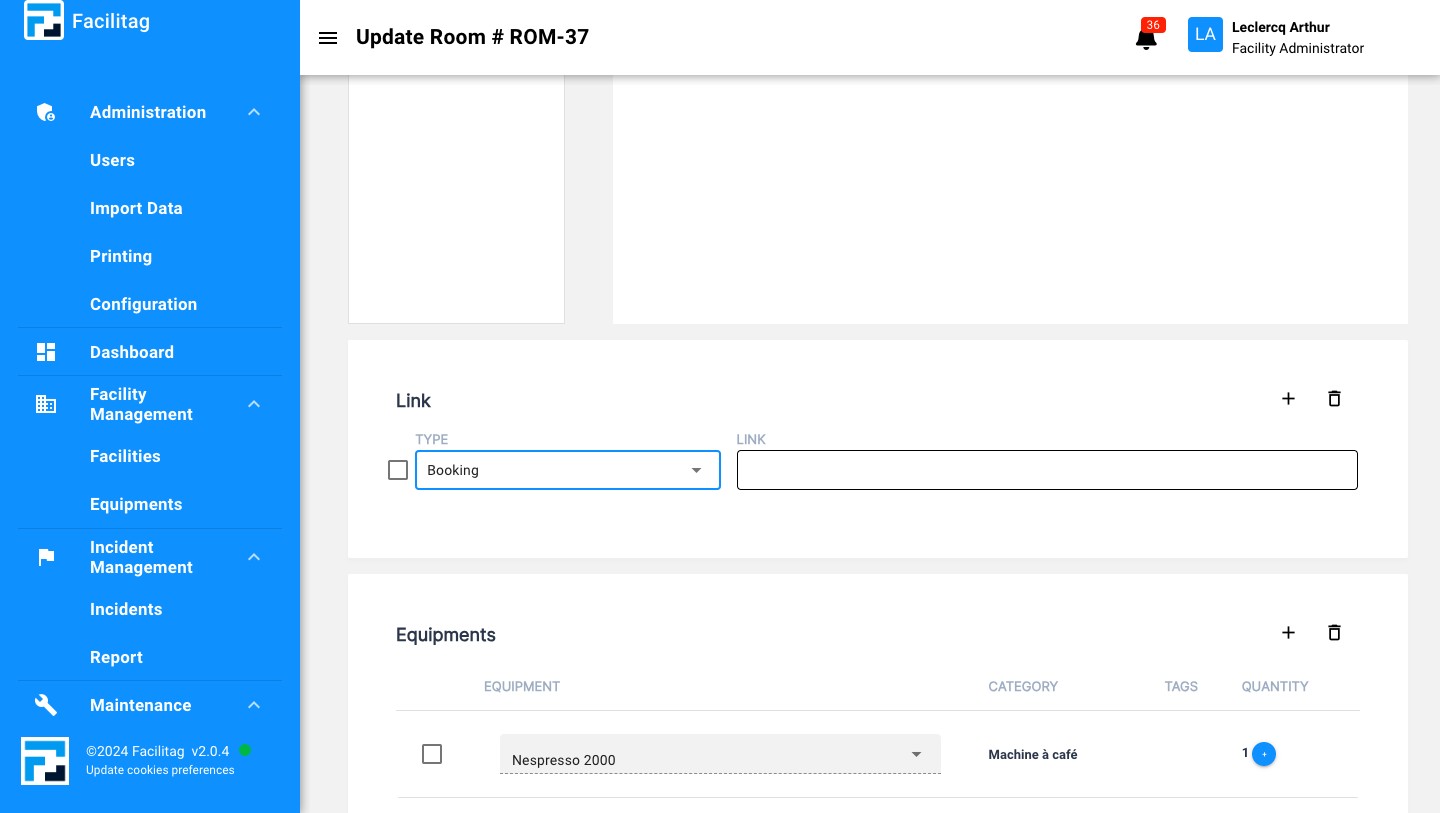
Select the category of information
8
Click on the "Link" case
9
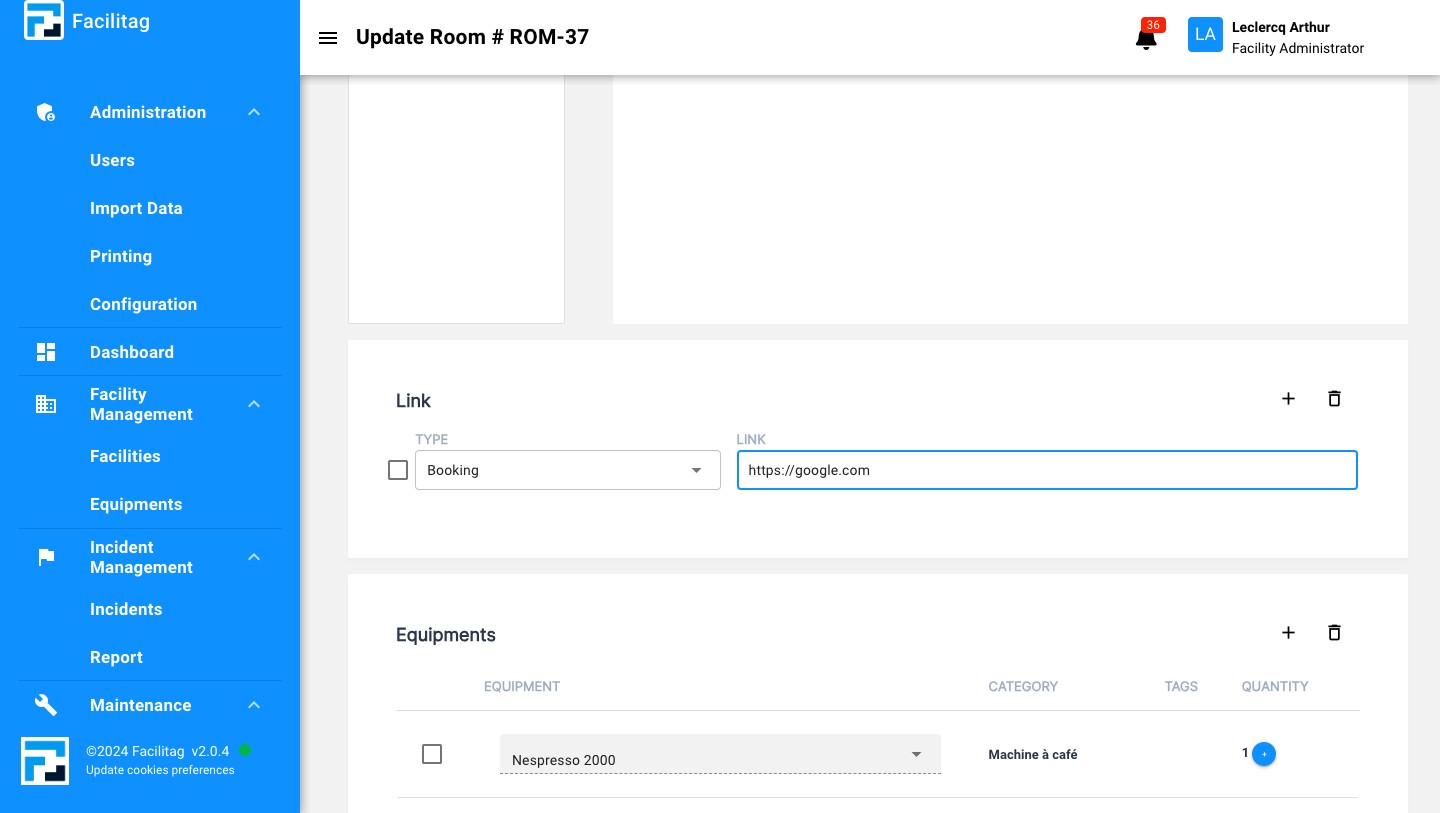
Fill in the Link
10
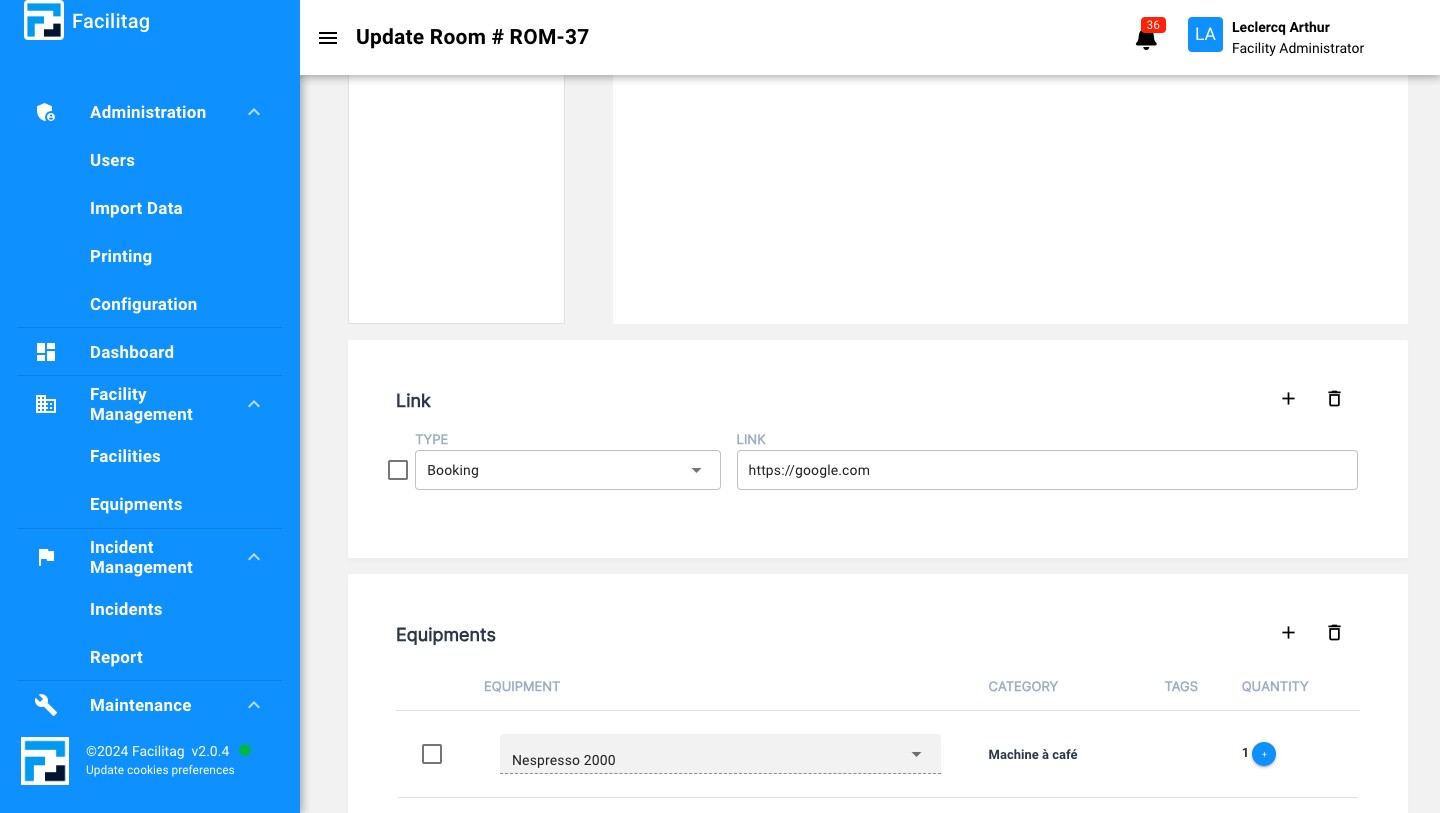
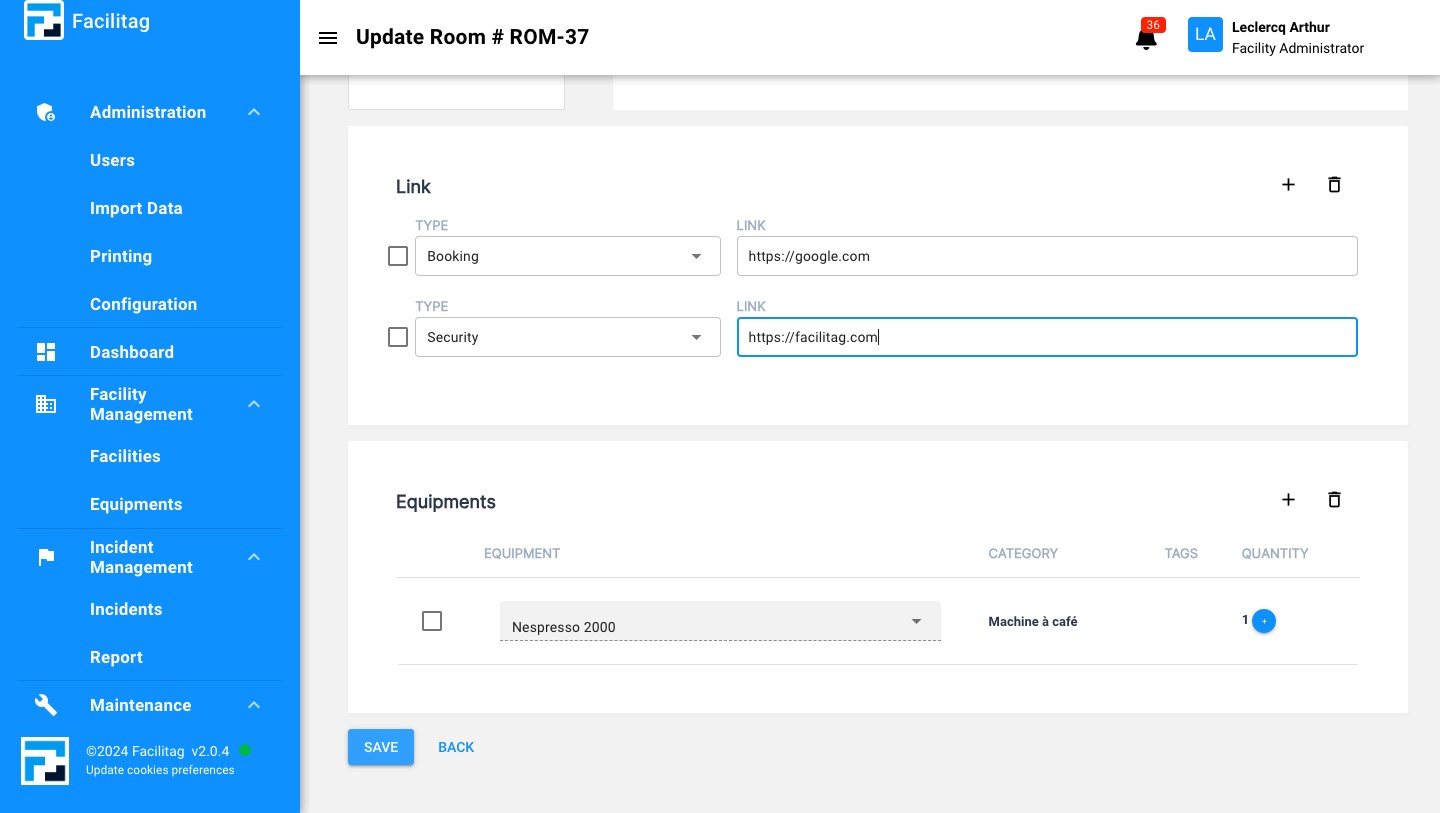
Add more if needed
11
Save the Updates
12
External Links are now effective