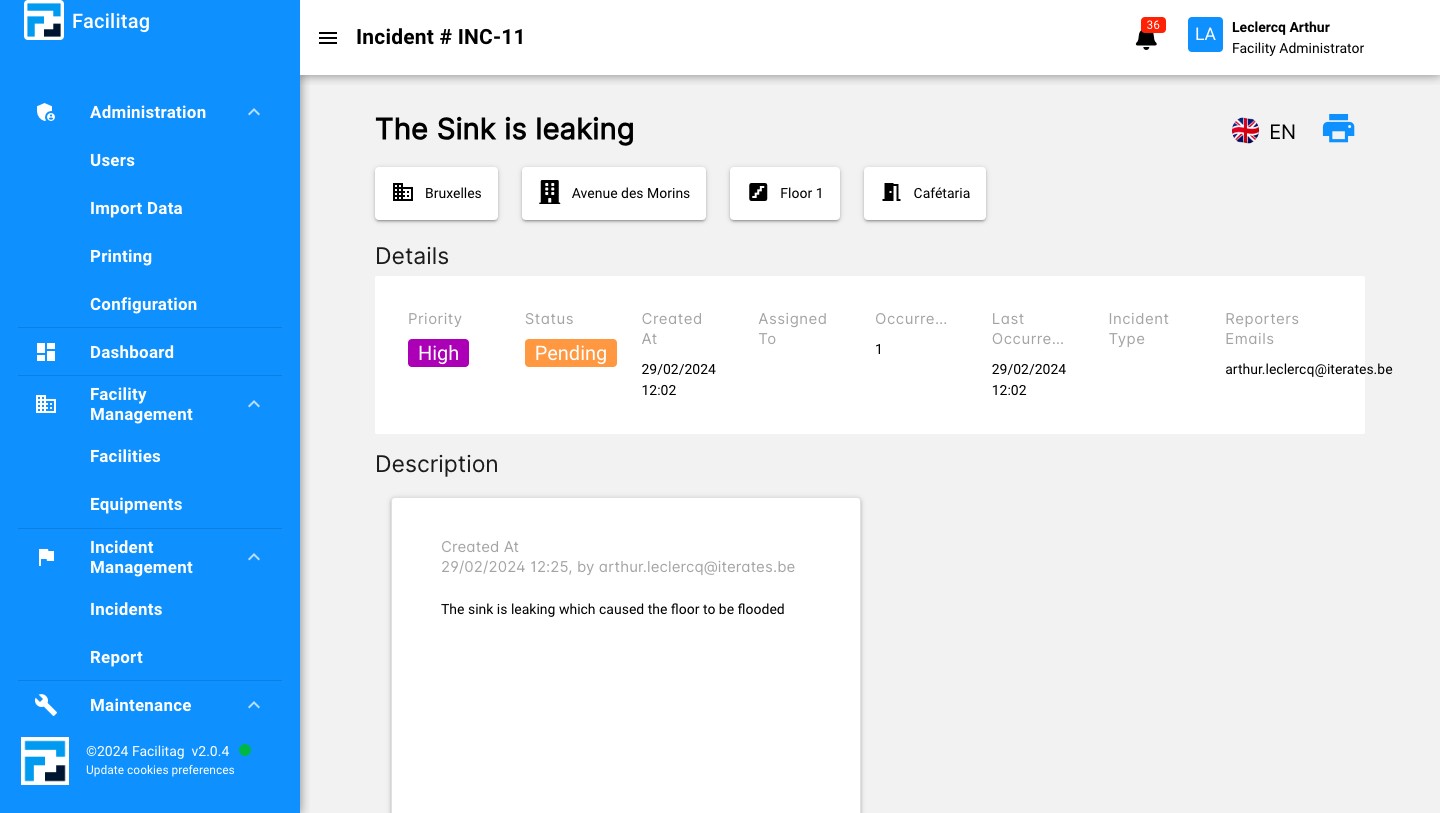
Report an Incident through the Platform
1
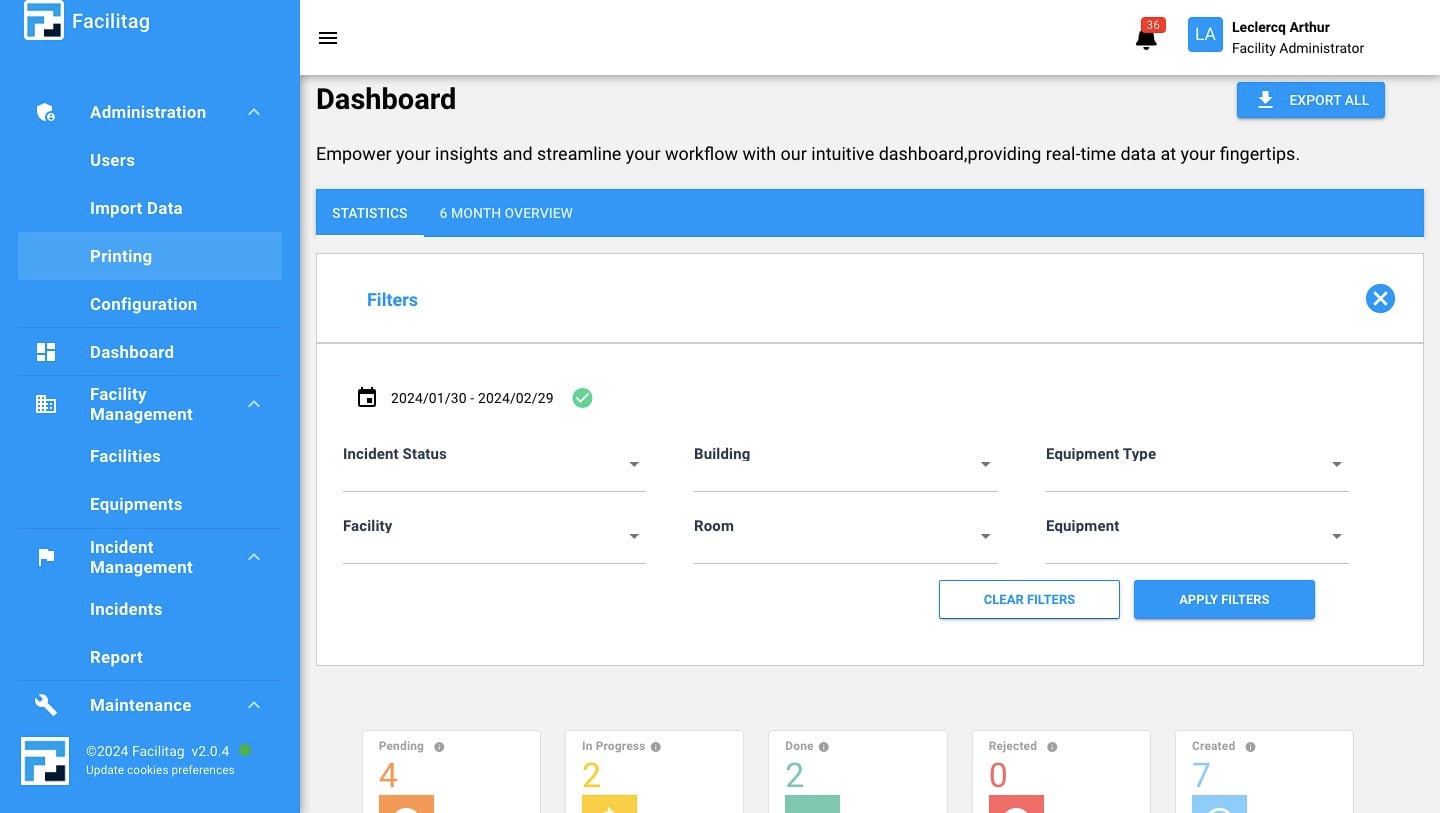
Click on "Printing"
2
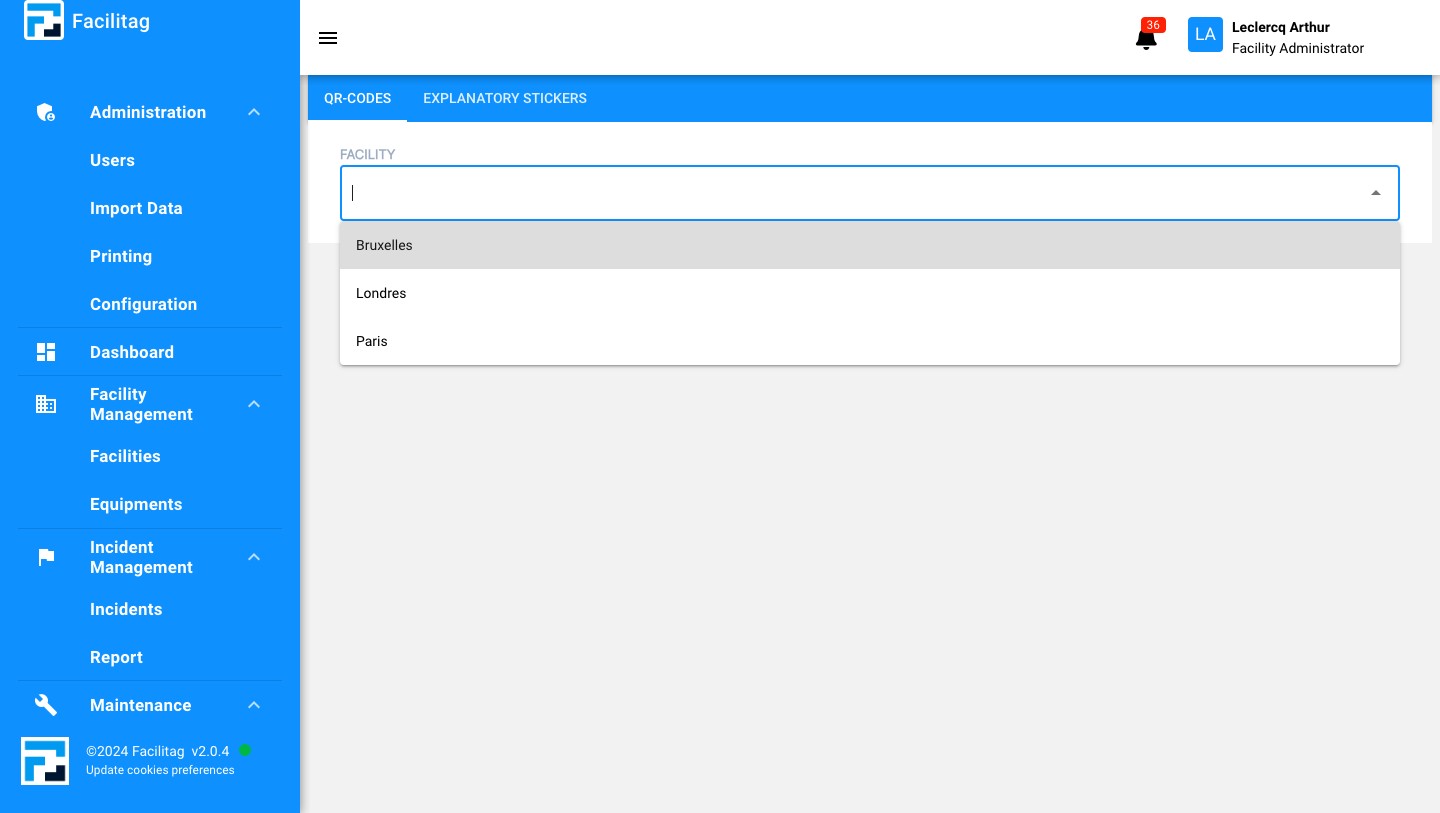
Select the Facility
3
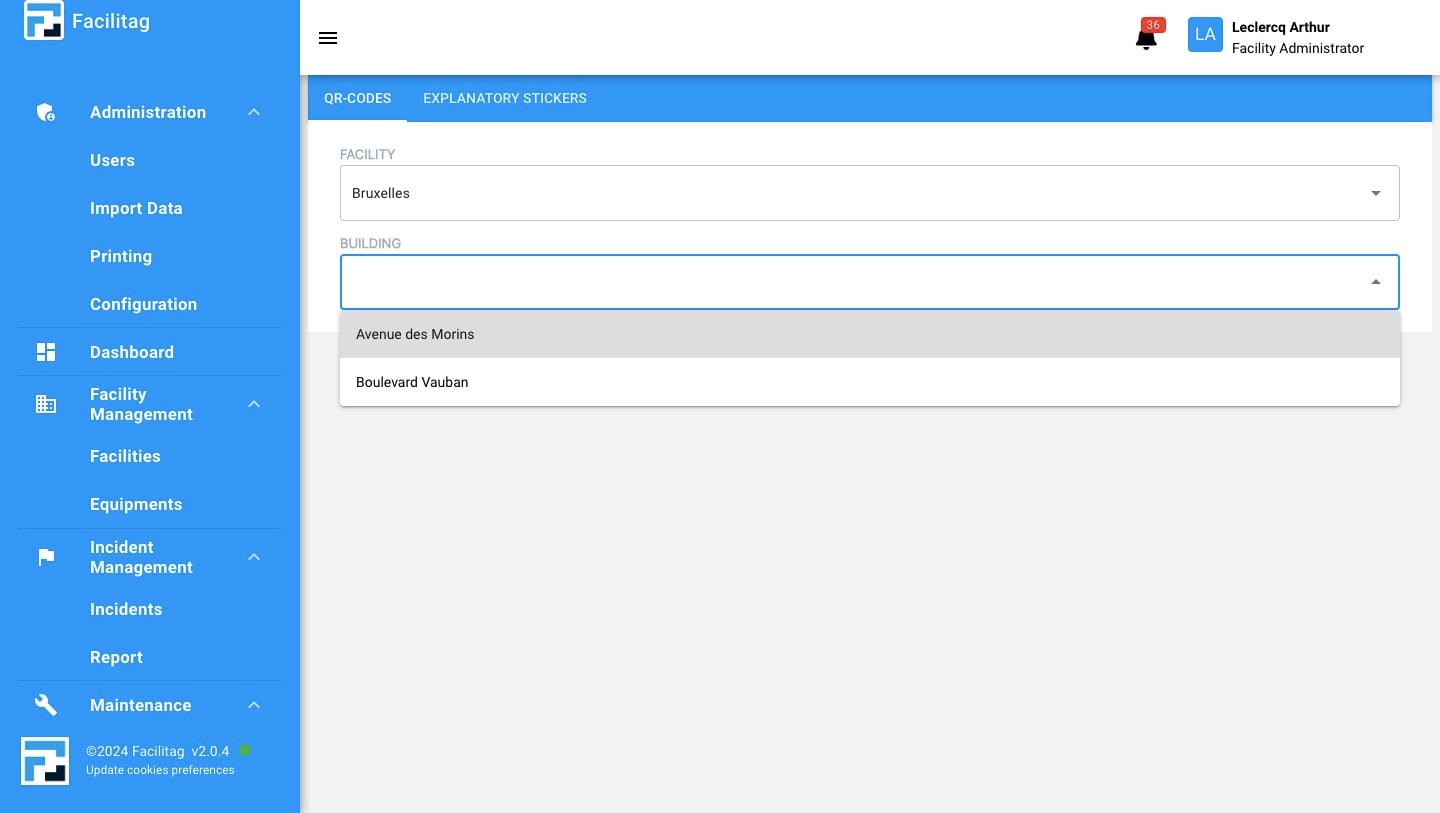
Select the Building
4
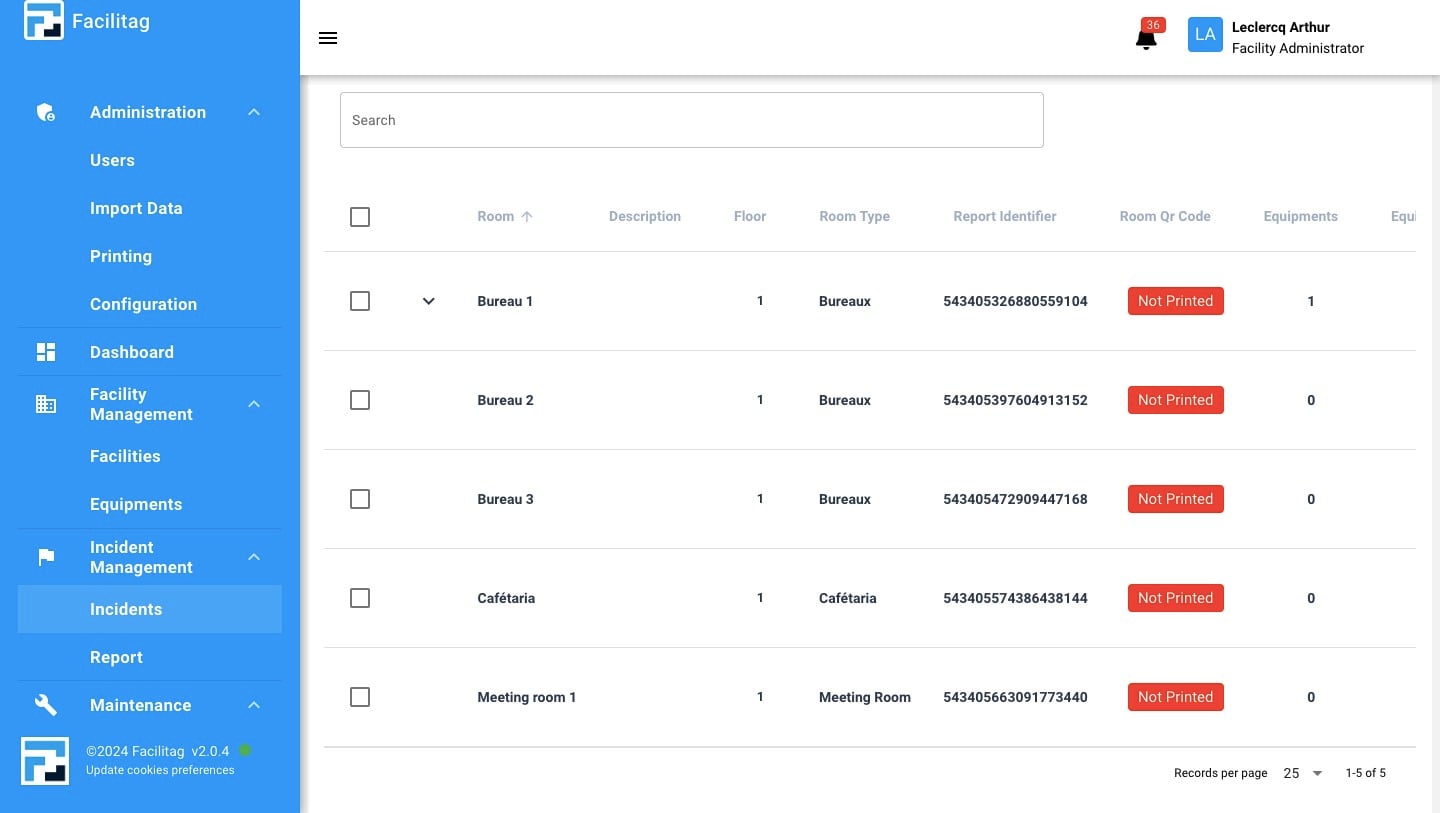
Find the right Room, Copy the Report Identifier
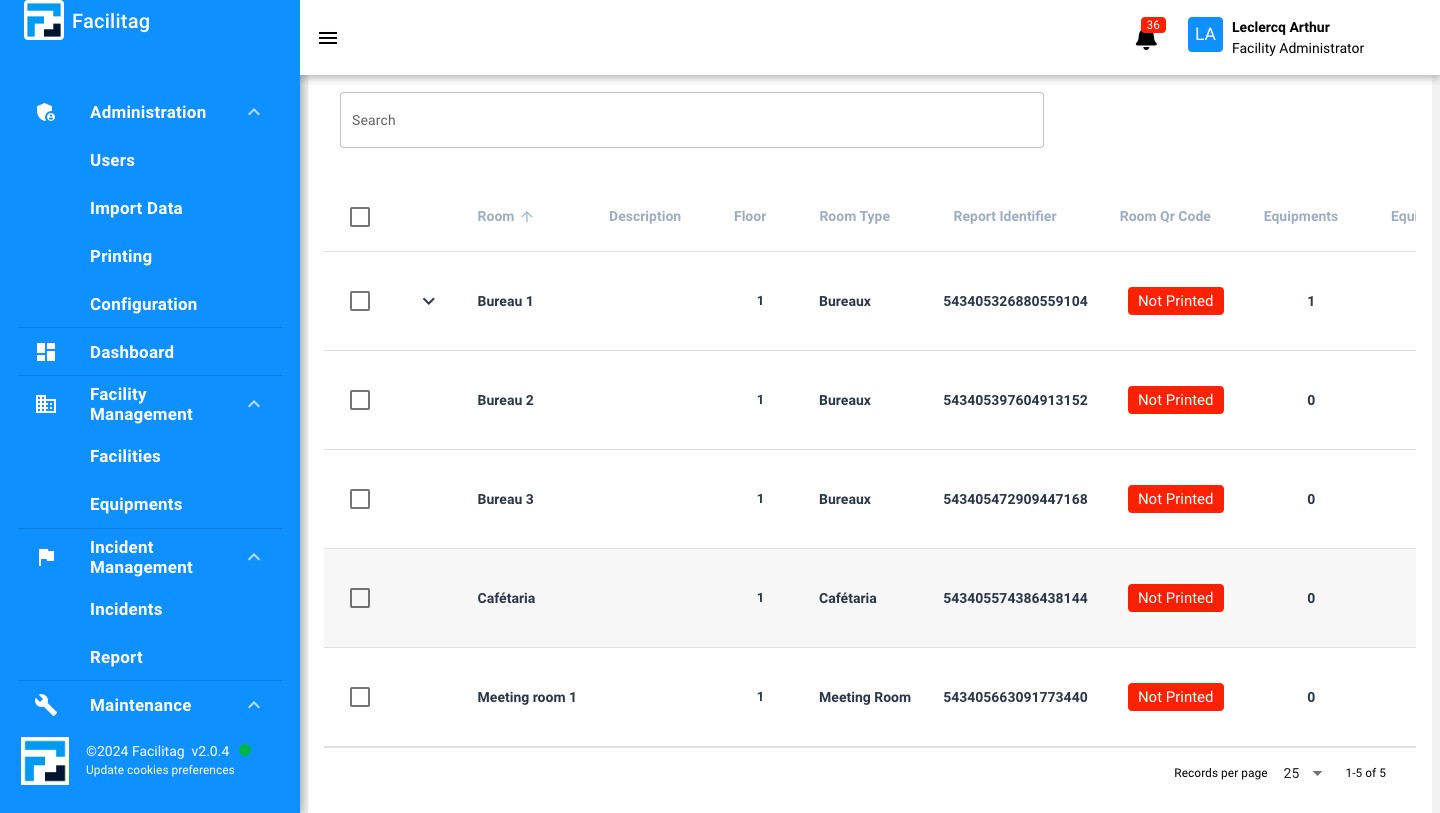
5
Click on "Report"
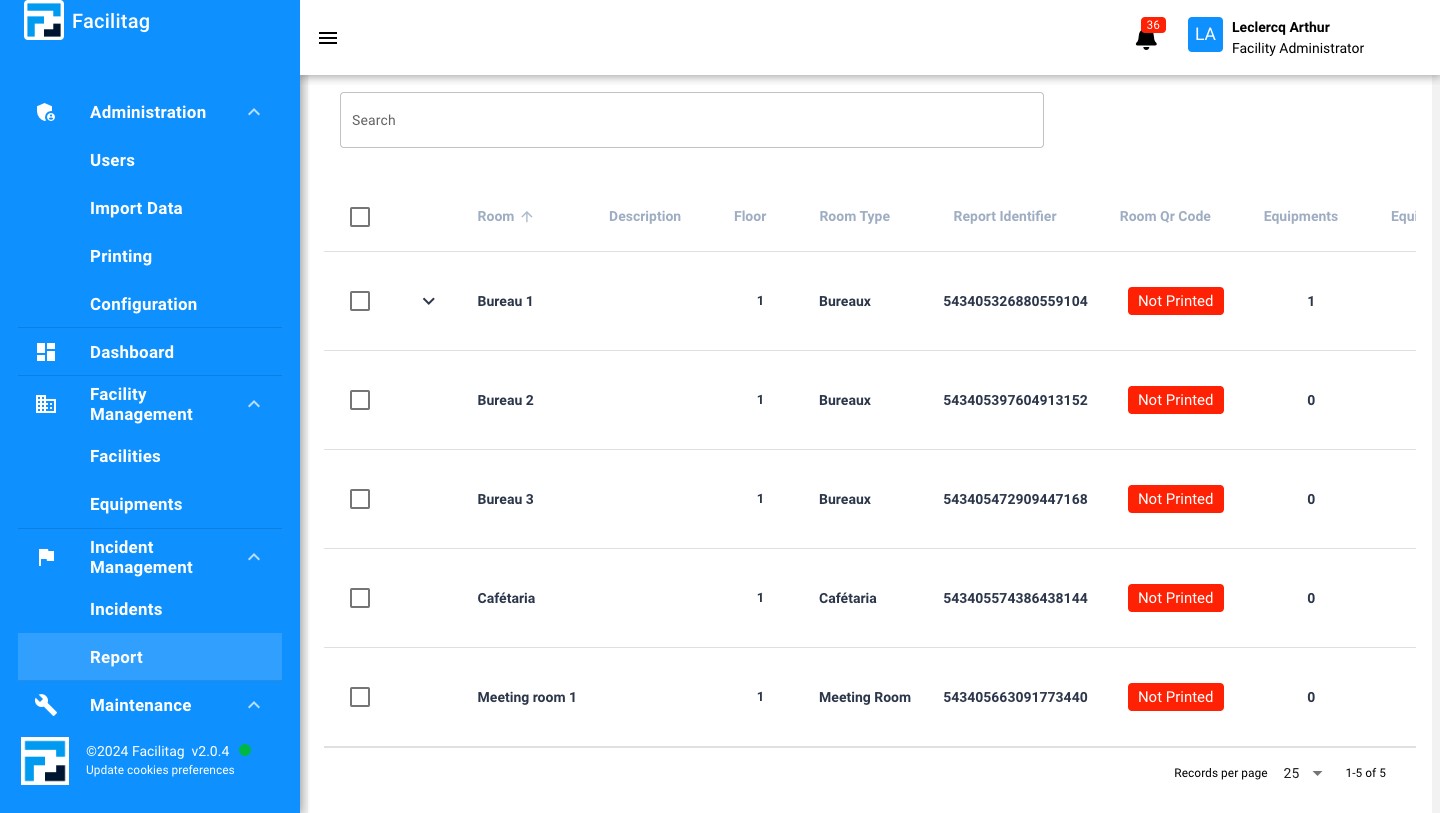
6
An new page will be oppened, Paste the Report Identifier
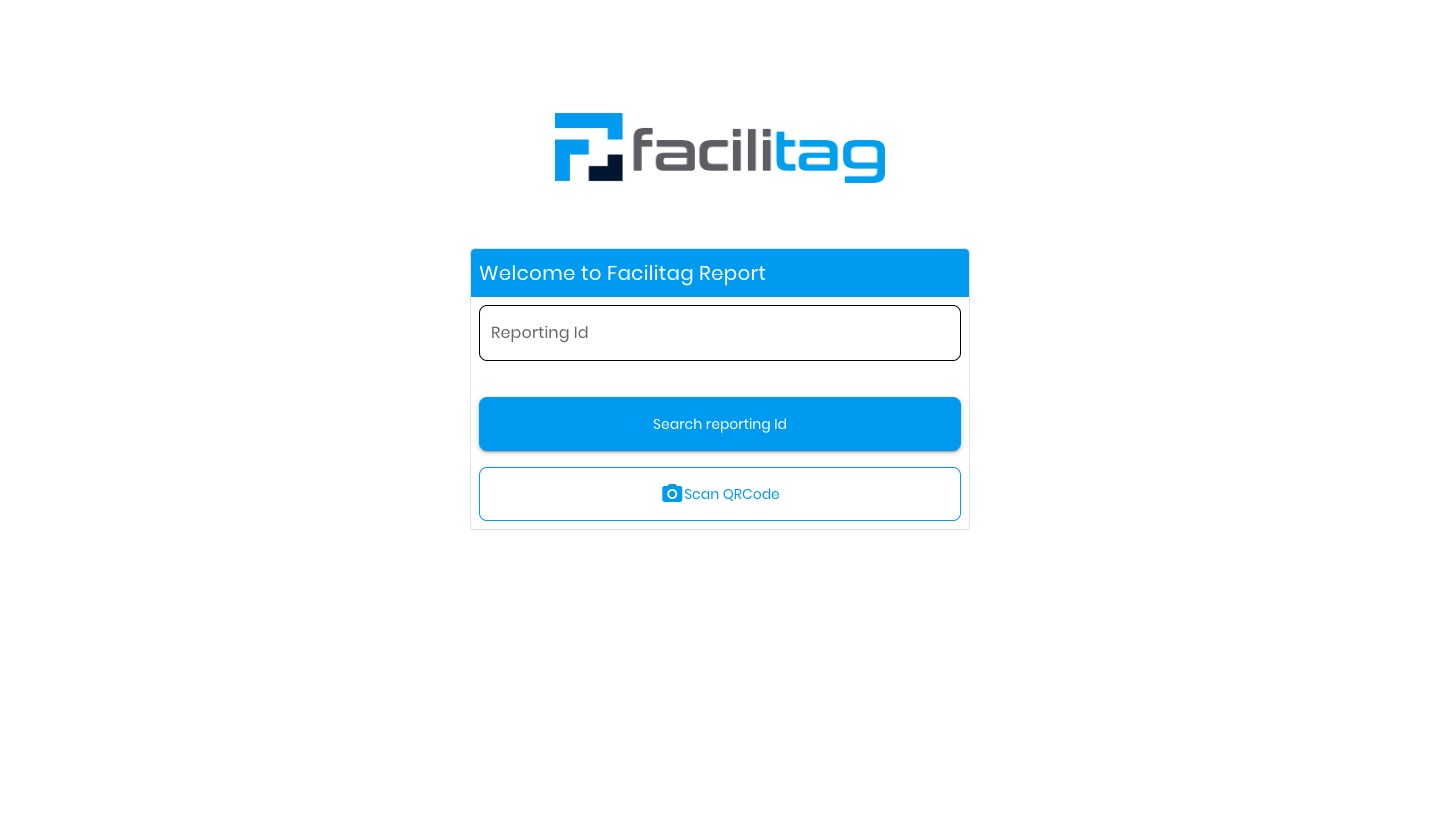
7
Click on "Search reporting Id"
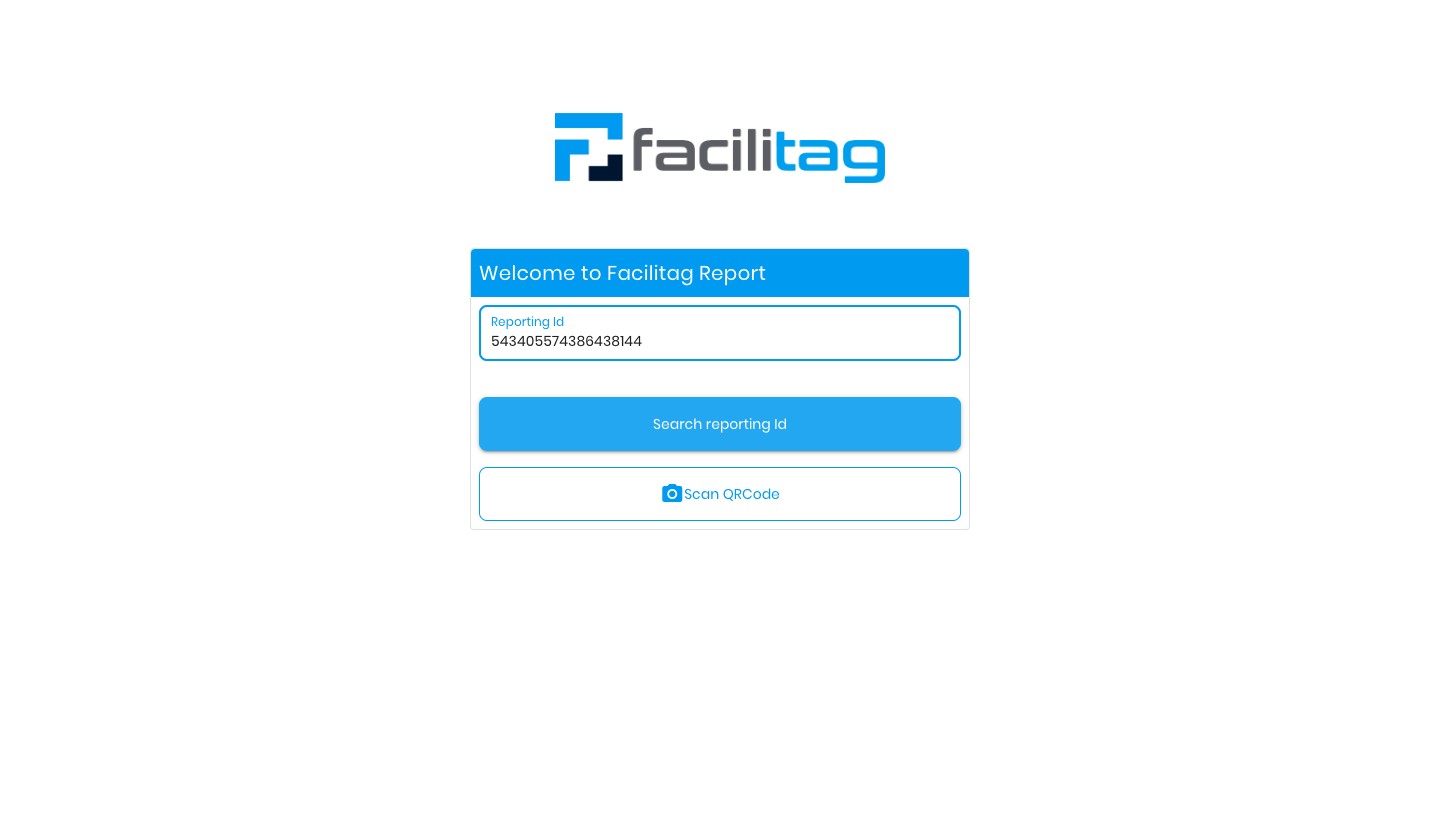
8
Click on "Report"
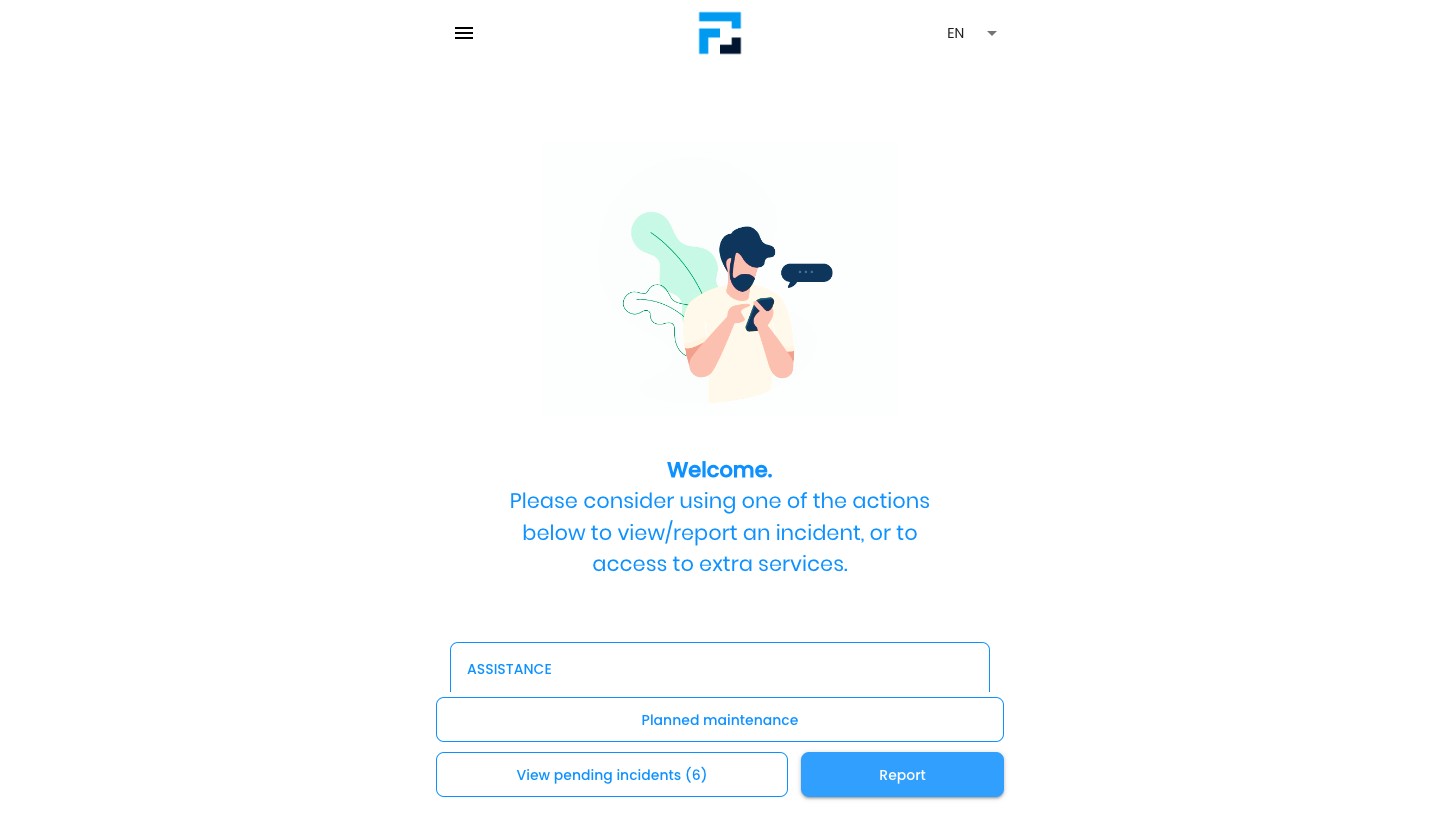
9
Select the right Option
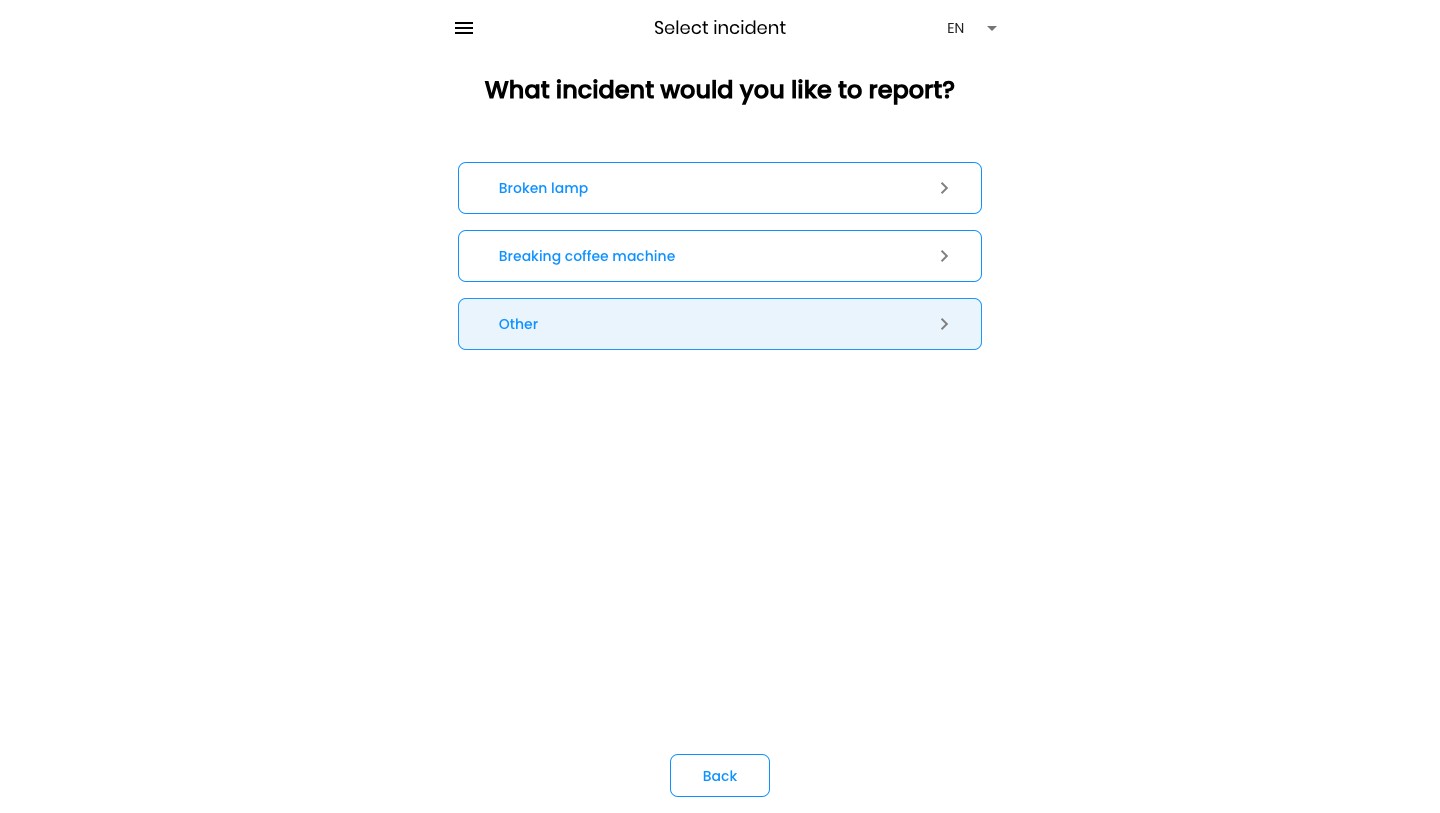
10
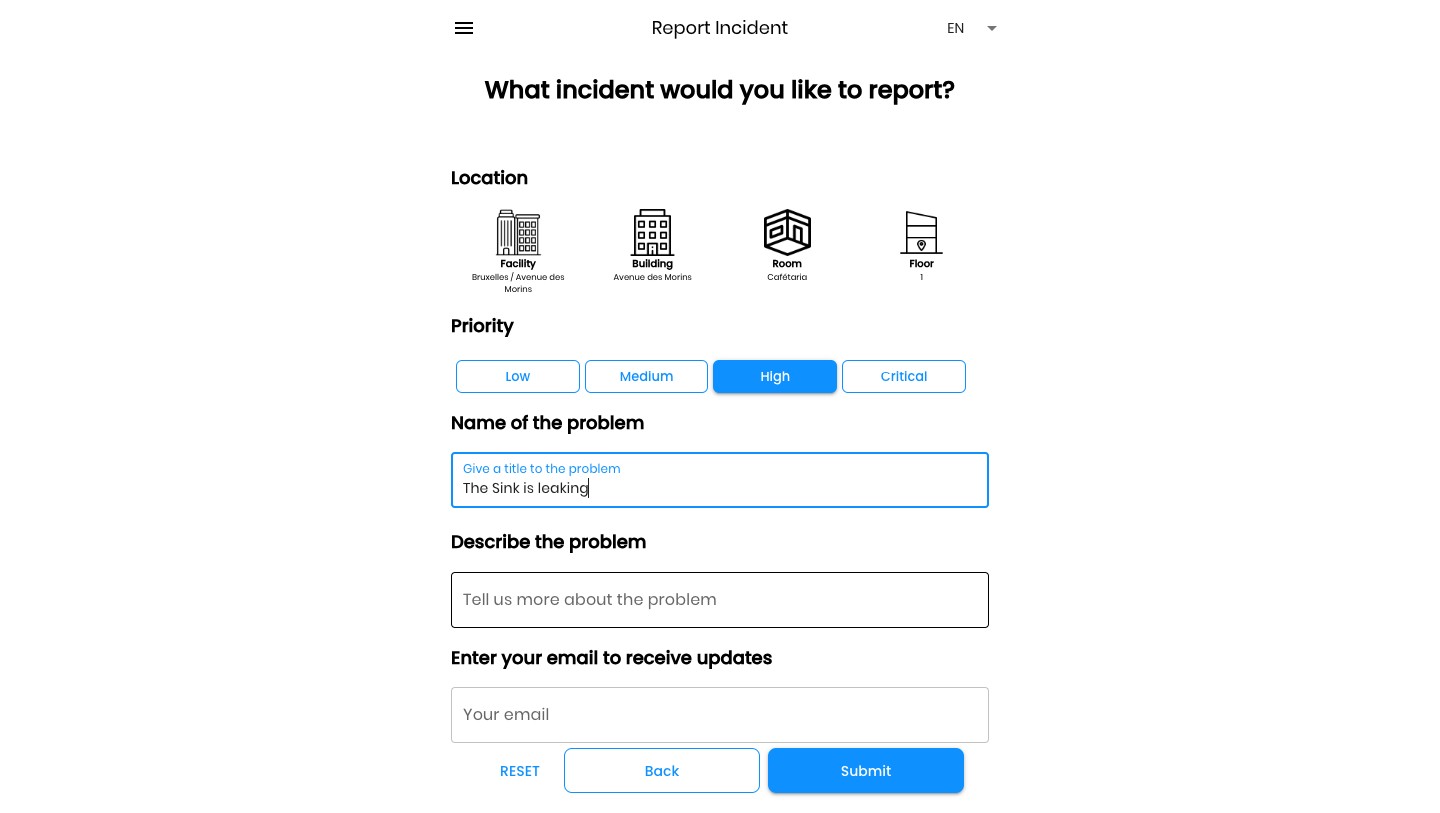
Select the Priority
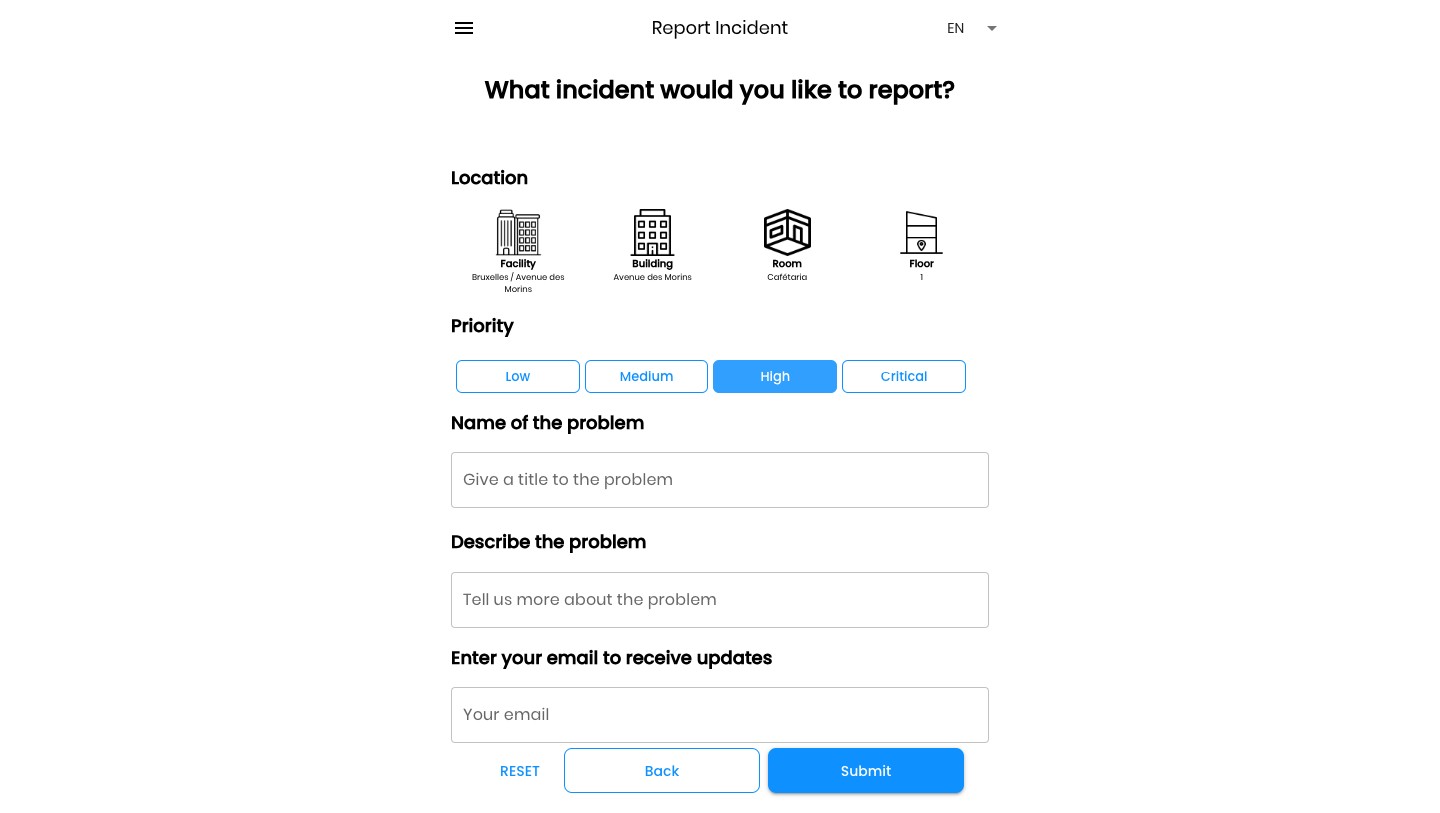
11
Give a name to the Problem
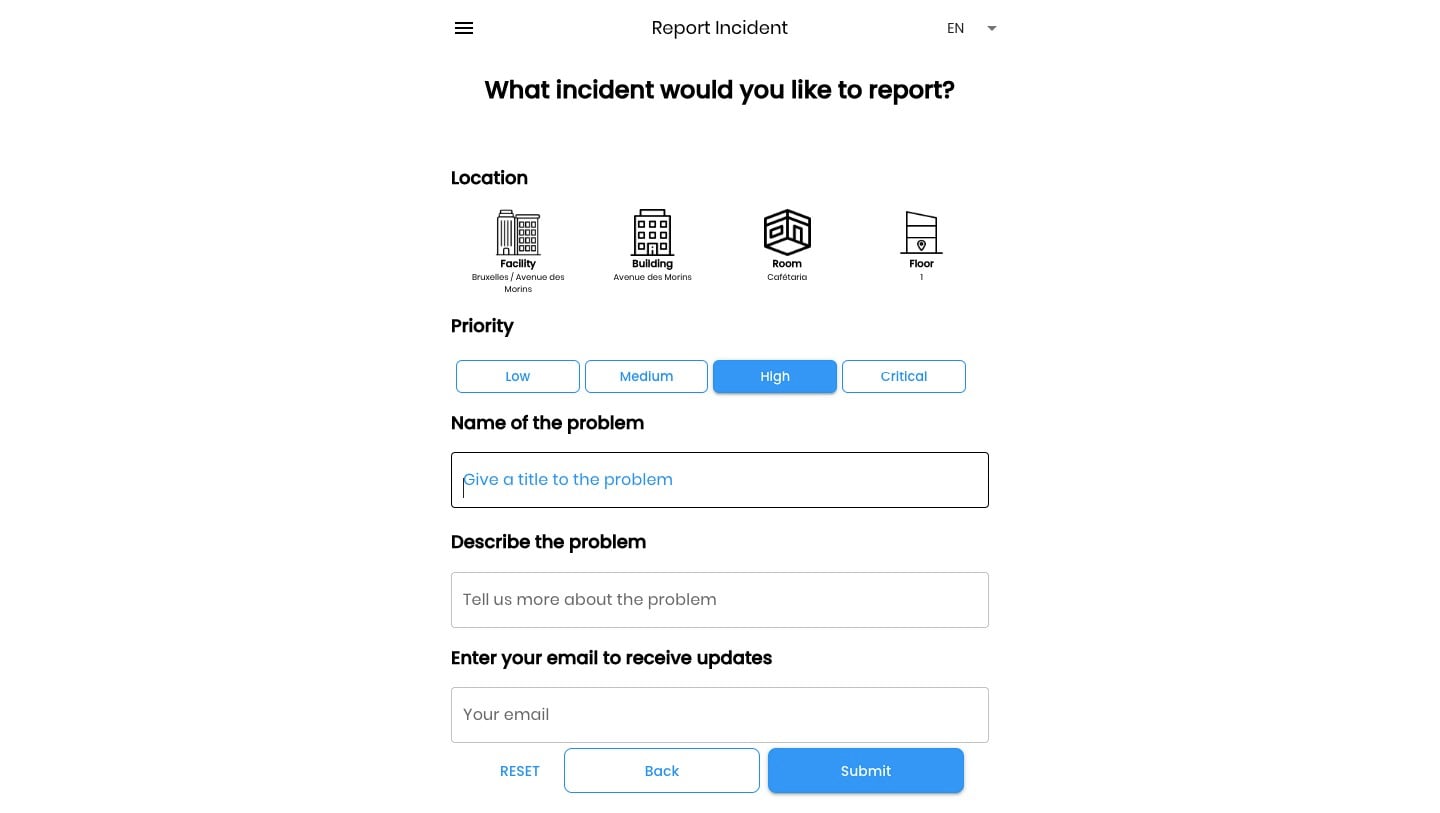
12
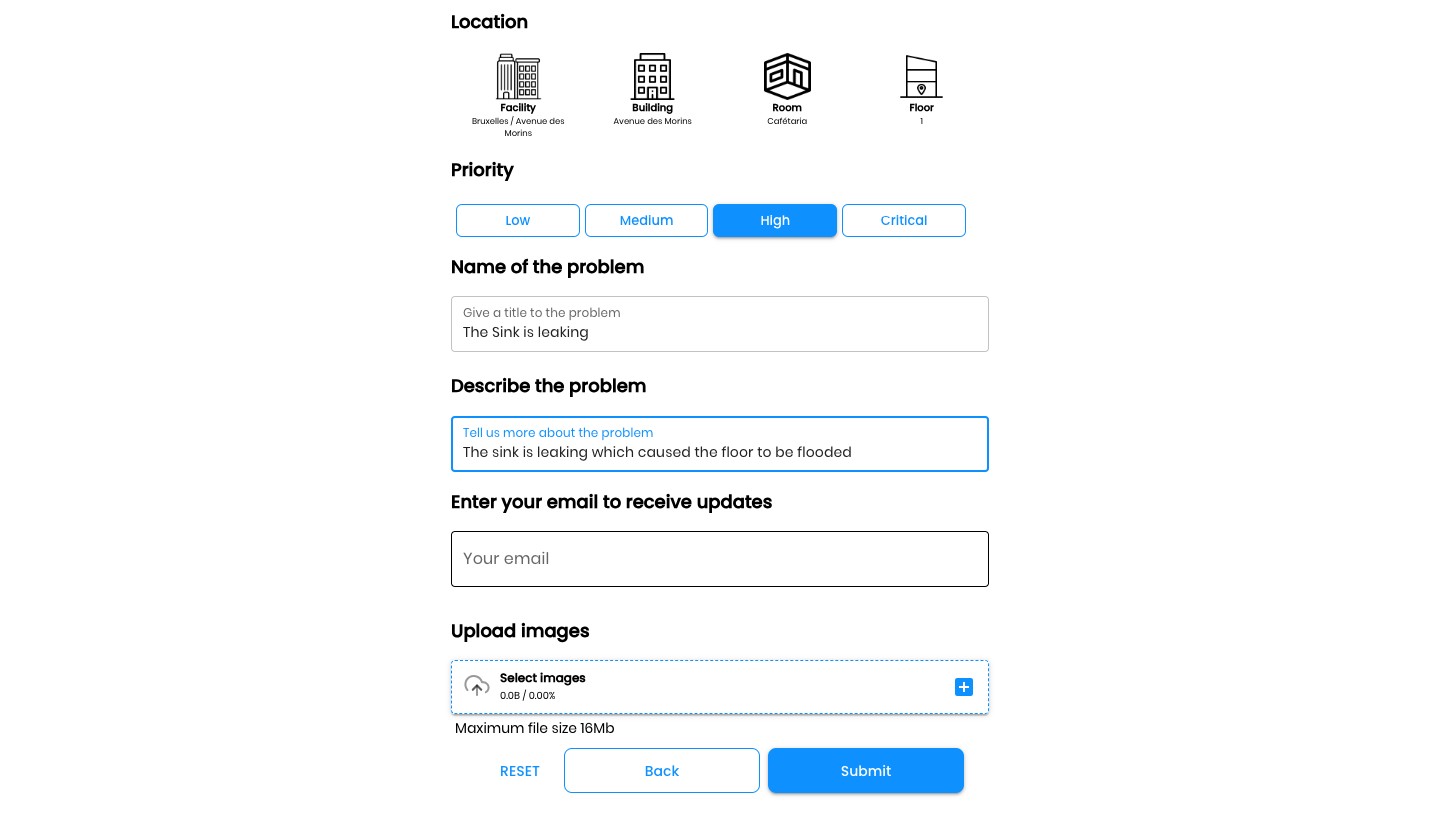
Describe it
13
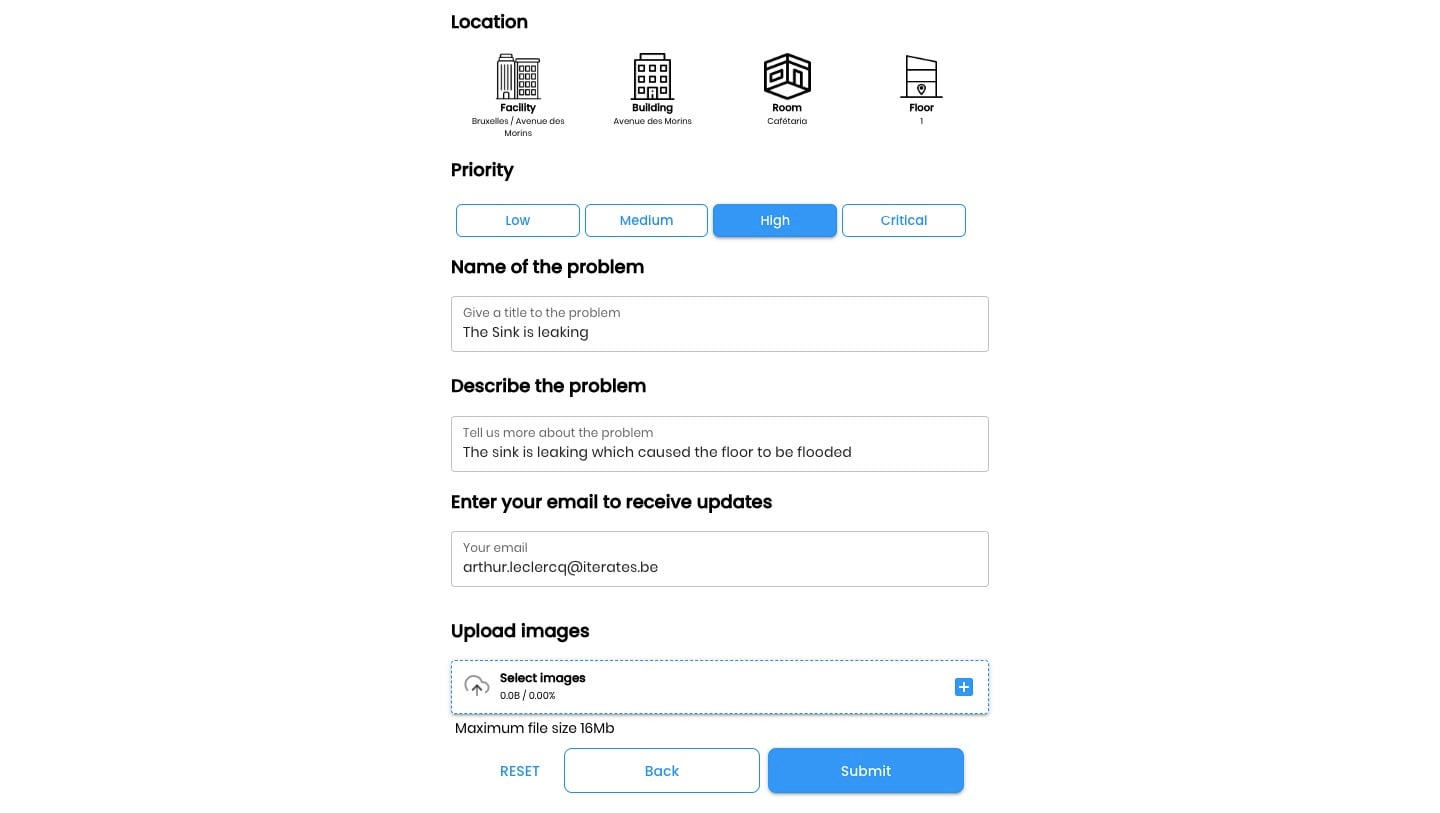
Add your email for updates
14
Click on "Upload images" to add image
15
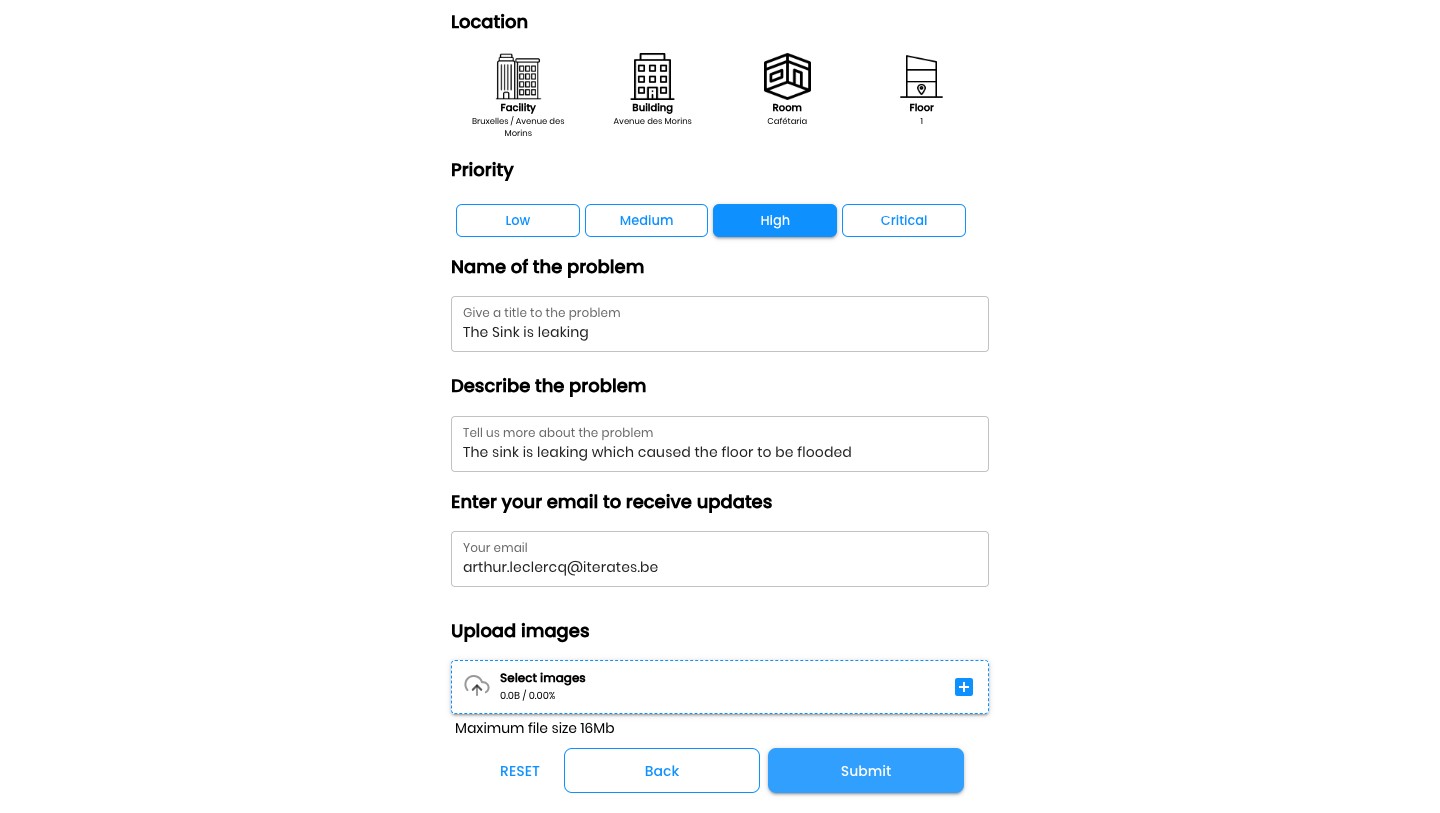
Click on "Submit"
16
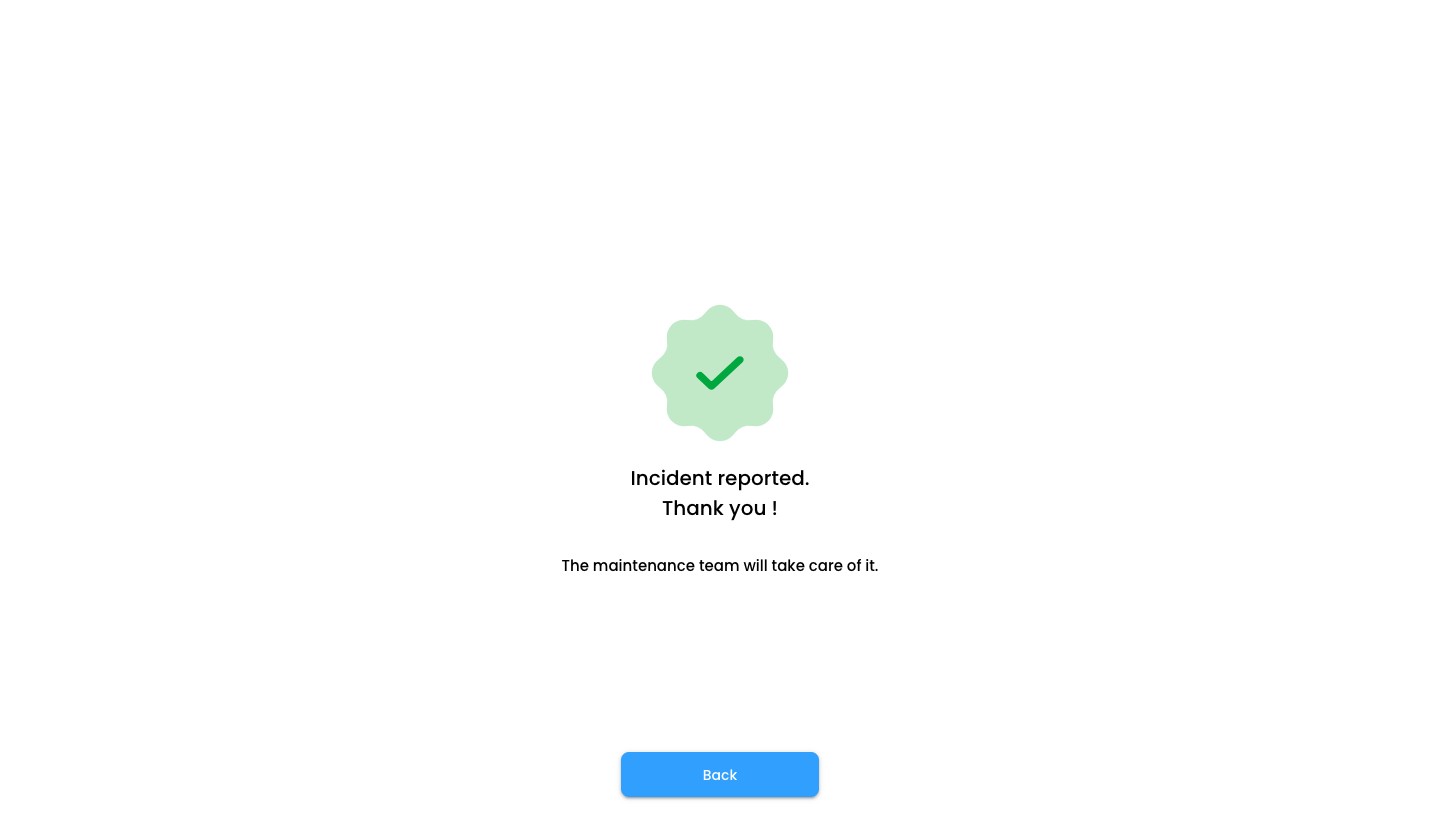
Click on "Back"
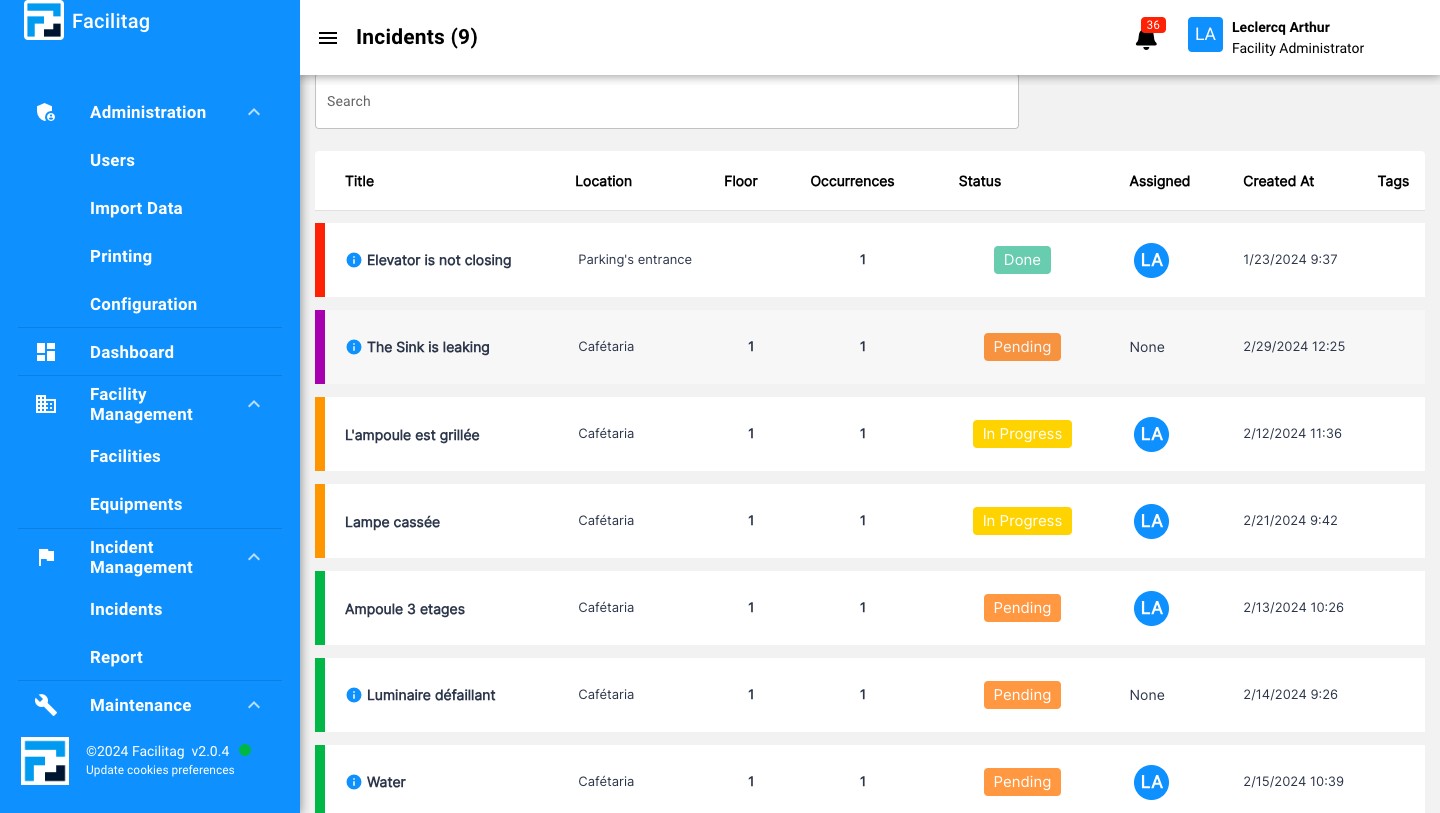
View the Incident on the Incident Dashboard
17
Click on "Incidents"
18
Click on the Incident to view additional information
19
Done 🚀