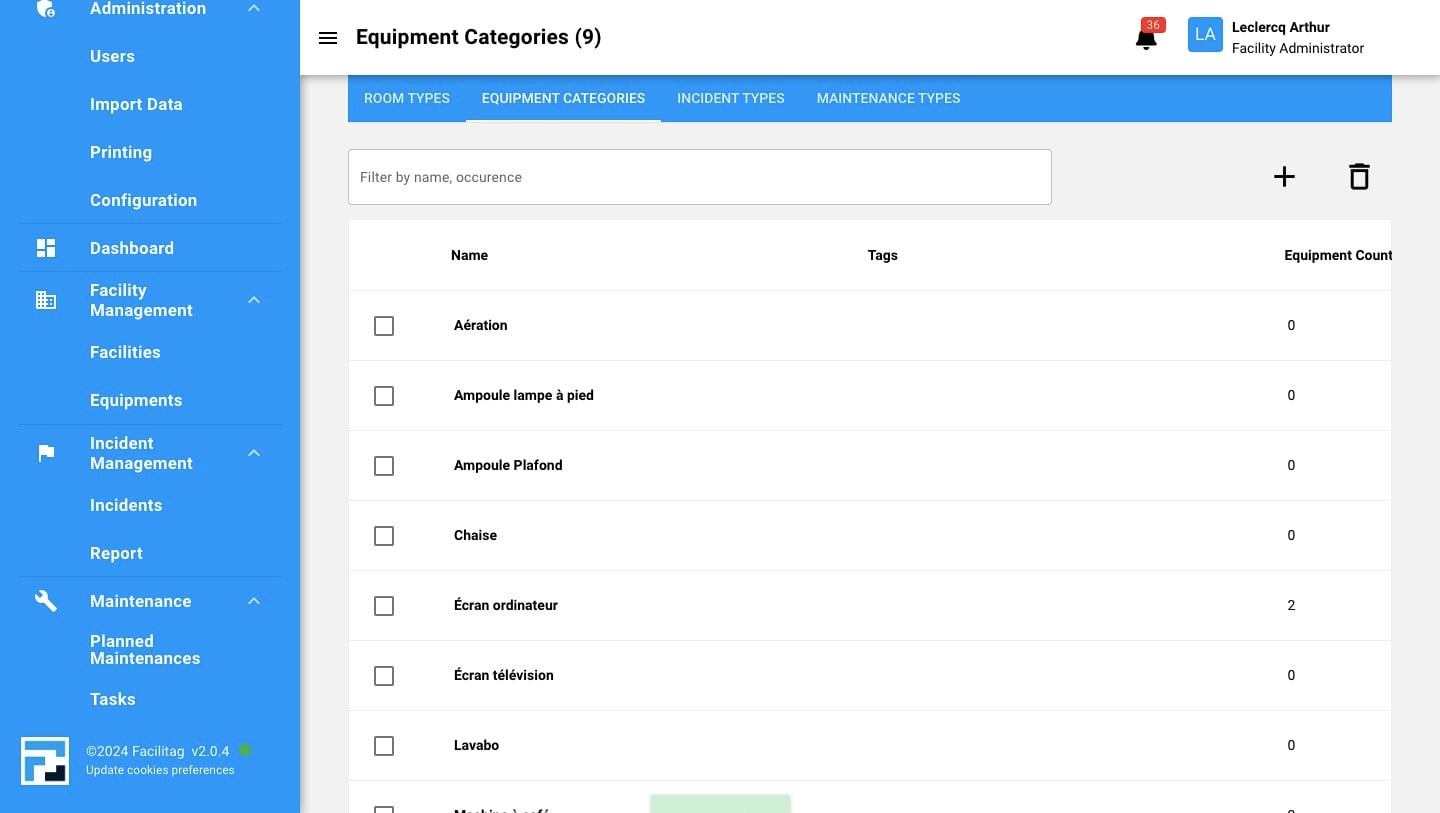
Configure Equipment Categories
How to create a new Equipment Category
1
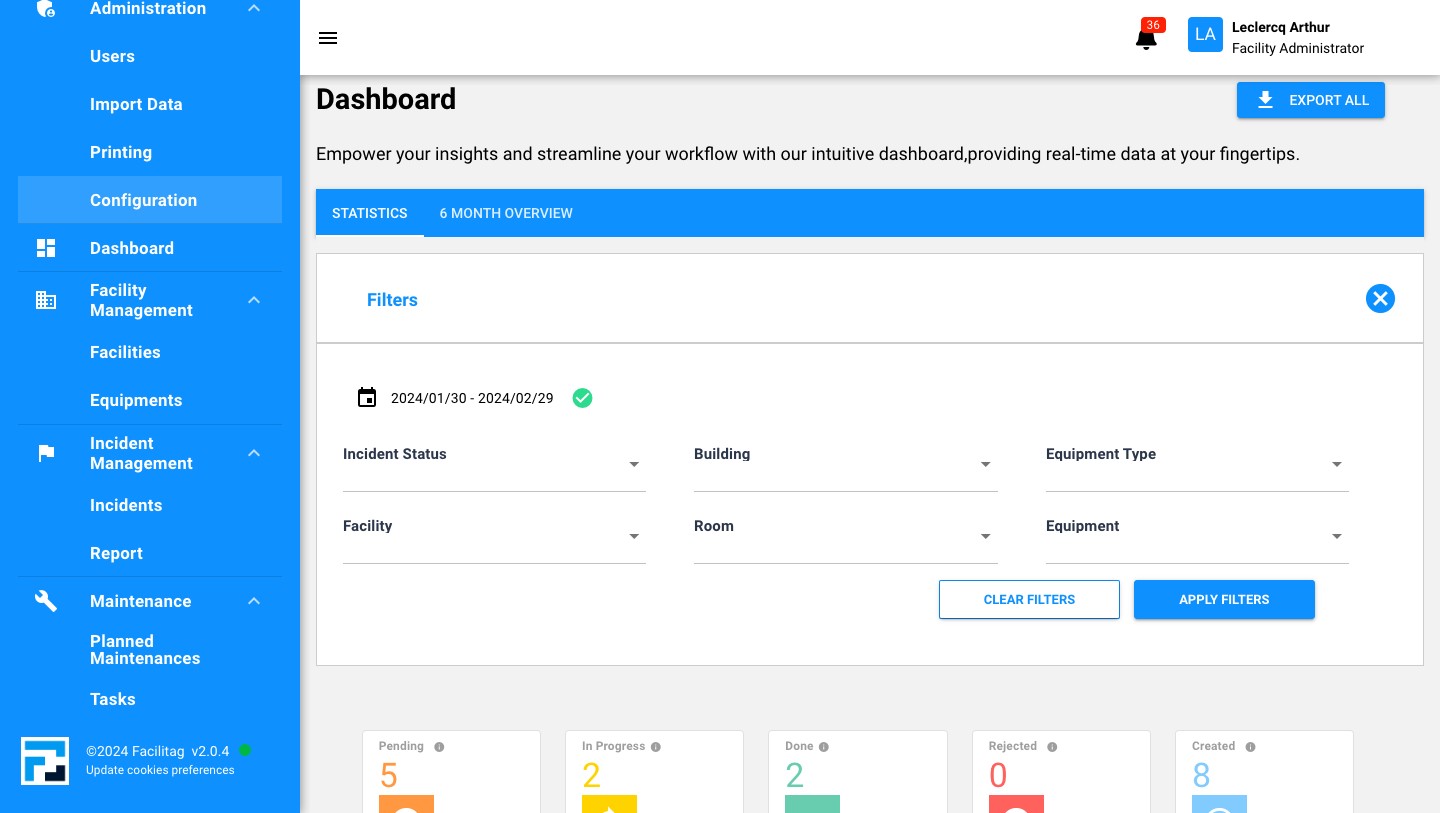
Click on "Configuration"
2
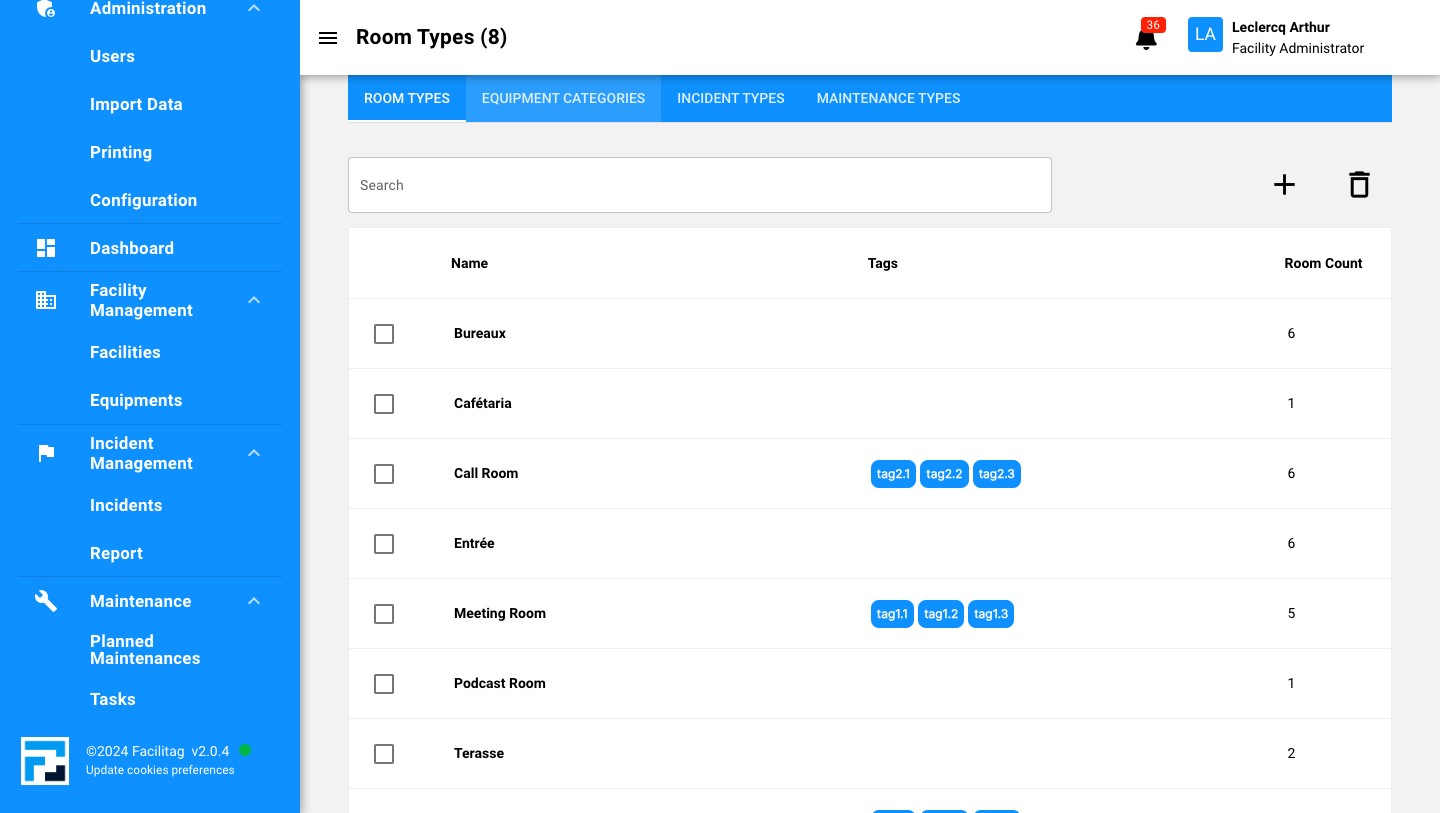
Click on "Equipment categories"
3
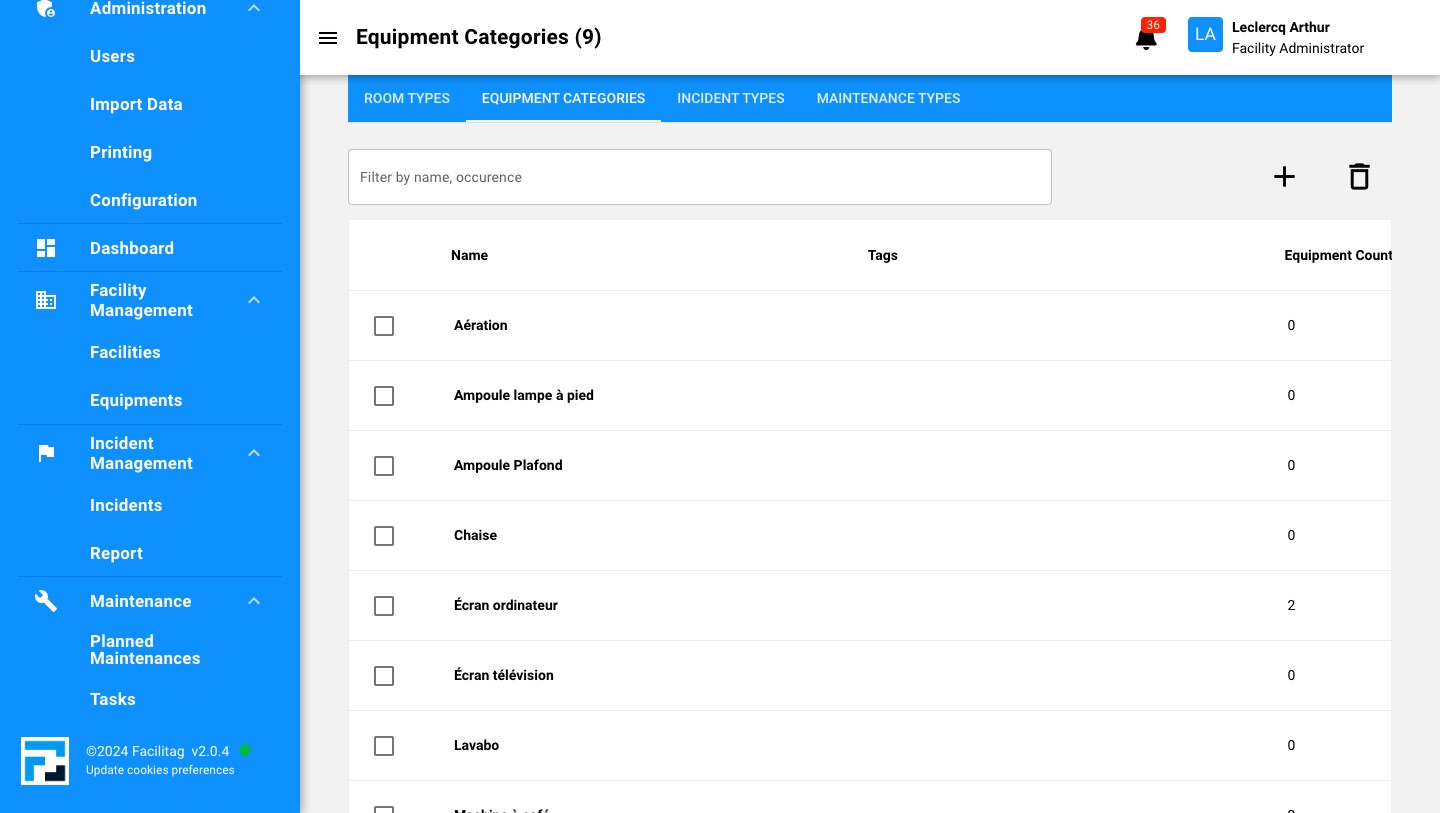
Click this icon
4
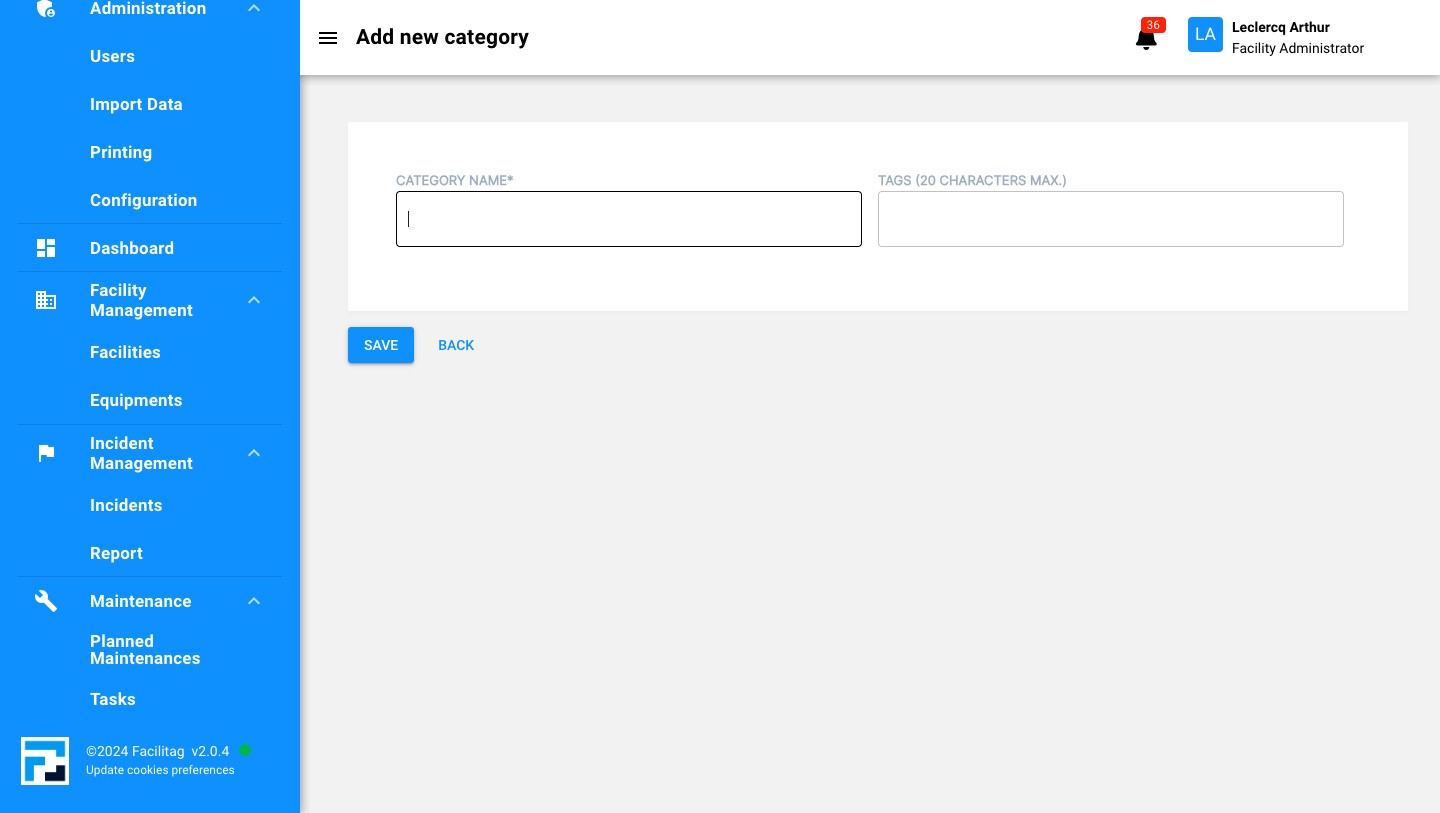
Click here and Give a name to the category
5
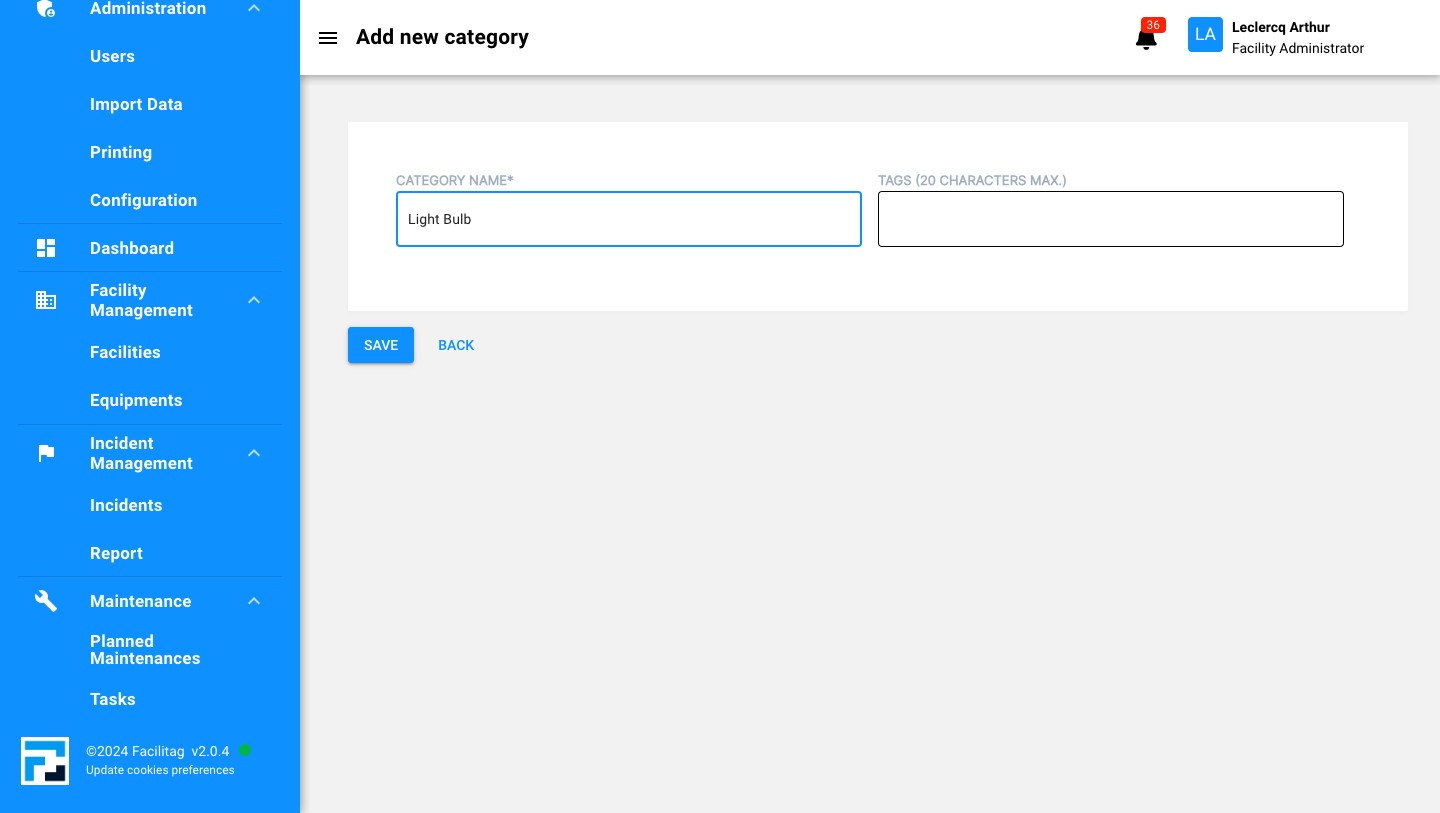
Click here to add a tag
6
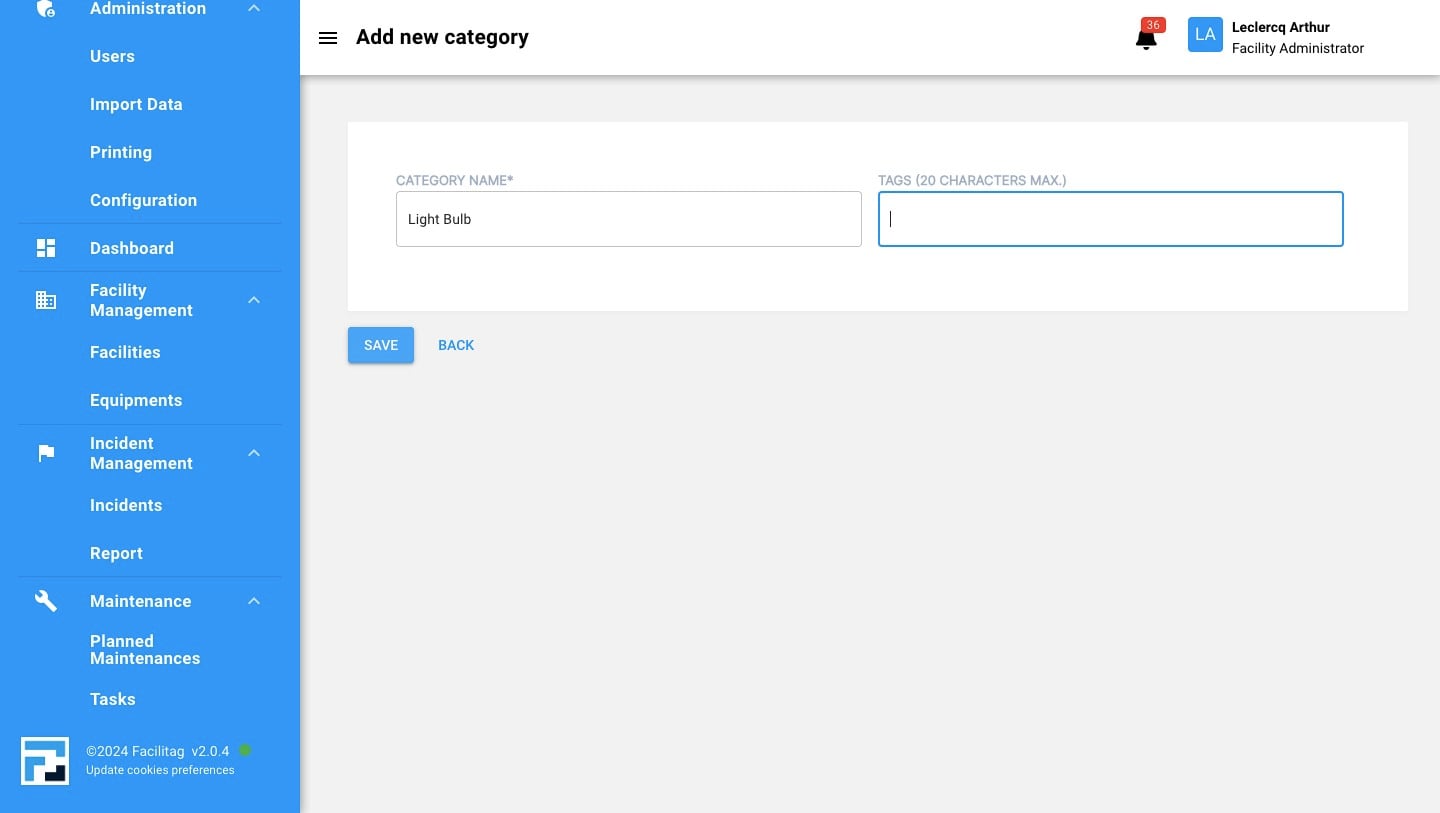
Save the Updates
New Heading
7
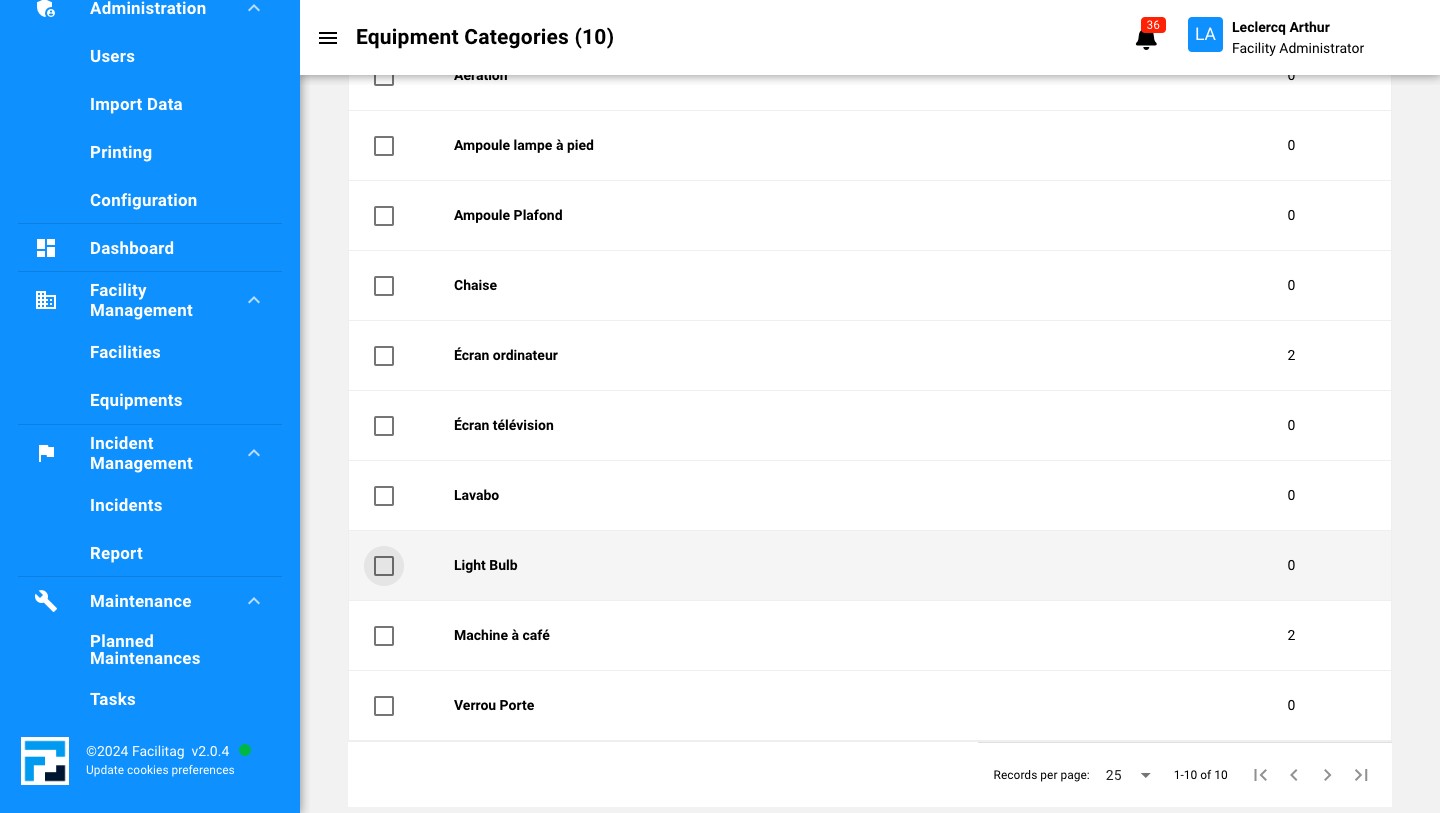
Click this icon
8
Click this icon
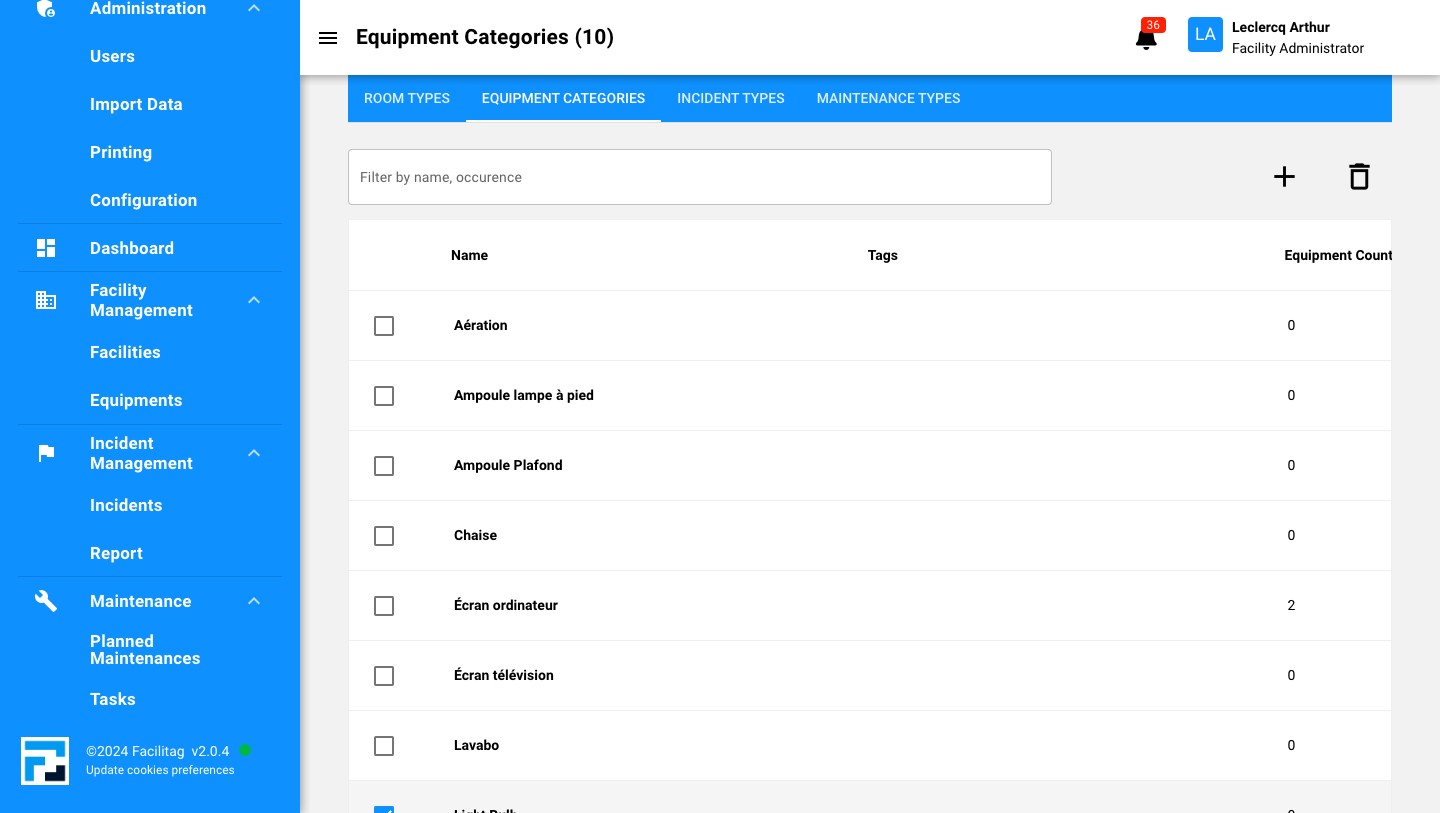
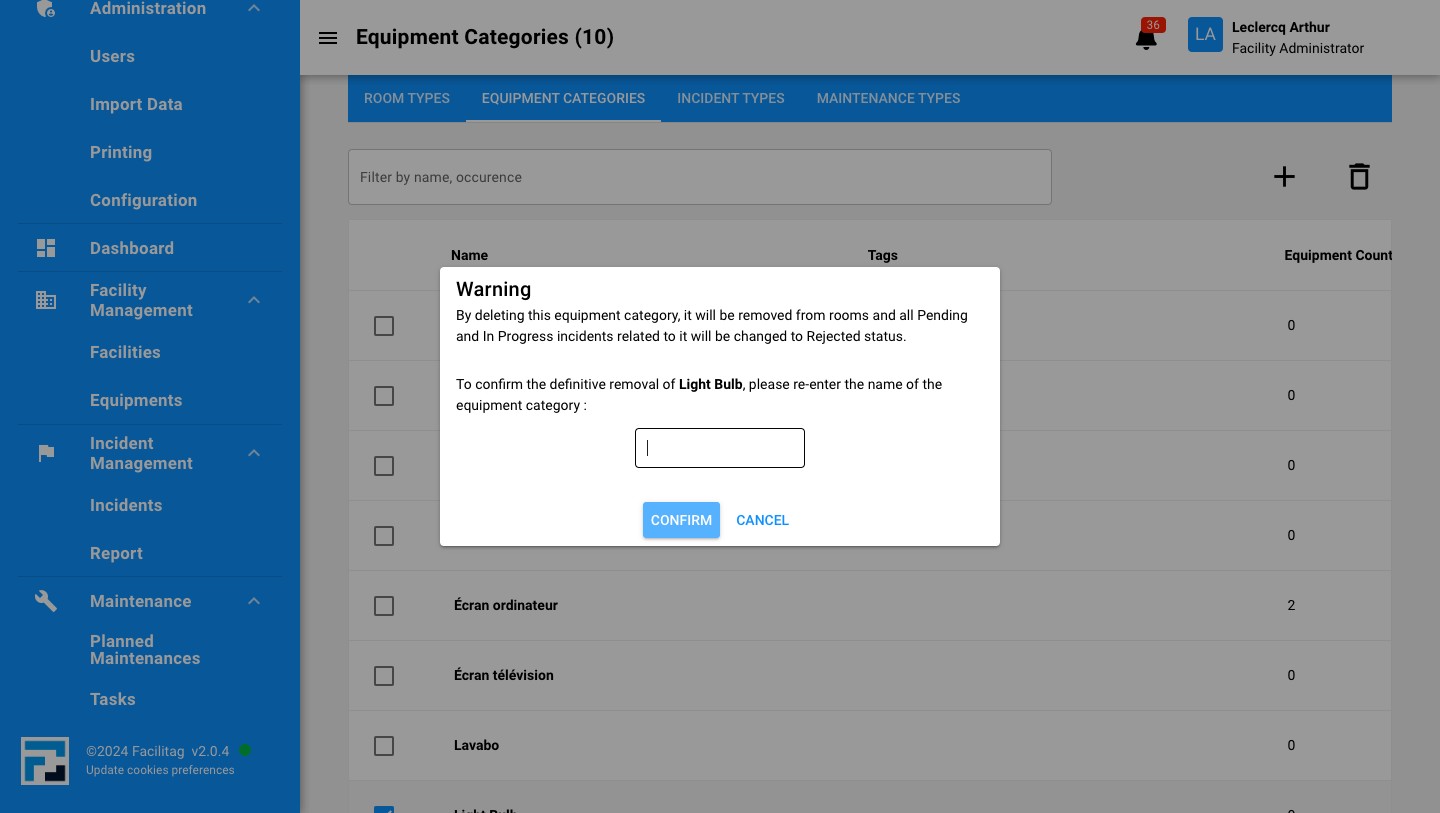
9
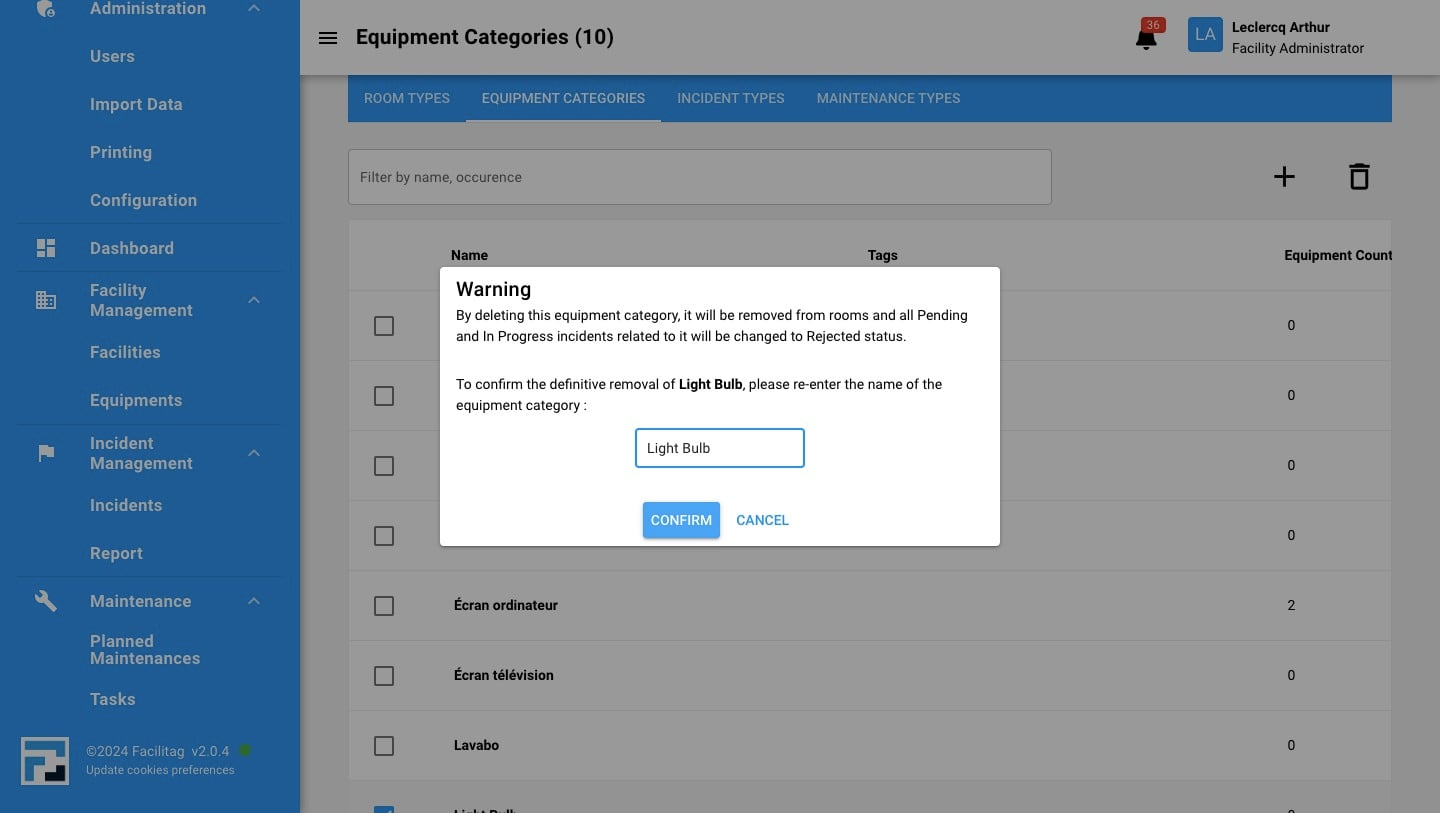
Click here and confirm the removal of this category
10
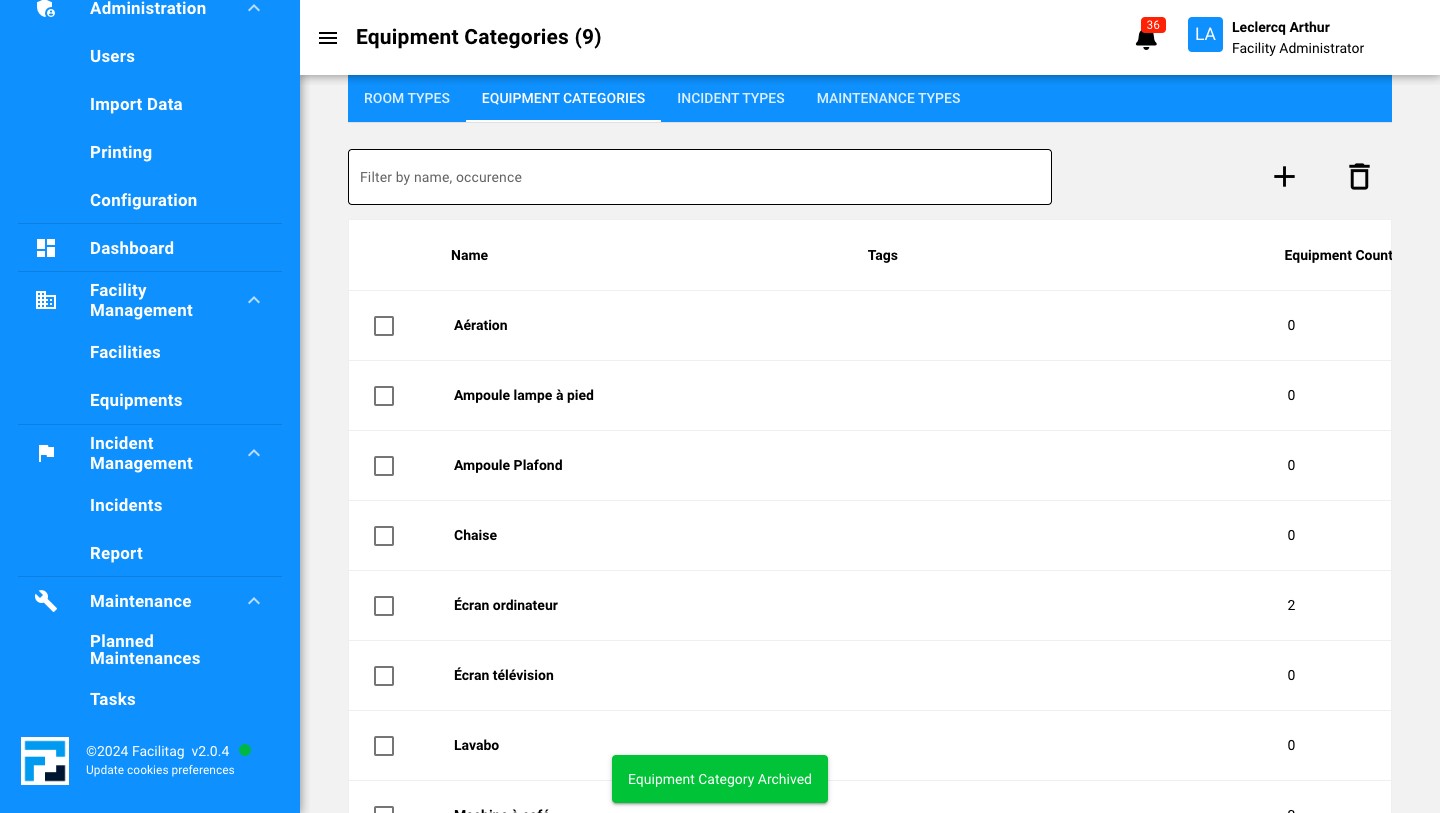
Click on "Confirm"
How to update an equipment category
11
Click here
12
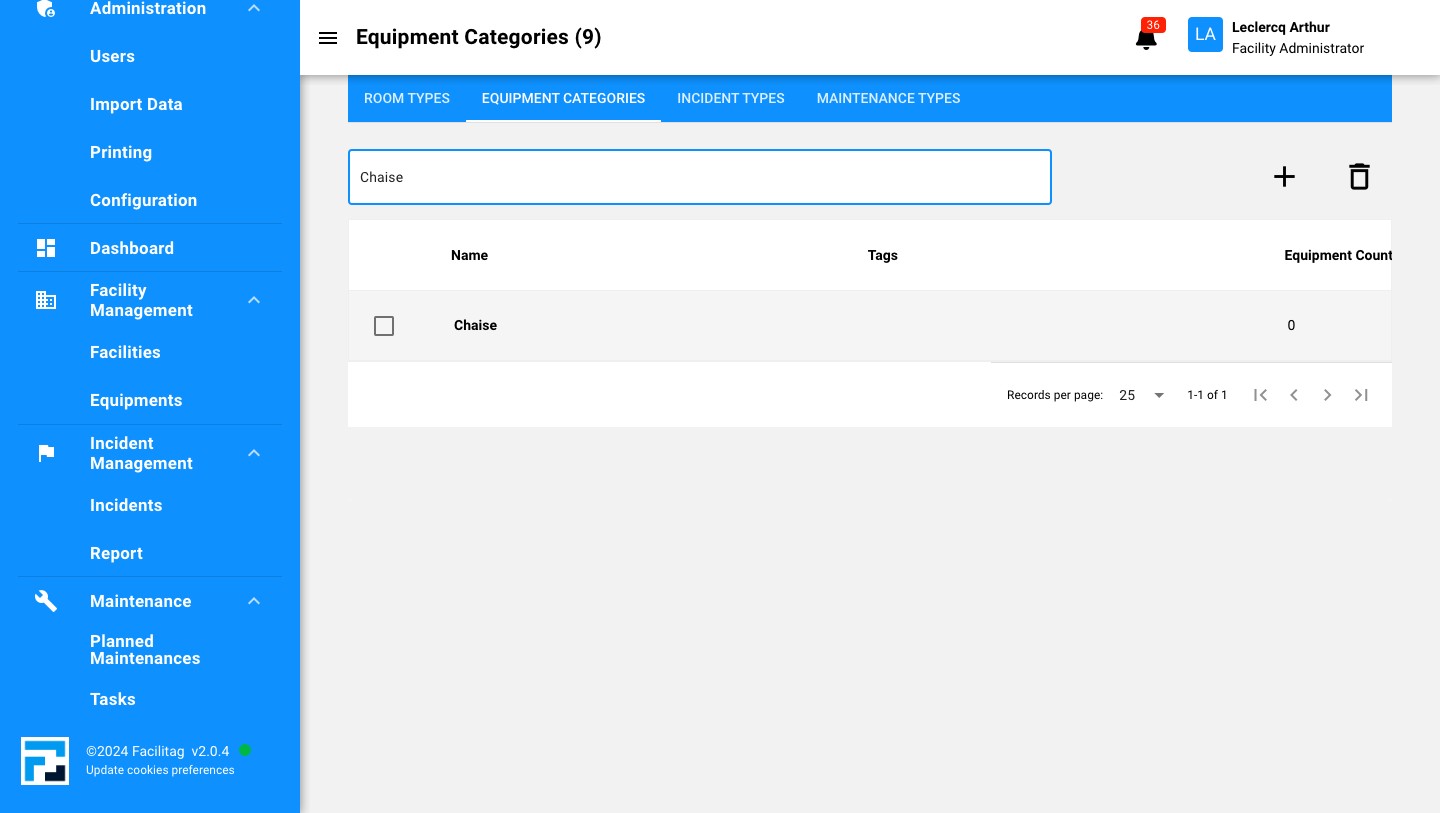
Click on the equipment category
13
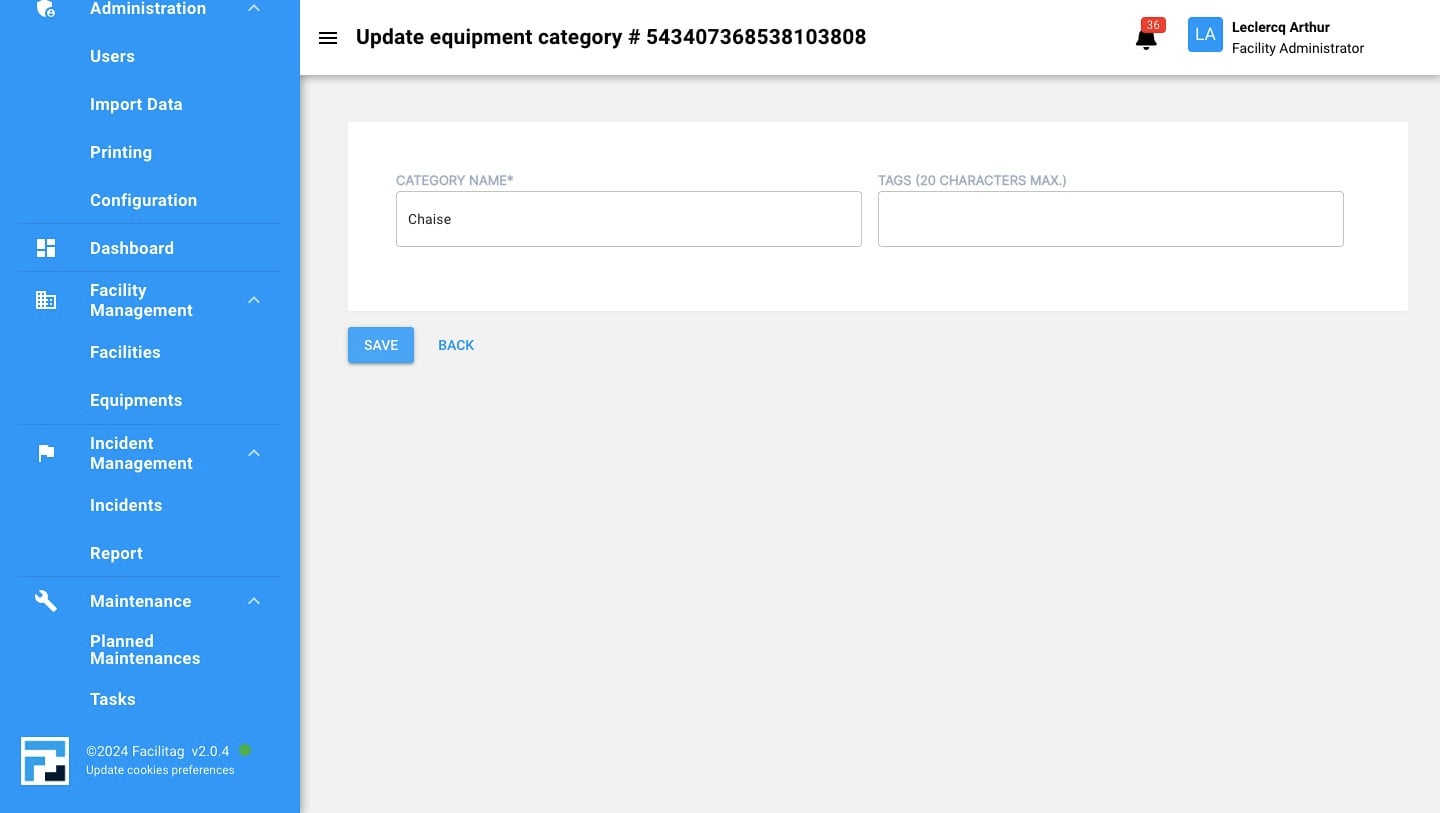
Update Tags or name and Click on "Save"
14
Done 🚀