Add a Generic equipment
1
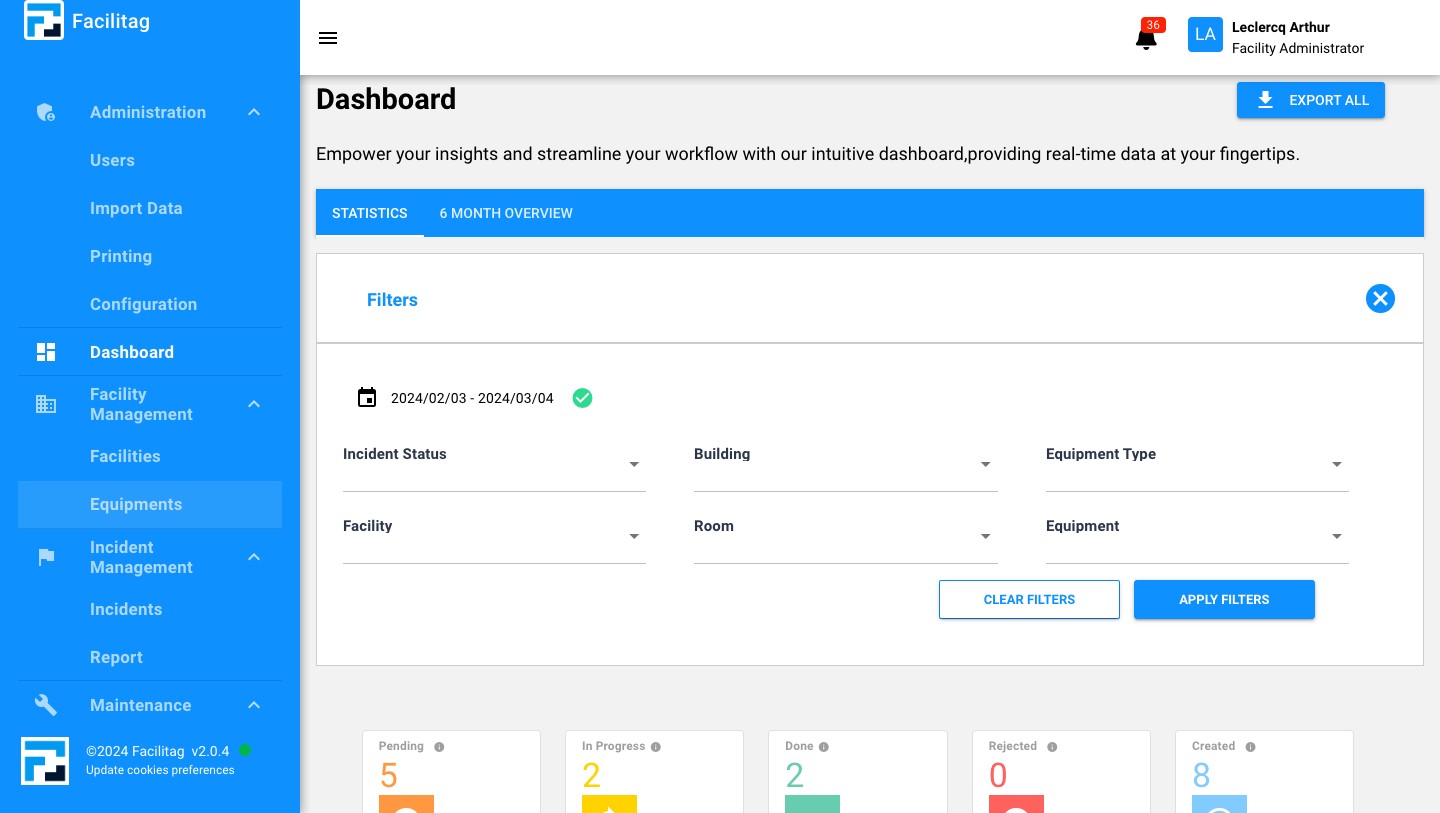
Click on "Equipments"
2
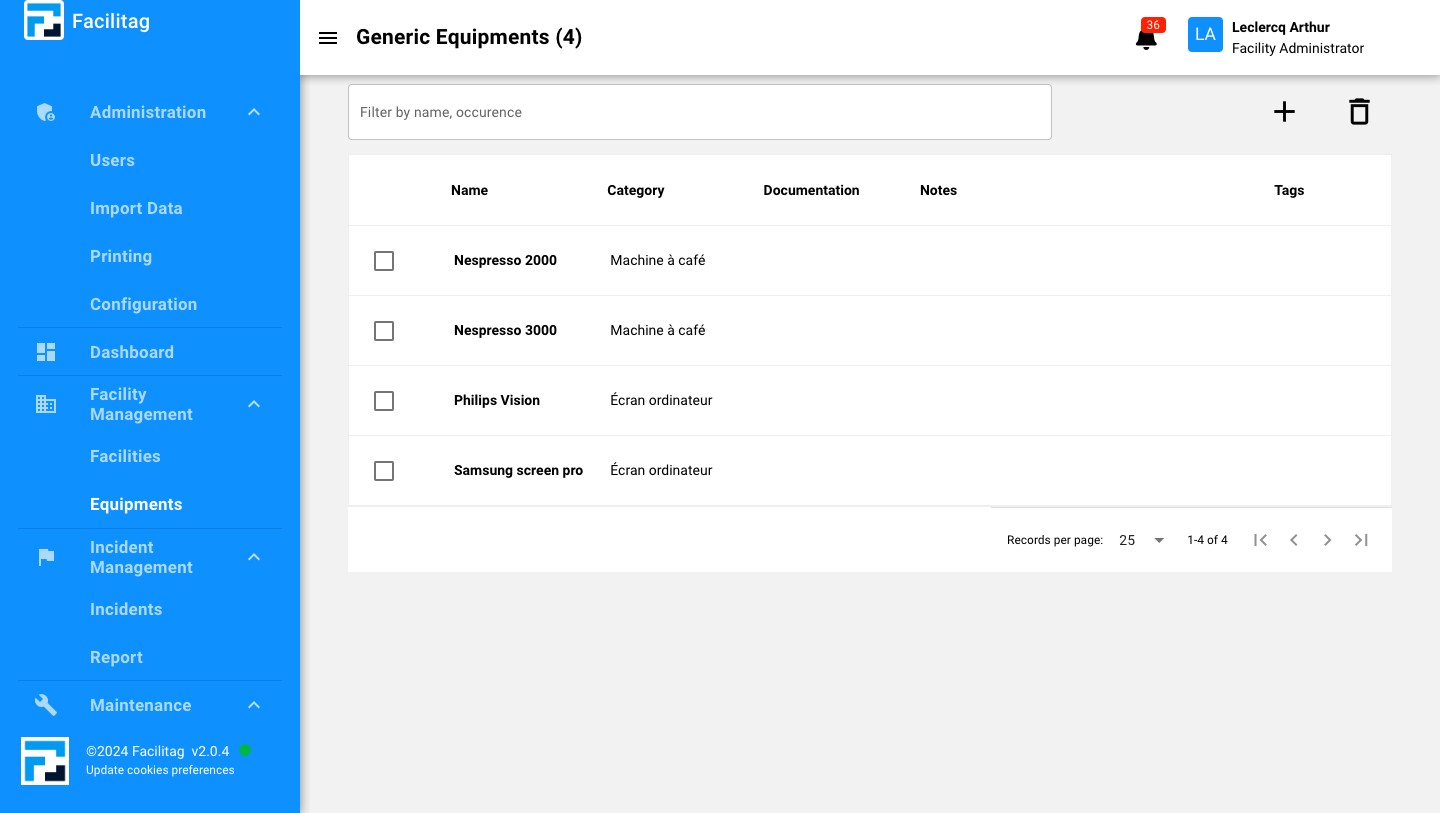
Click this icon
3
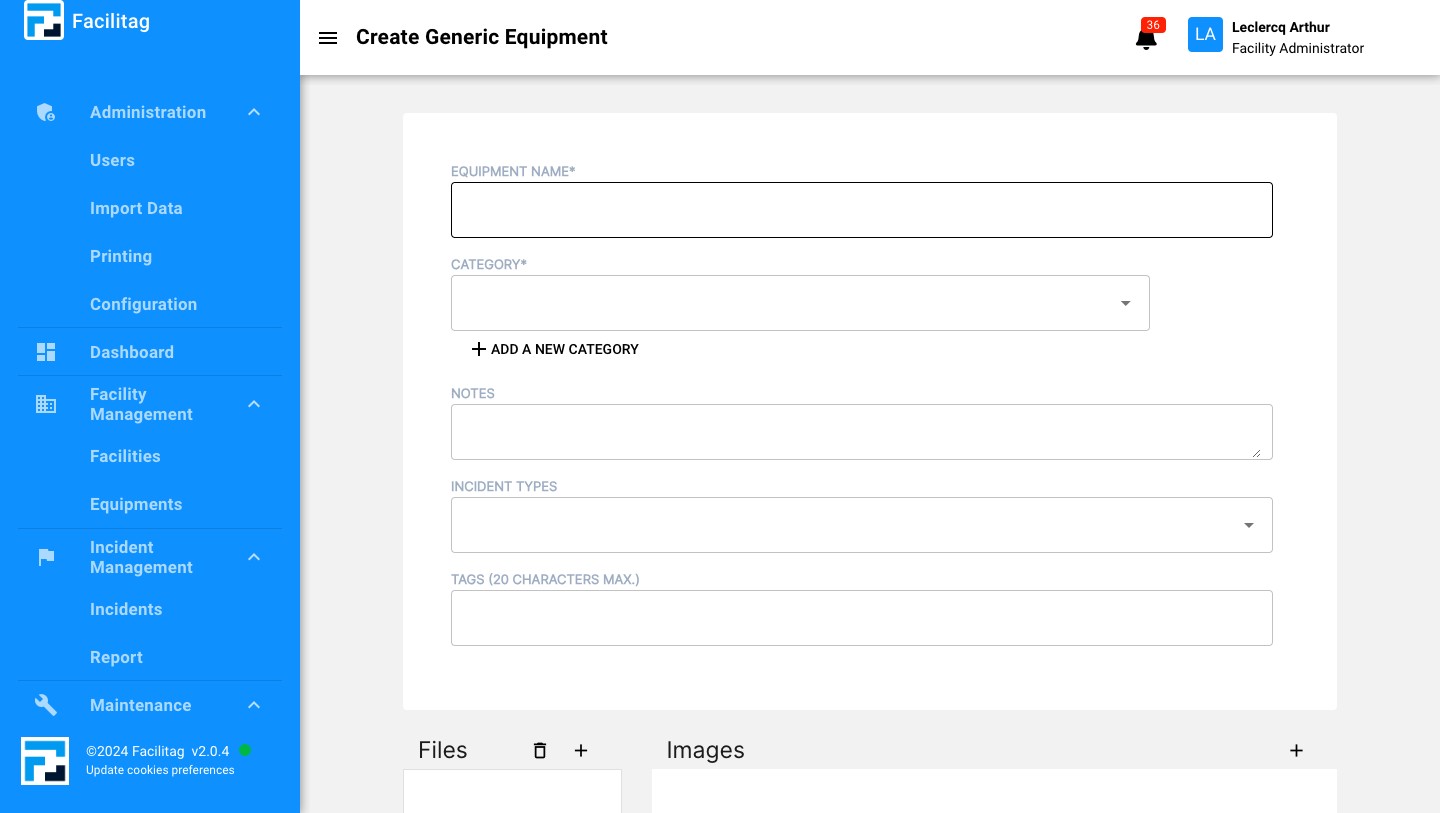
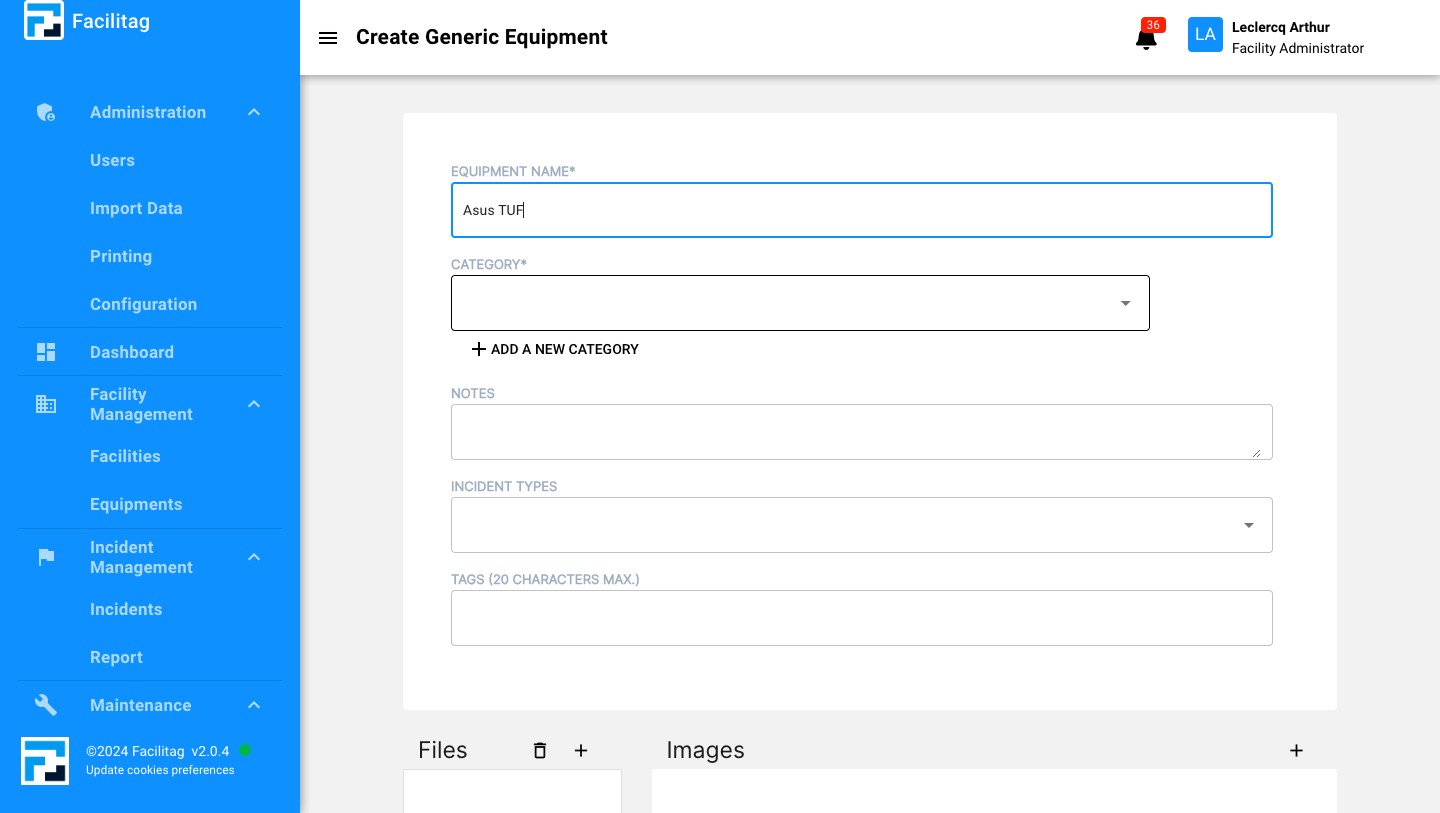
Click here and type its name
4
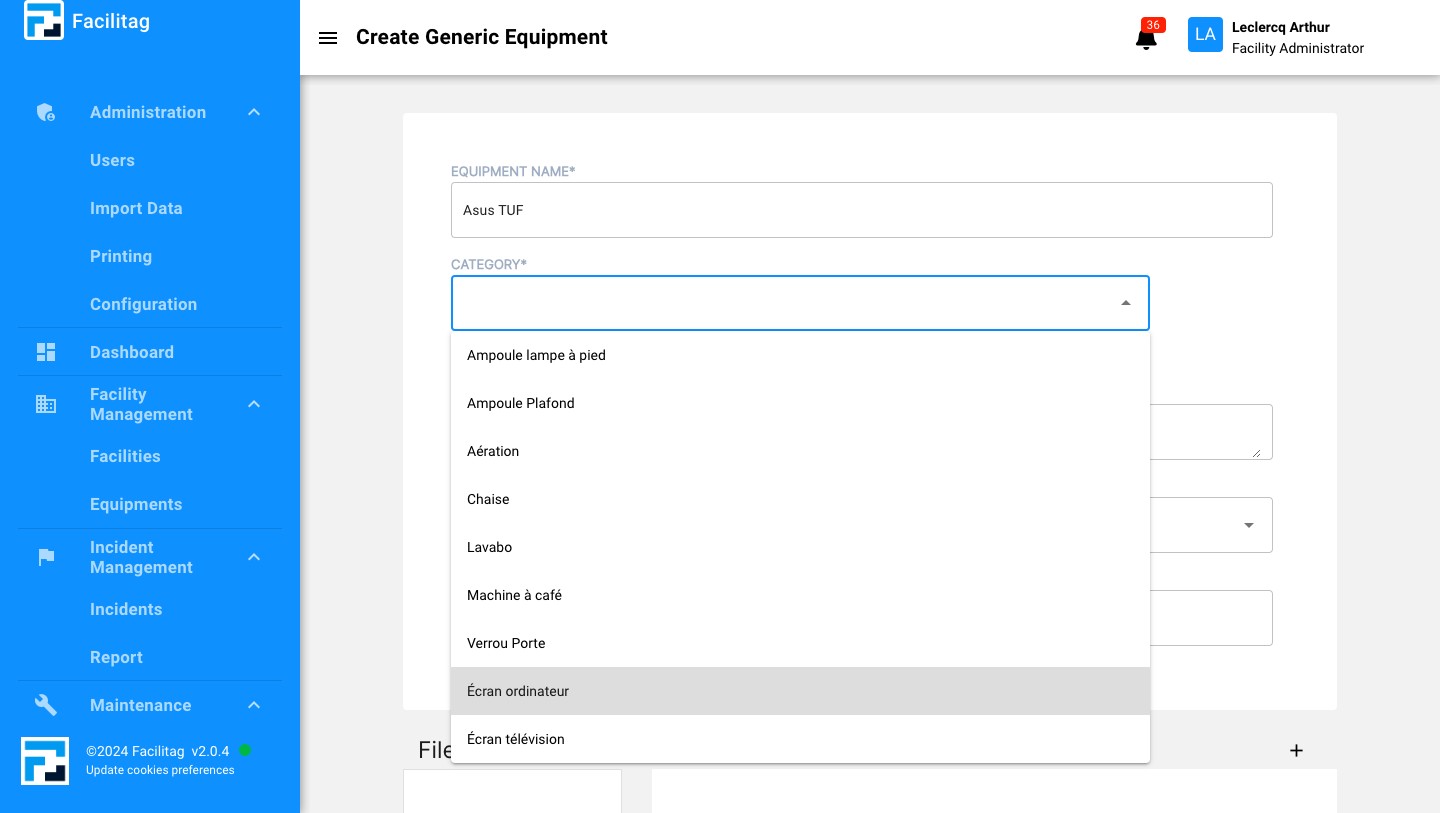
Click here and select a category
5
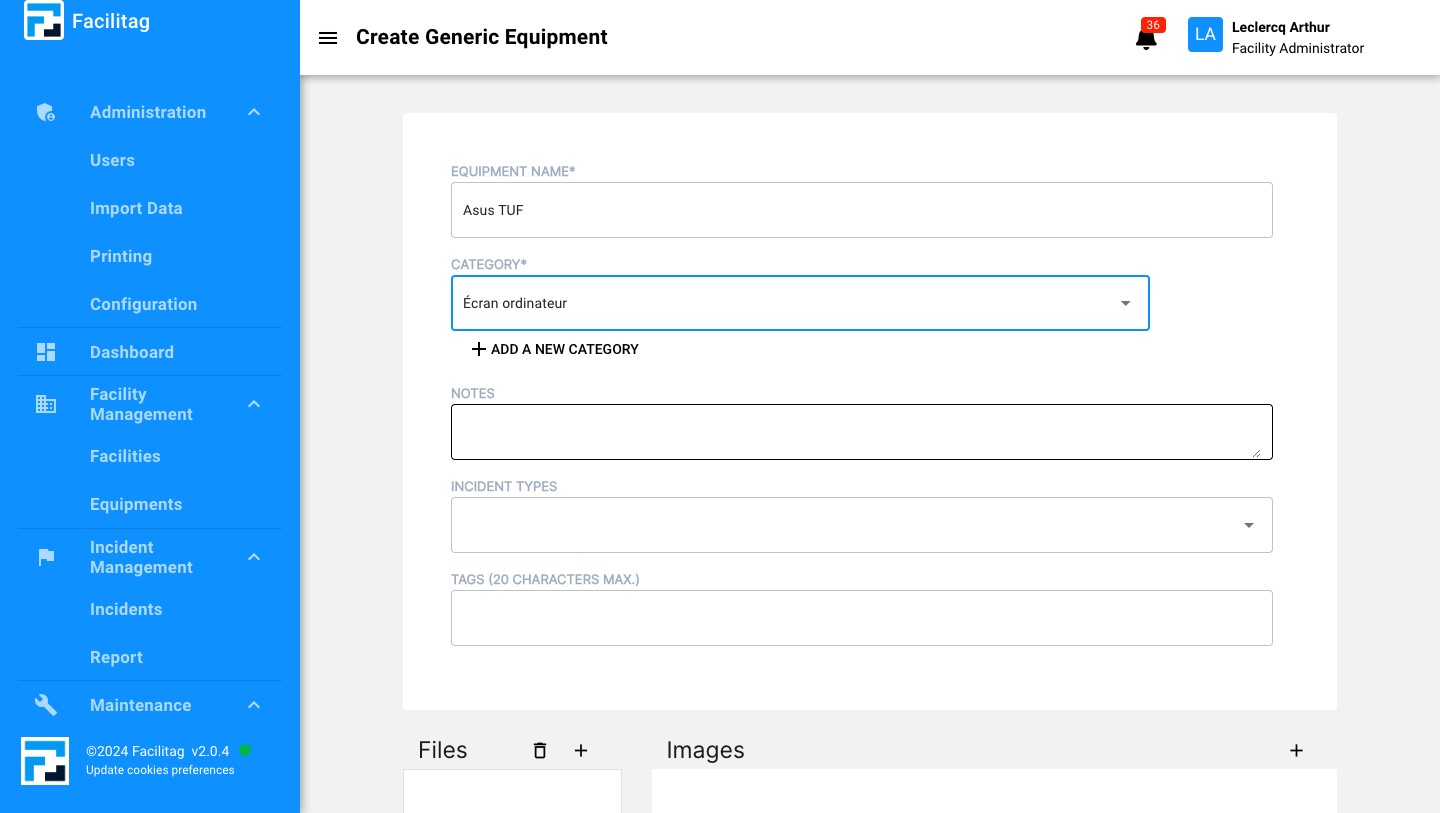
Select the category
6
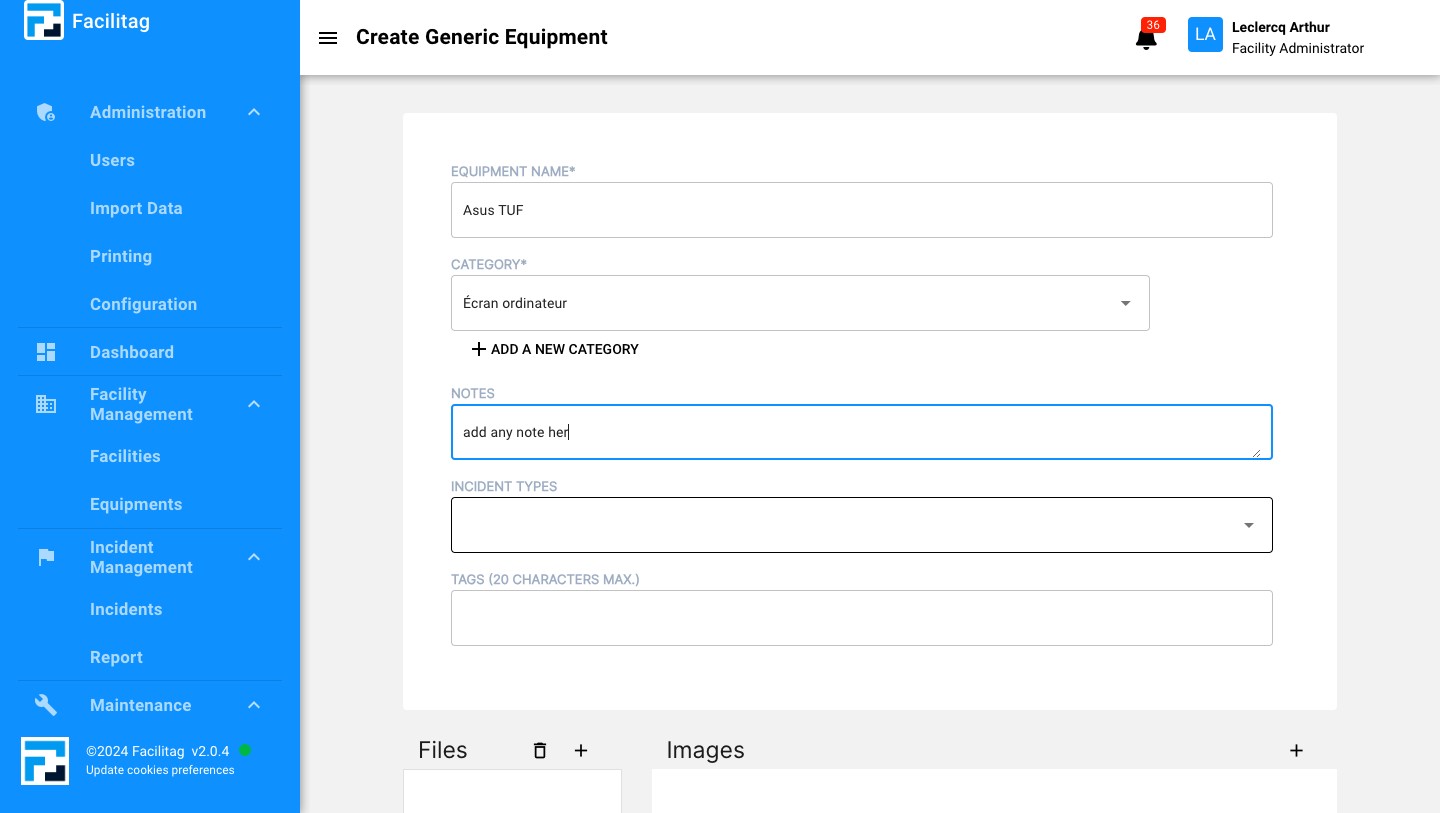
Click here and add notes here if needed
7
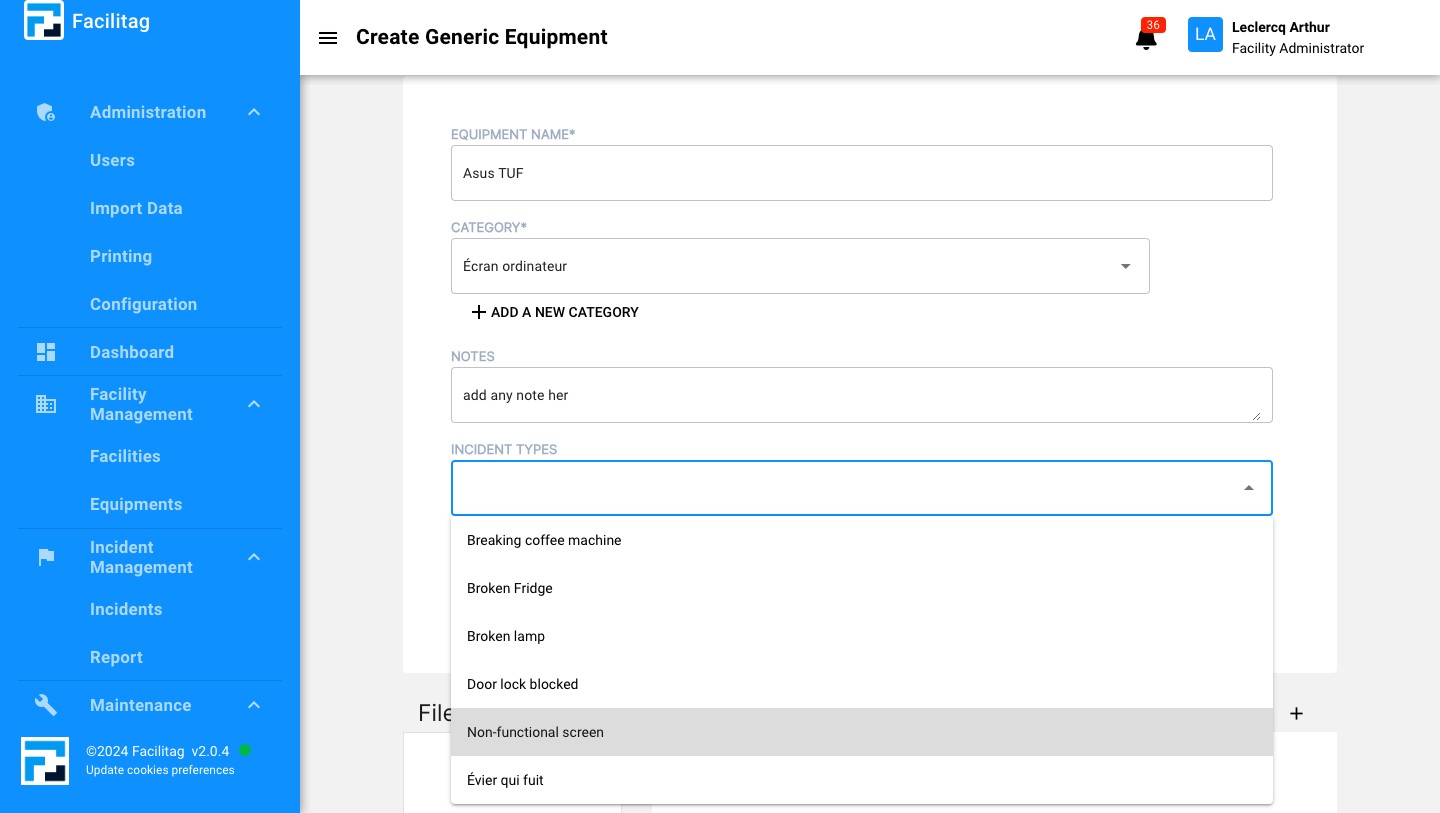
Link it to an incident type (optional)
8
Select the right incident type
9
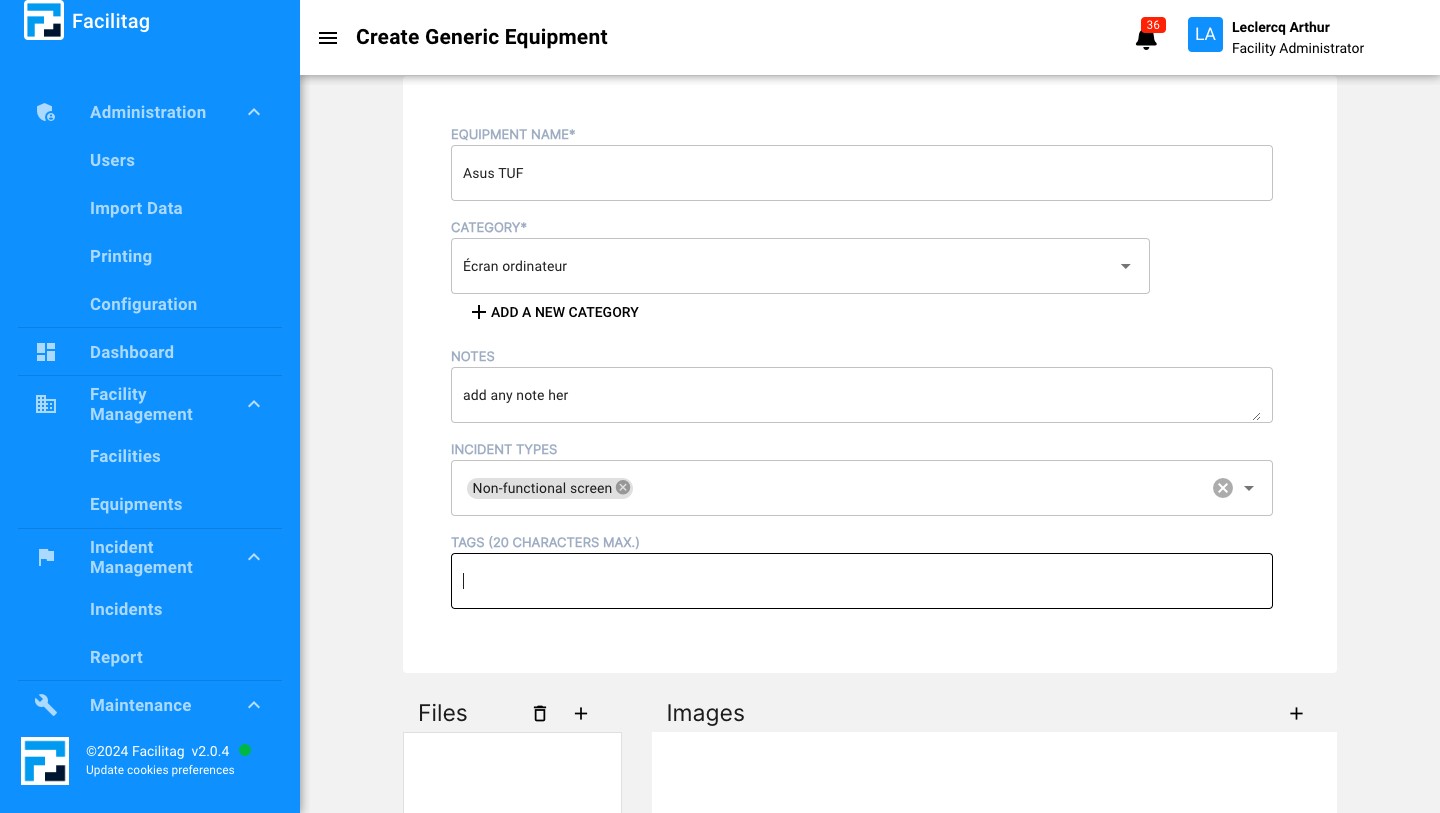
Click here to add tags
10
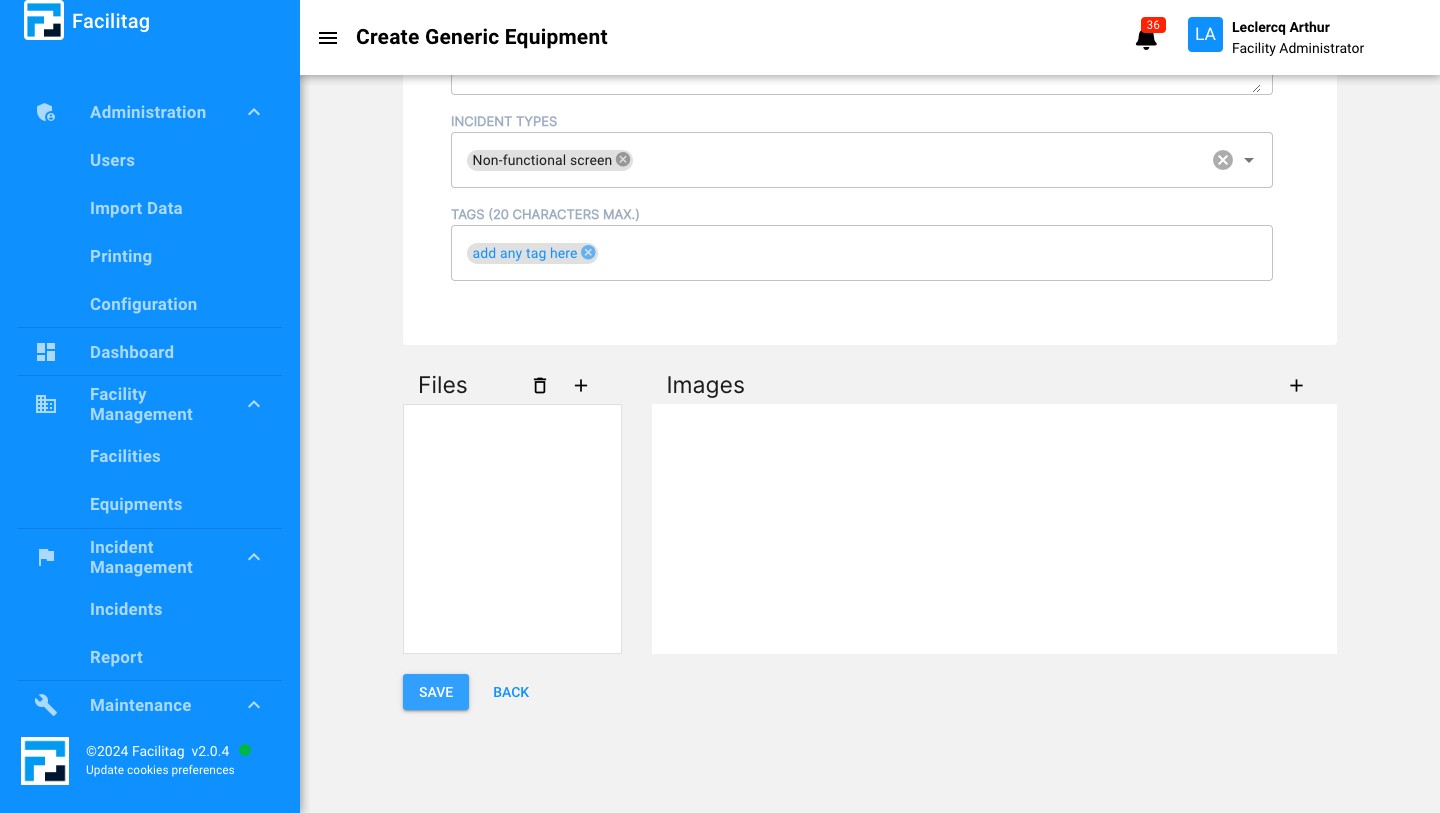
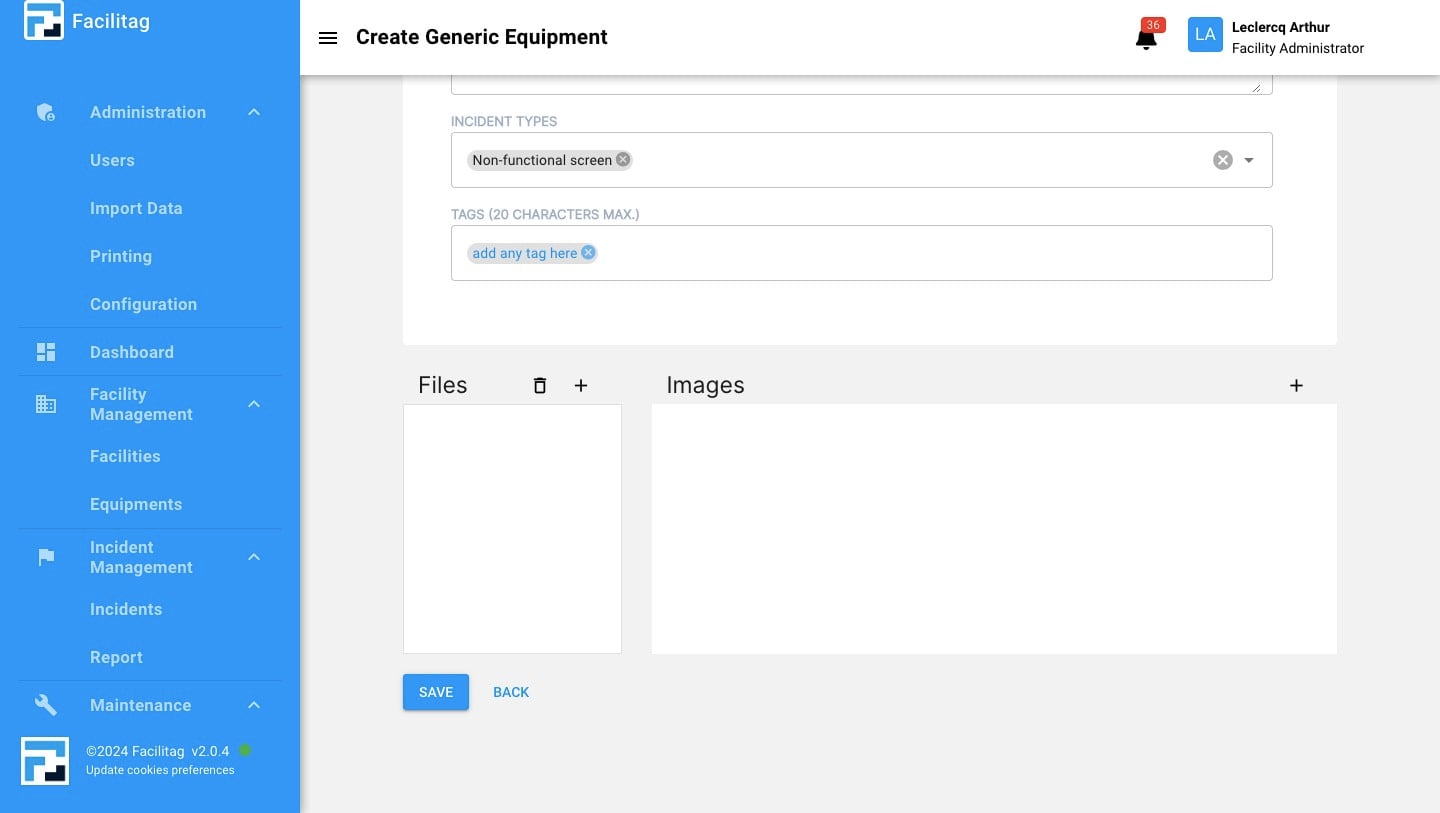
Scroll Down, if you want, you can upload files attached to the equipments by clicking here
11
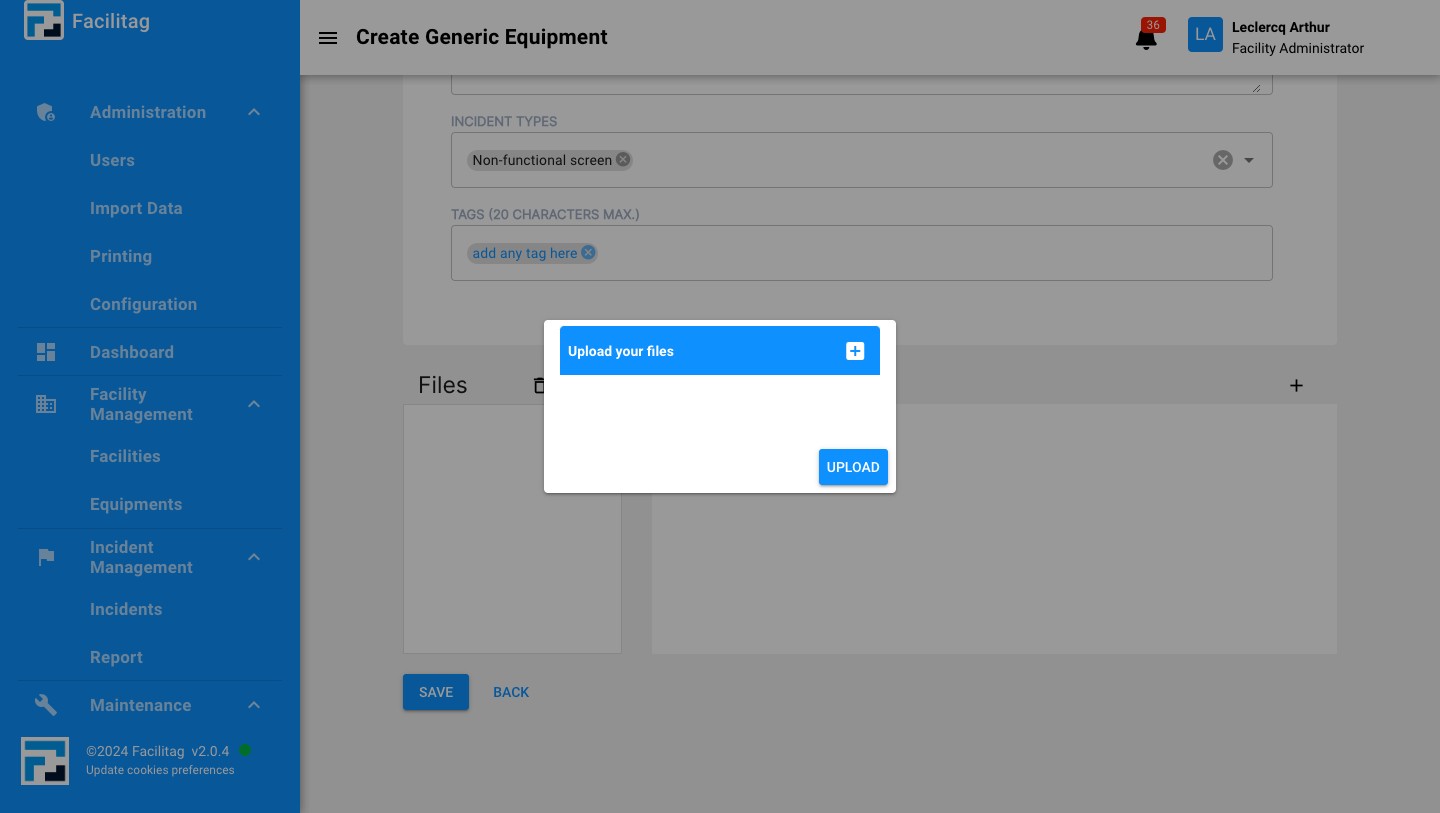
Select the right file and upload it
12
If you want, you can upload pictures of the equipments by clicking here
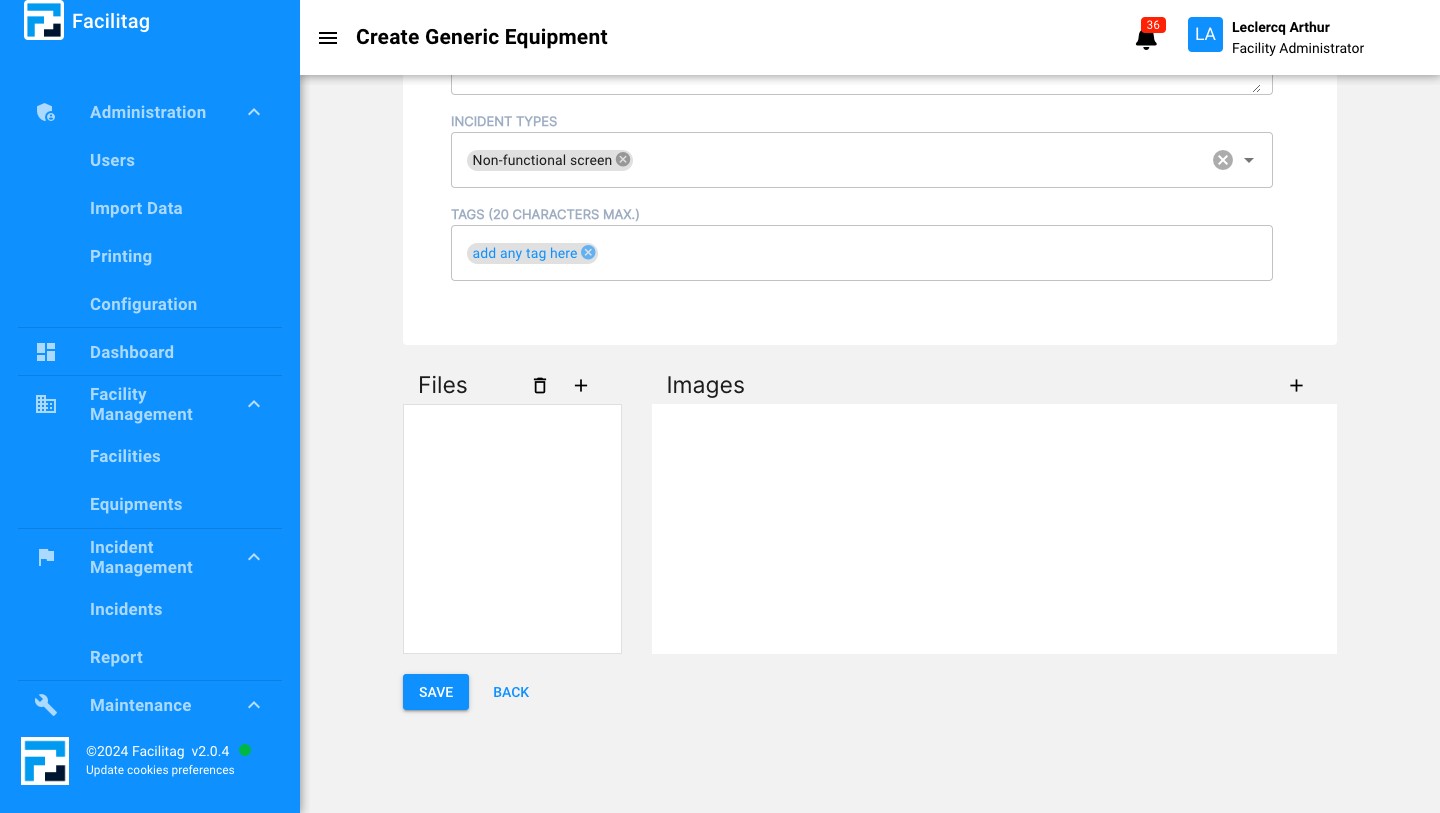
13
Click here to upload it
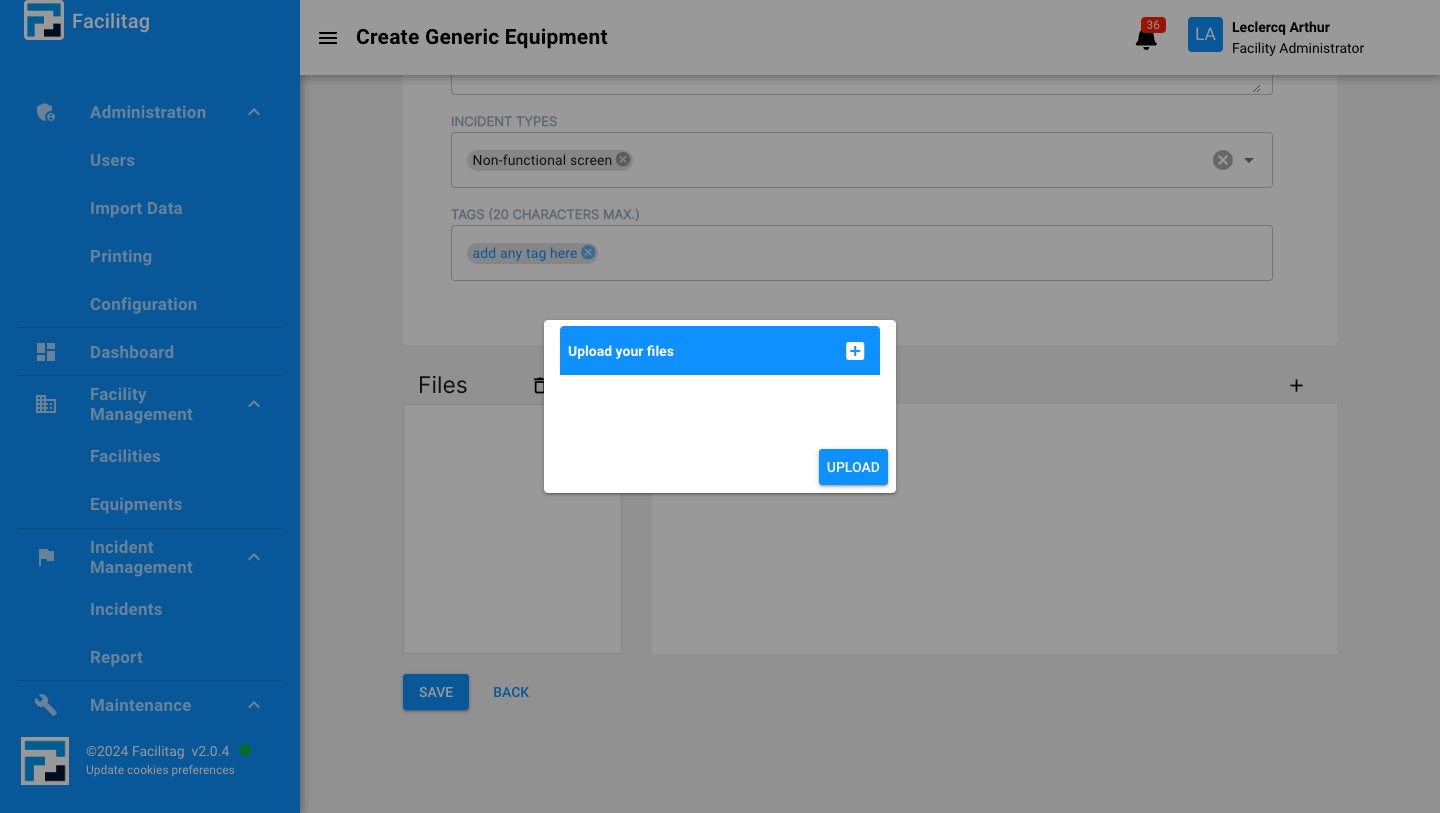
14
Save the updates