Display and Export Statistics
1
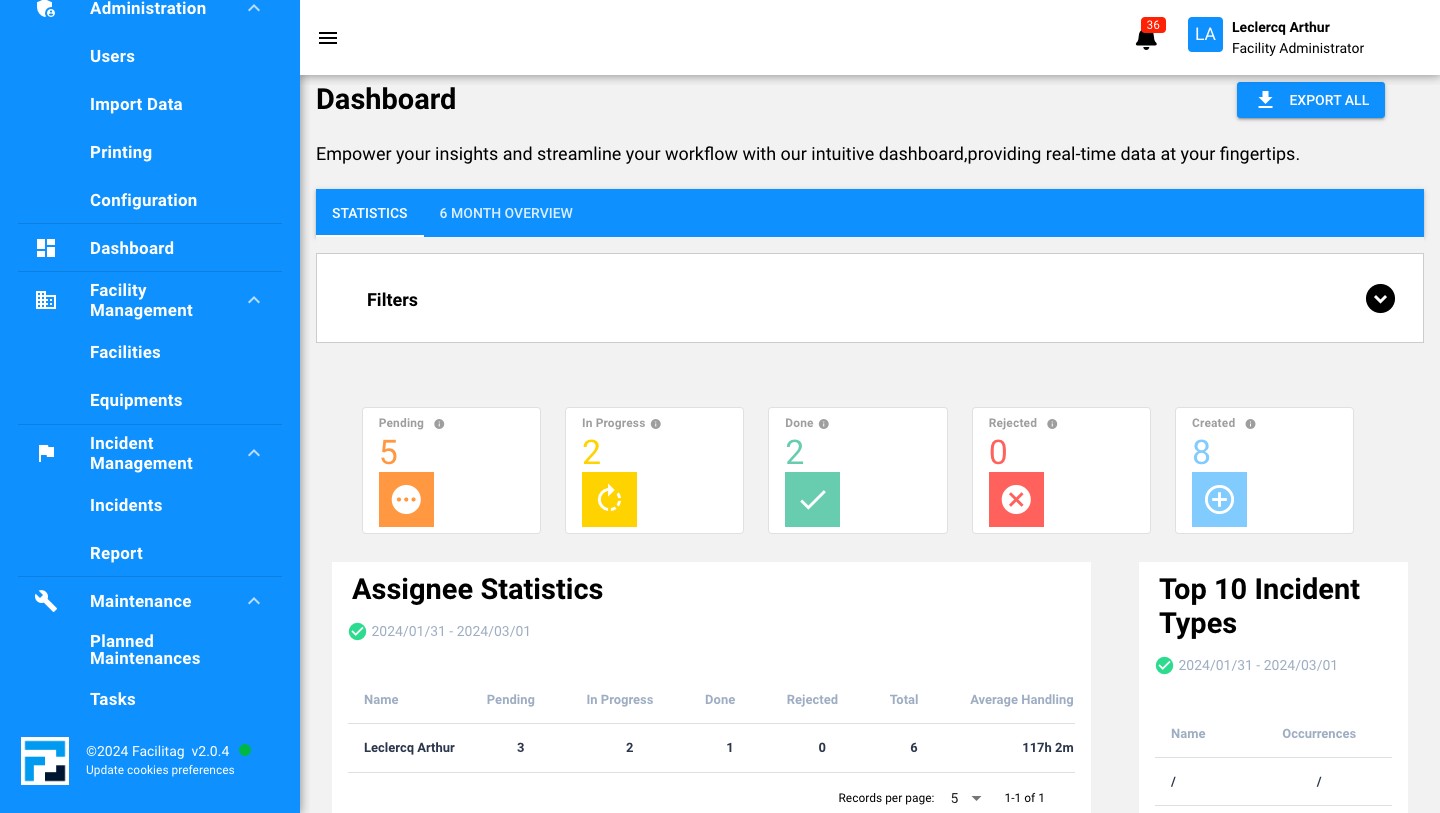
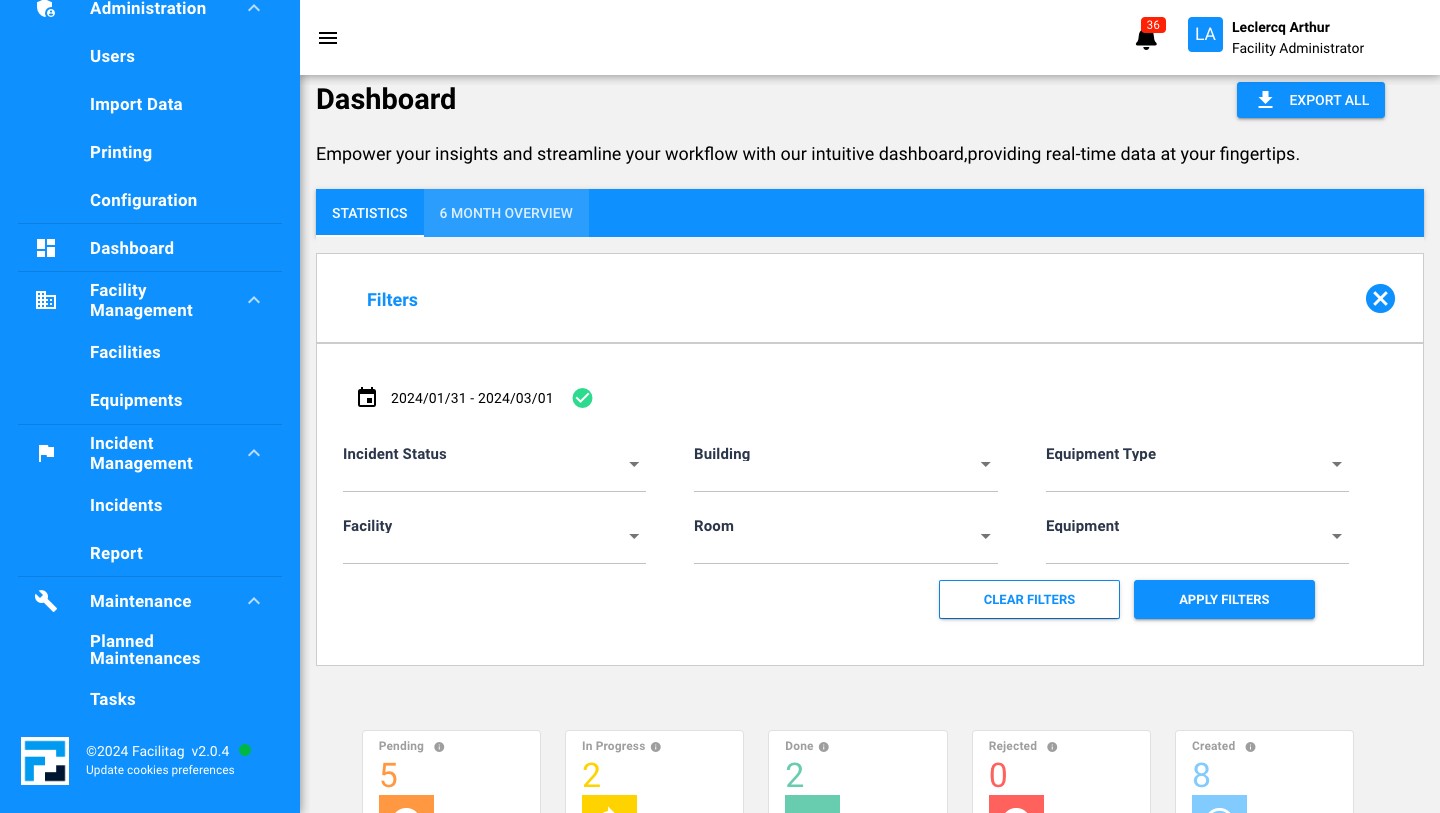
Add filters to specify statistics
2
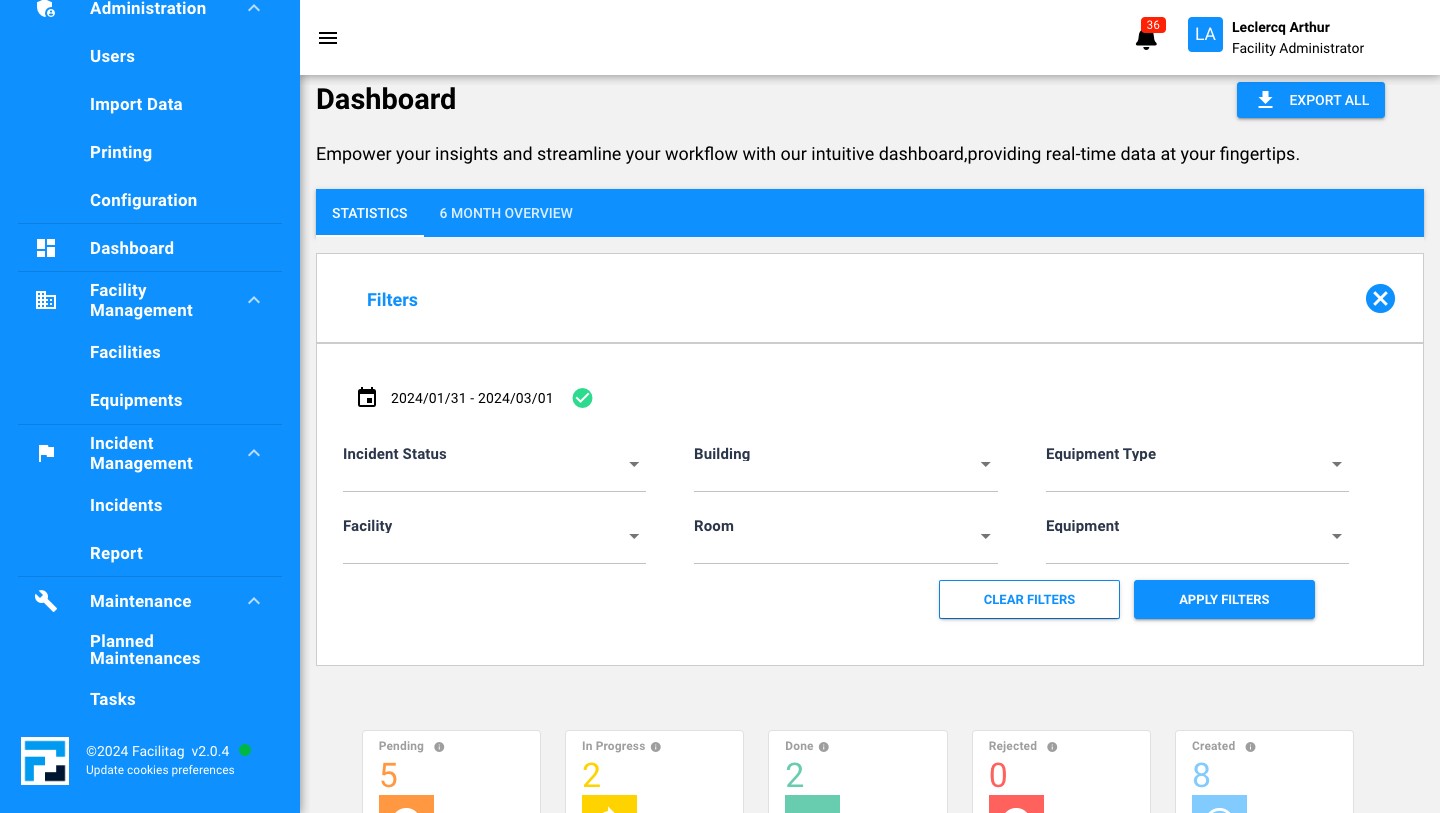
Add Status, building, room...
3
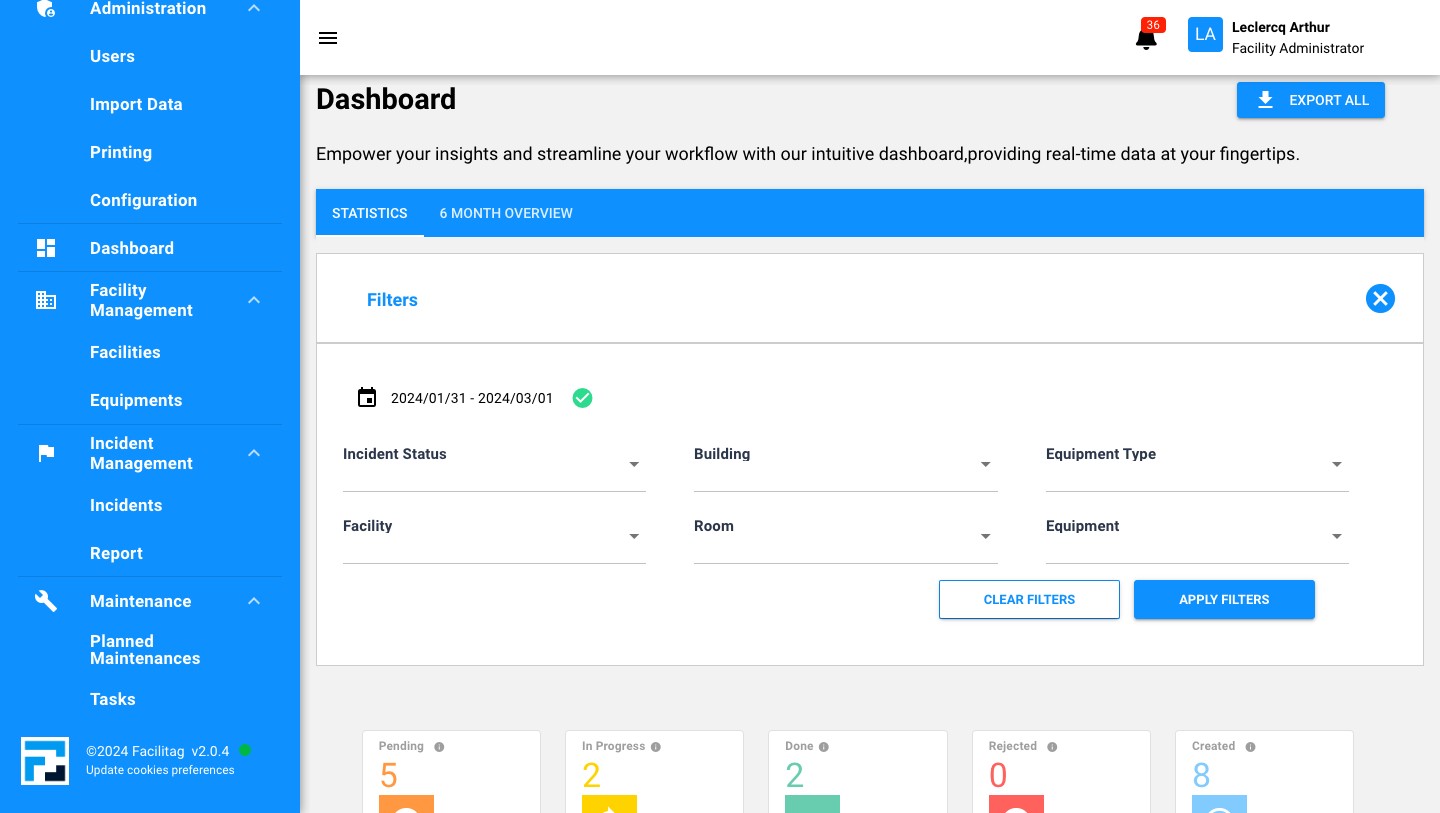
Apply them
4
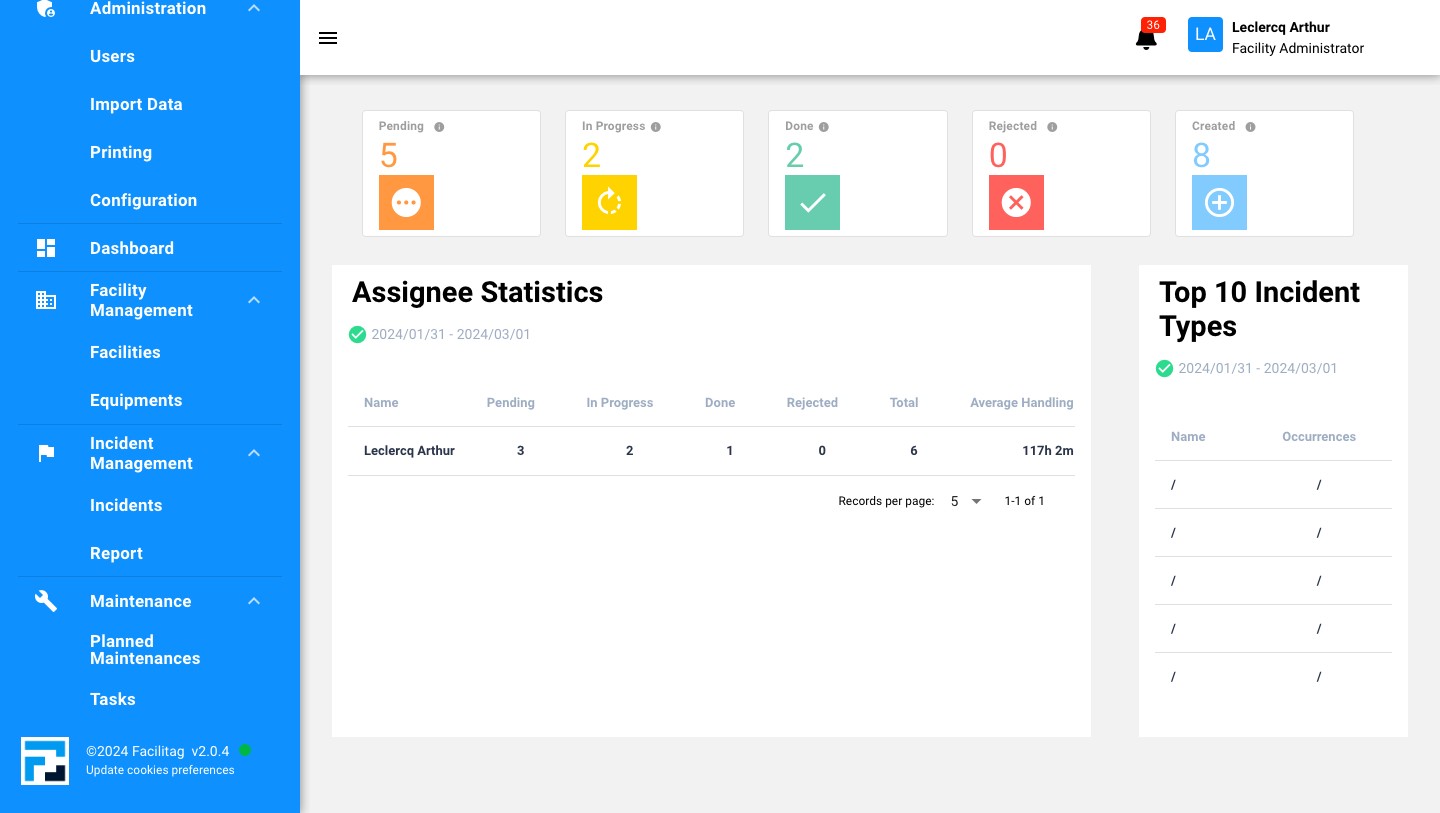
Scroll down and explore statistics
5
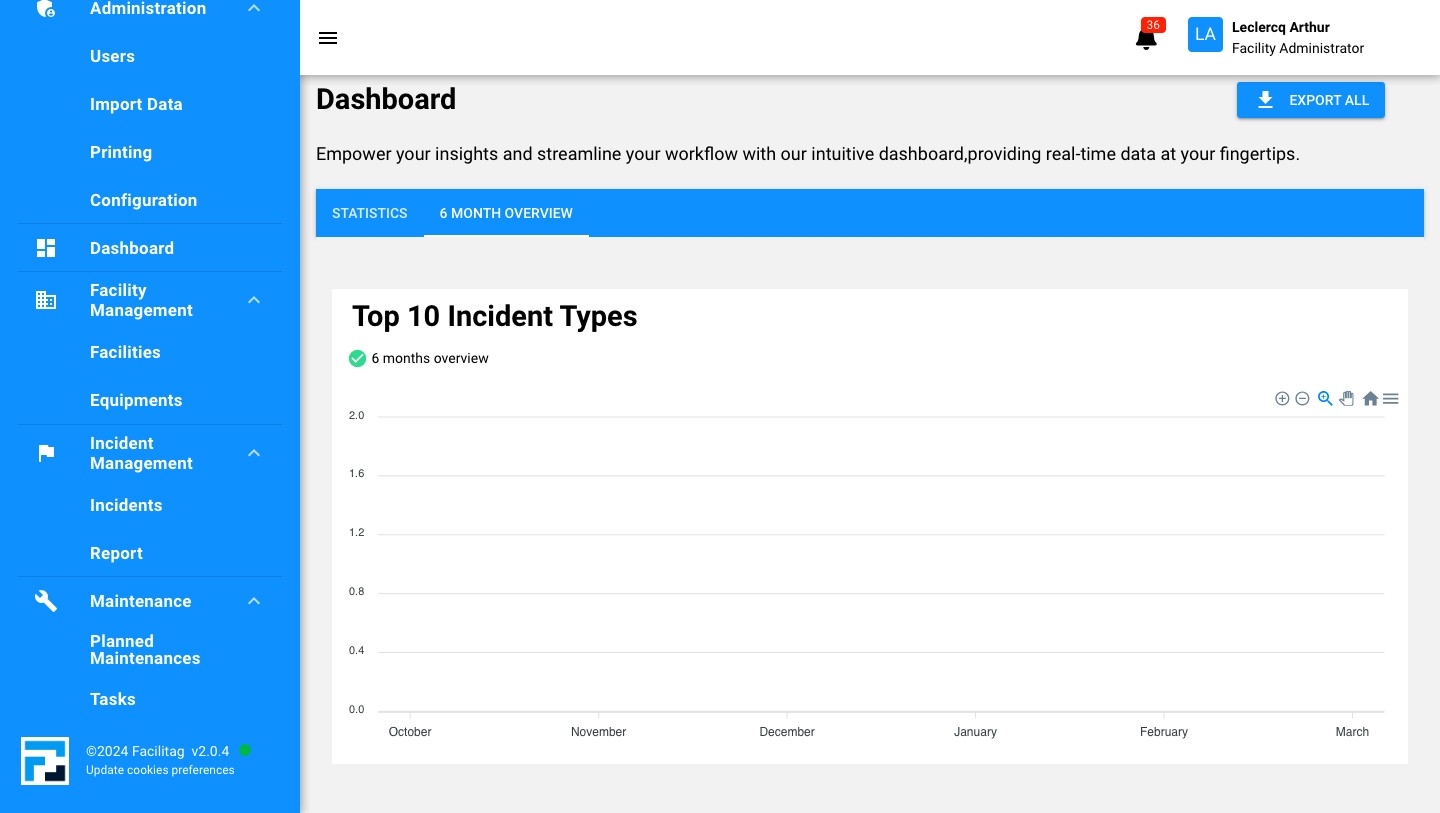
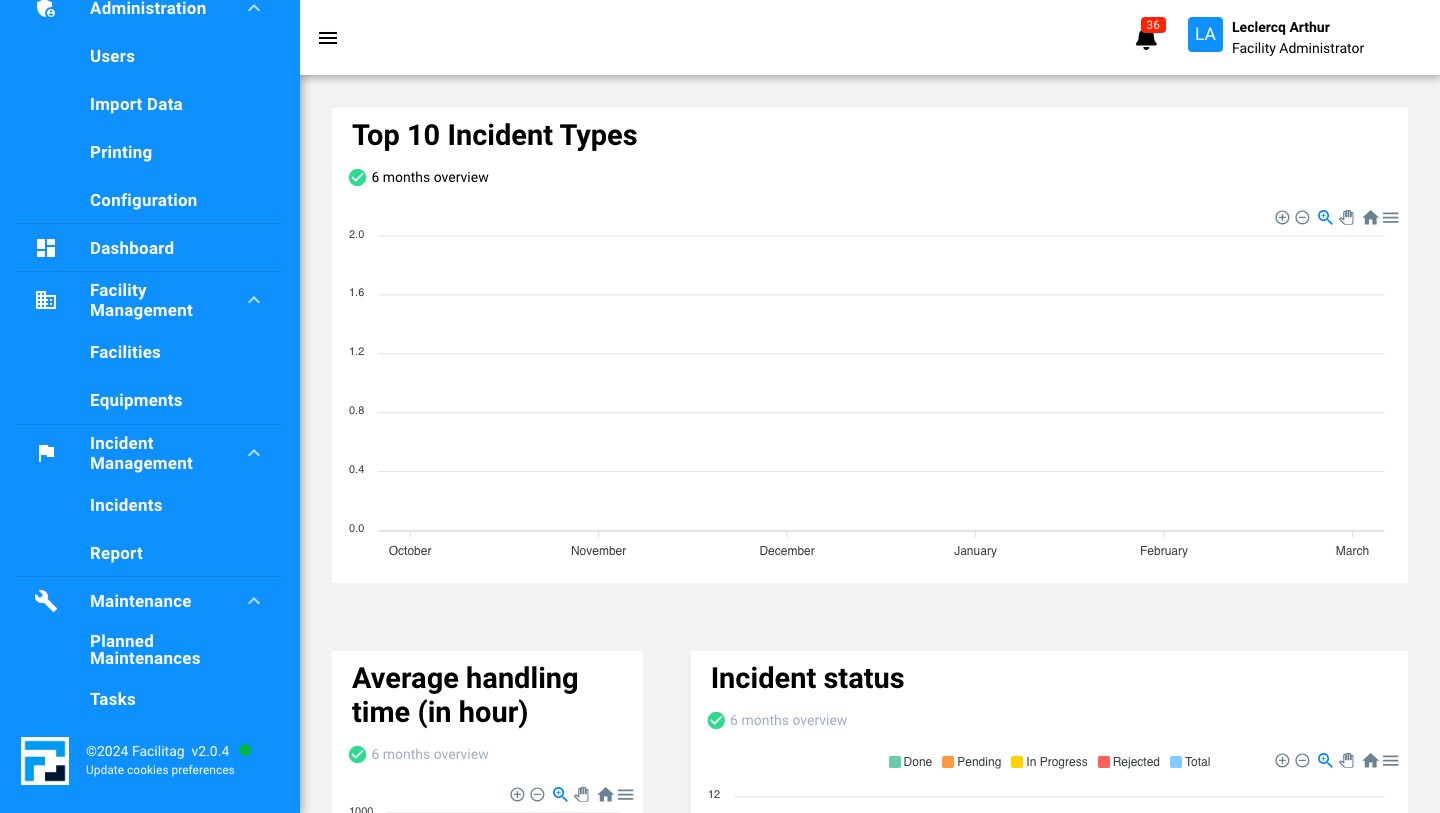
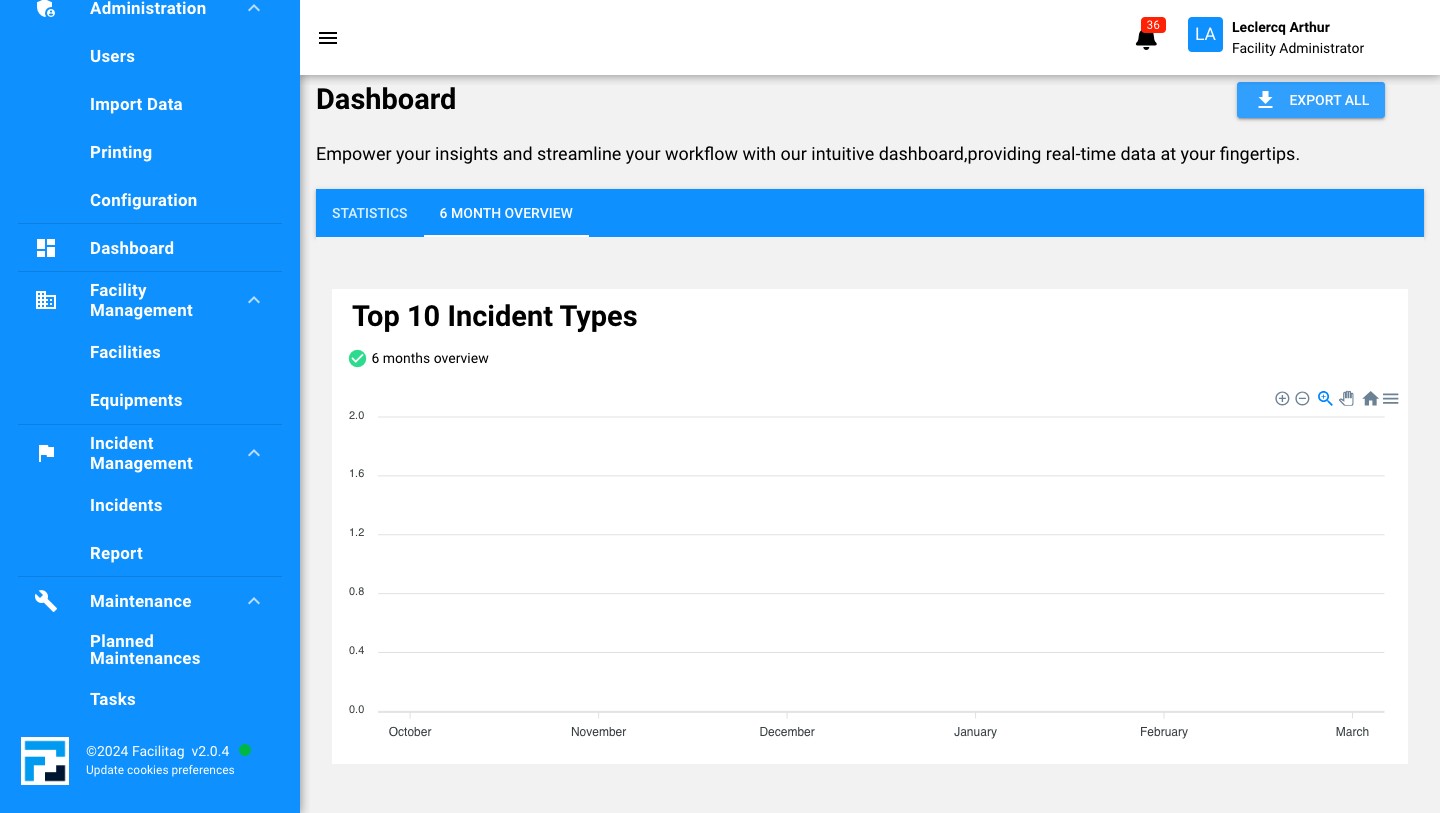
Click on "6 Month Overview" to see statistics of the past 6 months
6
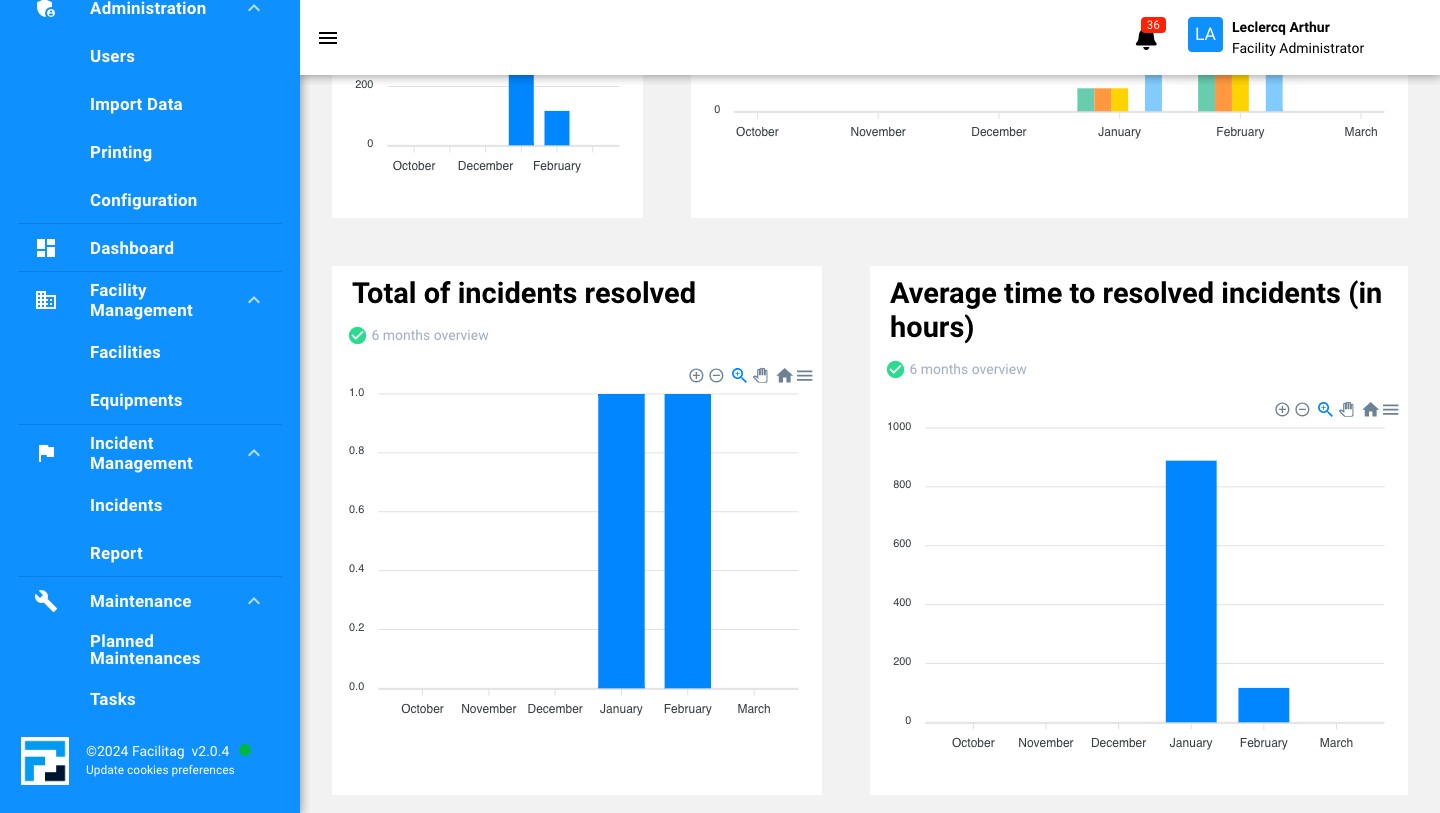
Scroll down to see all the statistics
7
Scroll down to see all the statistics
8
You can export data by Clicking on "Export All"
9
Done 🚀