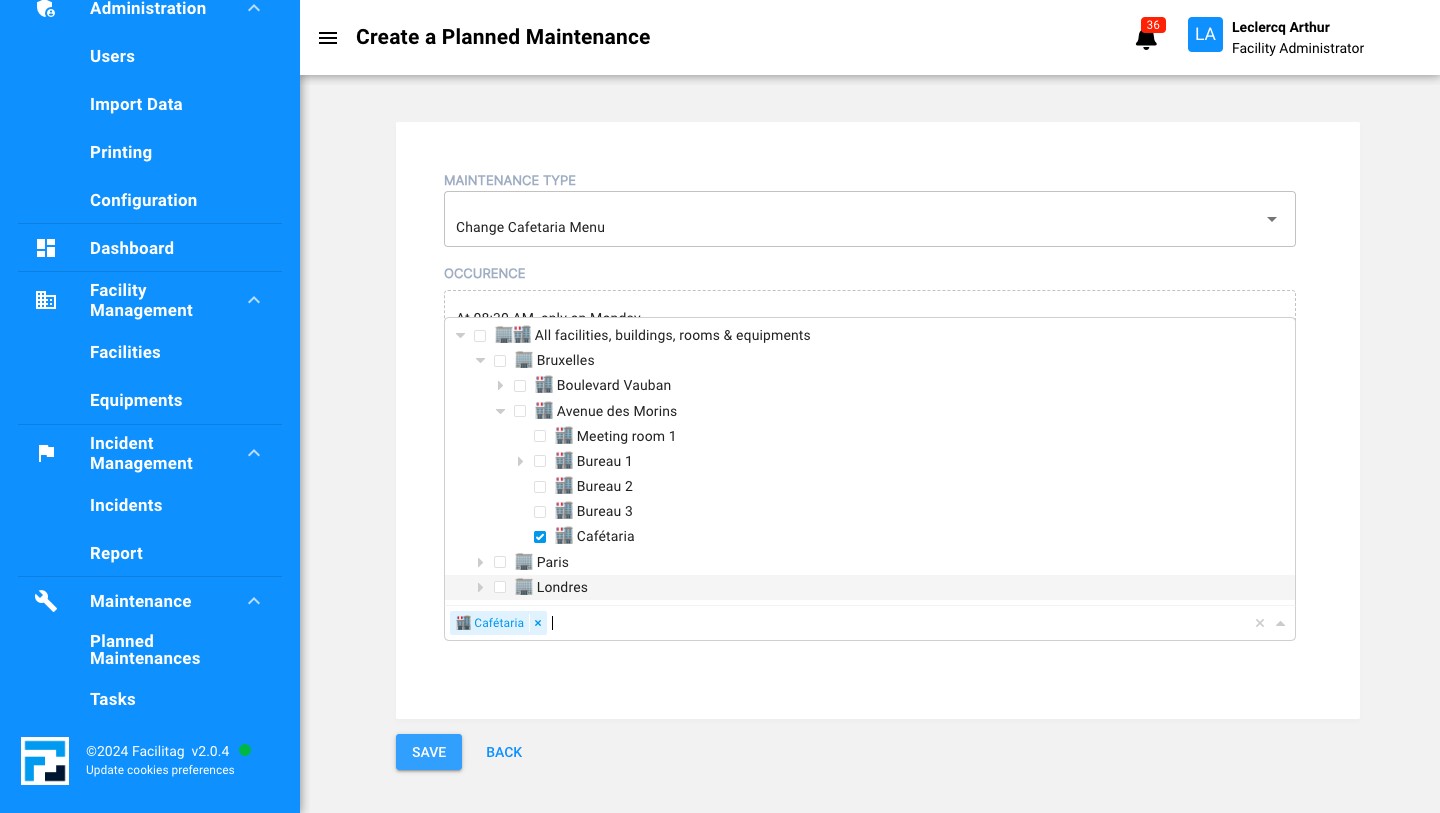
Plan a new maintenance
1
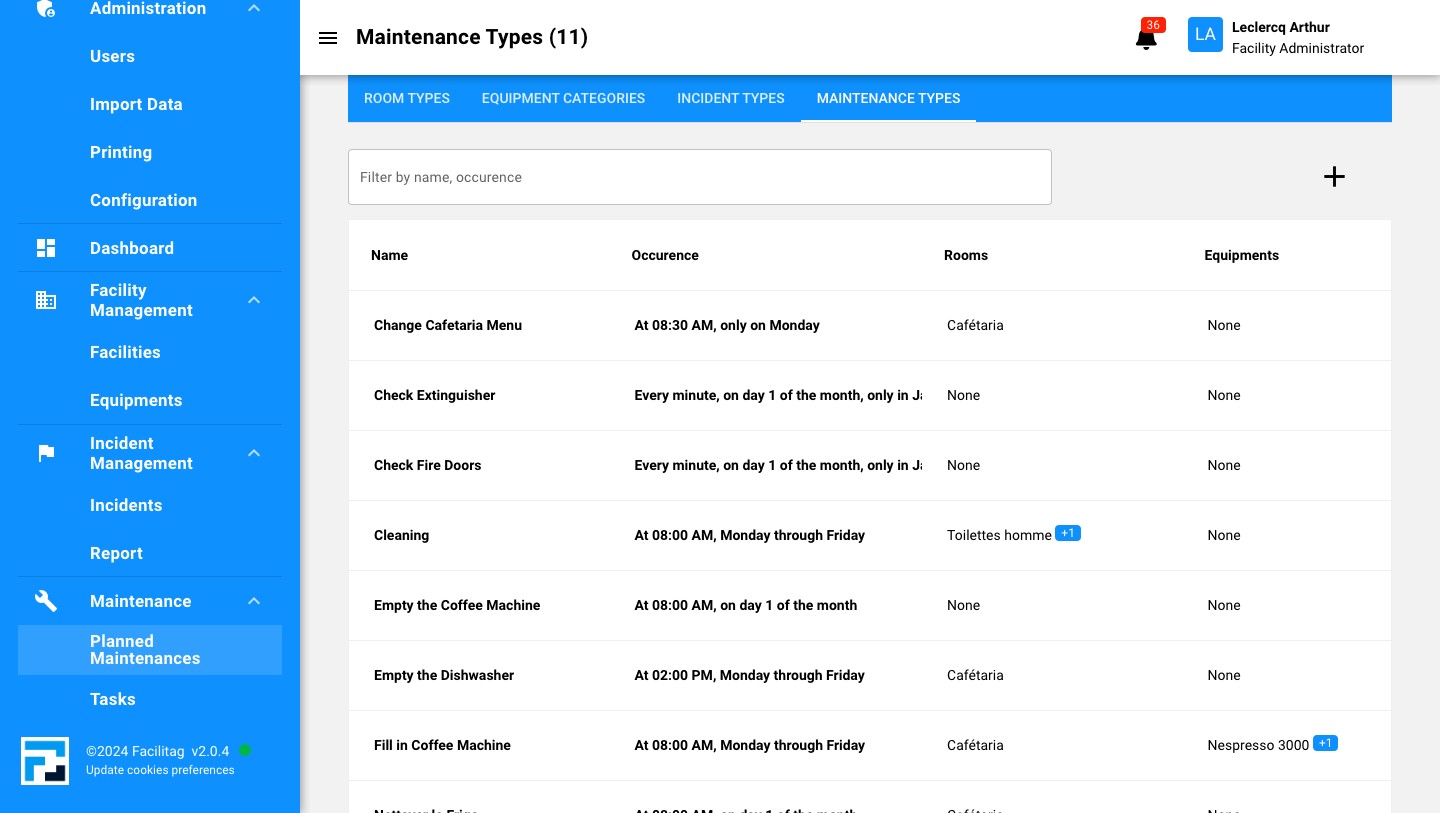
Click on "Planned Maintenances"
2
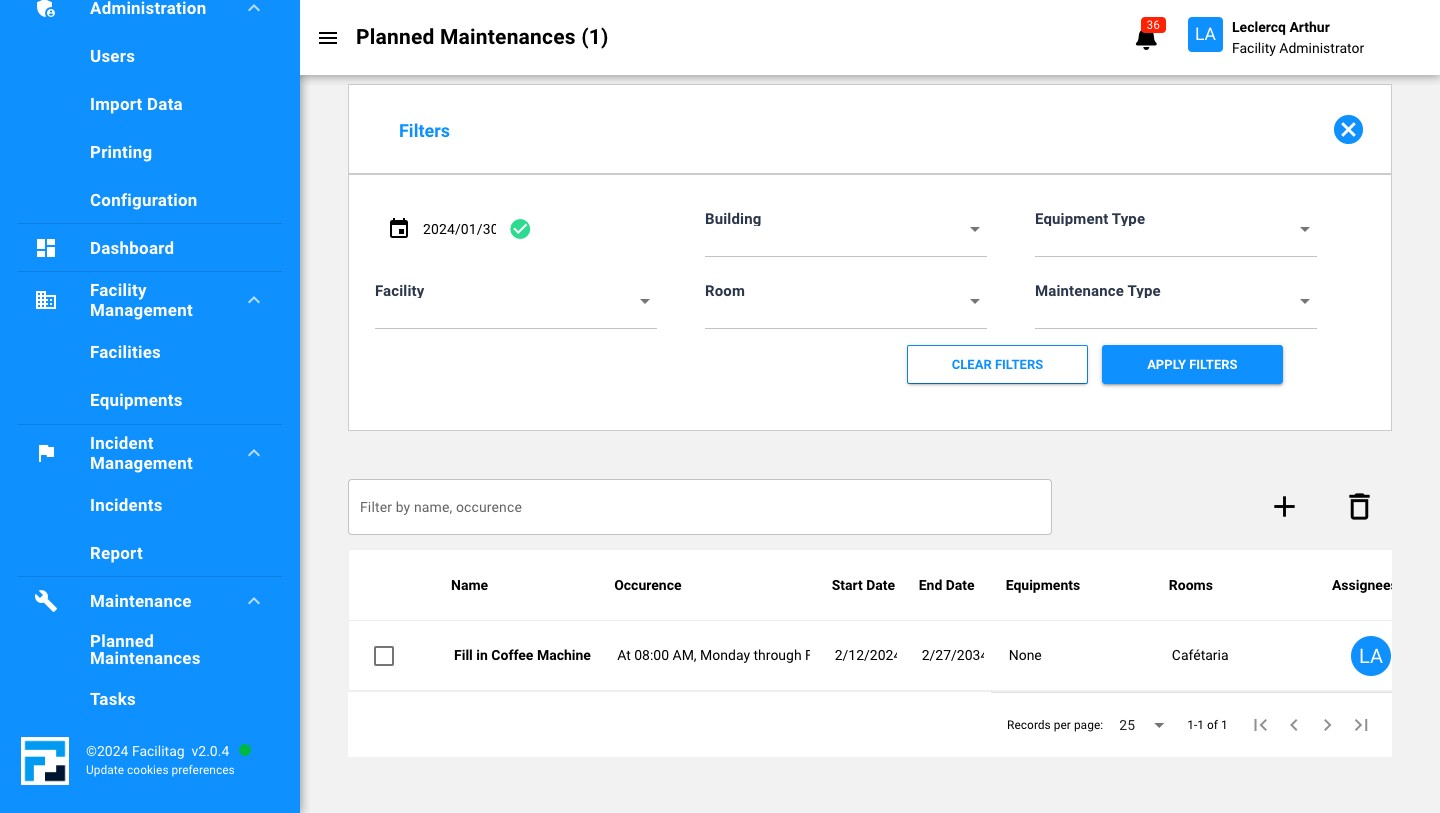
Click on the "Plus" icon
3
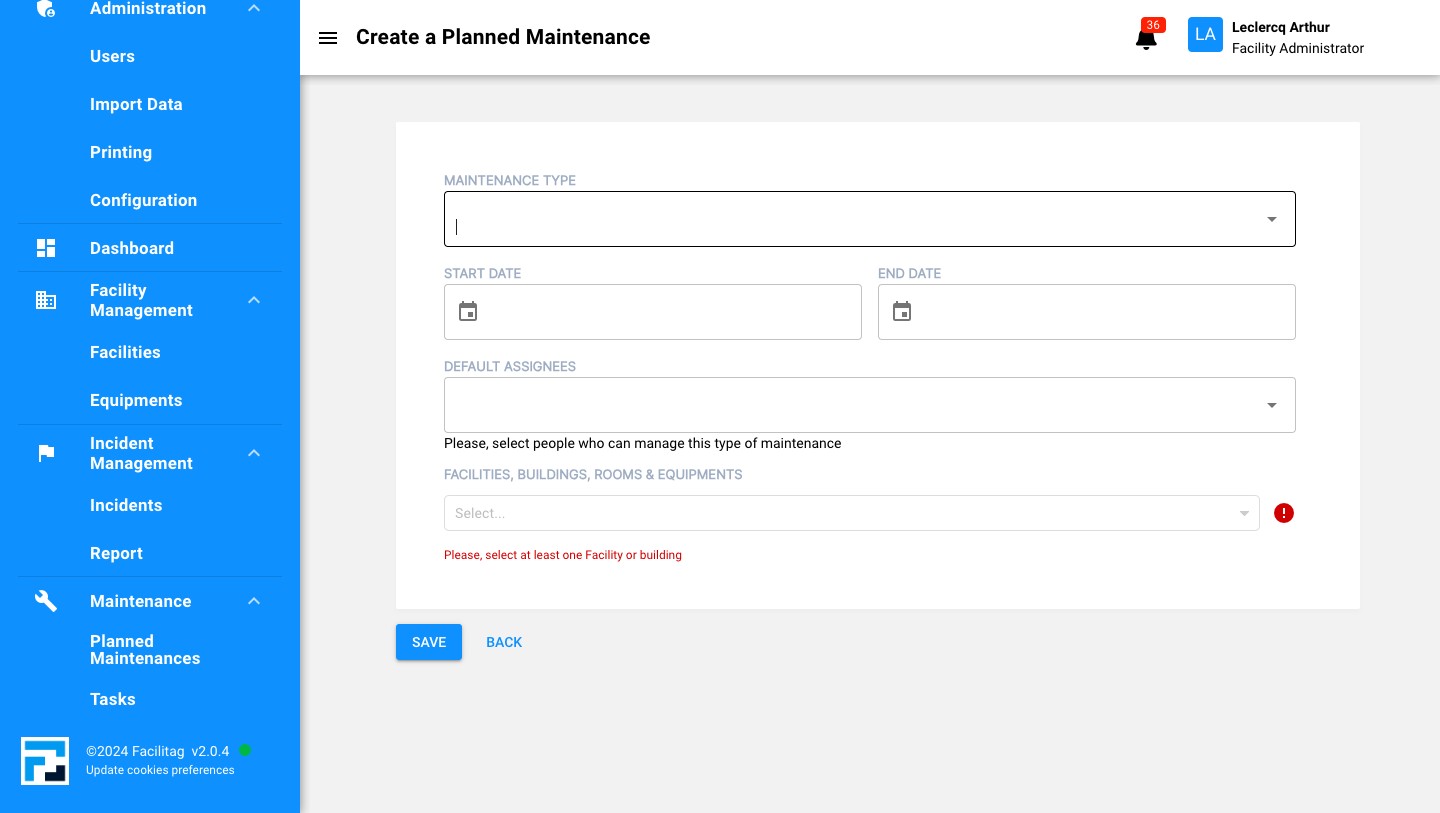
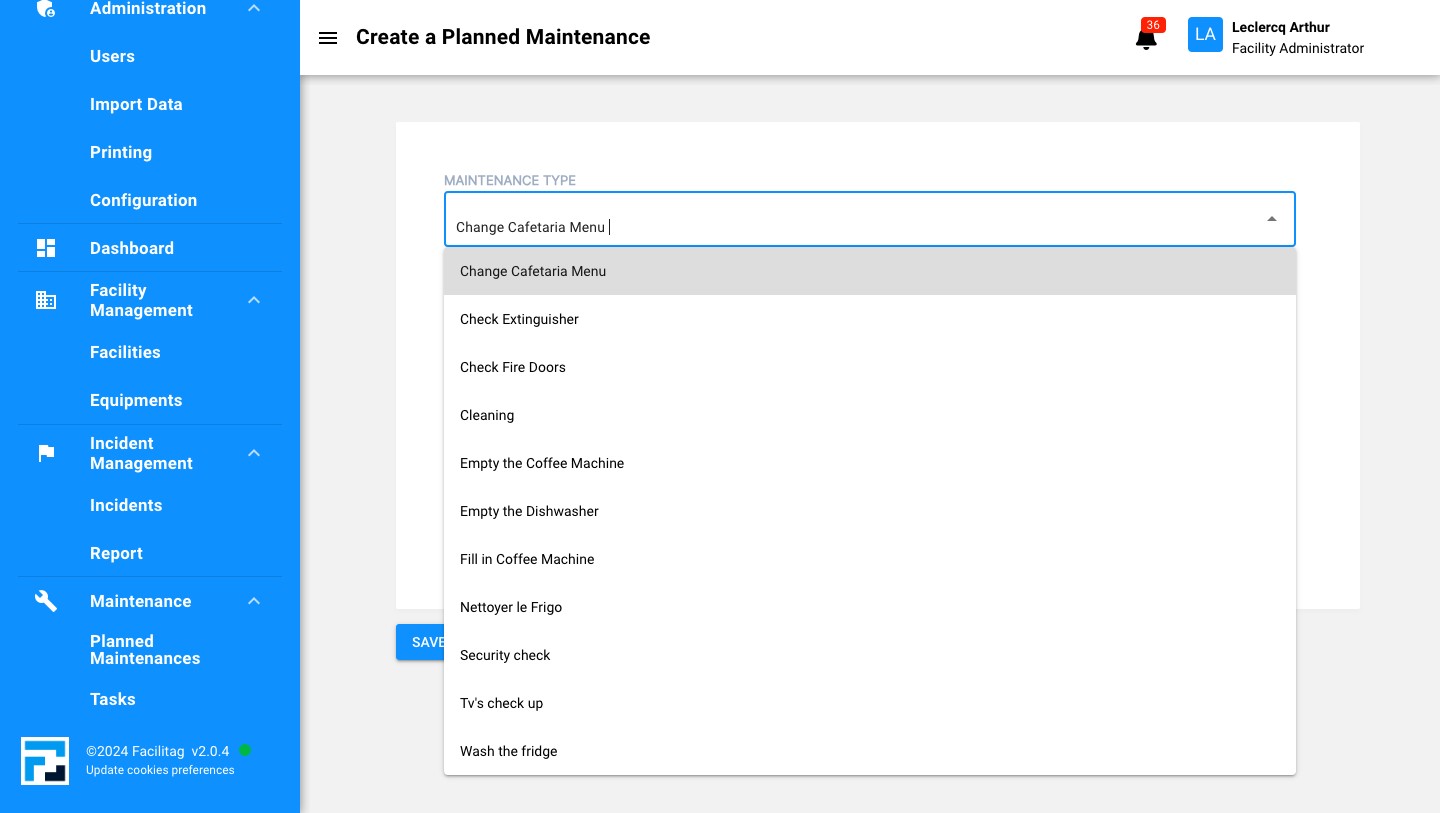
Choose the maintenance type
4
Choose the wished one
5
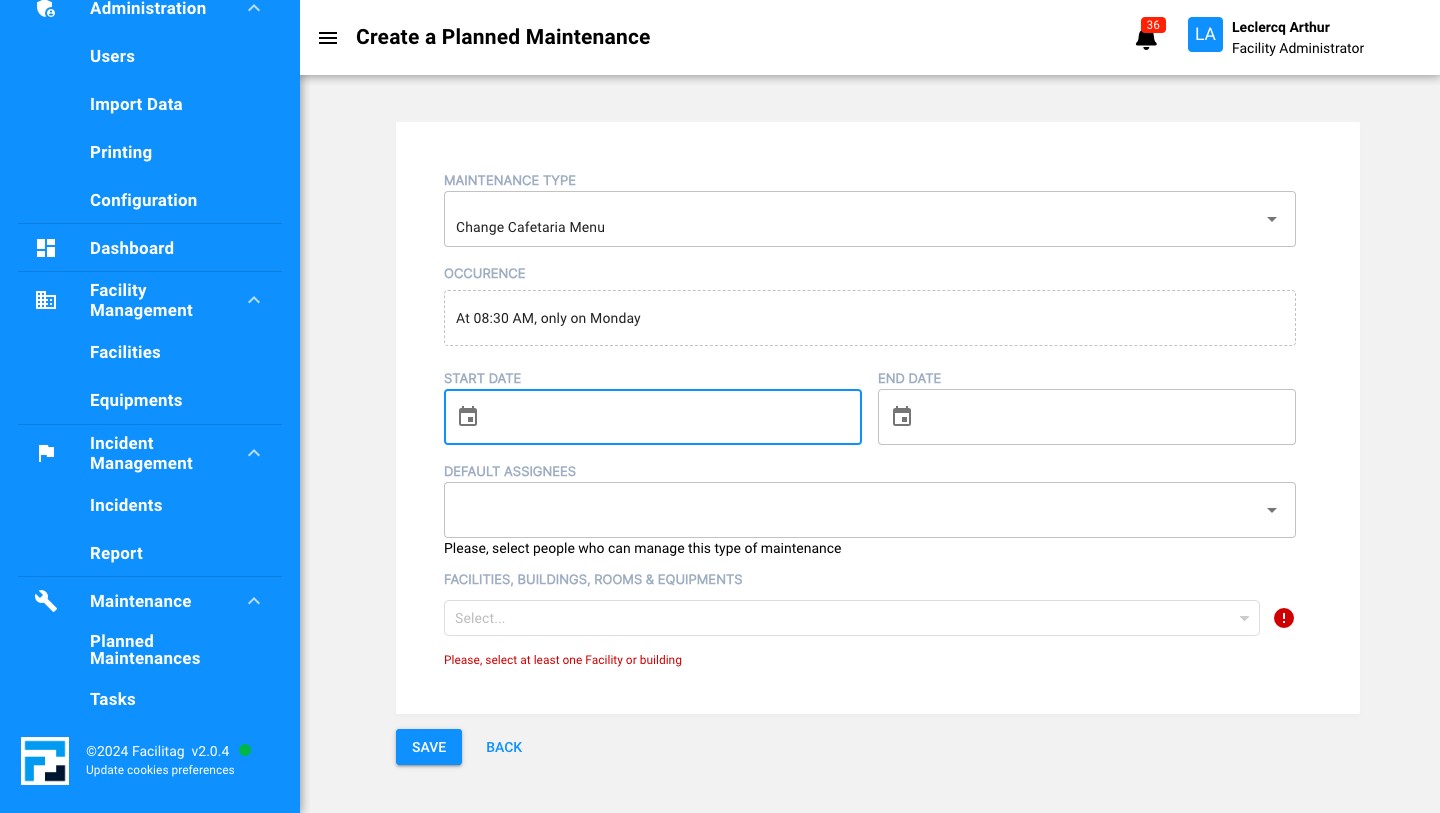
Select a Starting date
6
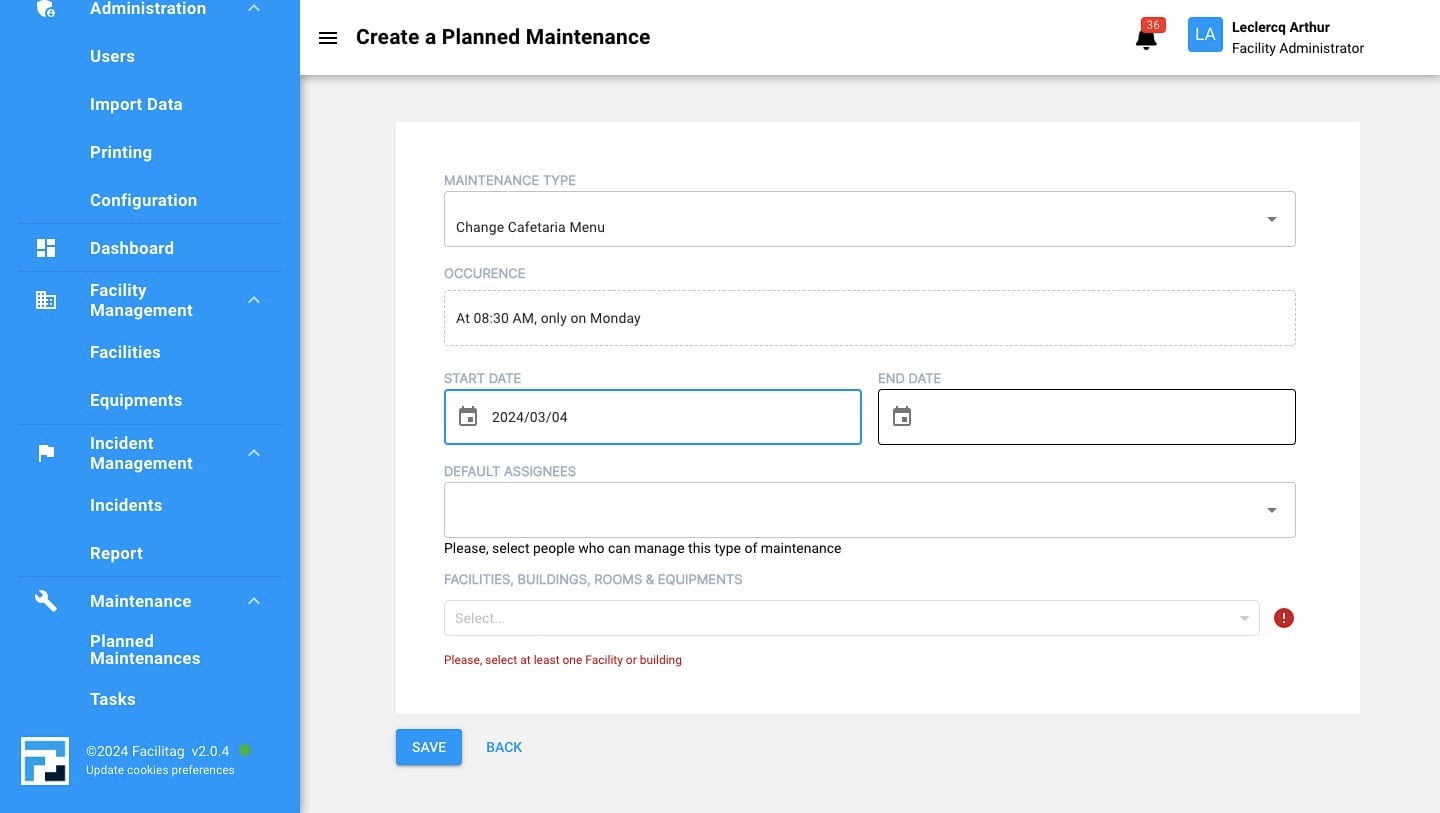
Select an Ending date
7
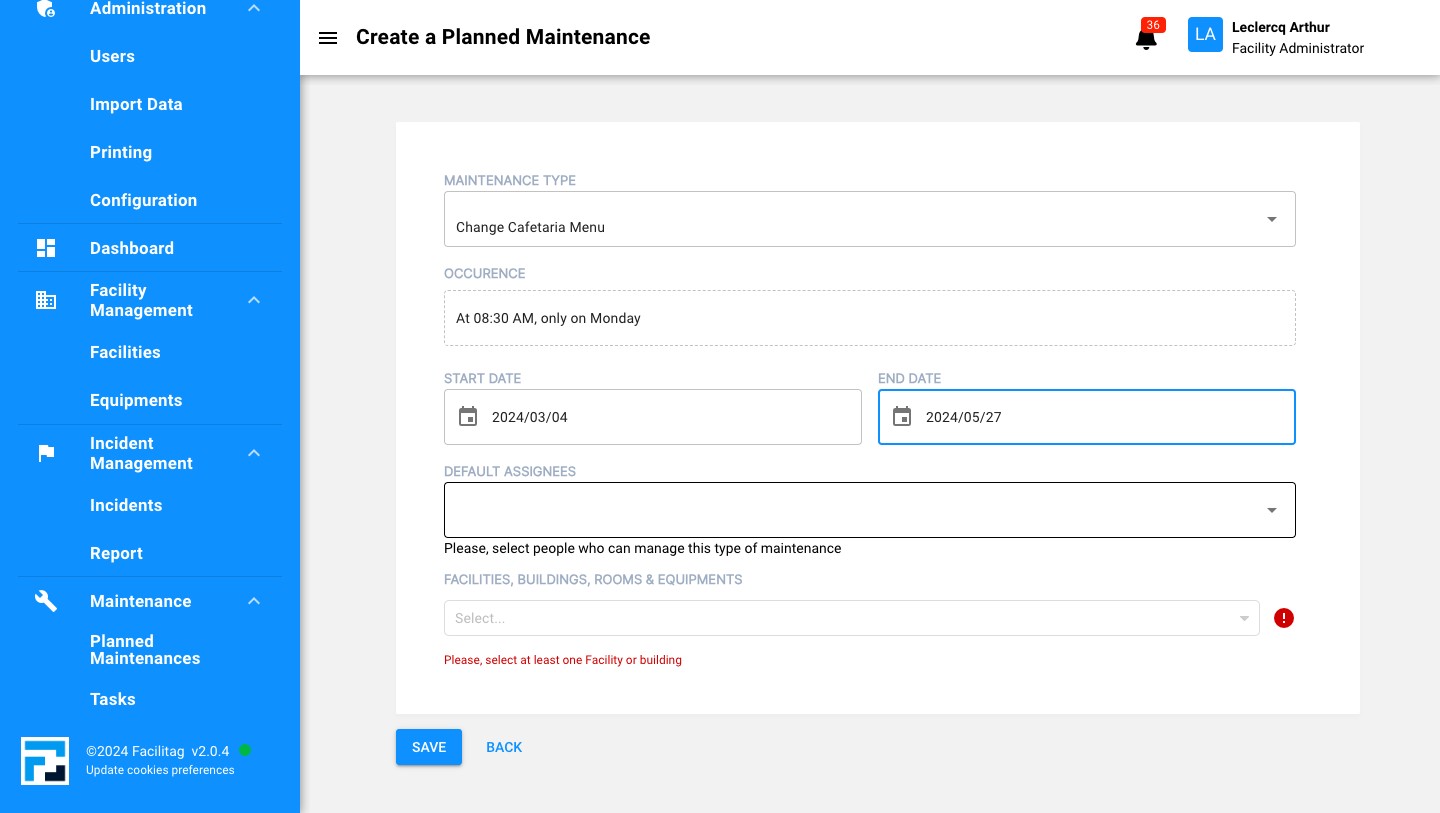
Assign it to someone
8
Choose the right assignee
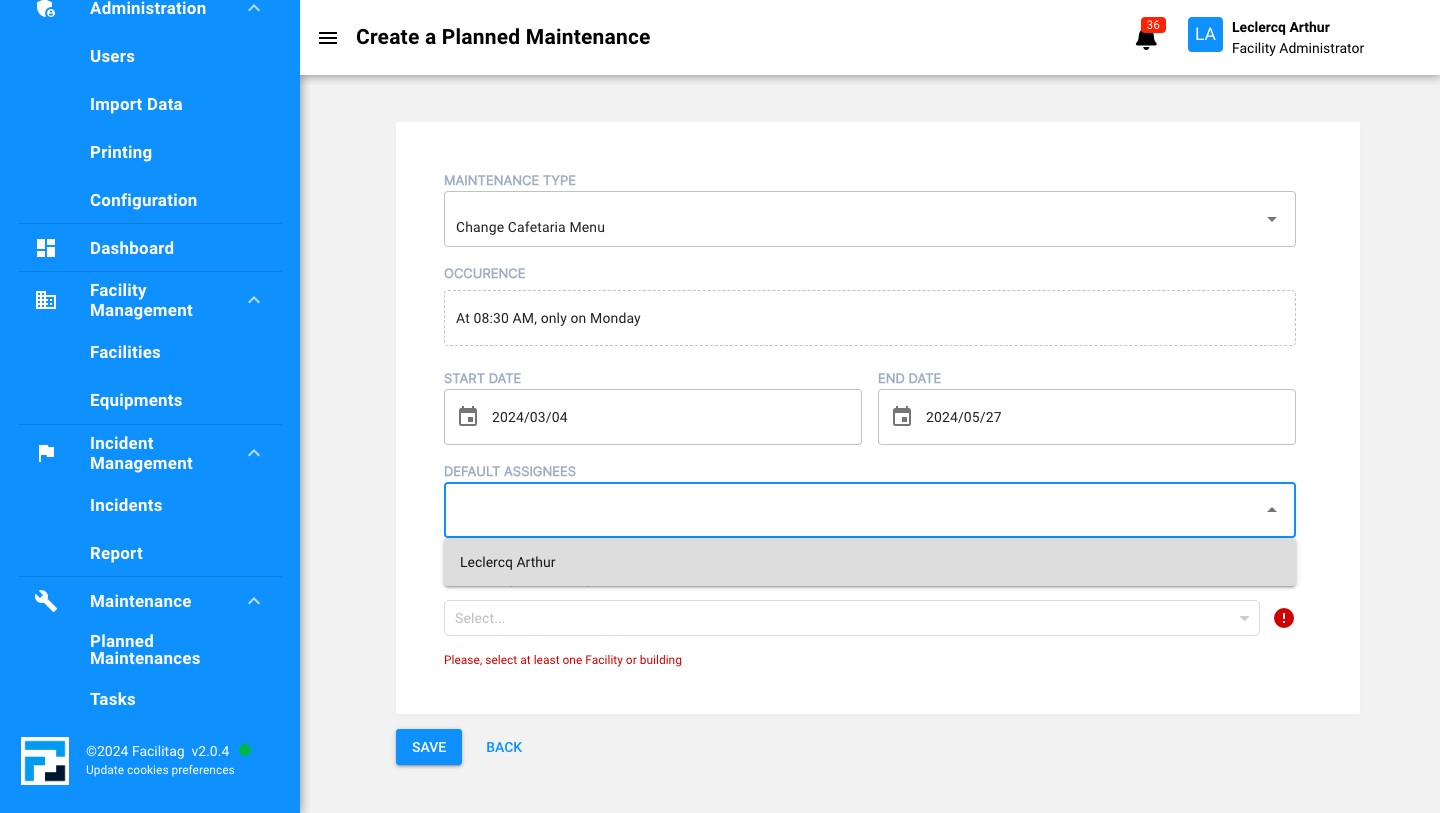
9
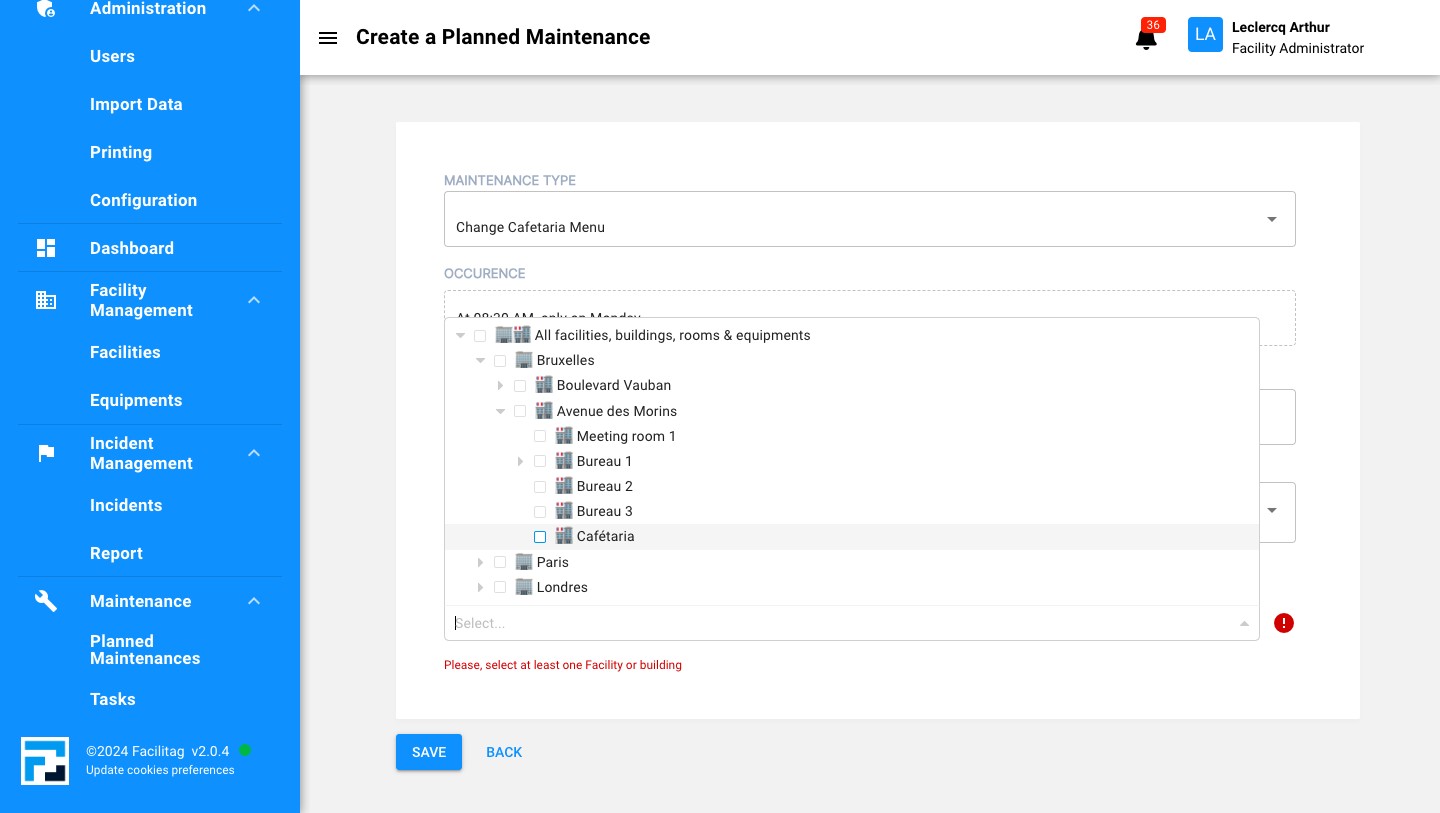
Select a Facility, Building or Room
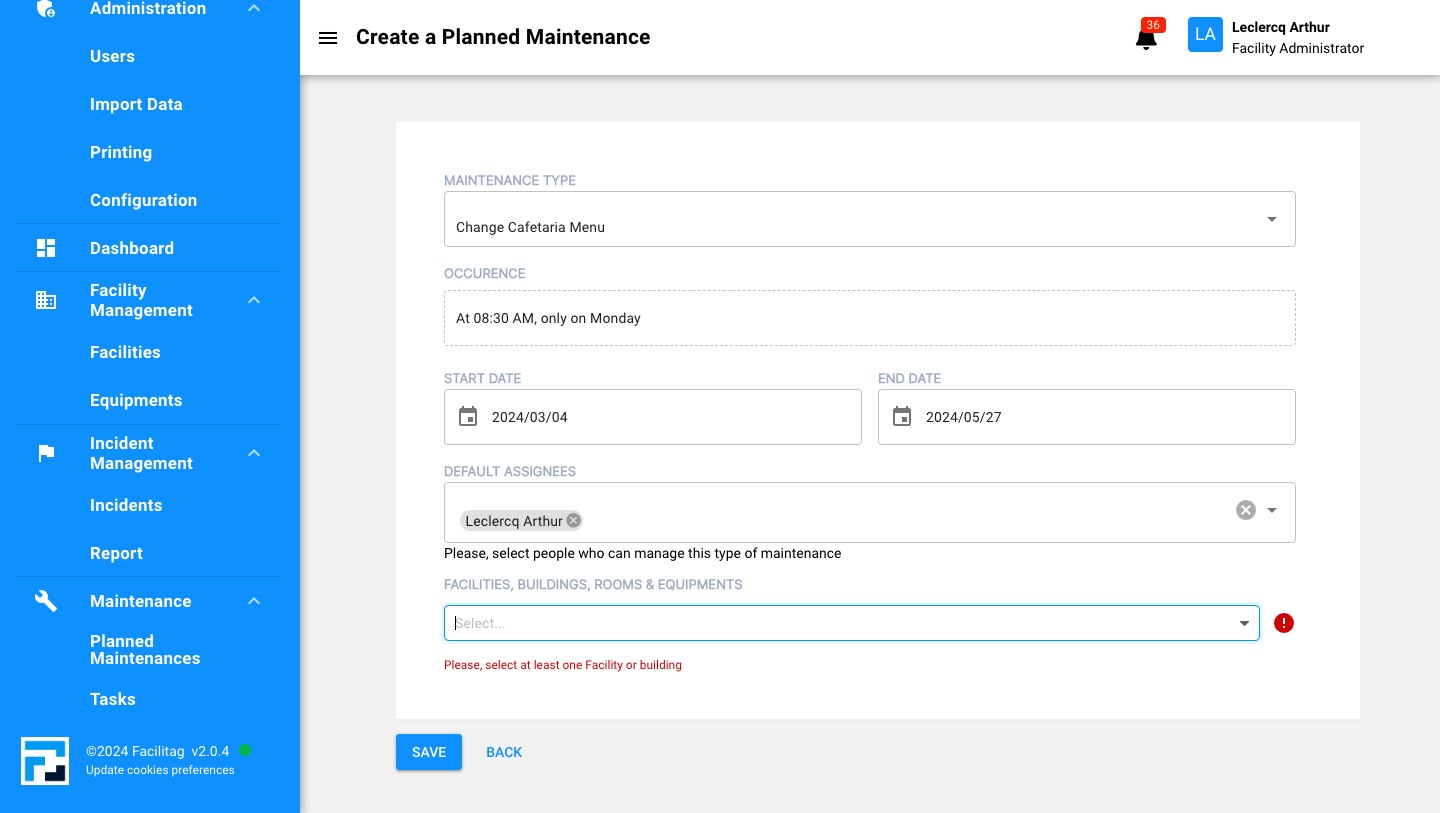
10
Click this icon
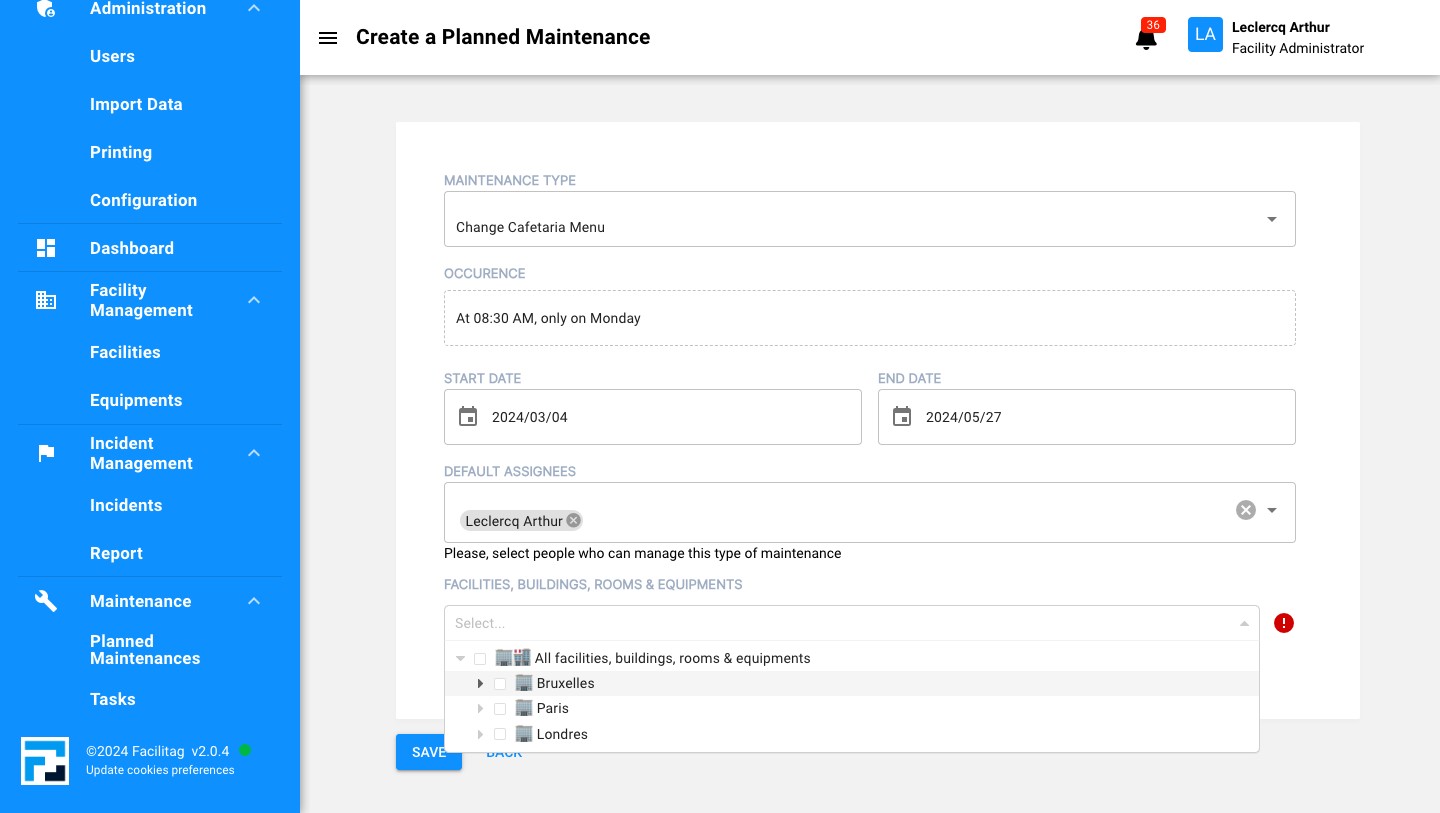
11
Click this icon
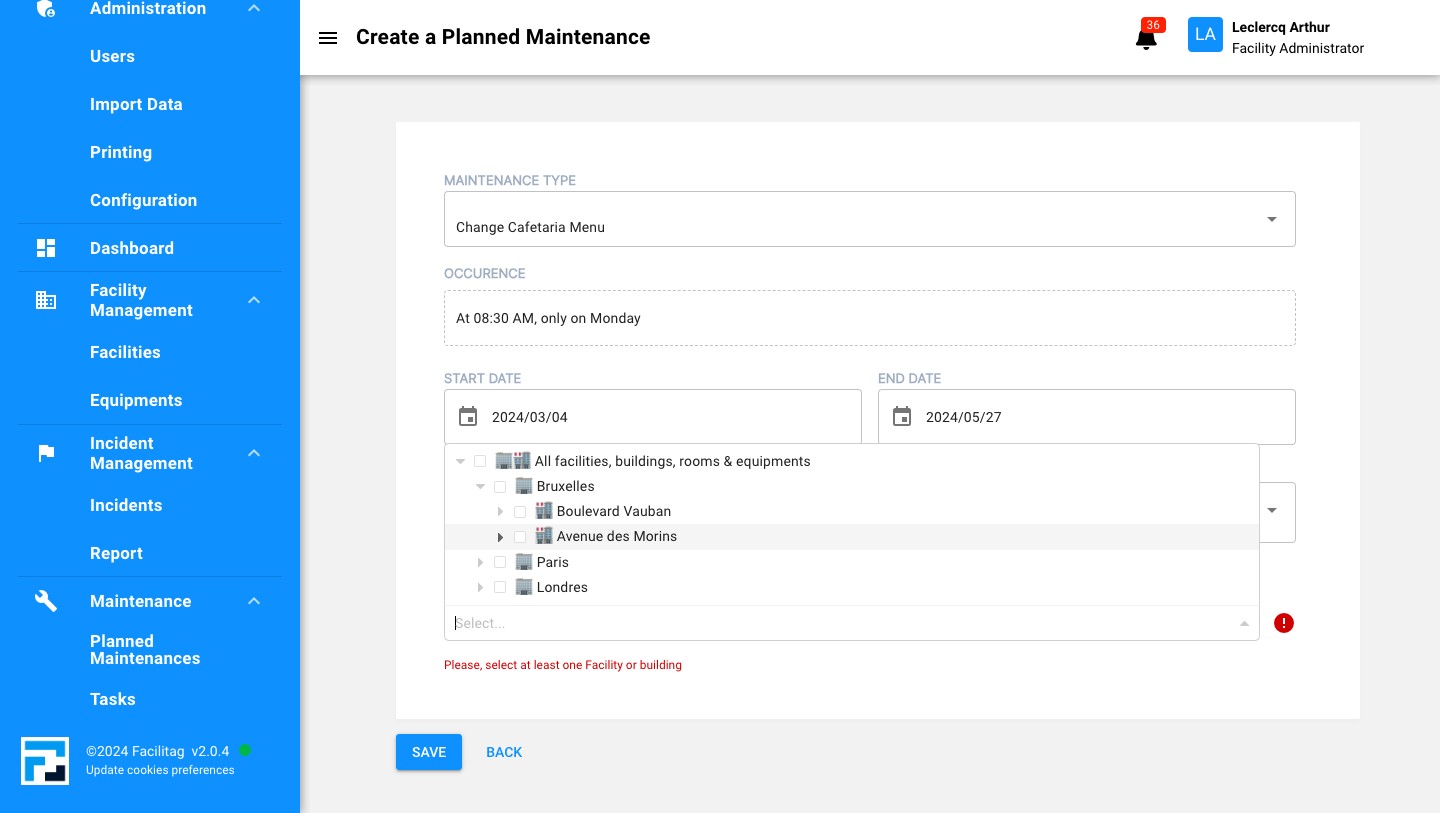
12
And click on the case when you have chosen
13
Save the updates