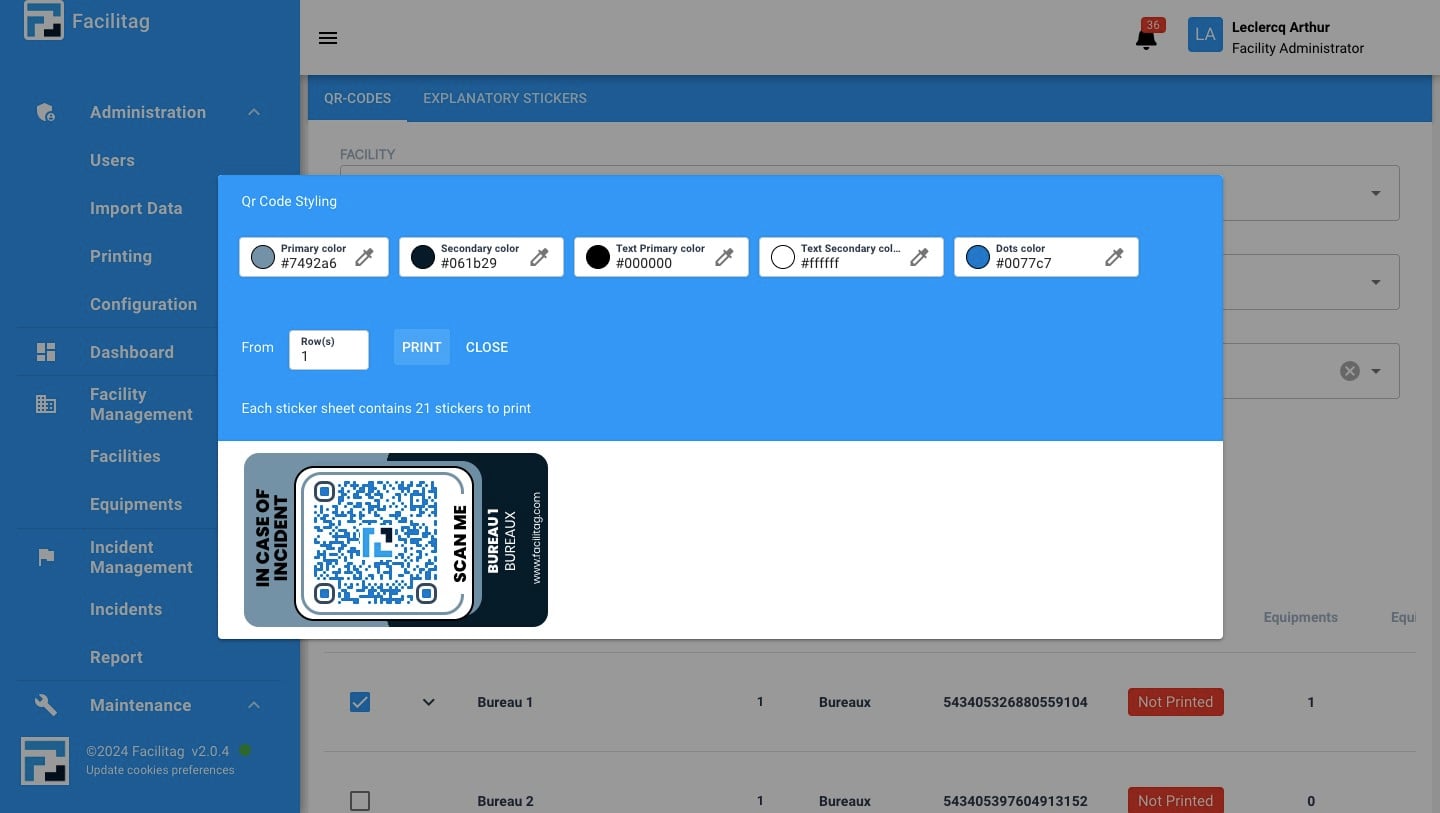
How to Print QR Codes
1
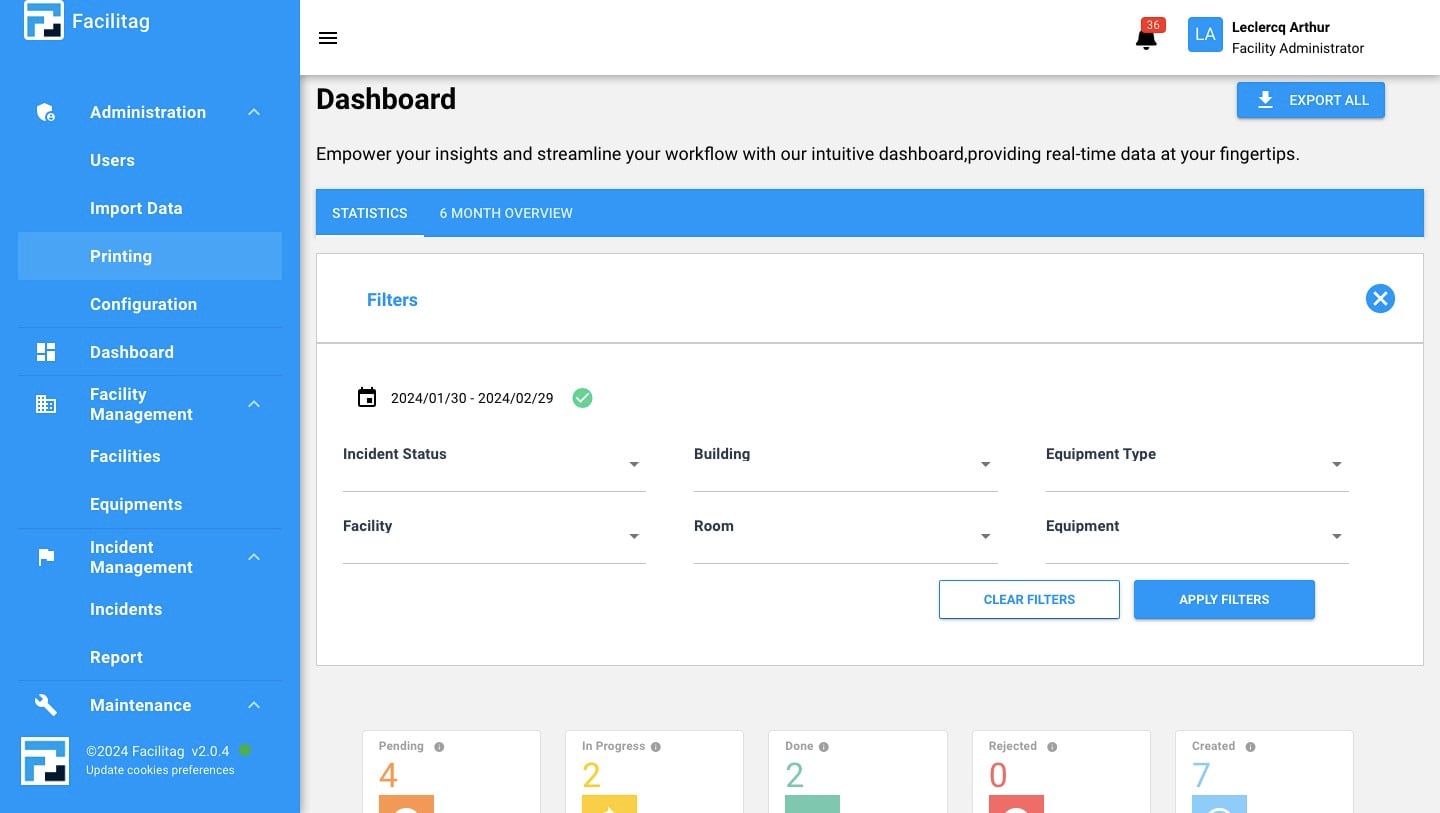
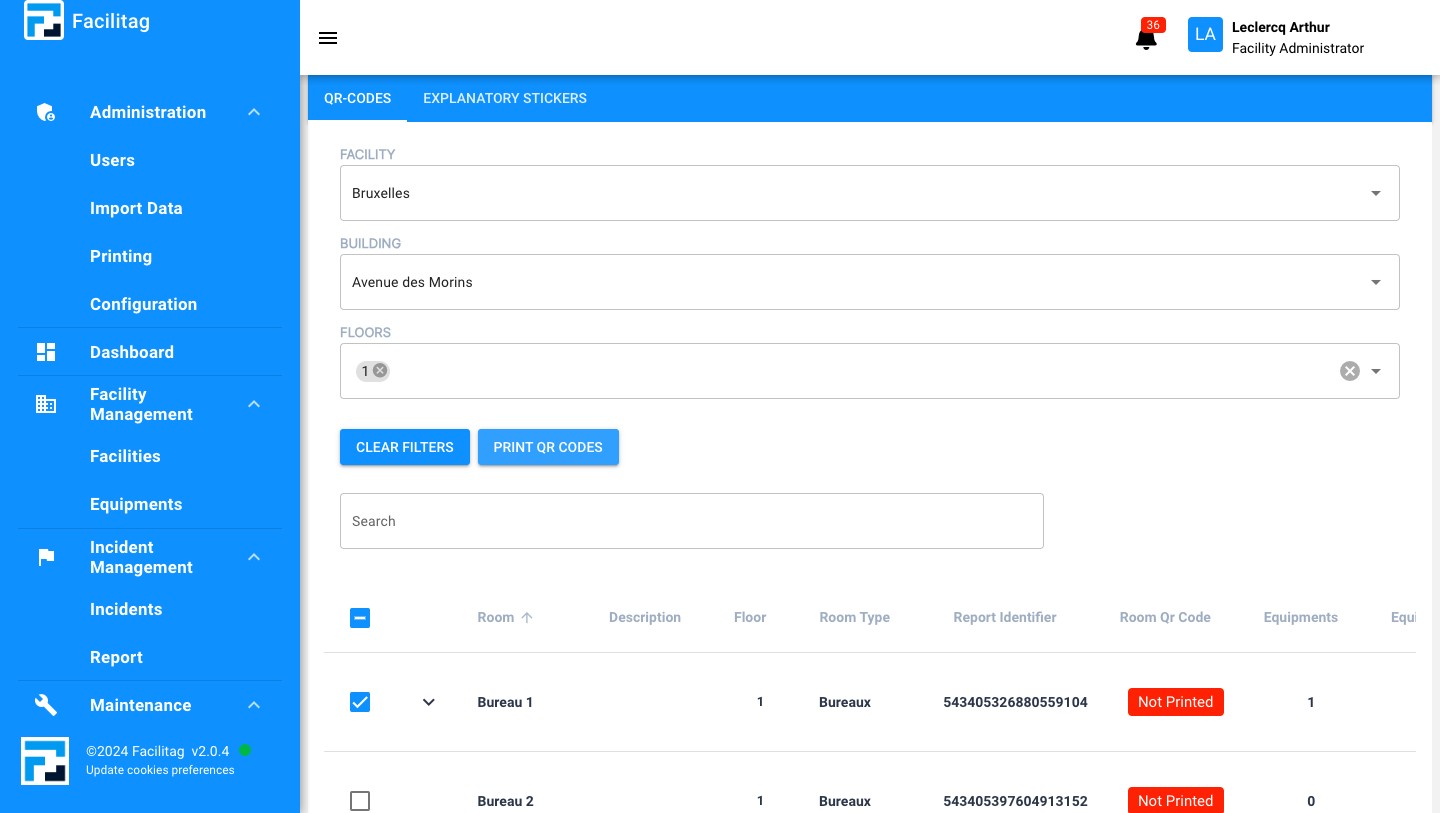
Click on "Printing"
2
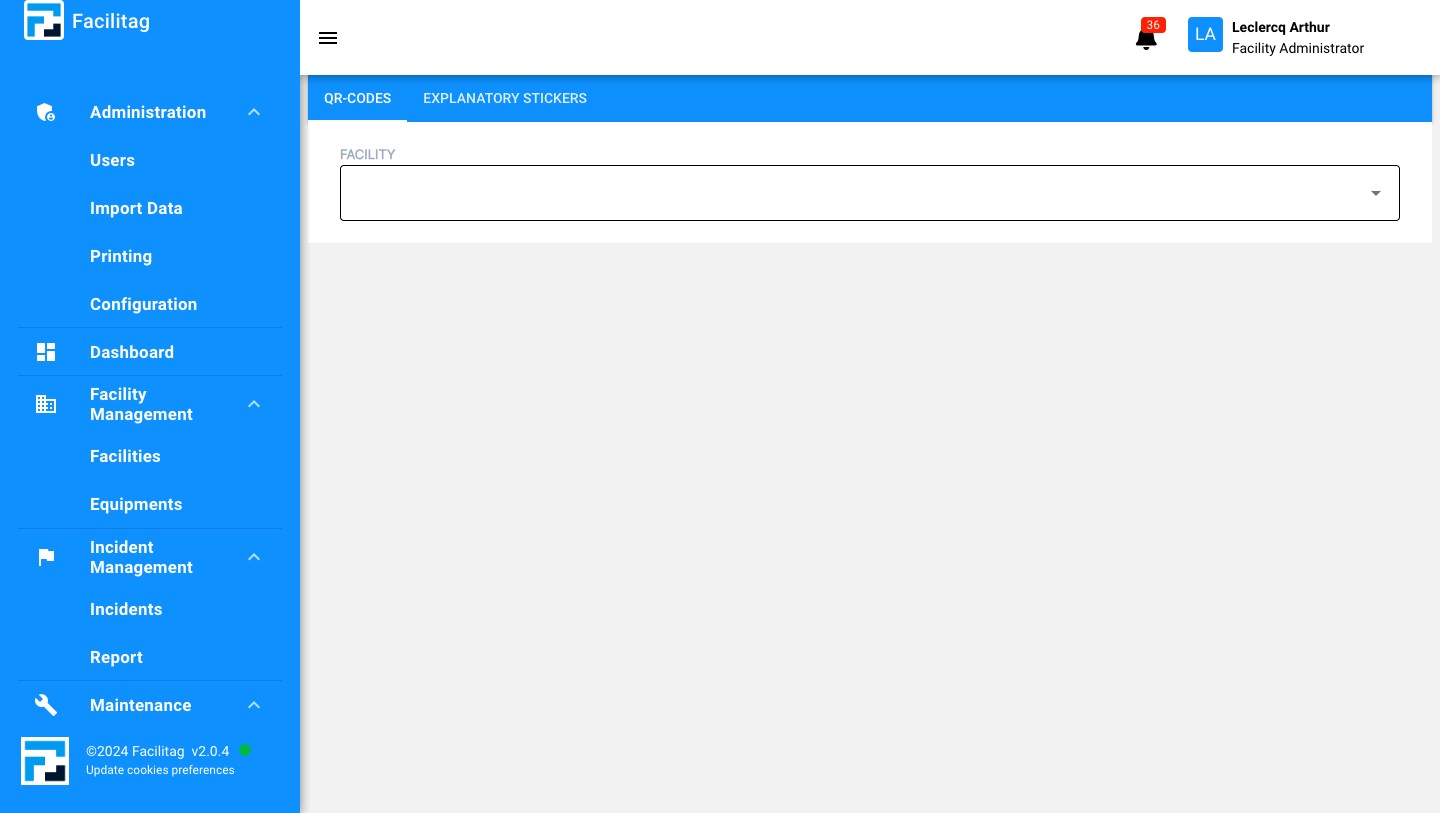
Click on "Facility"
3
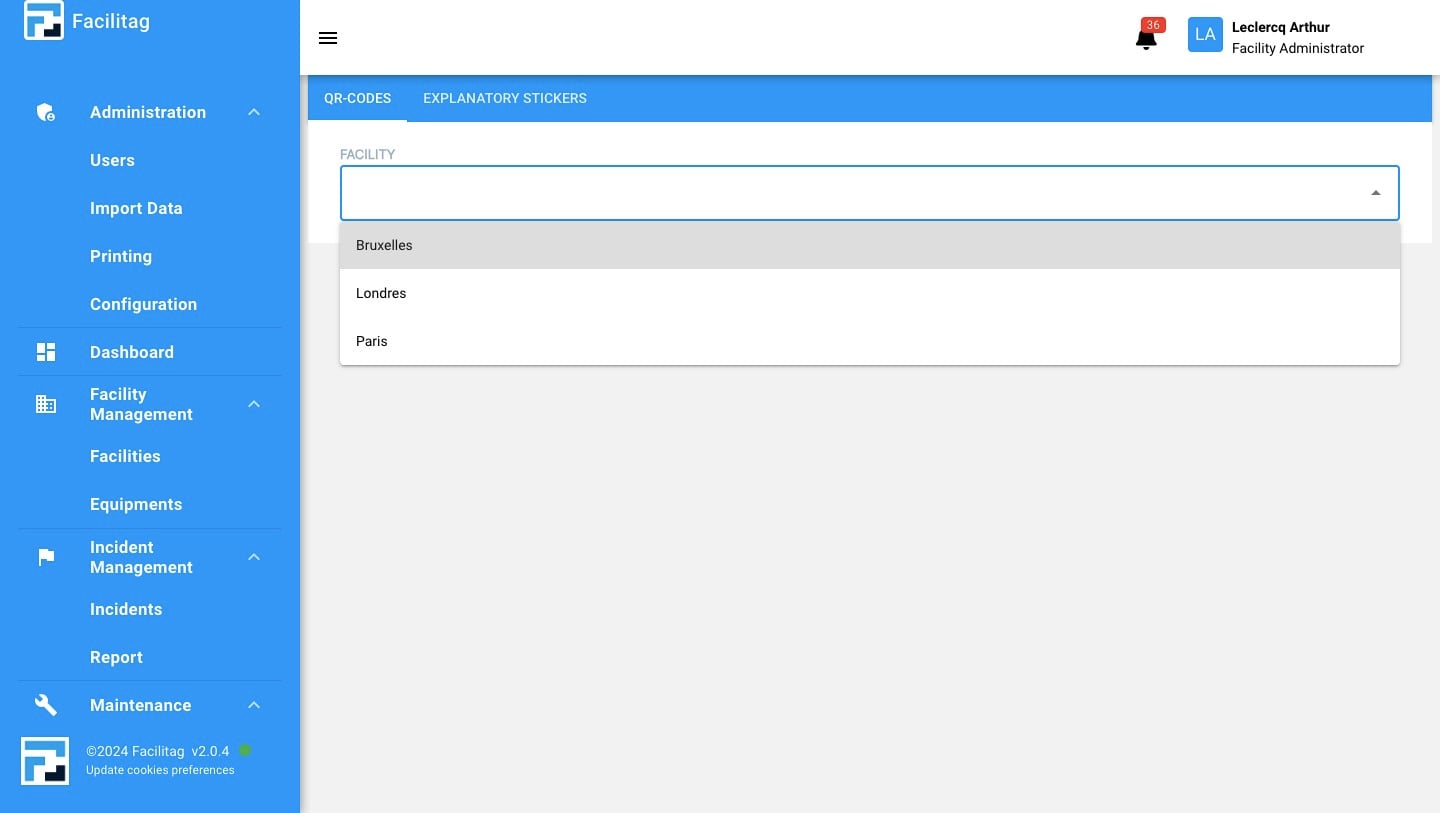
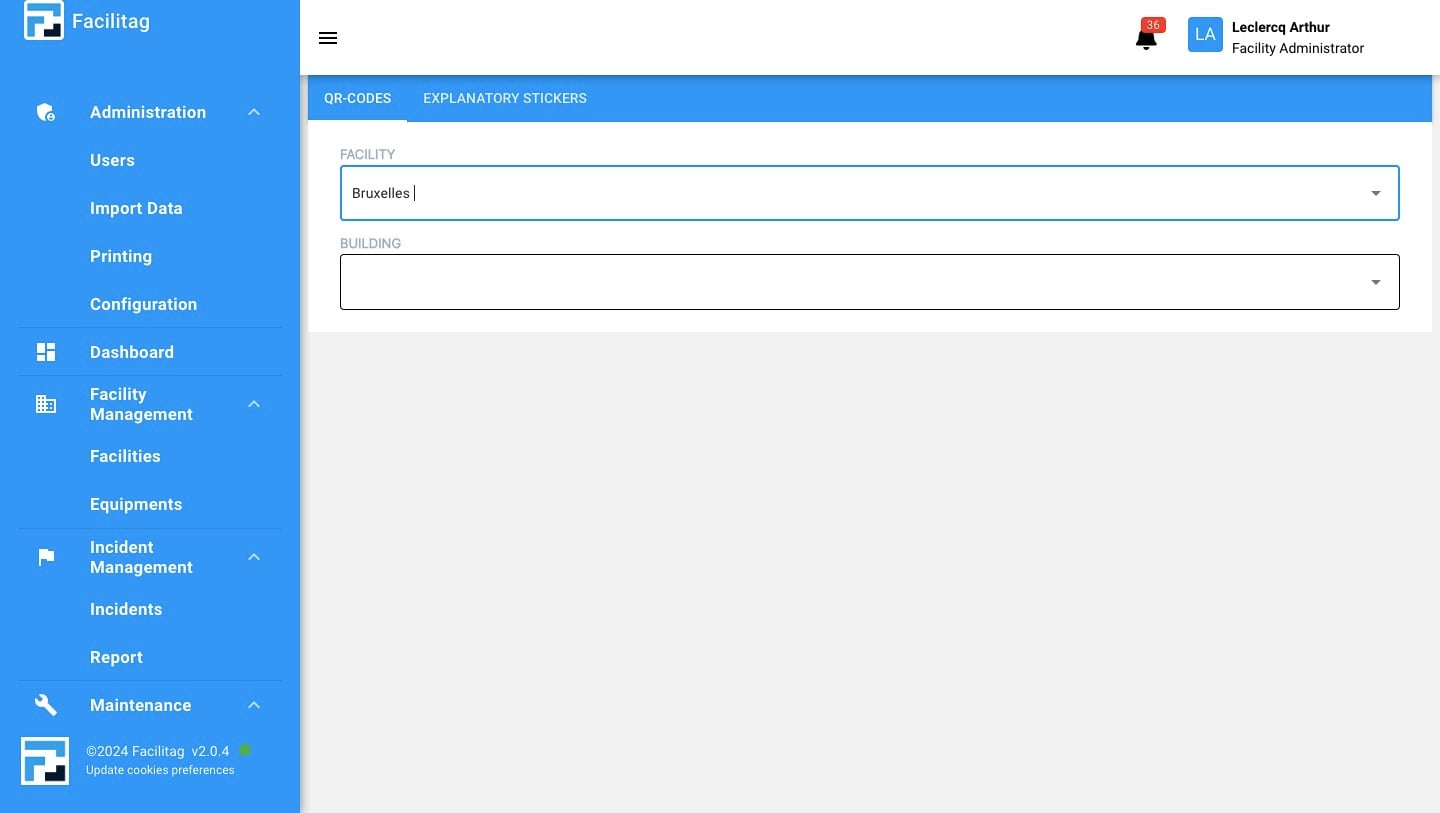
Select your "Facility"
4
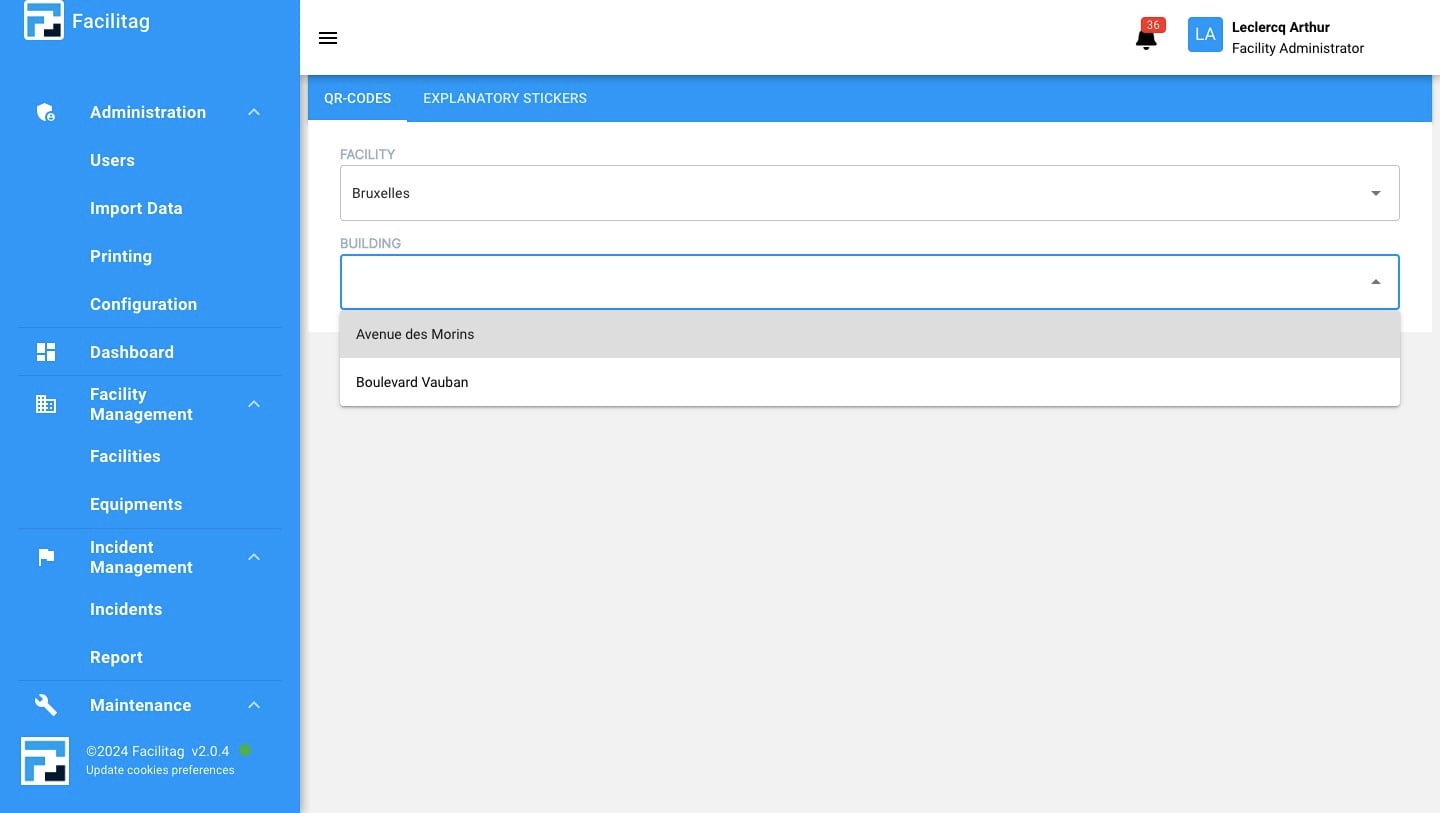
Click on "Building"
5
Select your "Building"
6
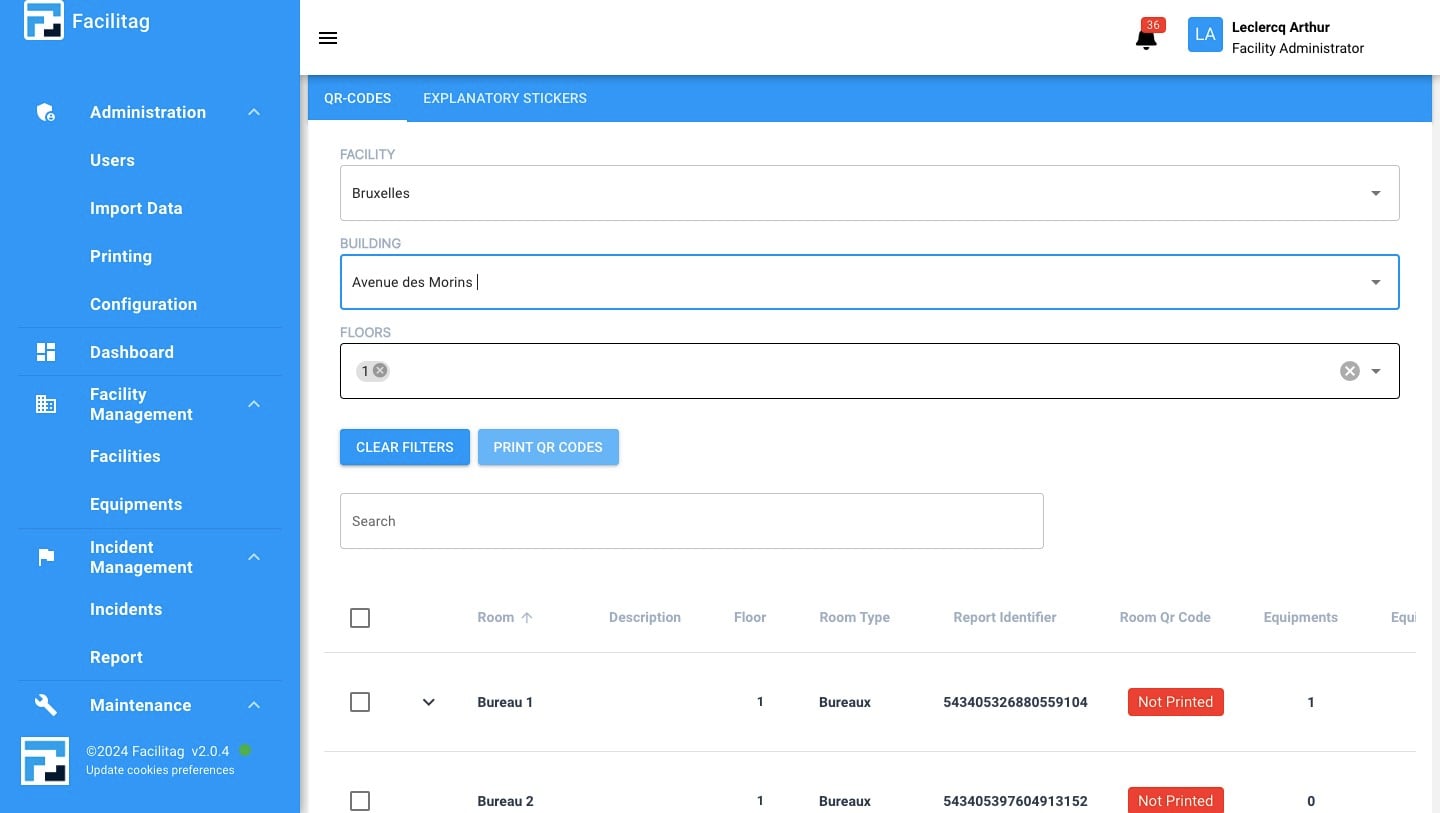
Click on "Floor"
7
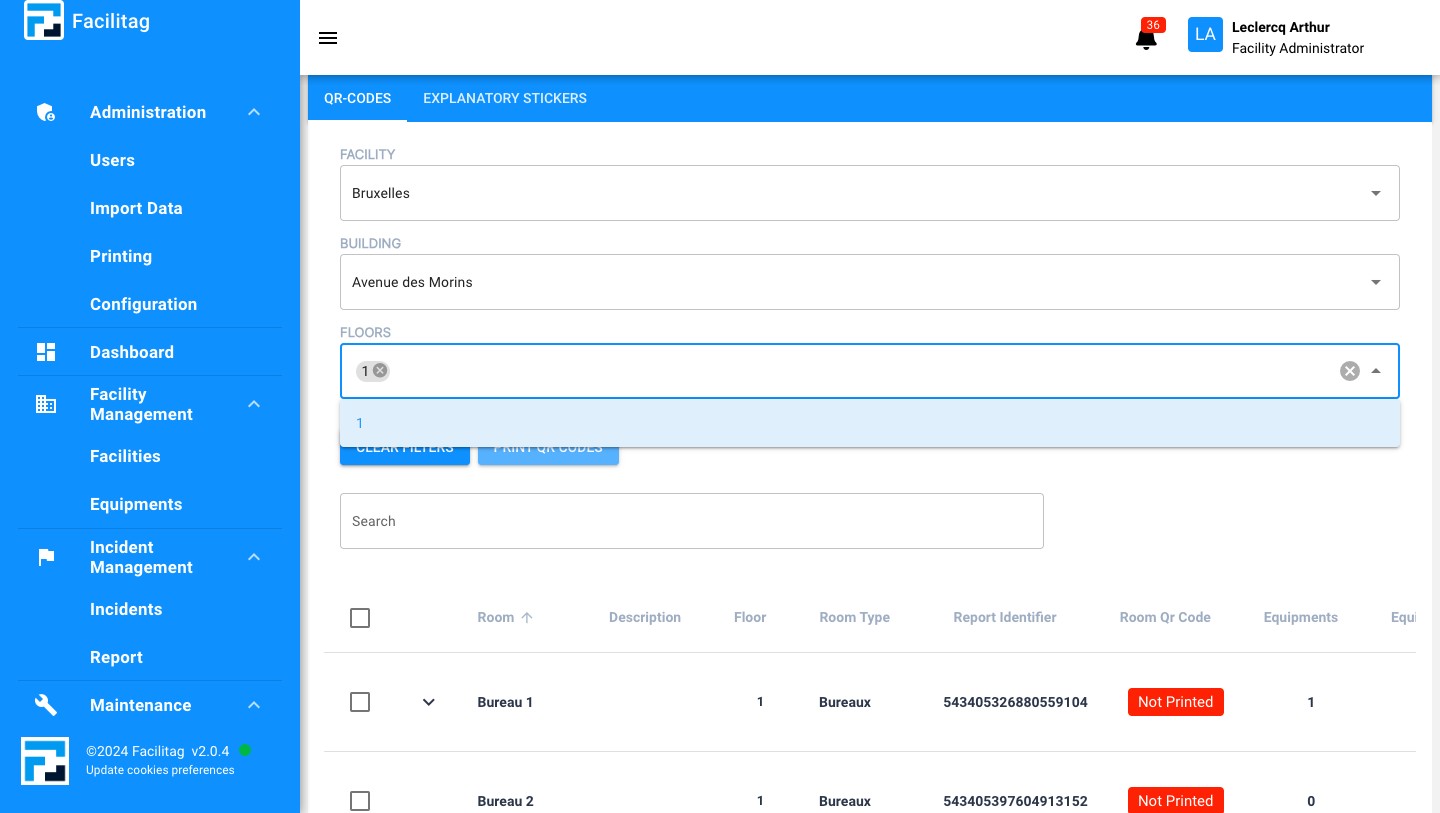
Select the "Floor"
8
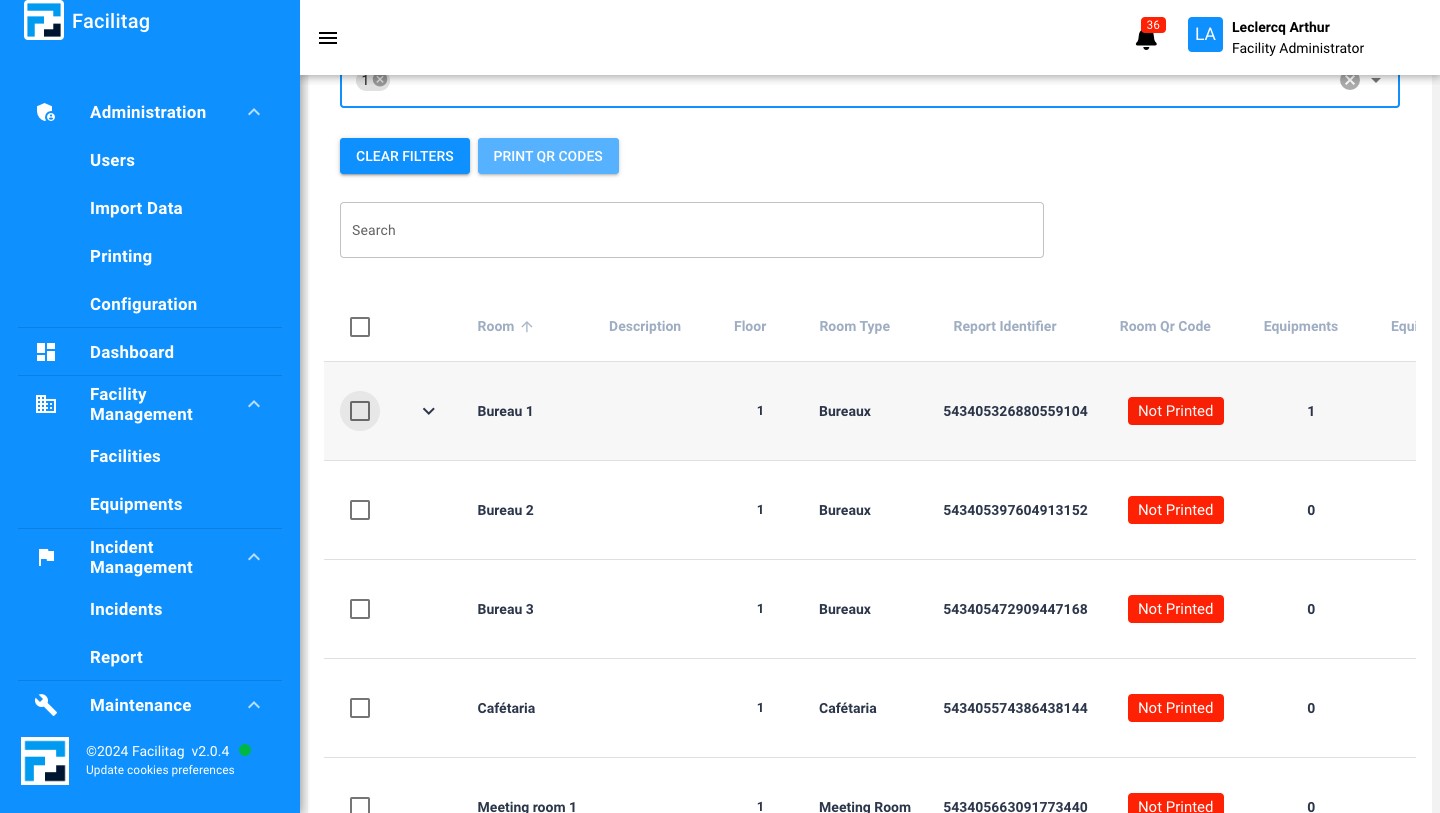
Select the "Rooms"
9
Click on "Print QR Codes"
10
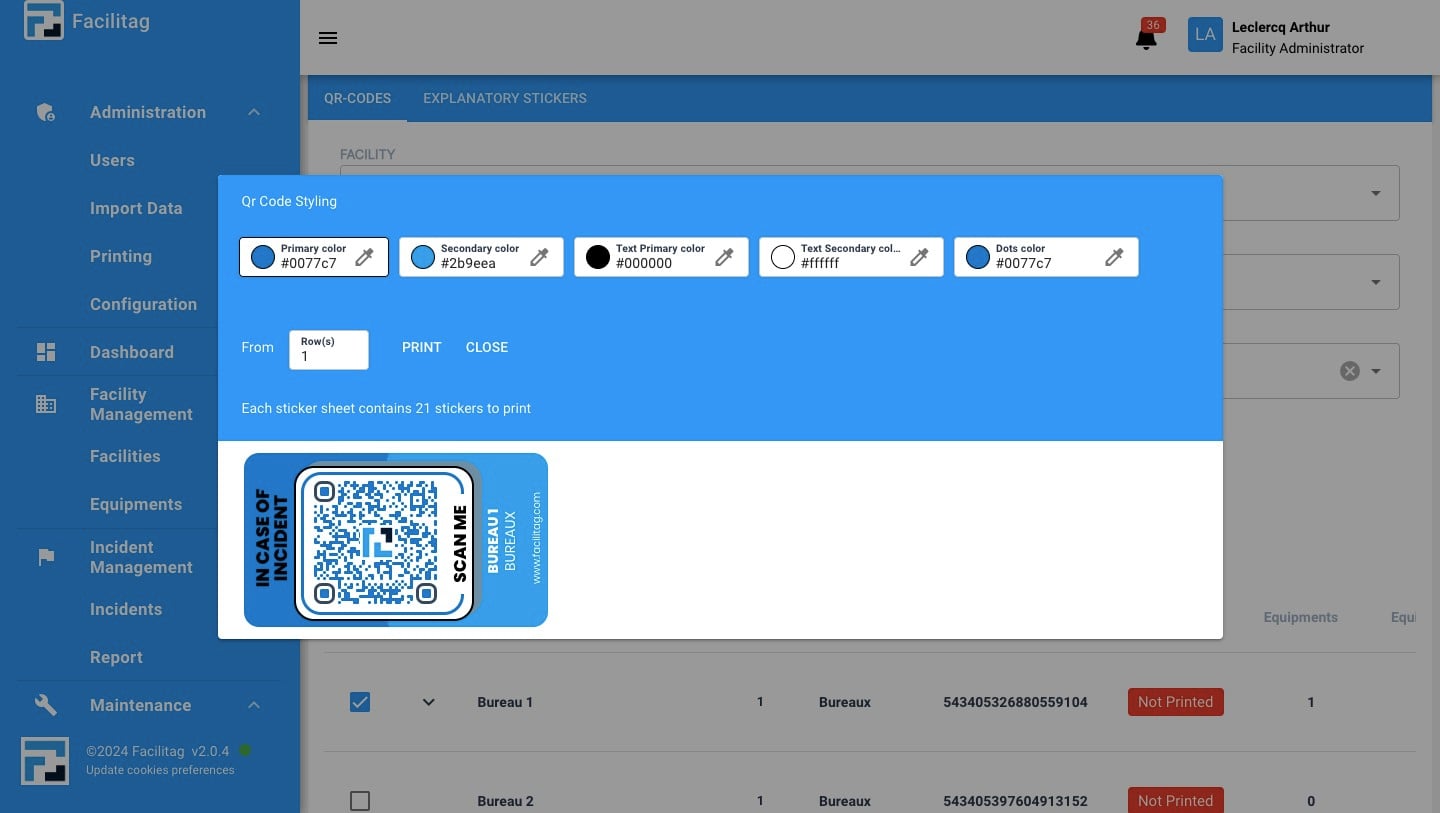
Click this icon
11
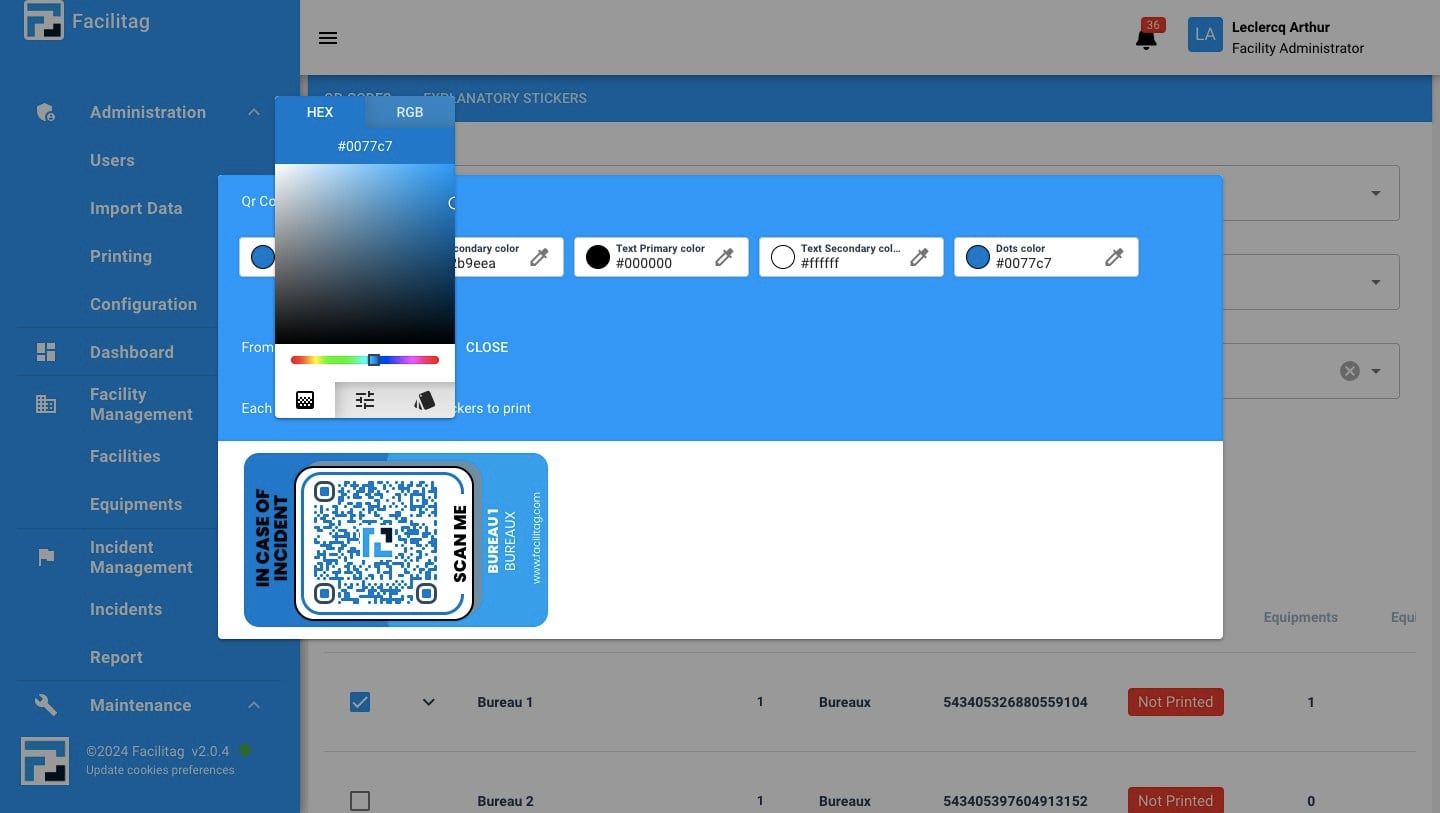
Change the Colors
12
Once you are done, Click on "Print"