

Add a Maintenance Type
1
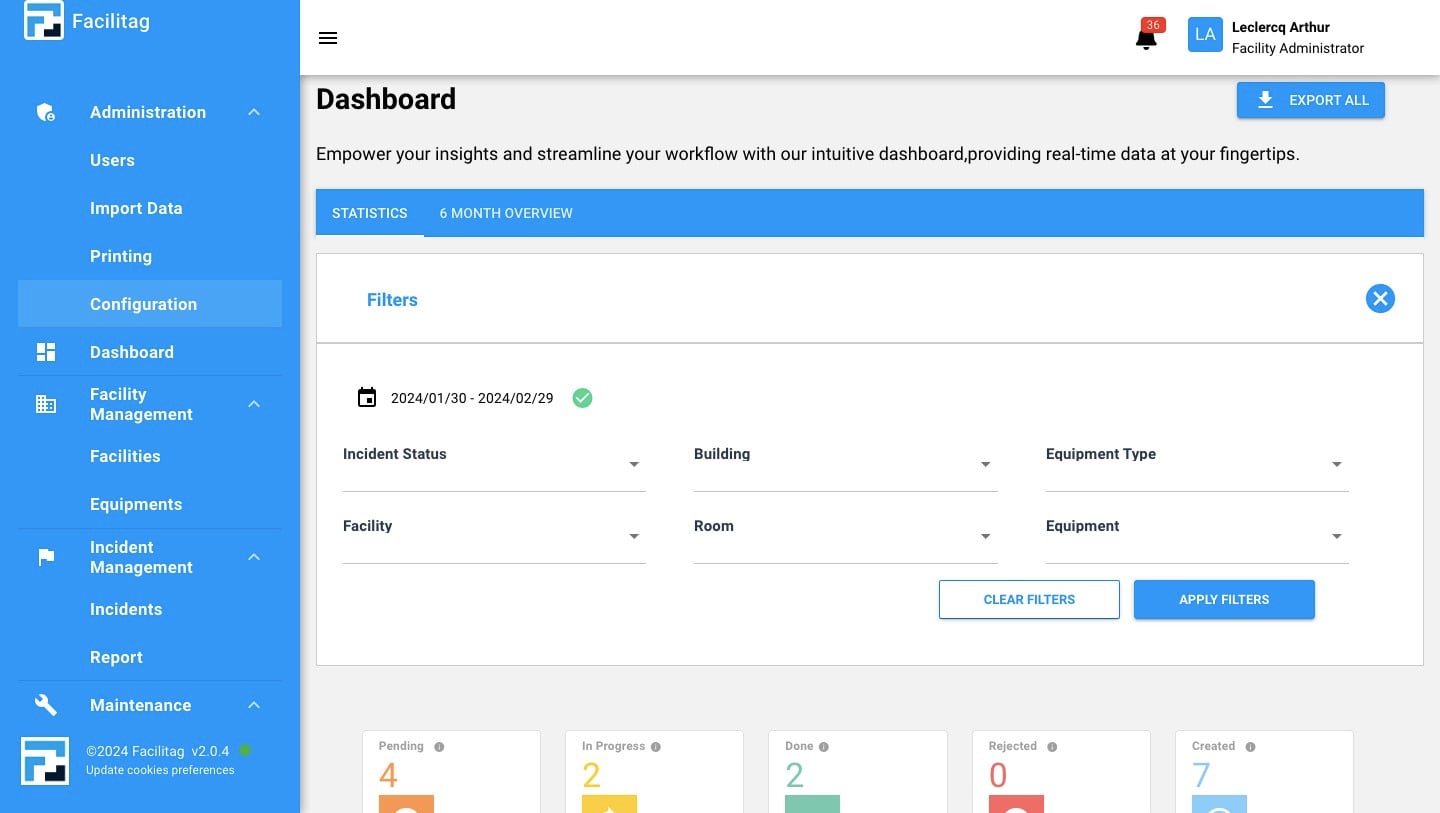
Click on "Configuration"
2
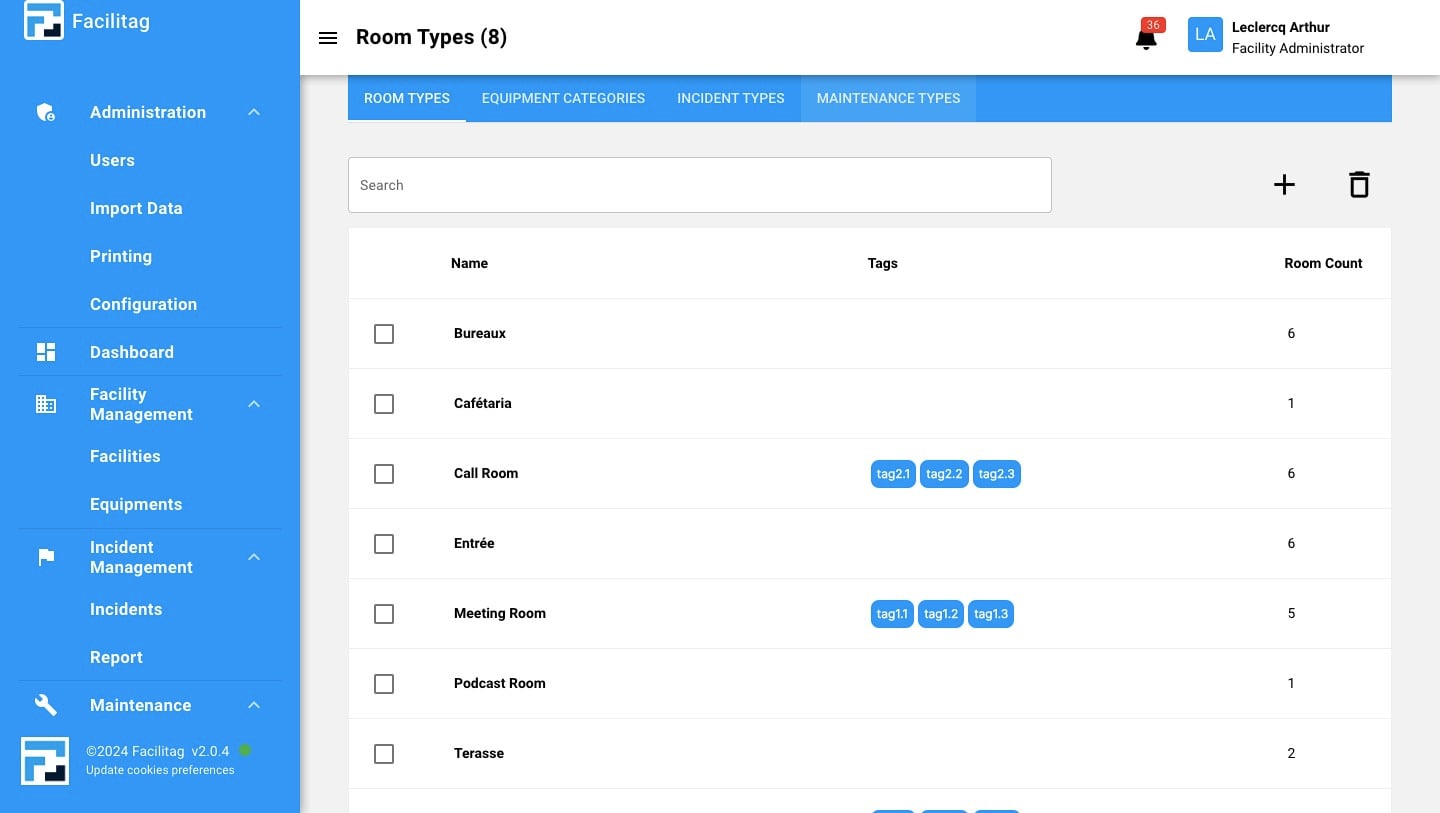
Click on "Maintenance types"
3
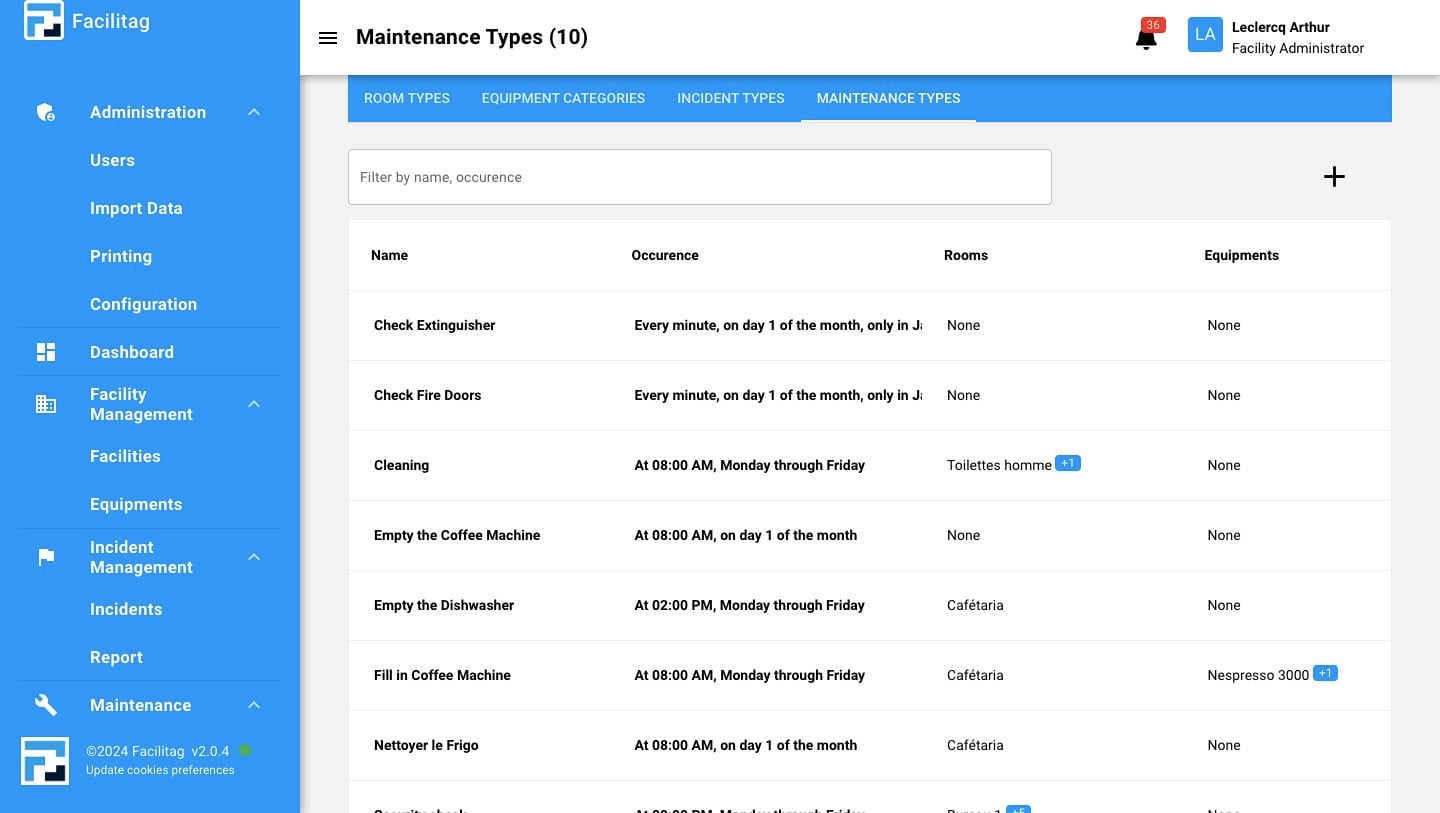
Click on the "Plus" icon
4
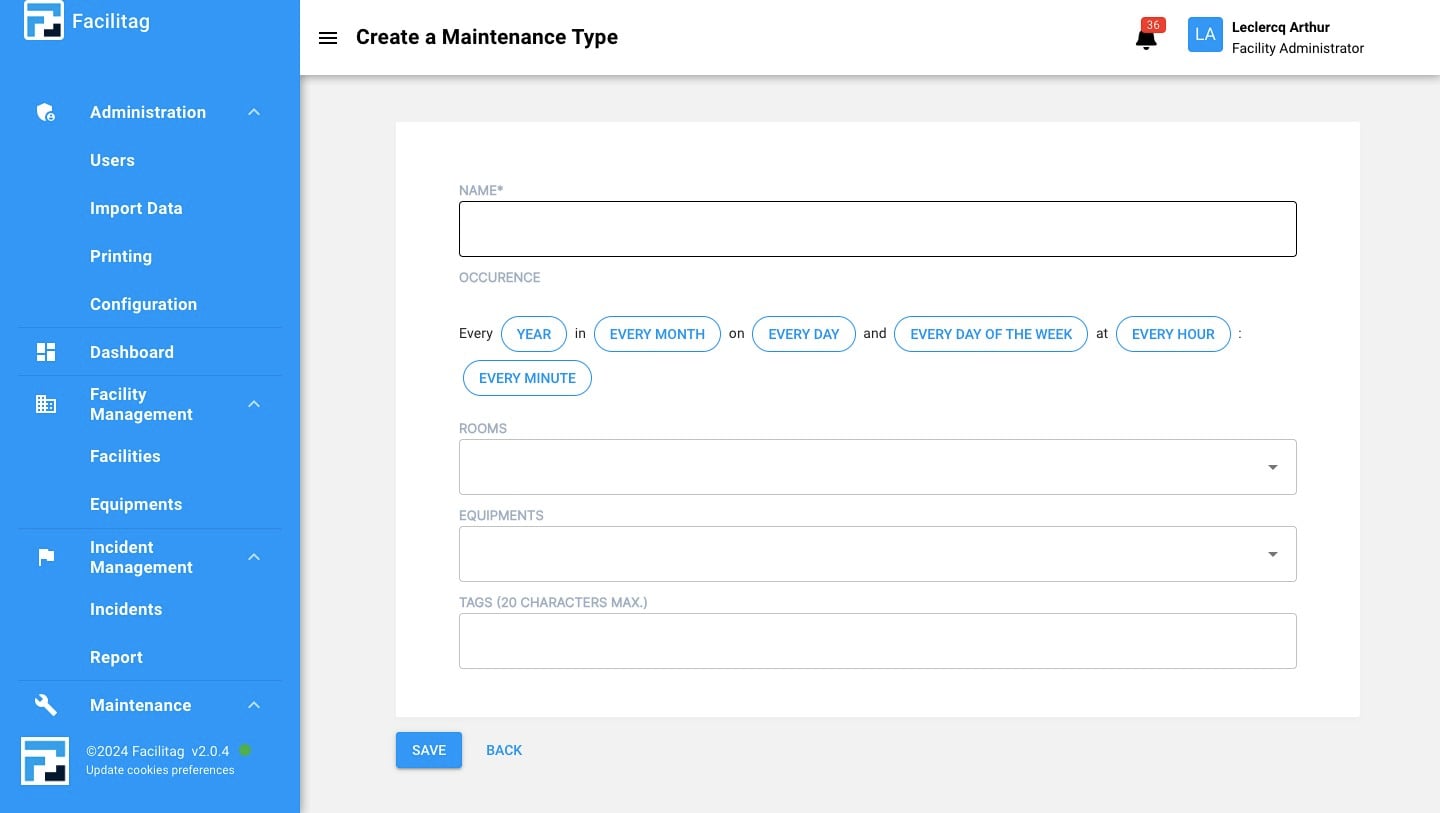
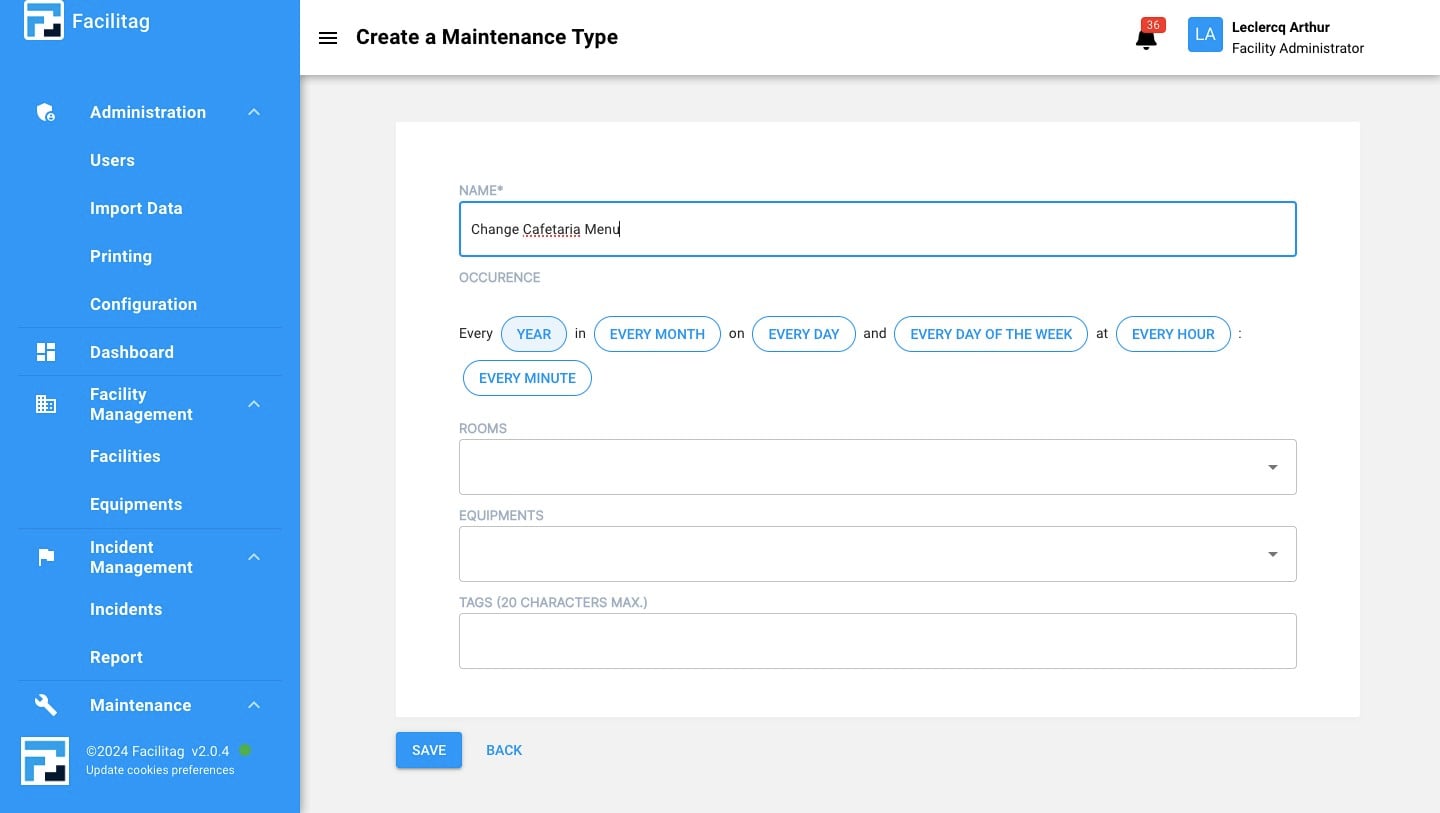
Fill in the name
5
Specify the occurence
6
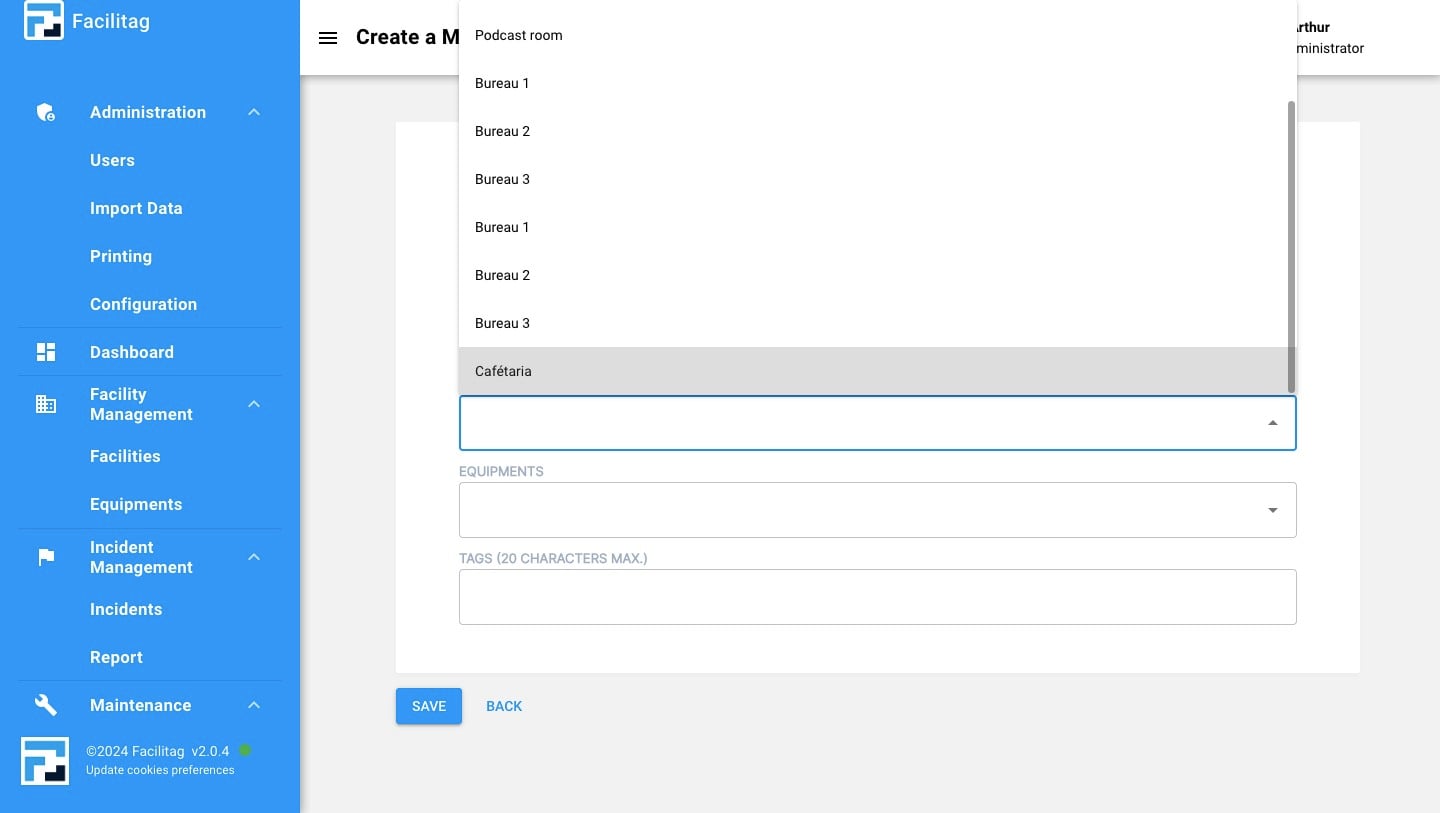
Select a Room and/or an equipement
7
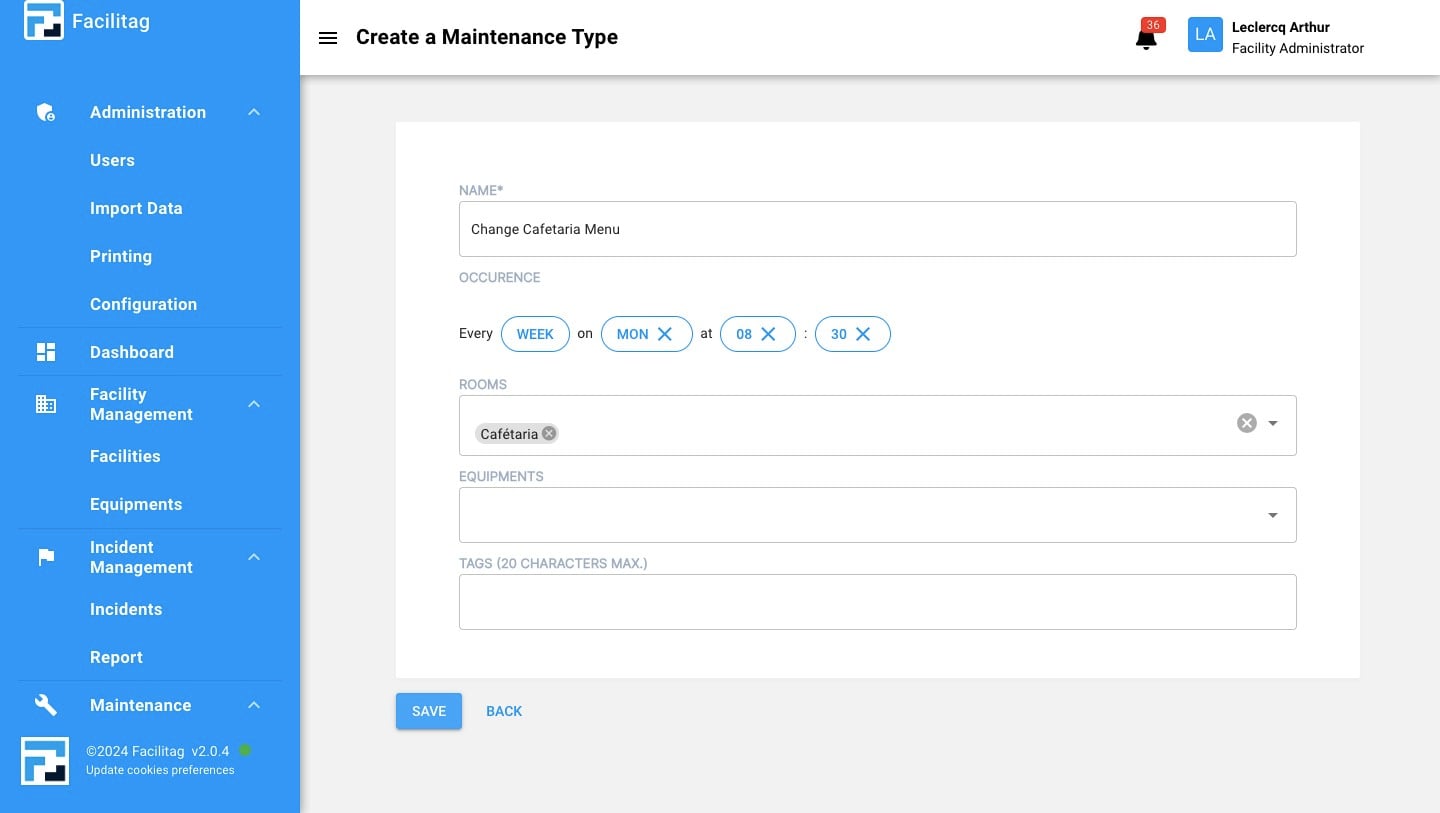
Save the updates
Click on "Configuration"
Click on "Maintenance types"
Click on the "Plus" icon
Fill in the name
Specify the occurence
Select a Room and/or an equipement
Save the updates