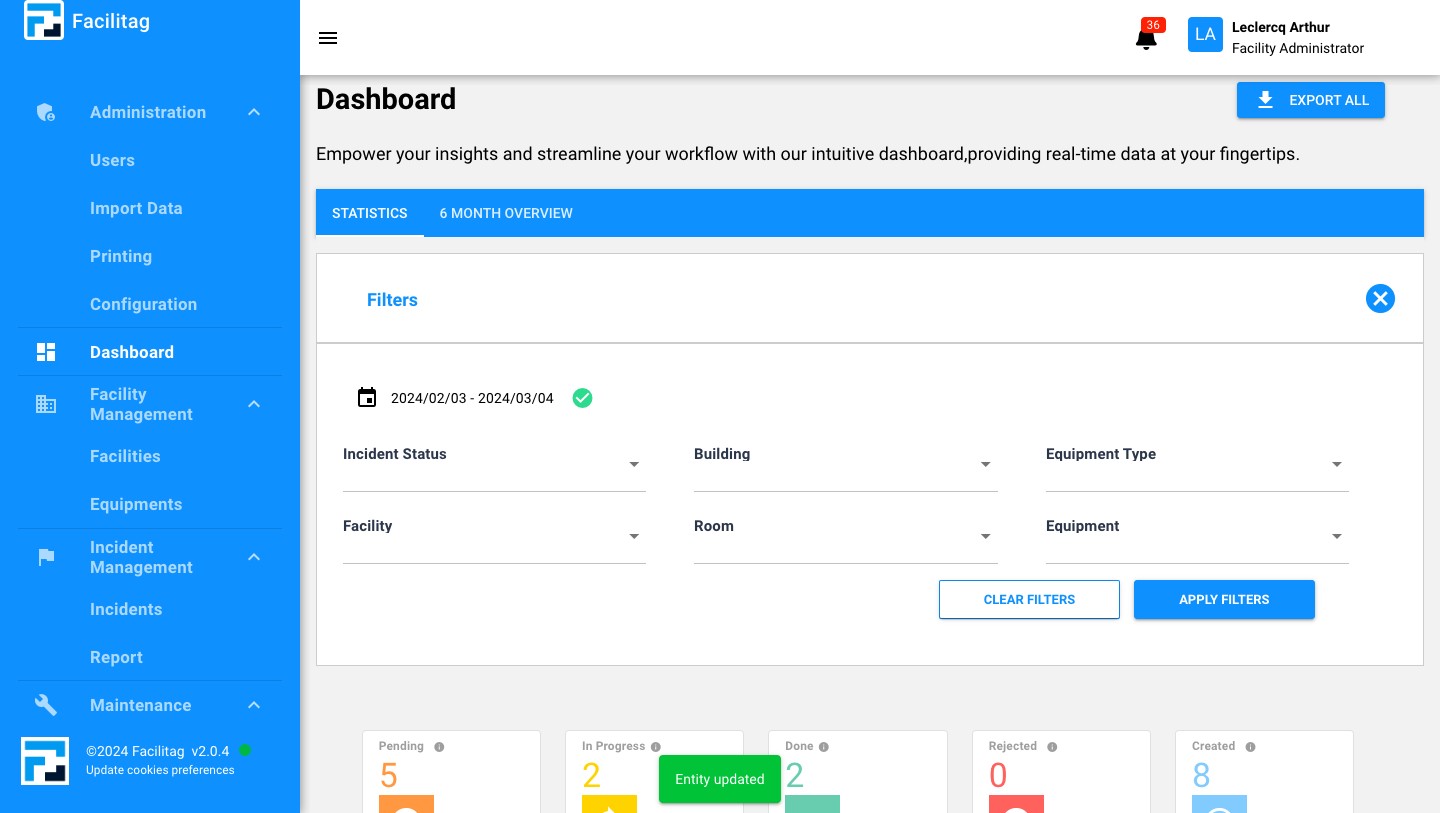
Update your entity settings
1
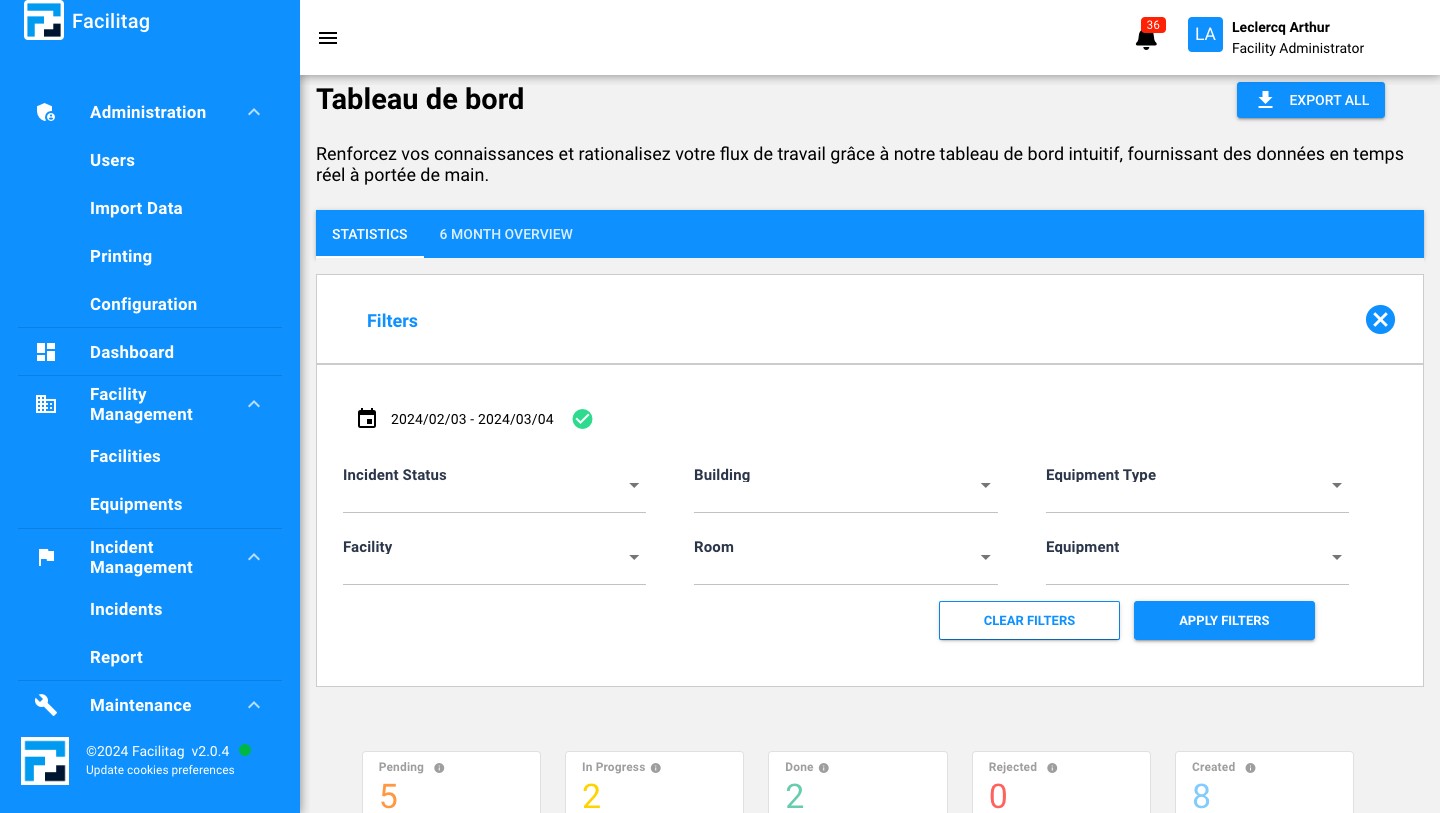
Click on your profile
2
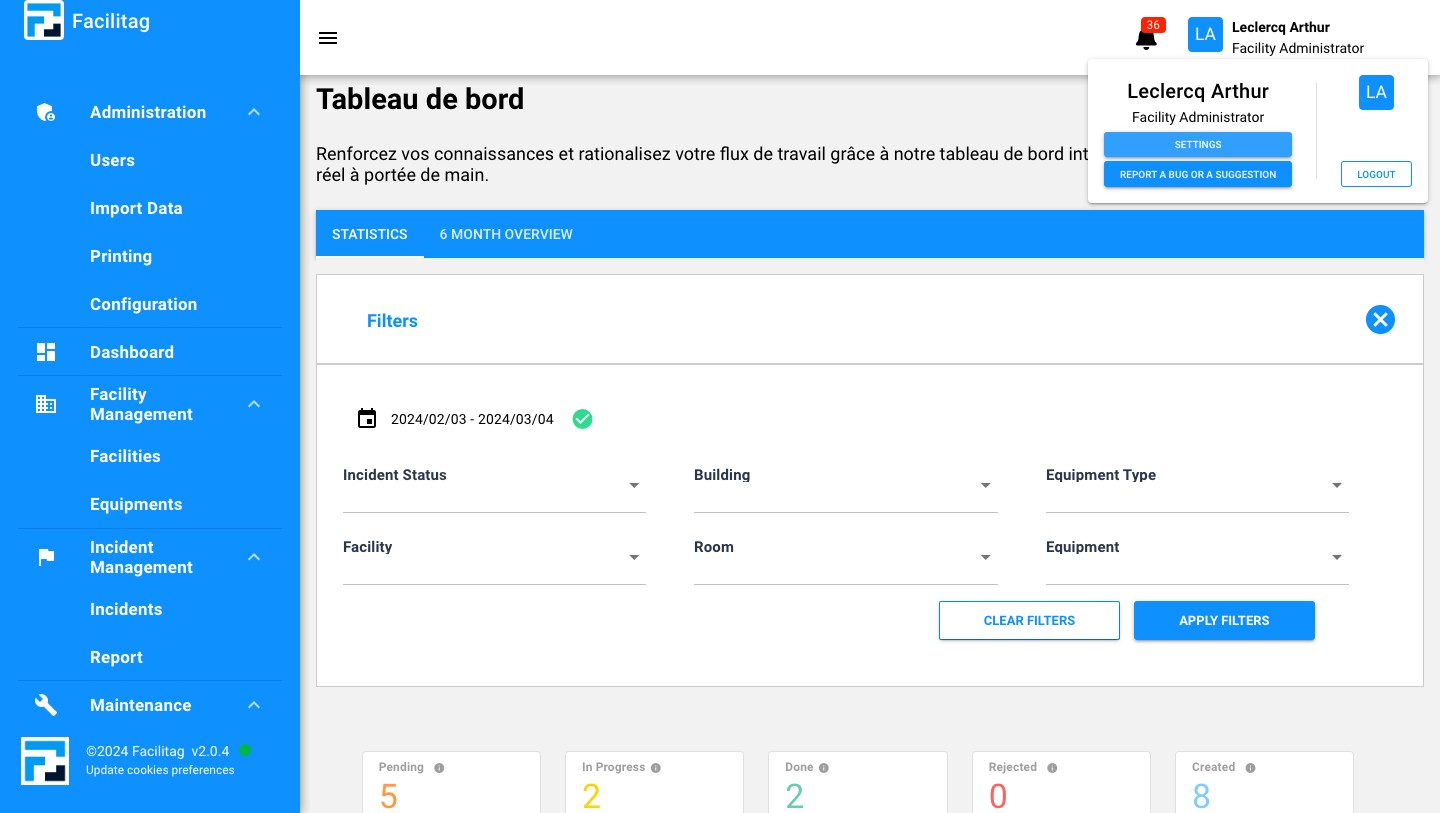
Click on "Settings"
3
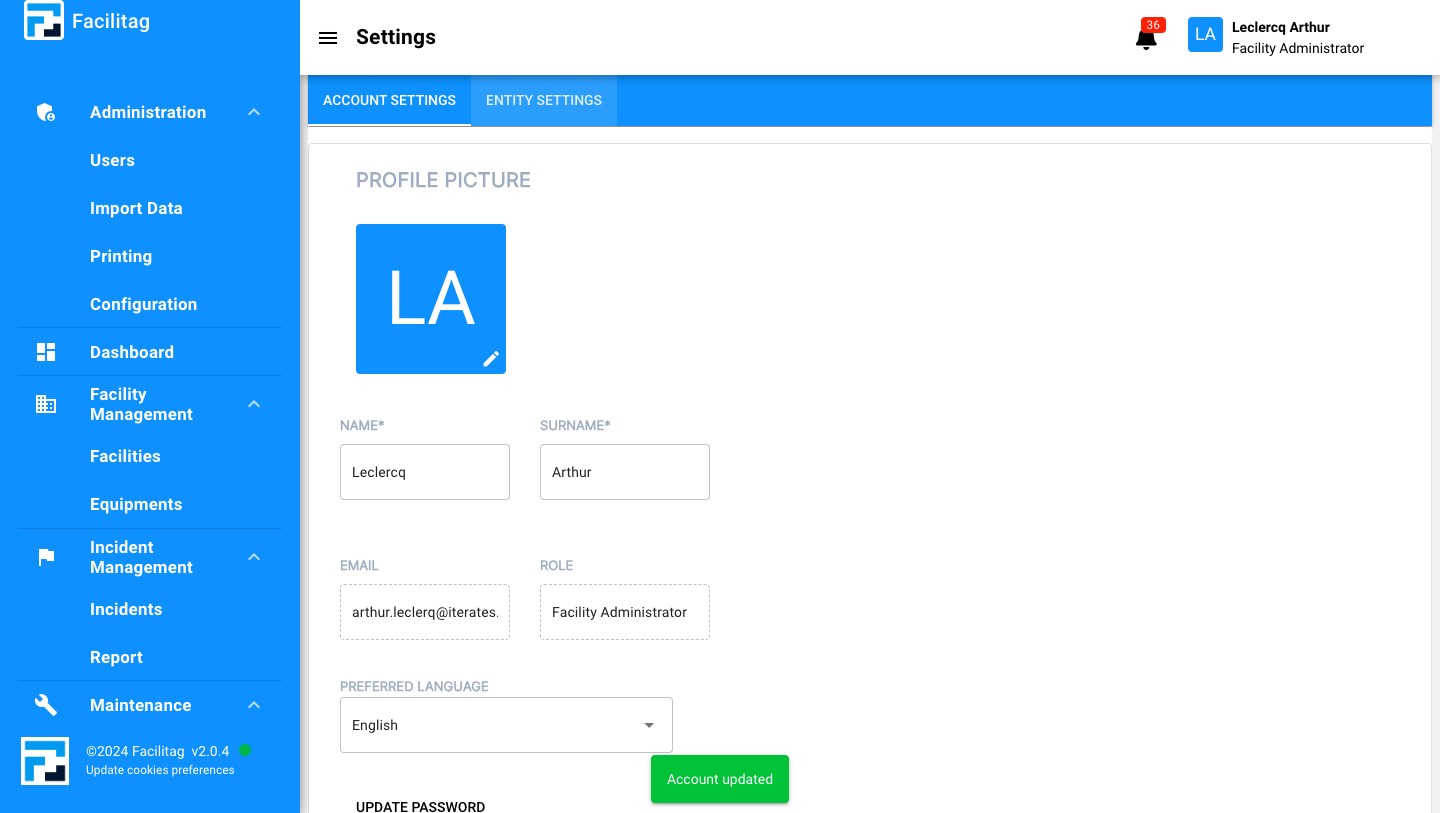
Click on "Entity Settings"
4
Explore the entity settings and click on the one you want to change
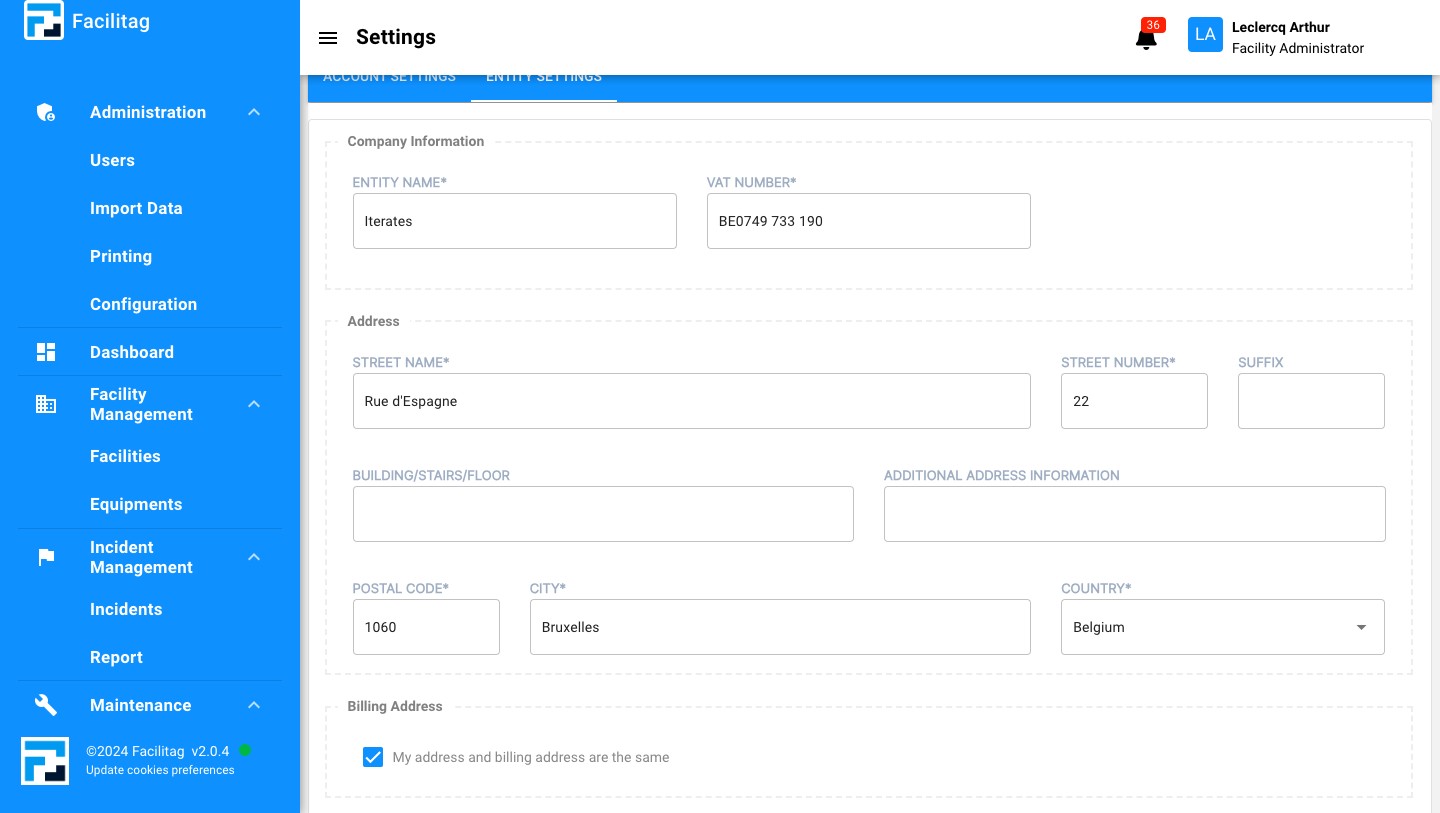
5
Scroll down for additional settings
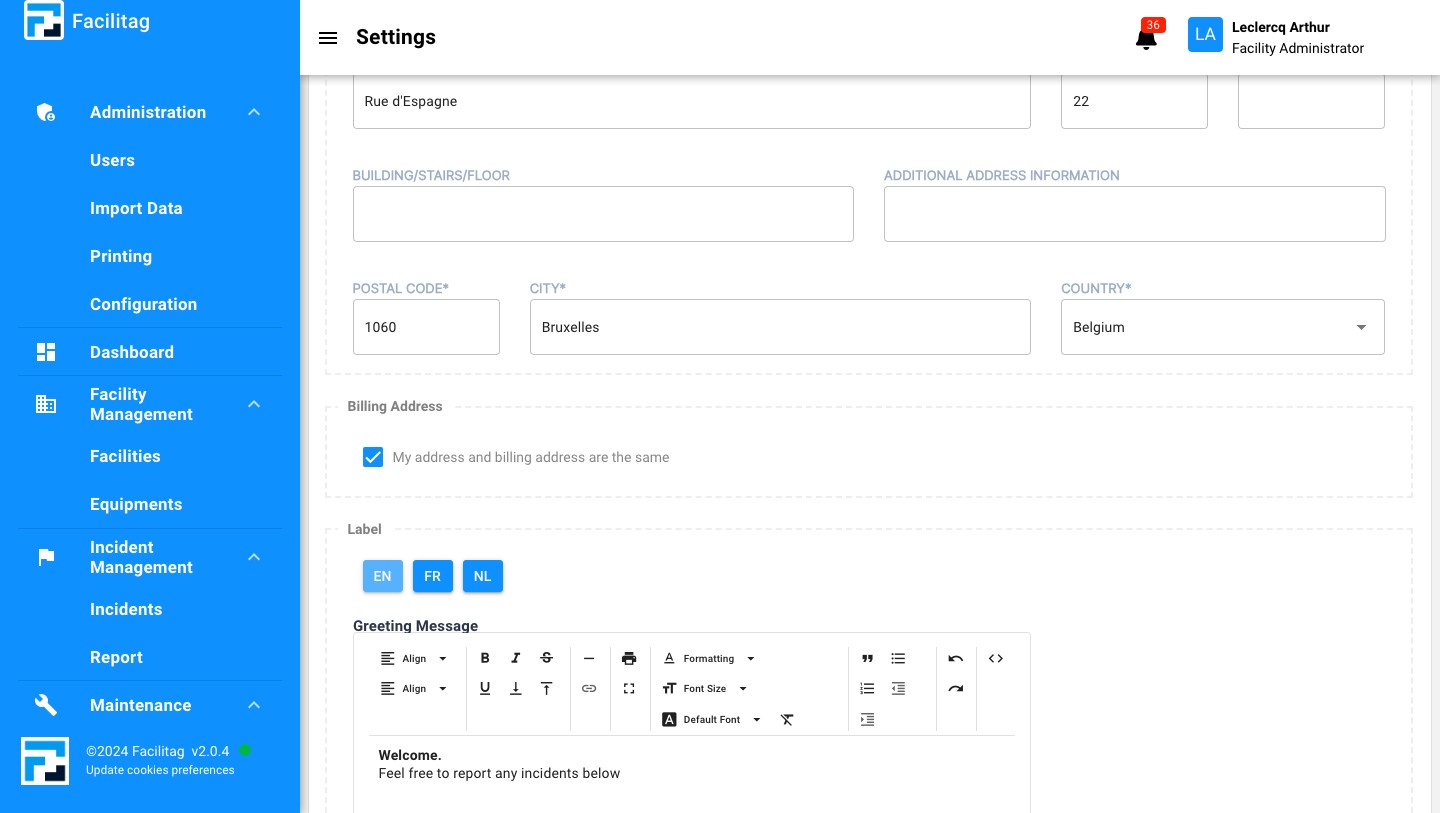
6
Select the language
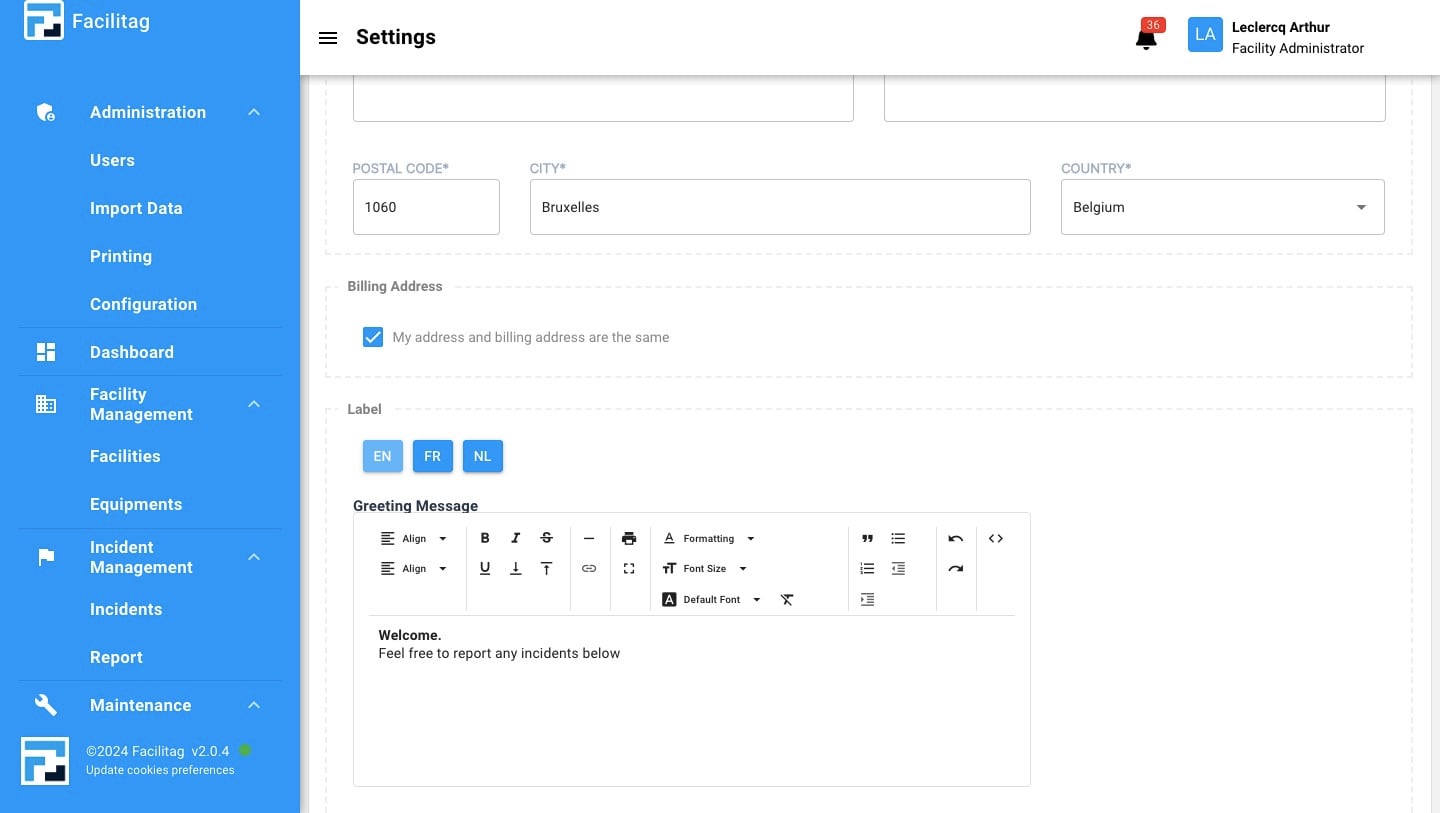
7
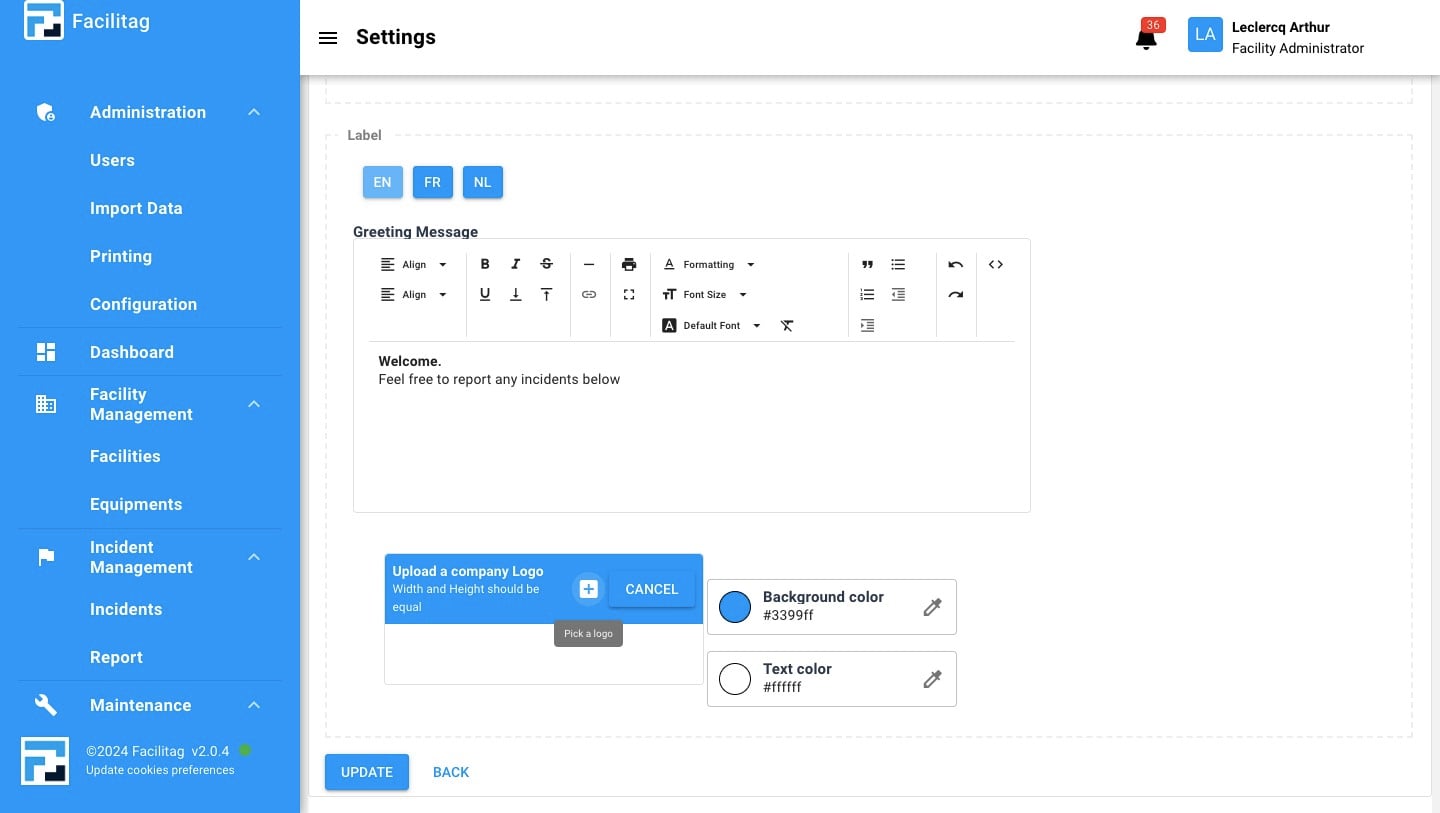
Click this icon to change logo
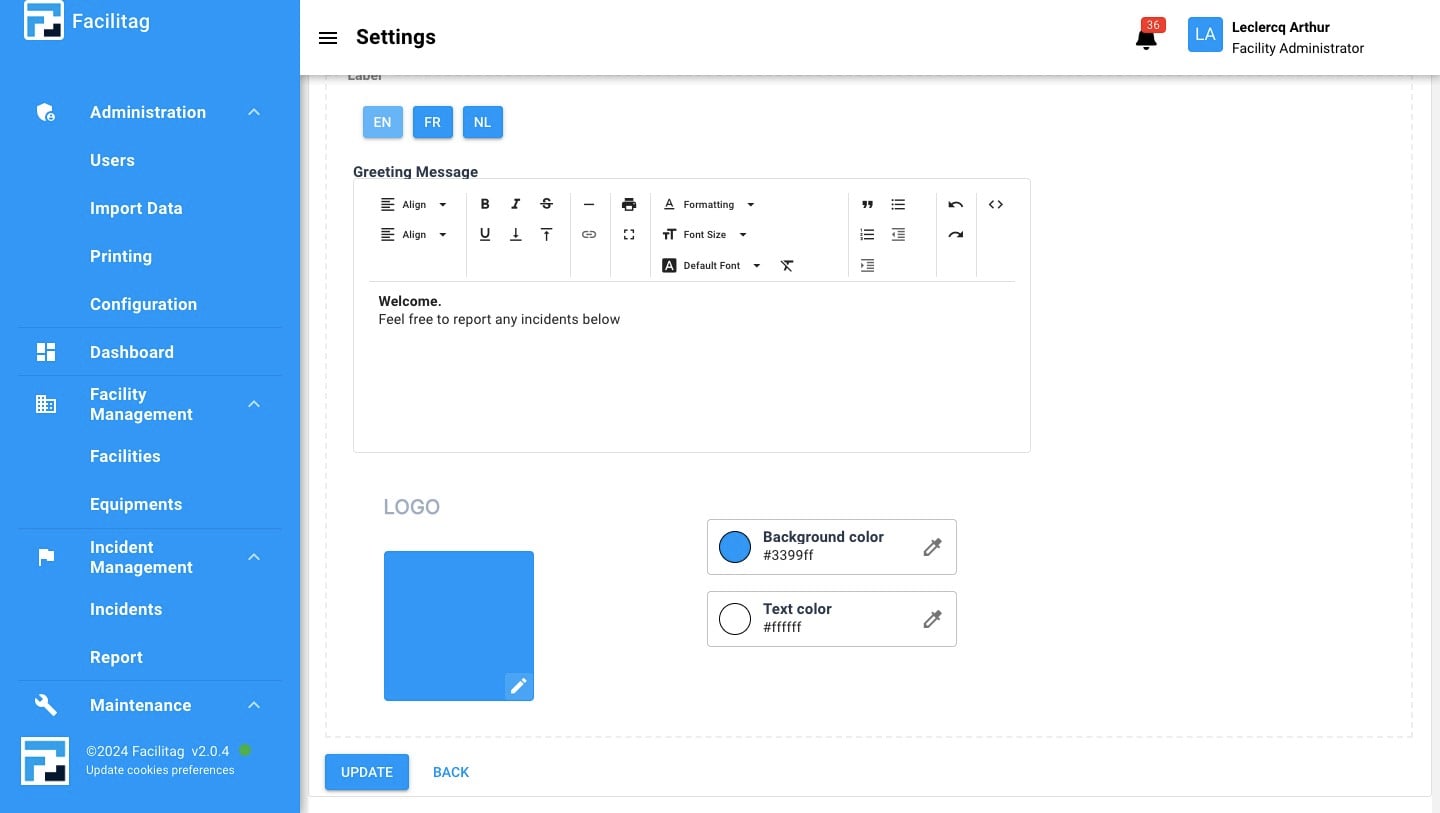
8
Click here and select logo in your files
9
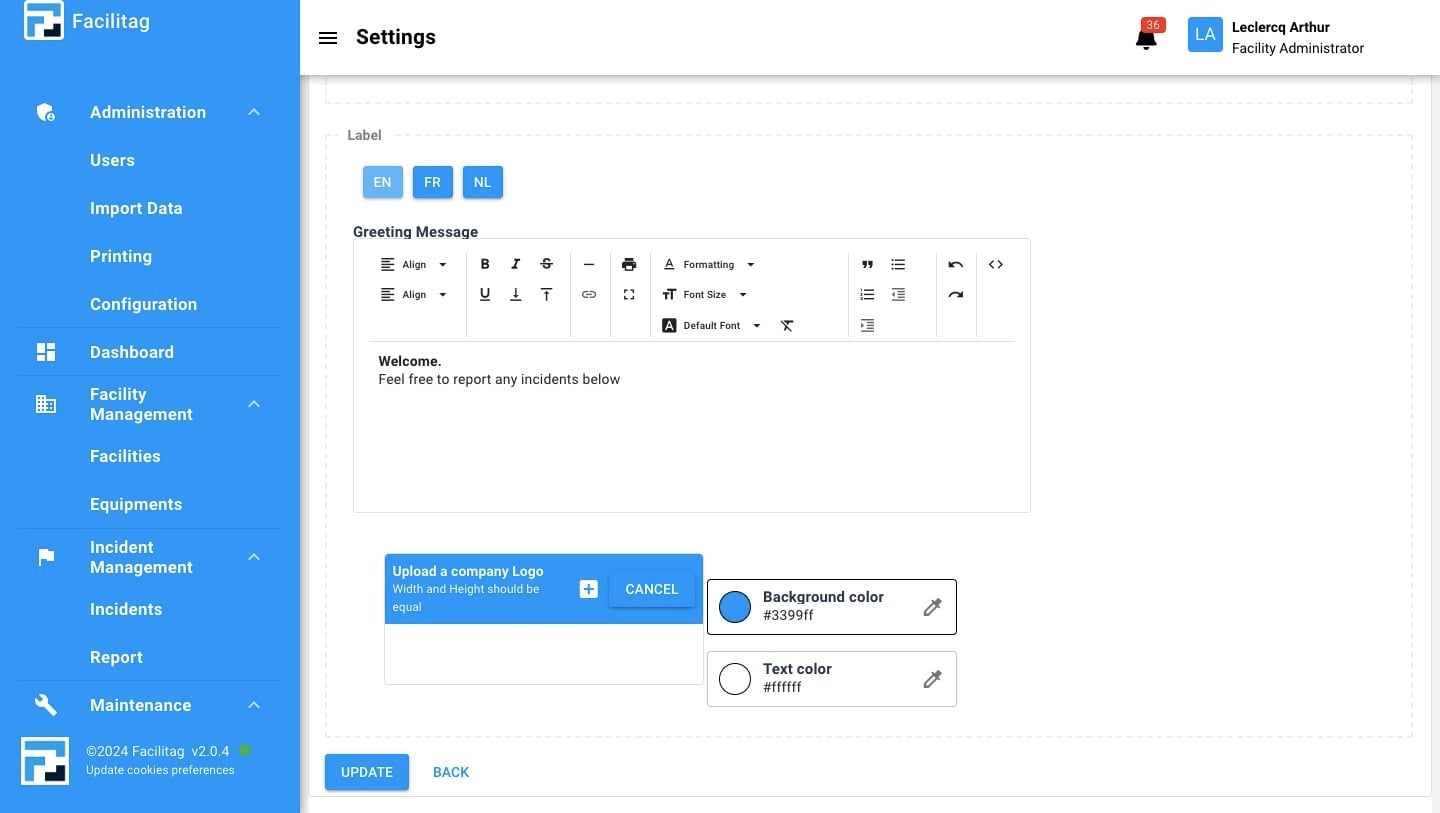
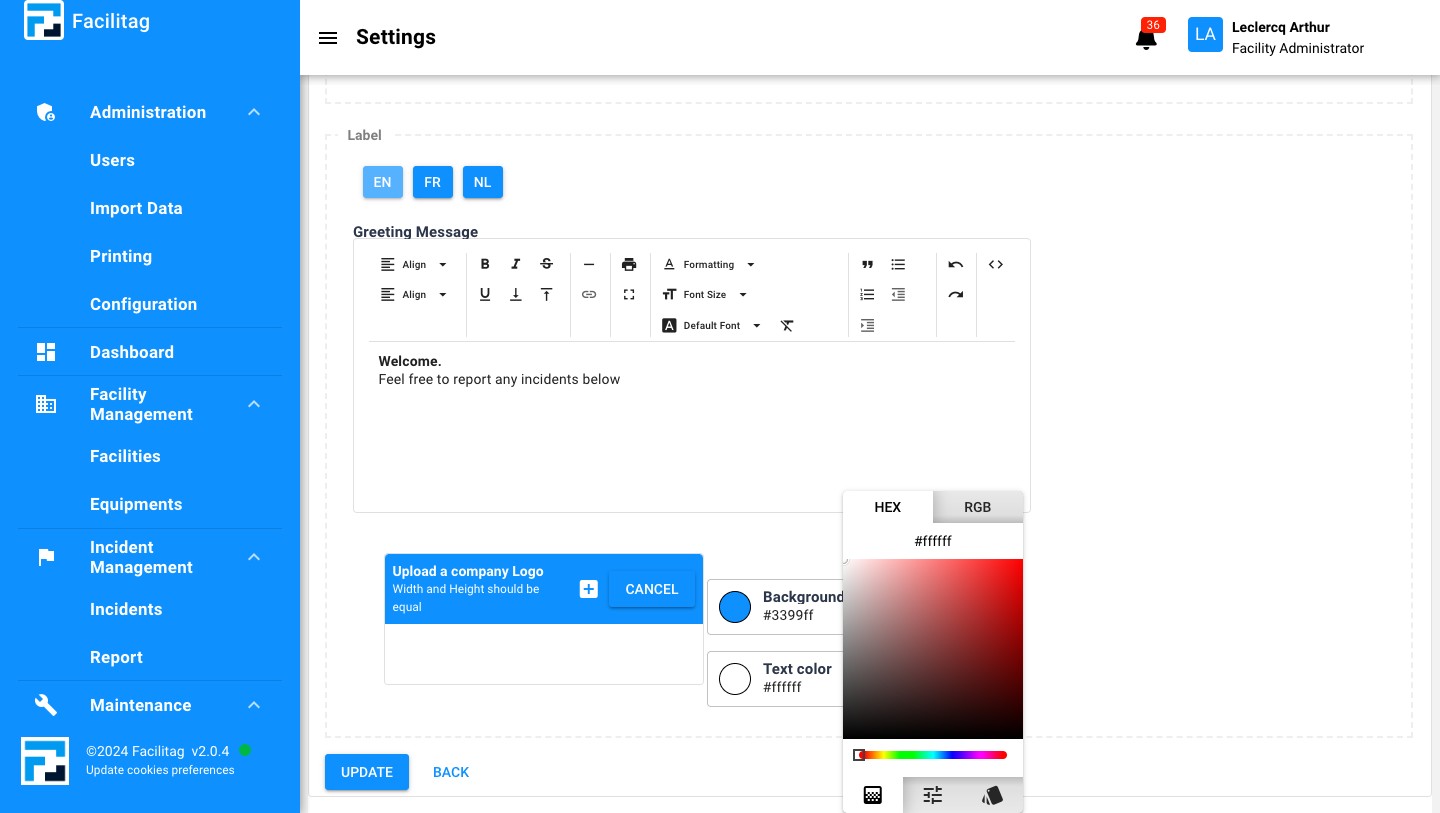
Click this icon to change the background color
10
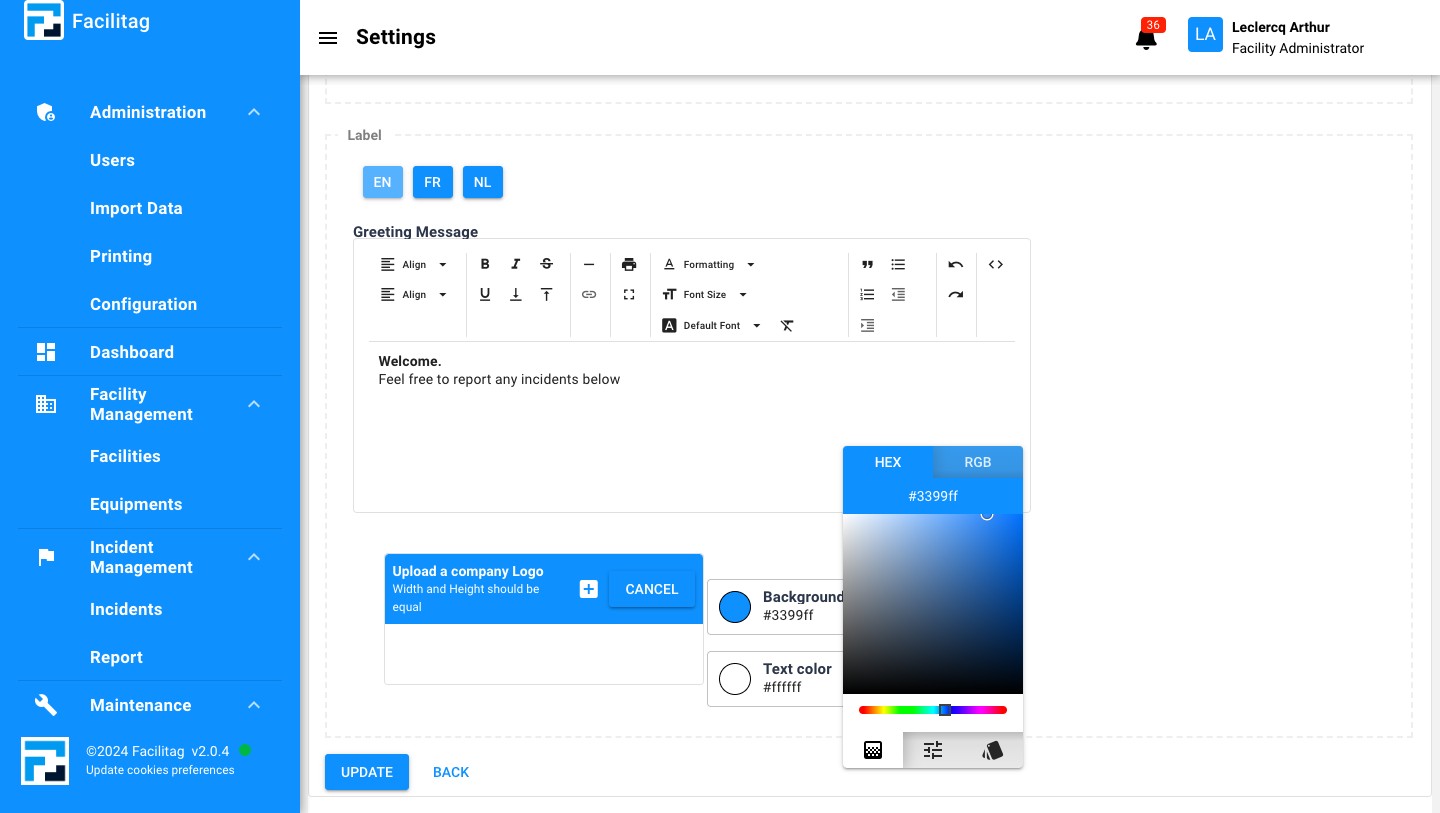
Change color
11
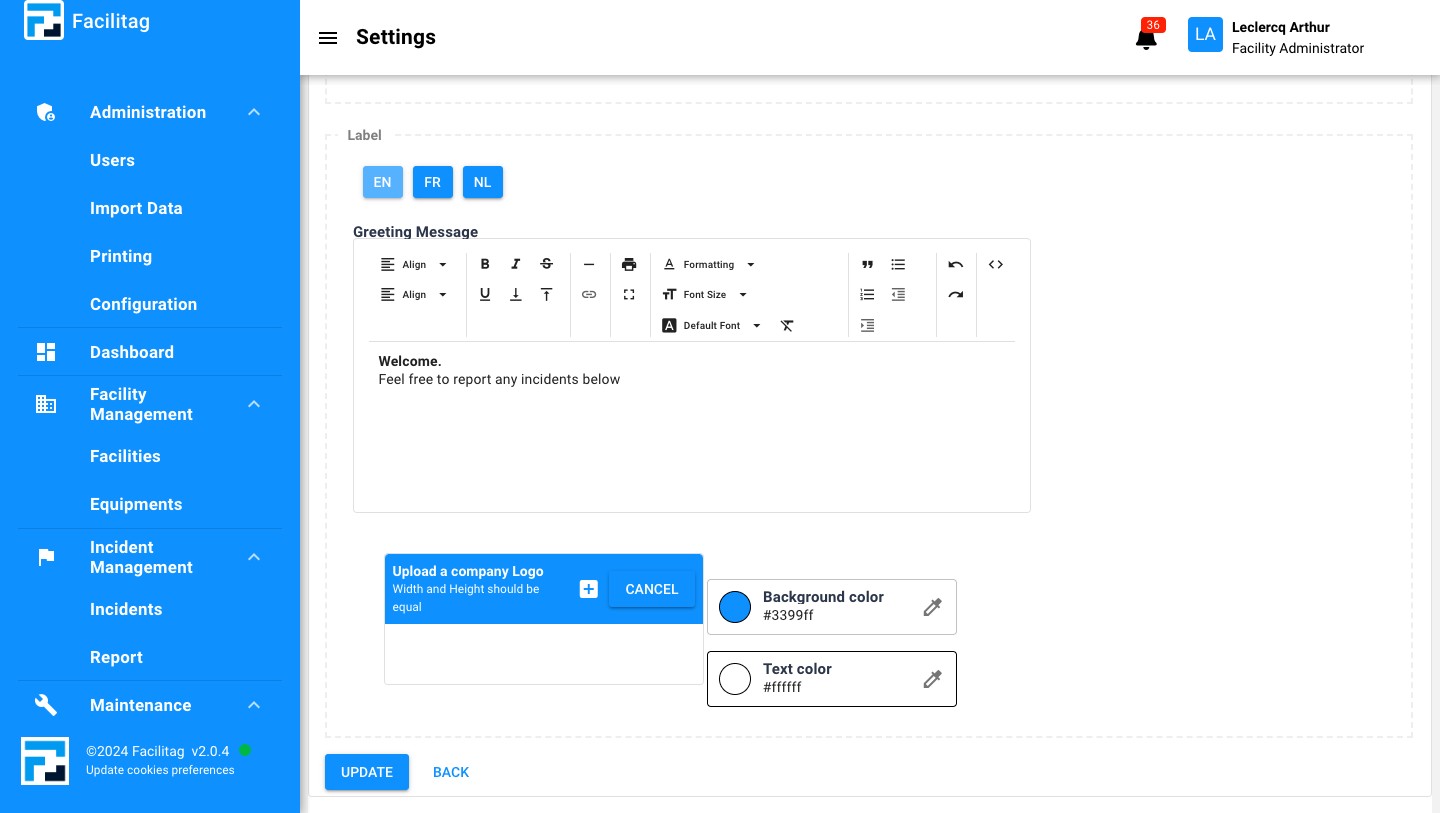
Do the same to change color of text
12
Click here
13
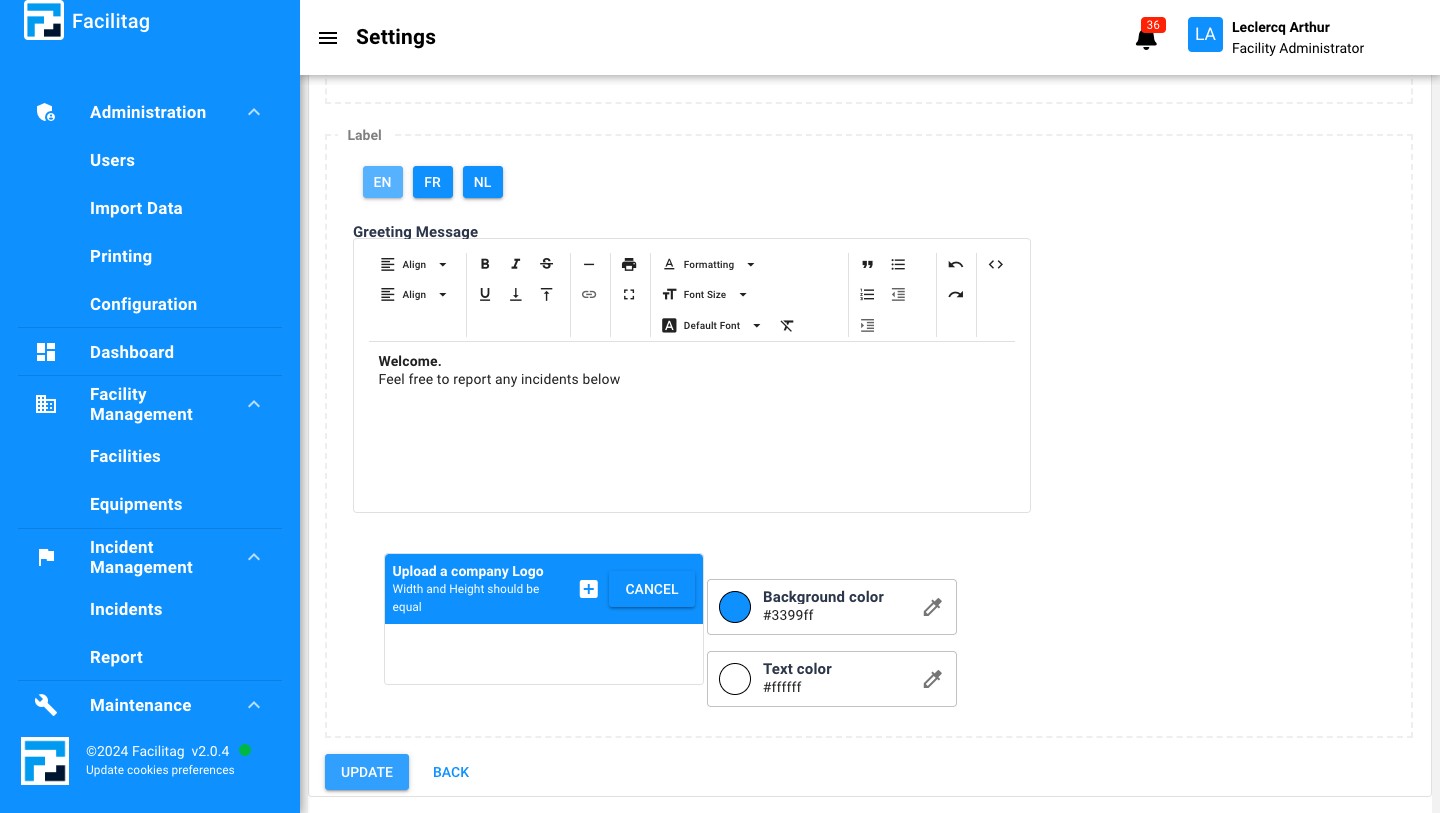
Click on "Update"
14
Done 🚀