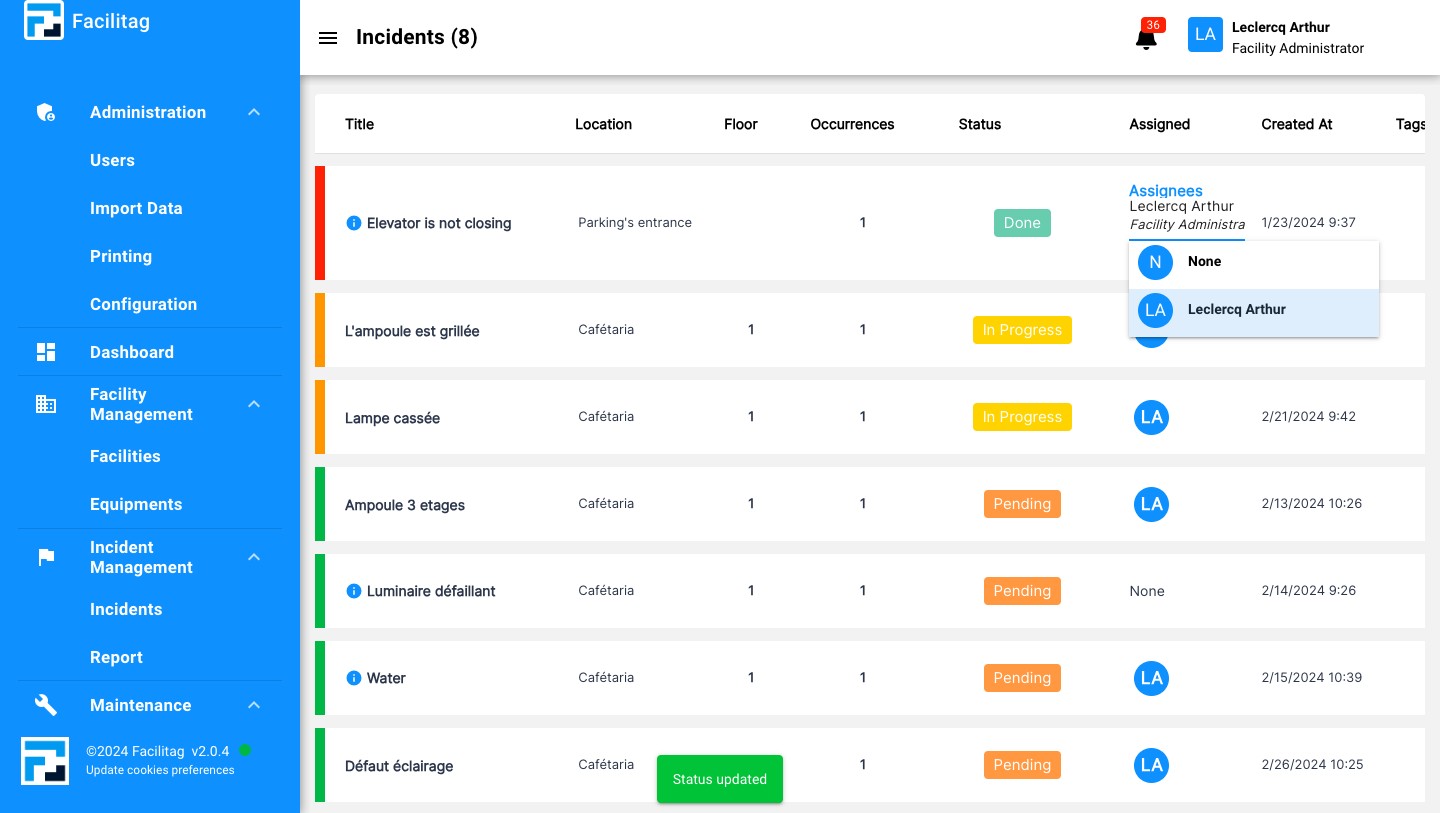
Incident List and Filters
1
Click on "Incidents"
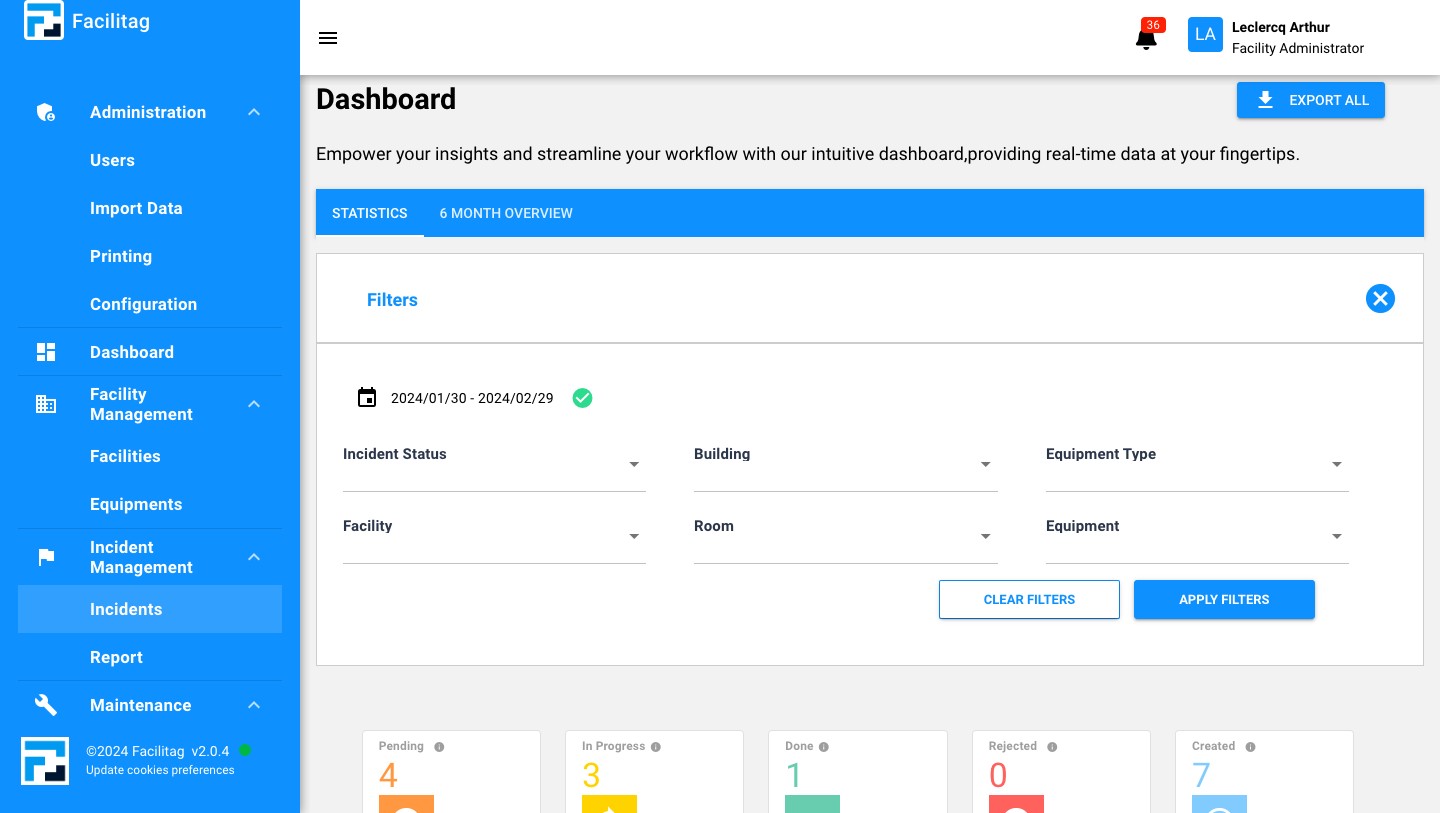
2
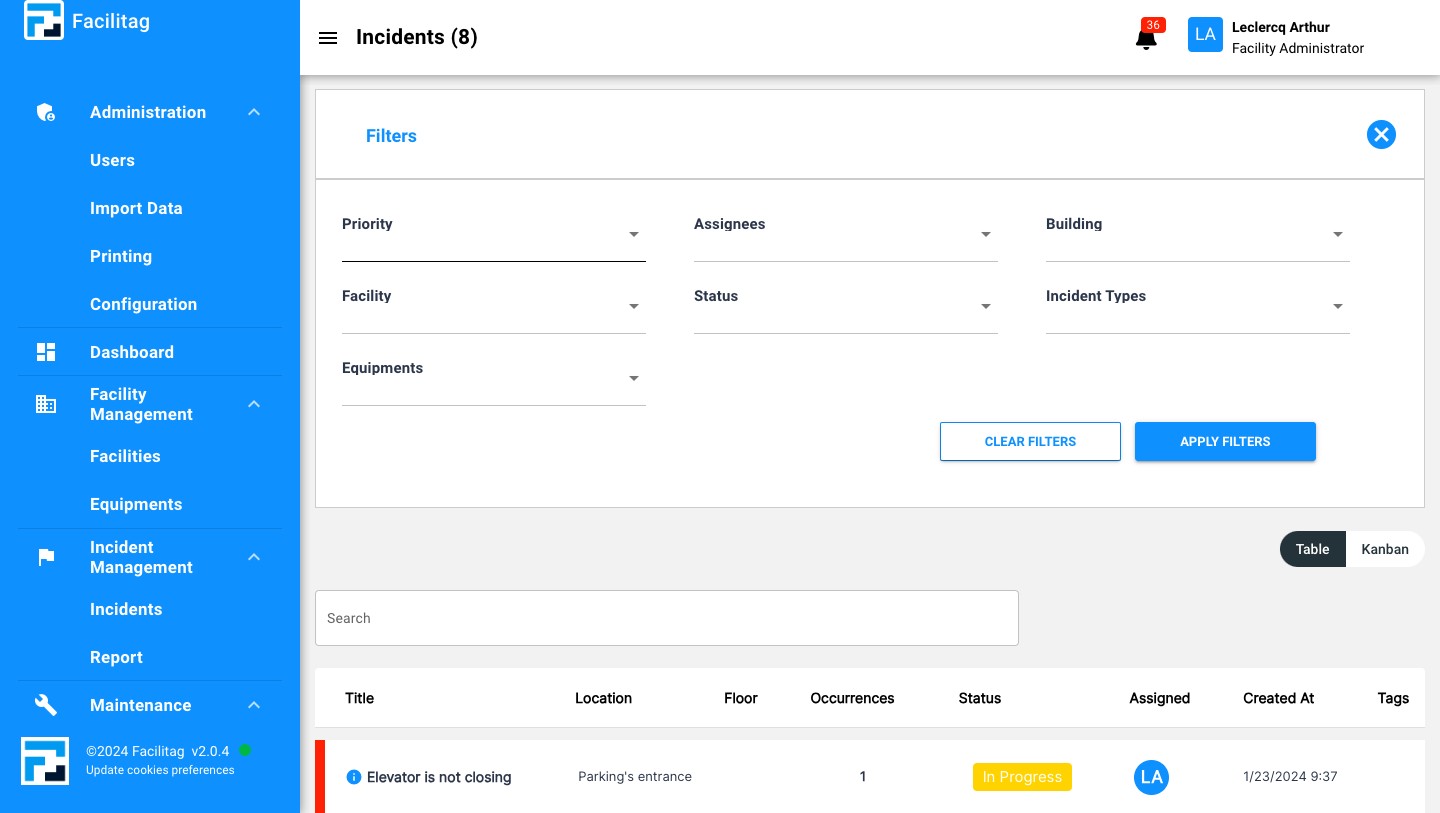
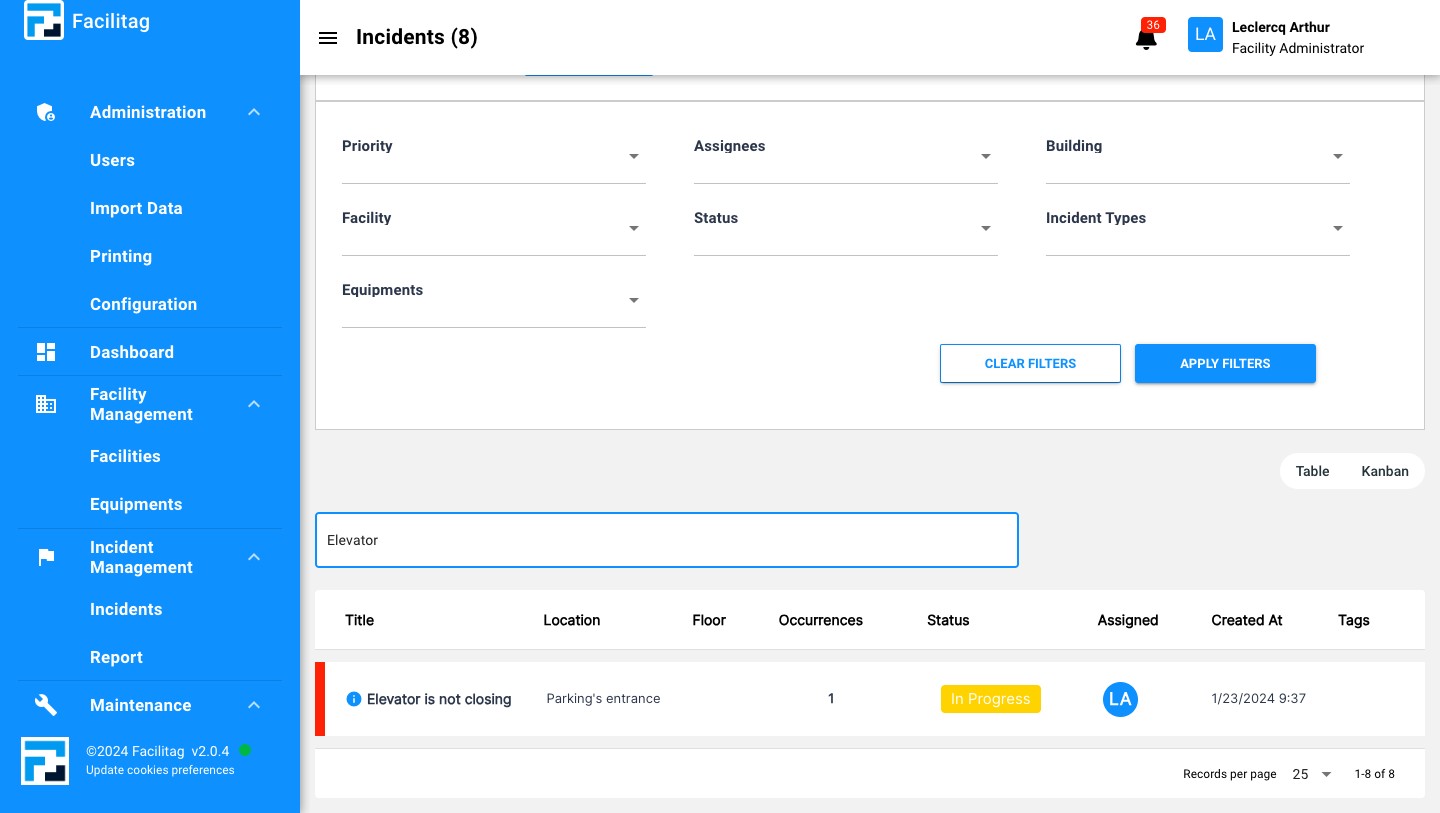
Manage Filters
3
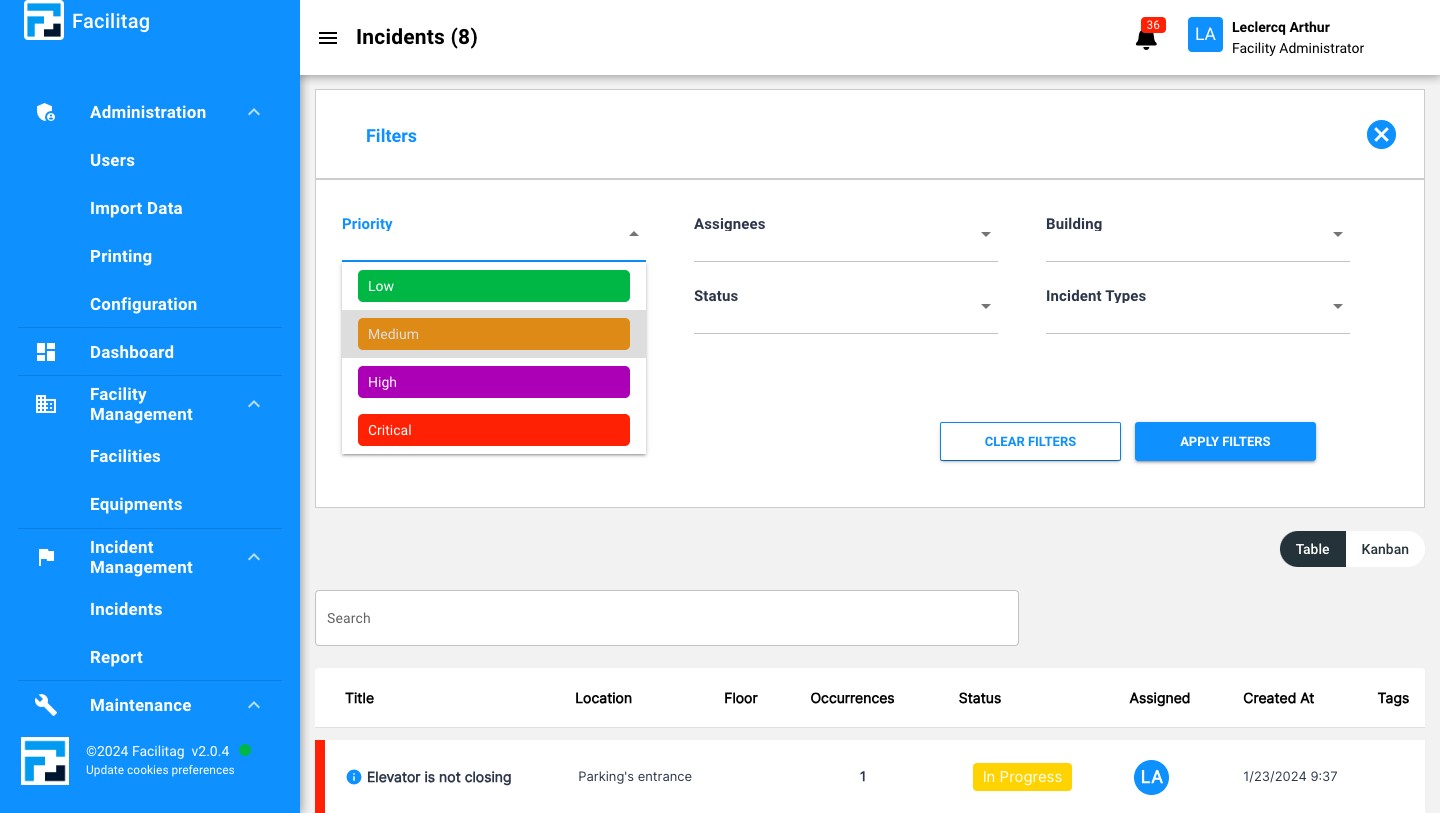
Select the Priority
4
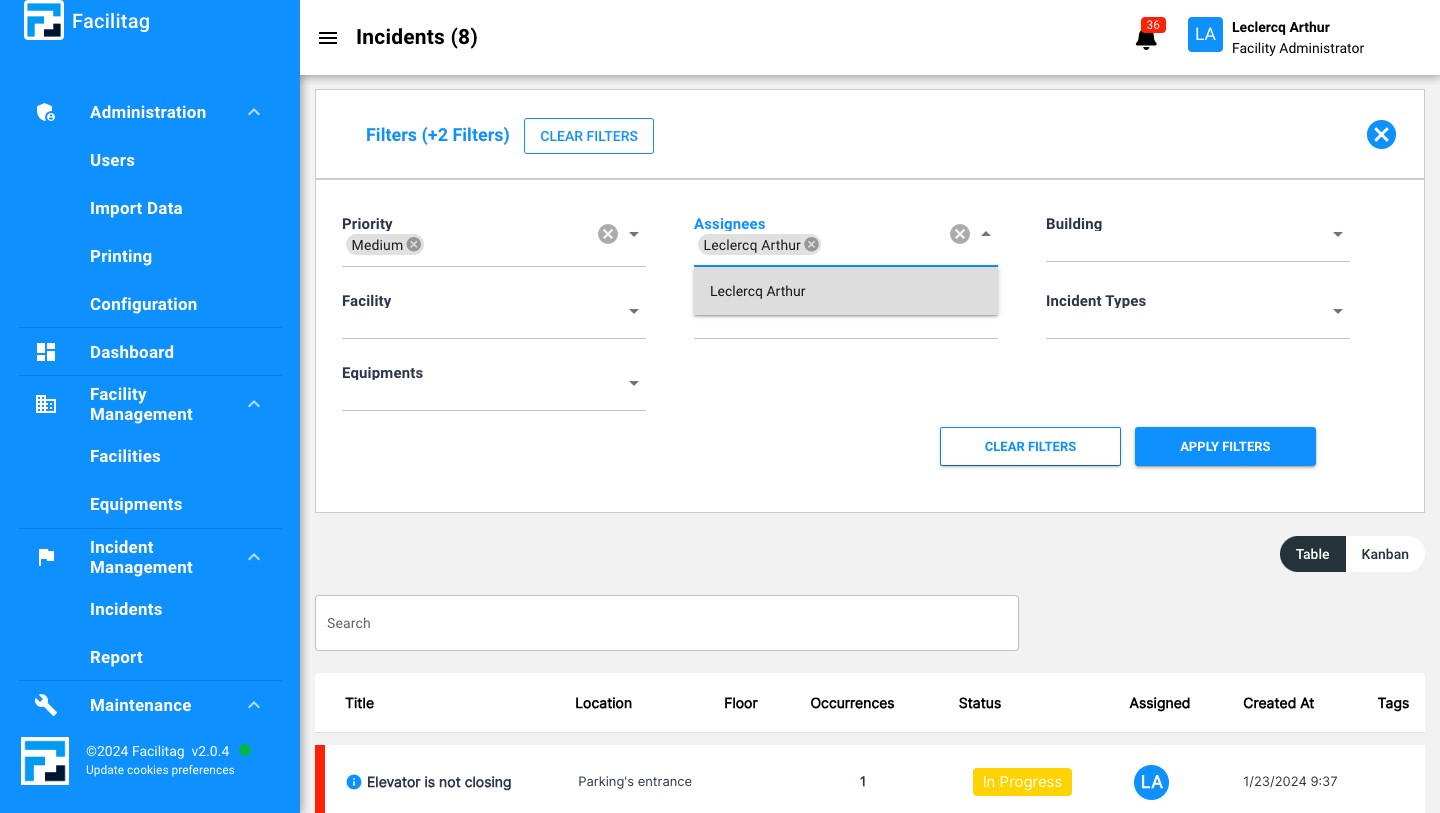
Or add a specific assignee
5
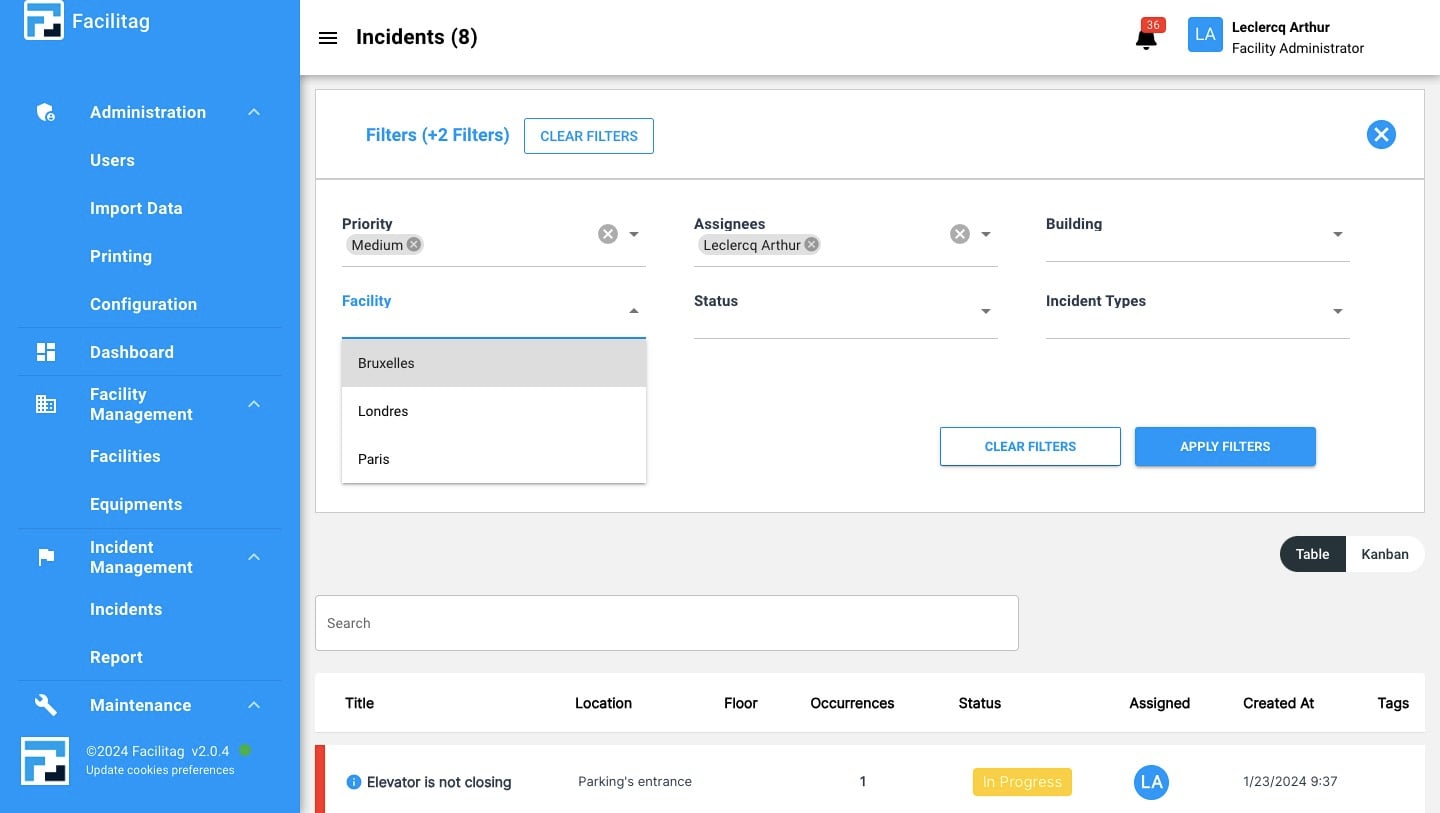
Select more Filters if needed, such as facility, building, status, incident type or equipements
6
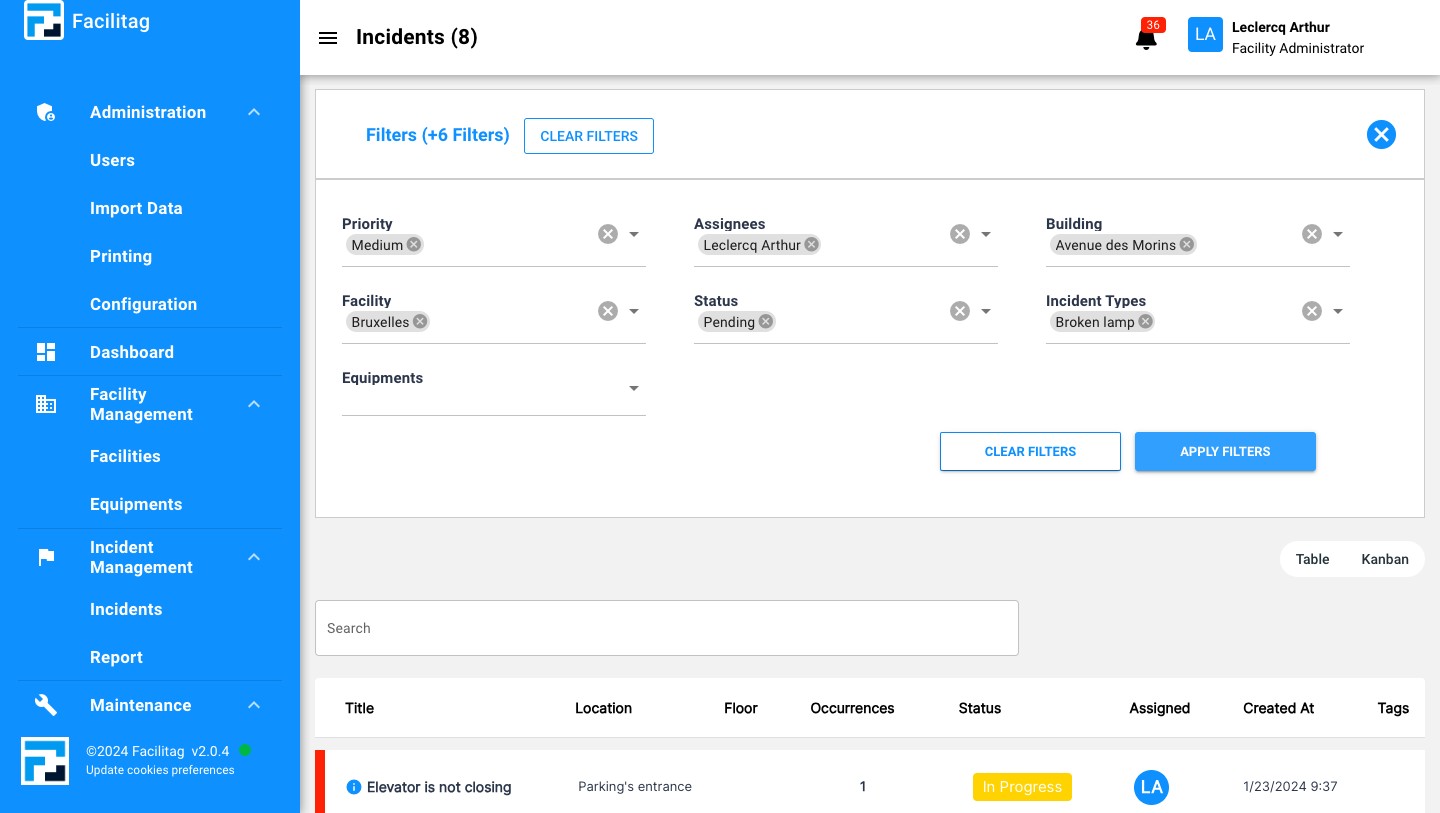
Apply Filters
7
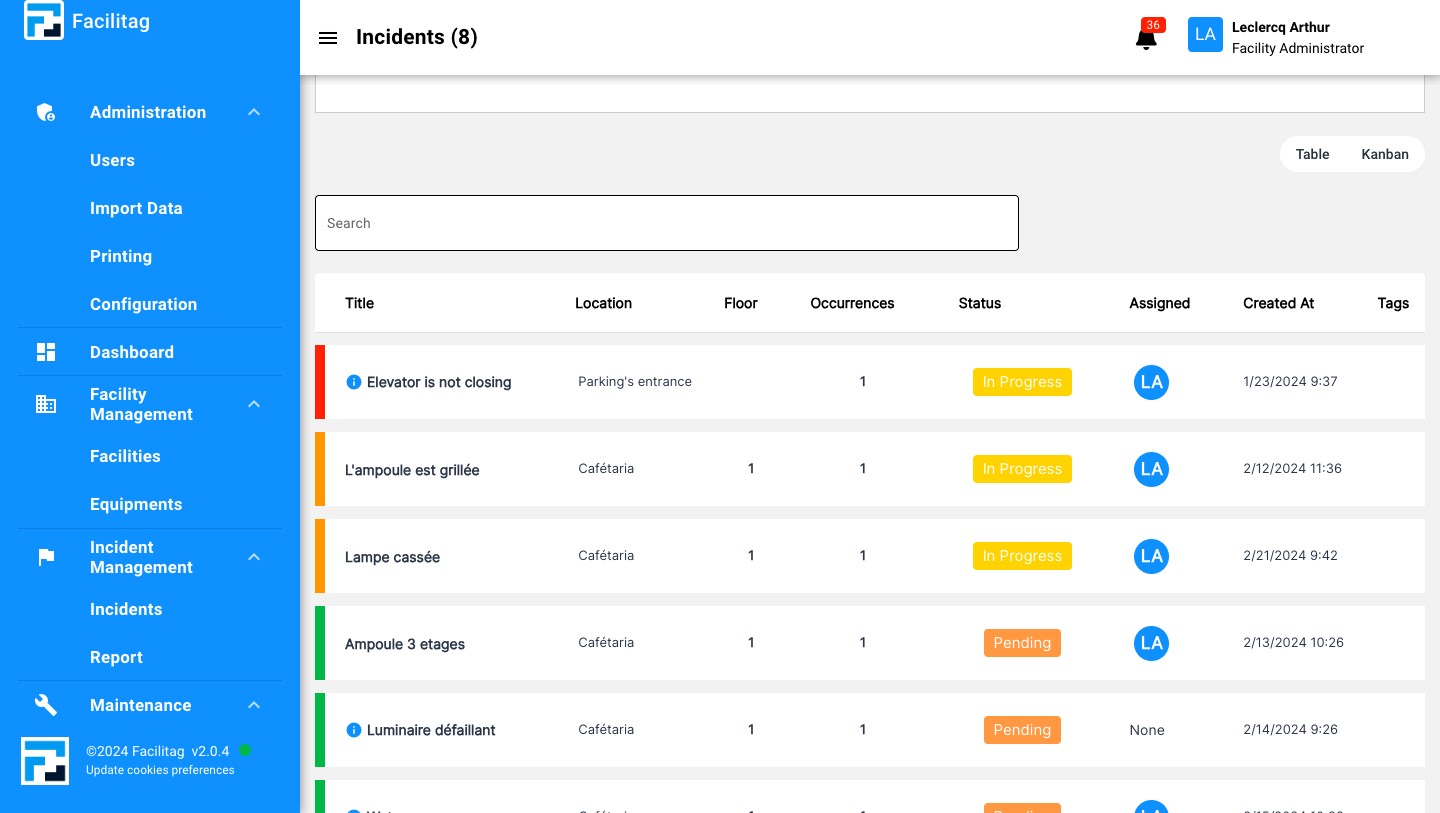
To search for a specific incident, use the search bar
8
Fill in the wished information
9
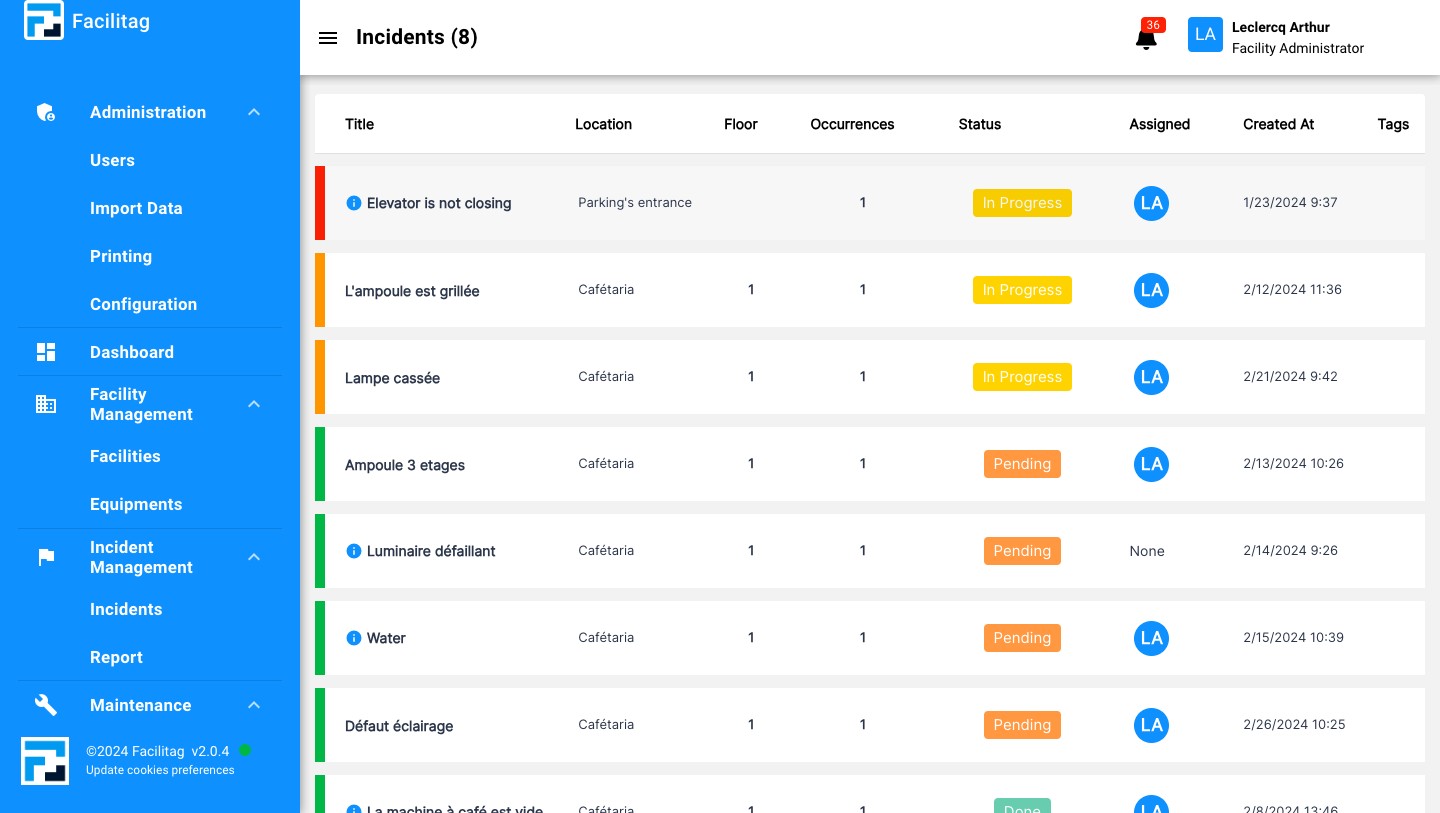
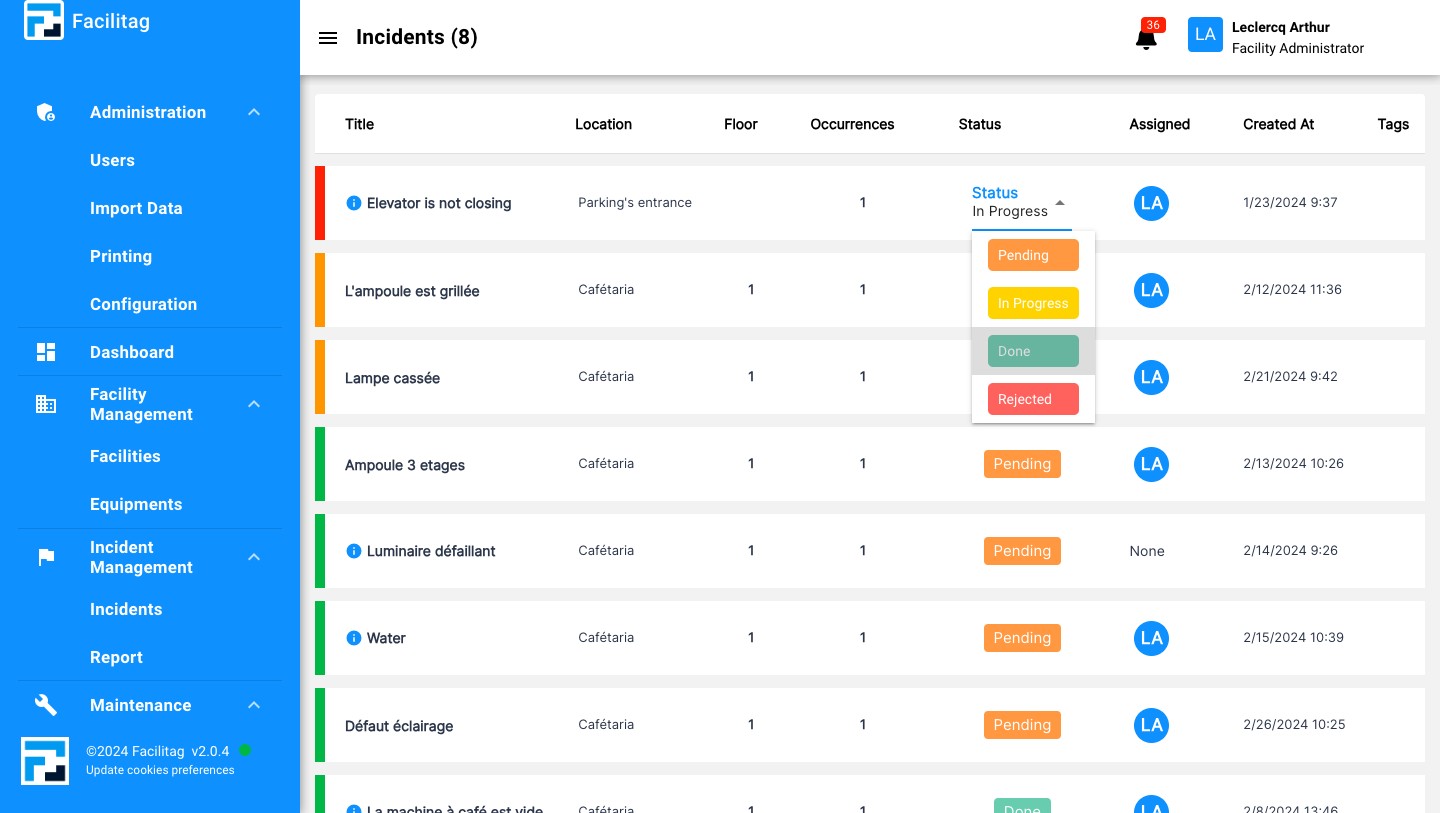
Manage the Status of Incidents
10
Select the wished status
11
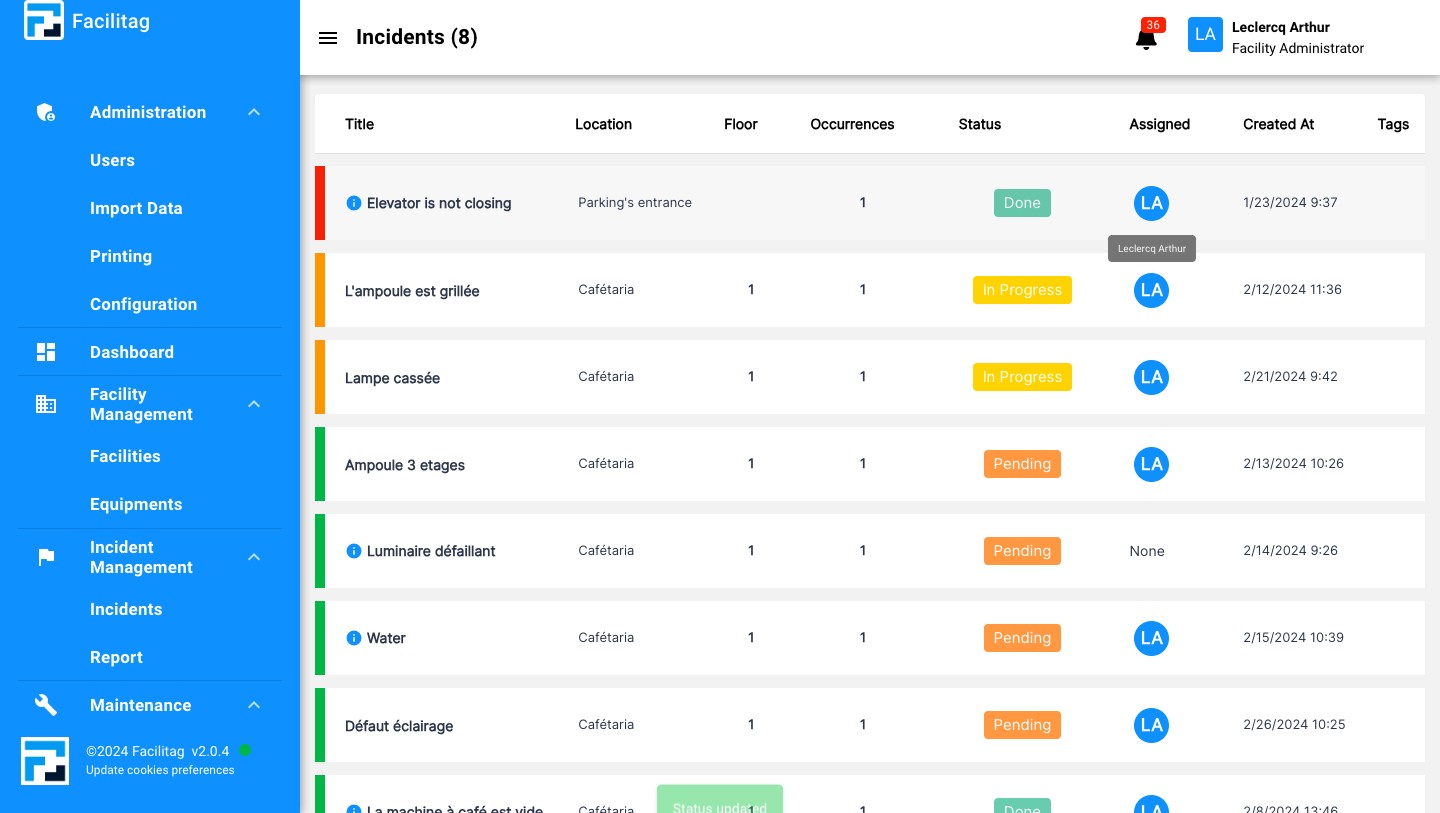
Assign the incident to the right person
12
Select the wished person